How to Use AI Editing Tools for Jewelry Photos#
Quick Answer#
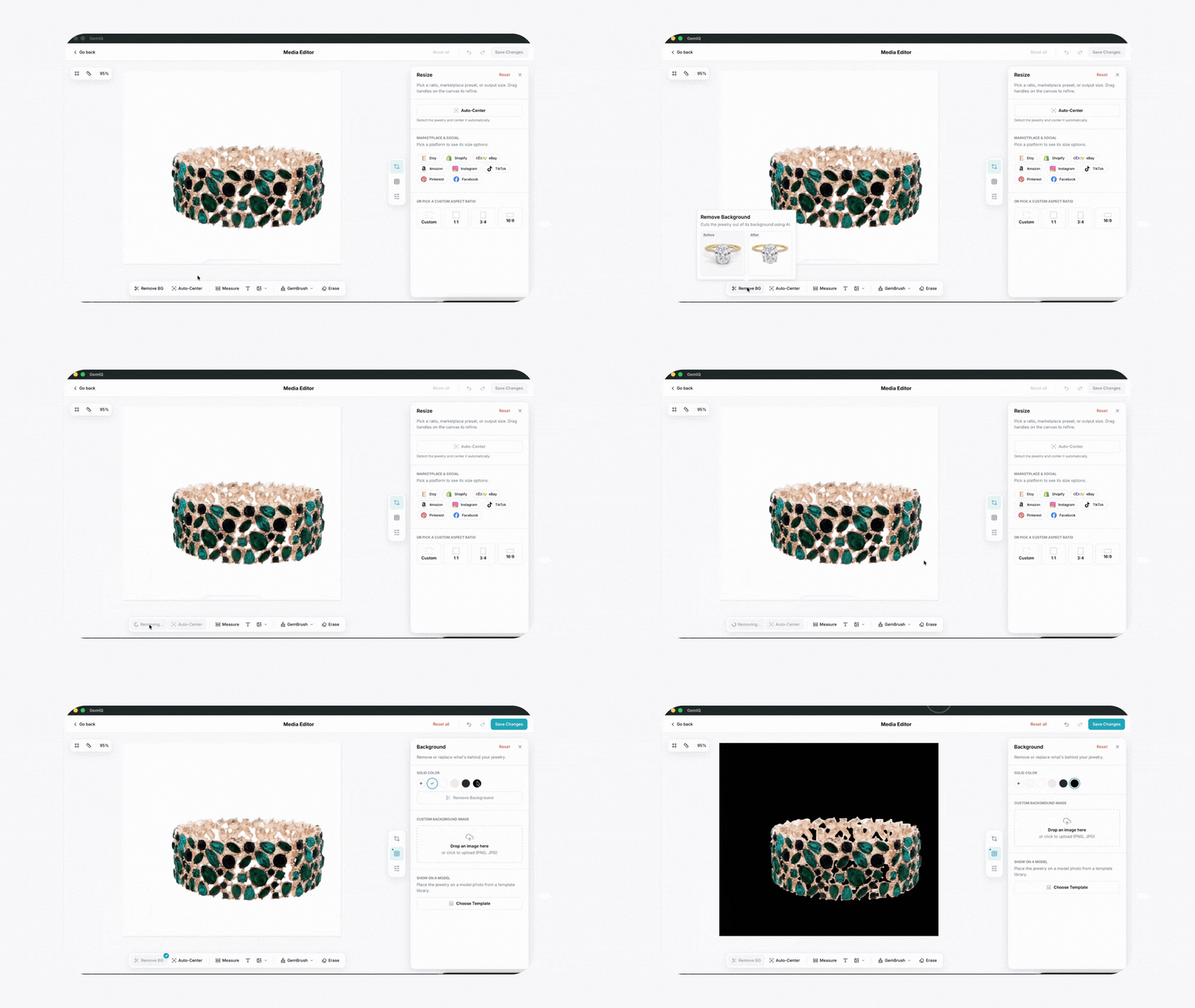
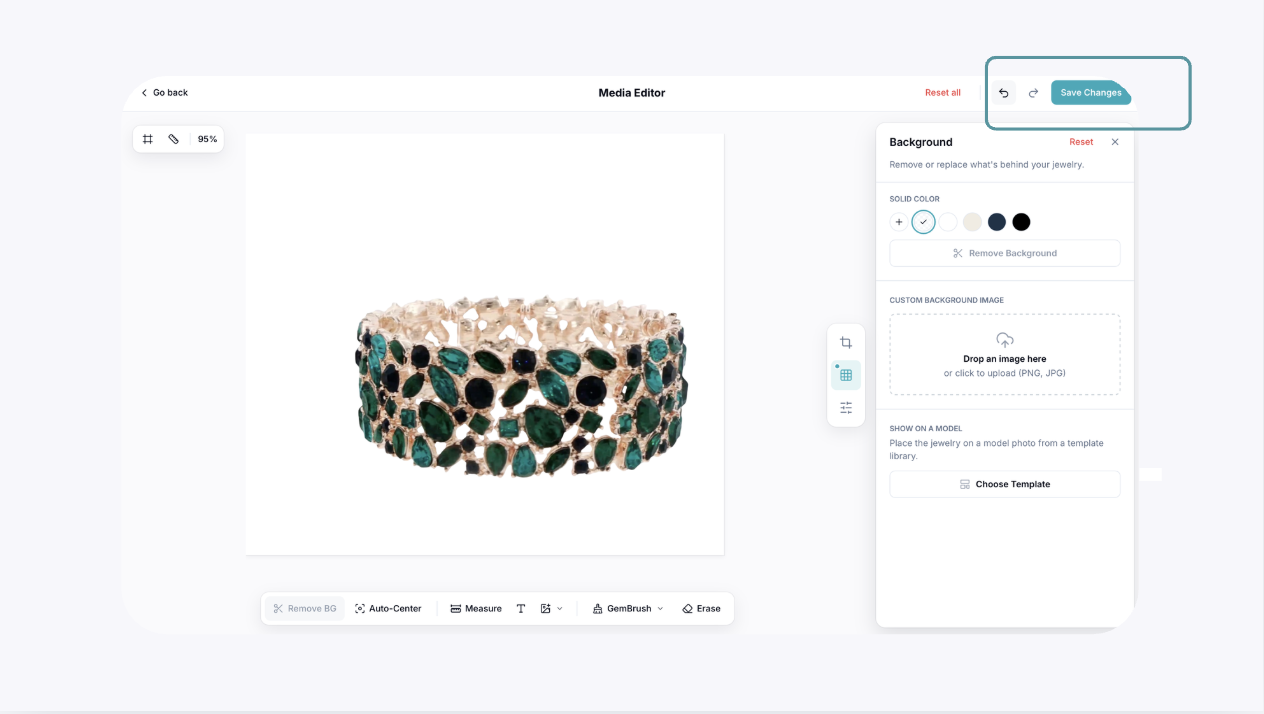
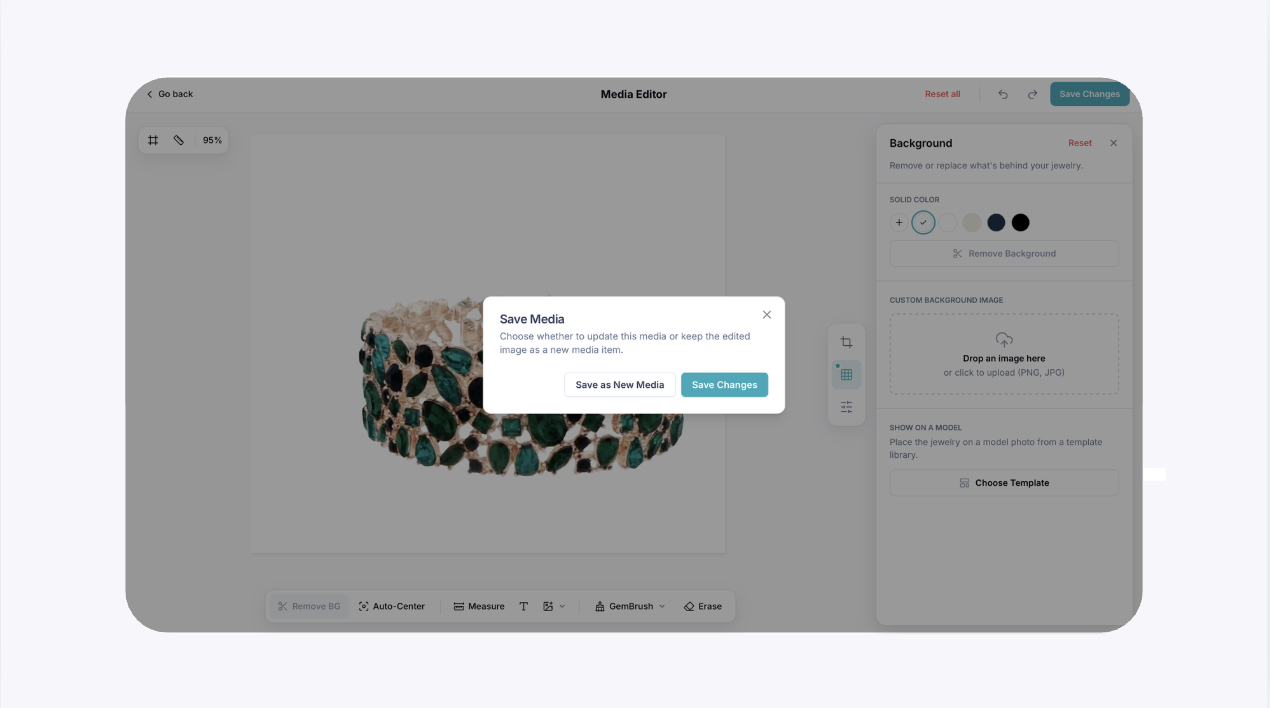
To use AI editing tools, open GemIQ Desktop App and navigate to your Gallery. Click the pencil icon on any image to open the editor, select an AI function like Retouch, Dust Removal, or Background Removal, and then save your changes as a new file.
Before You Start#
You need at least one image or video saved in your GemIQ Gallery.
Ensure you have an active GemIQ subscription that includes GemStudio AI editing features.
A stable internet connection is recommended for the AI processing to complete successfully.
Steps#
Open GemIQ and go to Media.
Click on the image you want to edit and select the Edit button that appears at the bottom of the page. This will open the media editor.