Quick Answer#
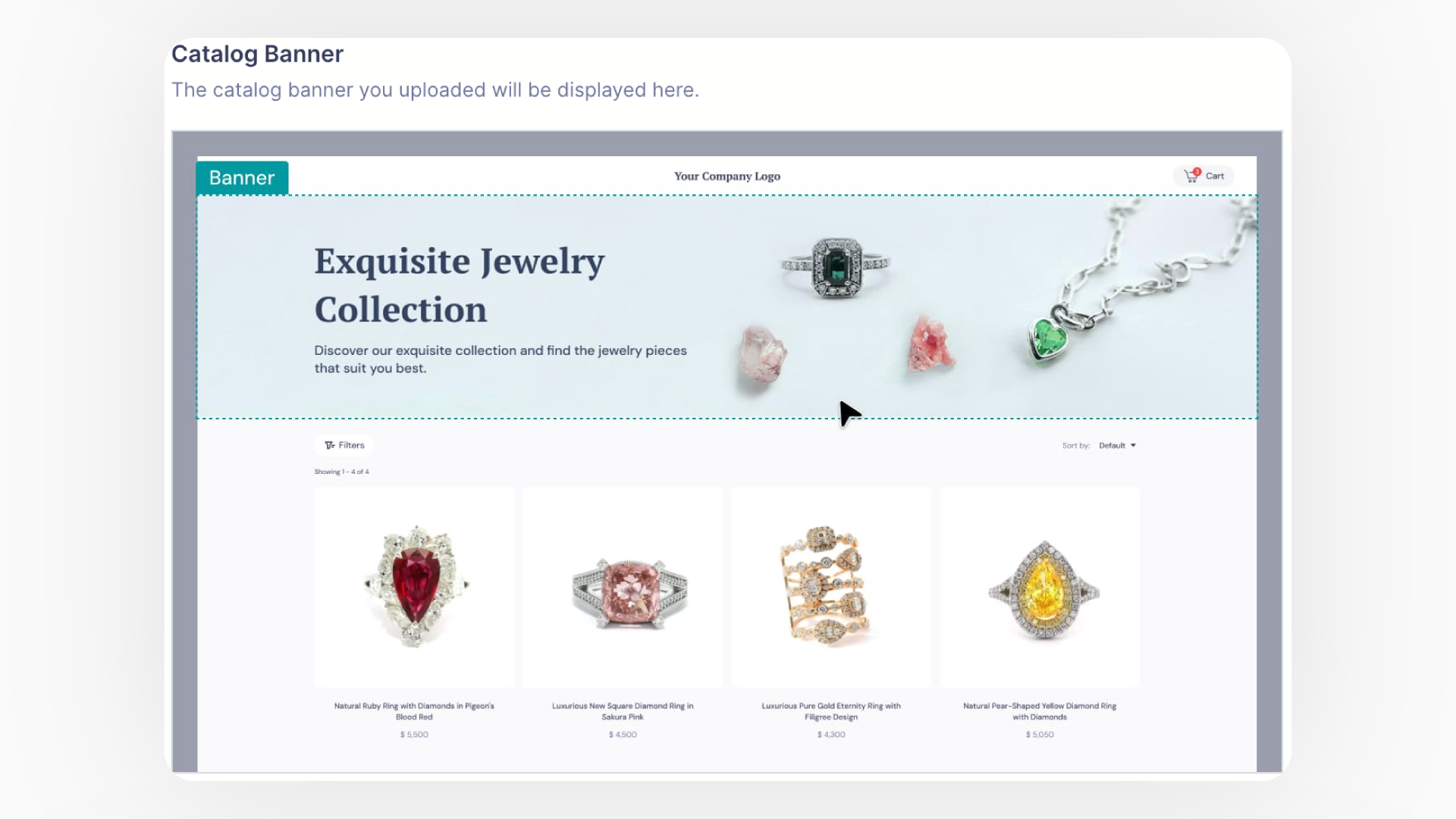
Customize your product and catalog share links by adding your company logo, contact information, and a branded banner. You can configure these global settings in the "Share Settings" section of your GemIQ account, ensuring a professional and consistent brand experience for your customers.
Before You Start#
Log in to GemIQ on your desktop.
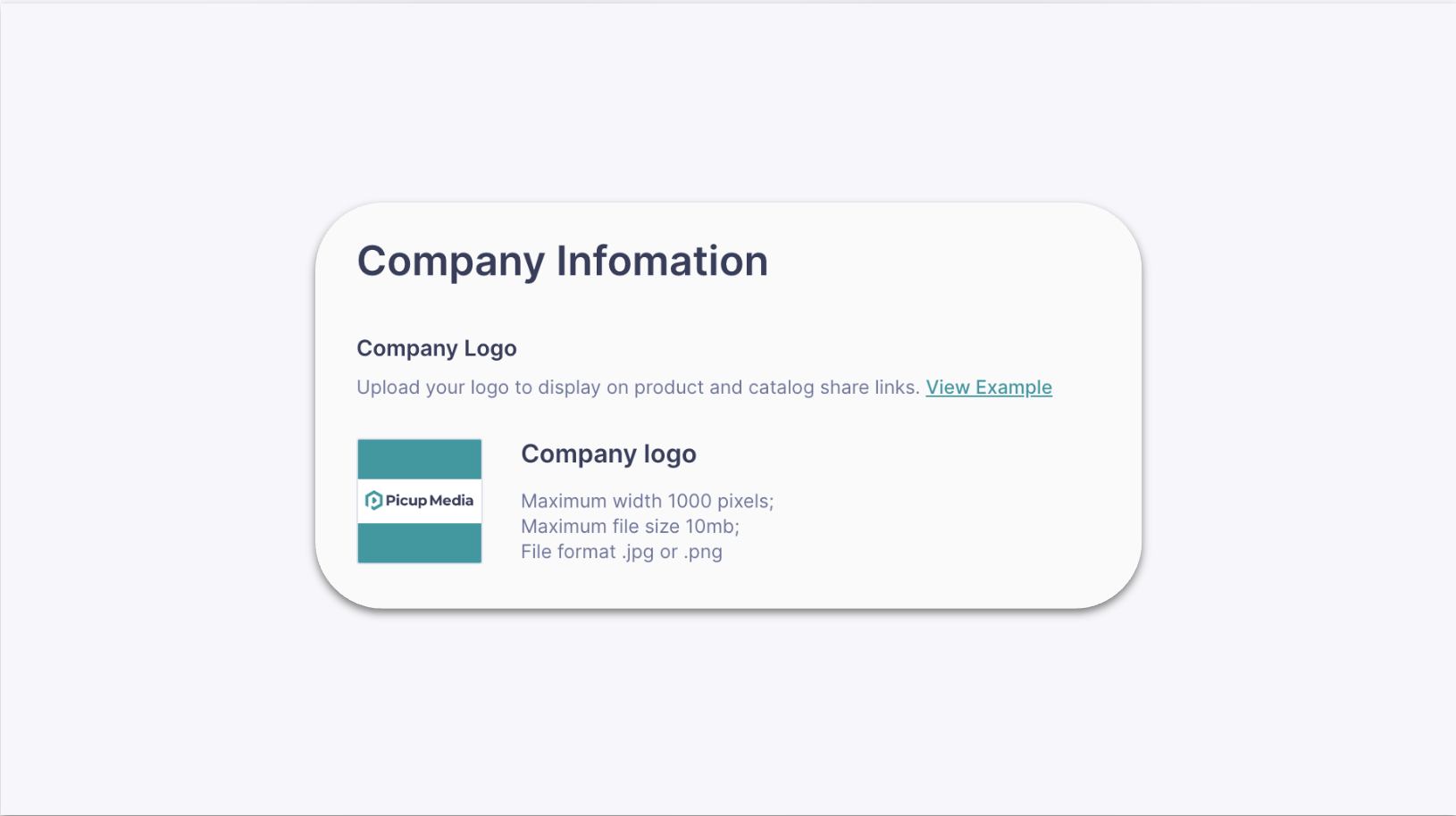
Have your company logo file ready. The recommended format is JPG or PNG, with a maximum size of 10MB and a maximum width of 1000 pixels.
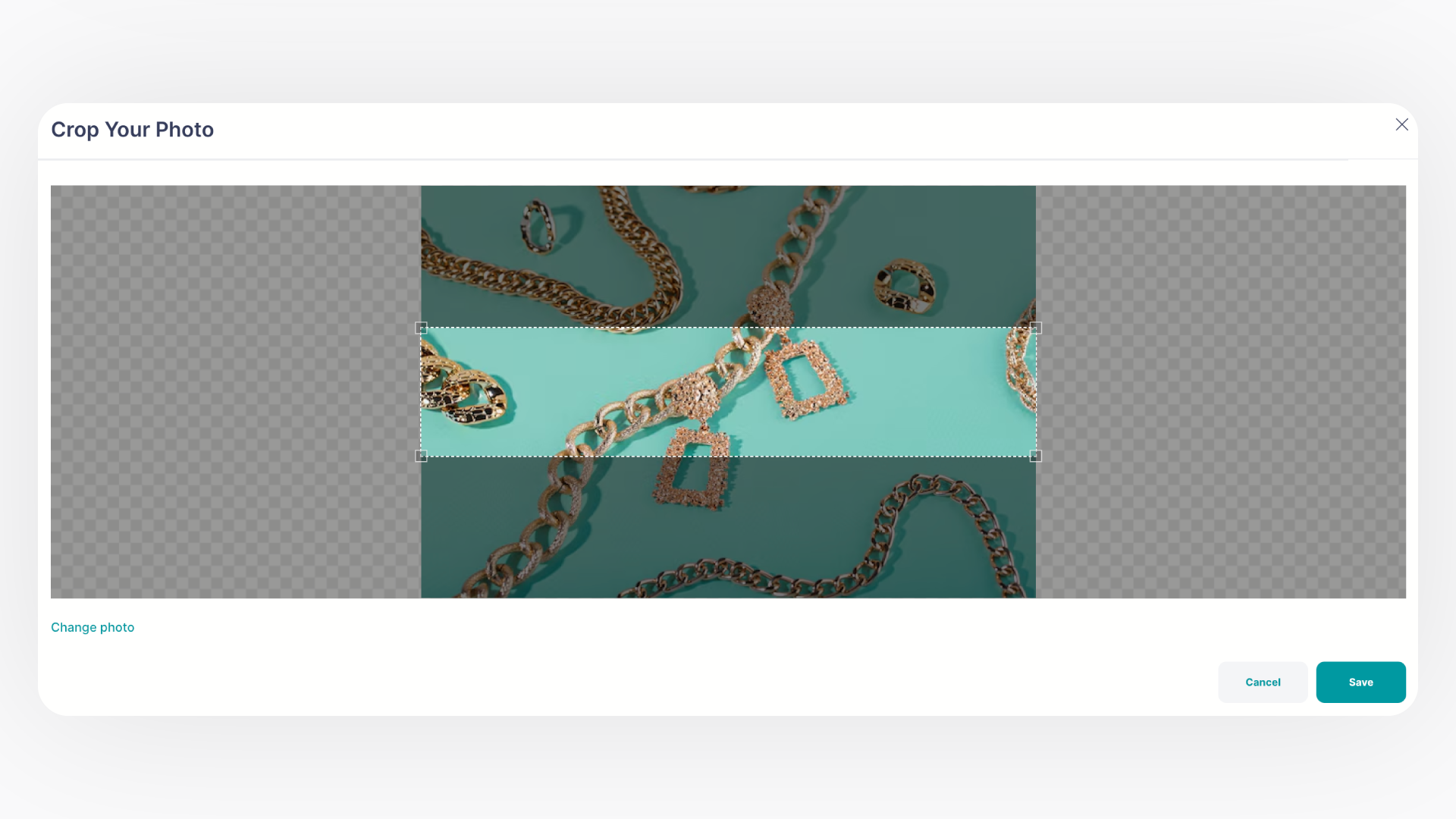
If you plan to use a custom banner, have the image file ready. The recommended format is JPG or PNG, with a maximum size of 10MB and dimensions of 1920x400 pixels.
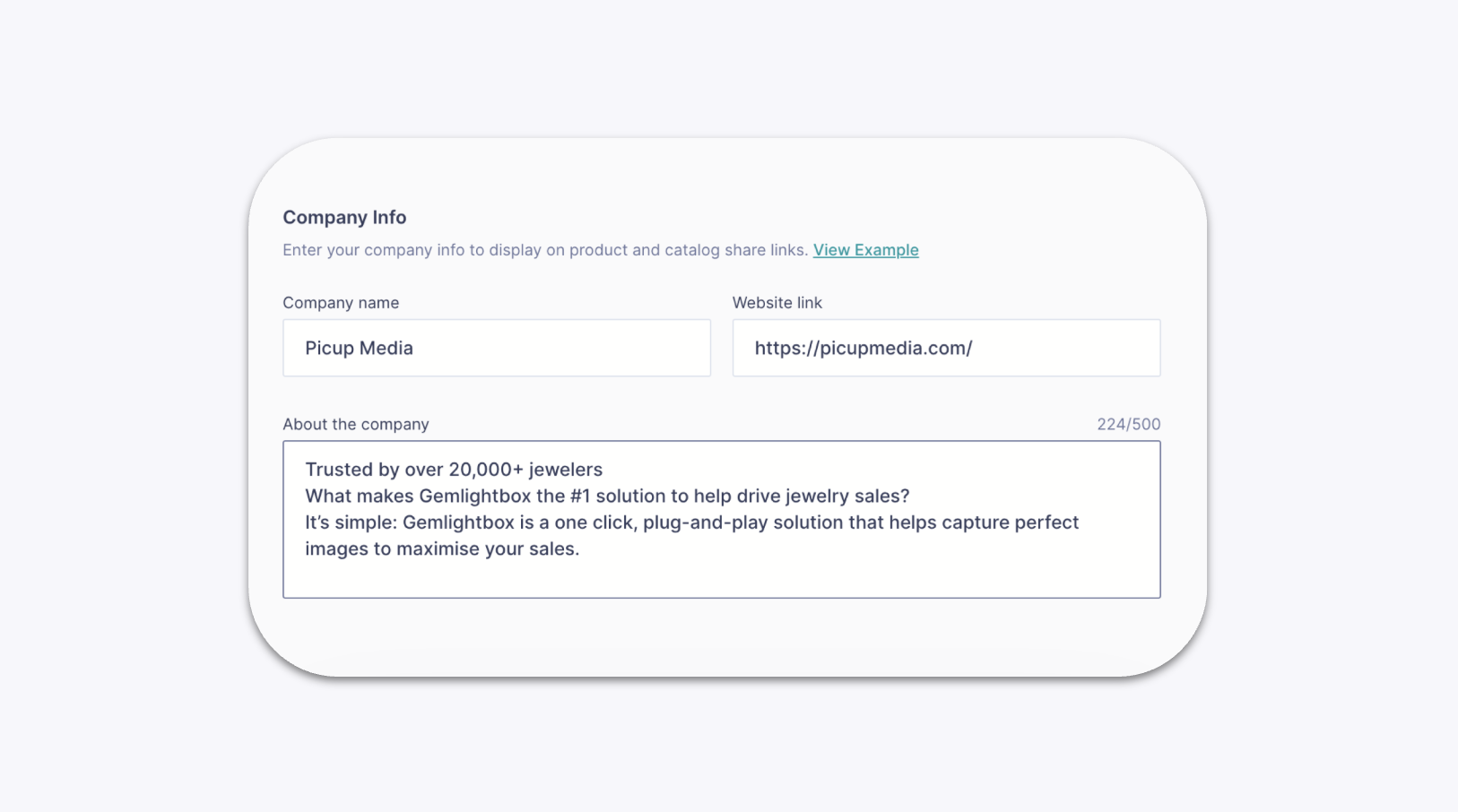
Know your company's description, website URL, and contact details (email, WhatsApp, phone number).
Steps#
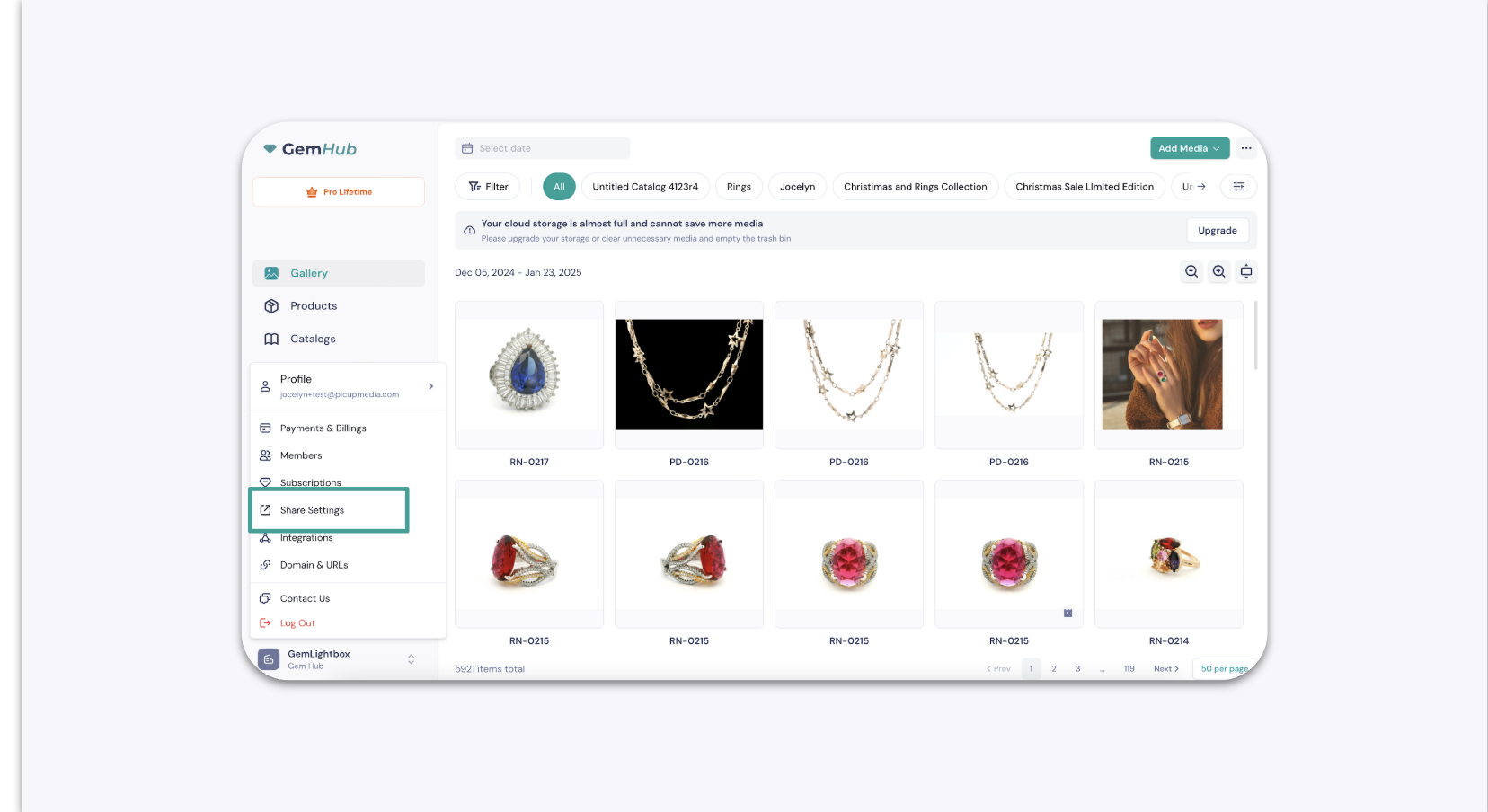
Click on your profile name in the top right corner of GemIQ and select Share Settings from the dropdown menu.