Quick Answer#
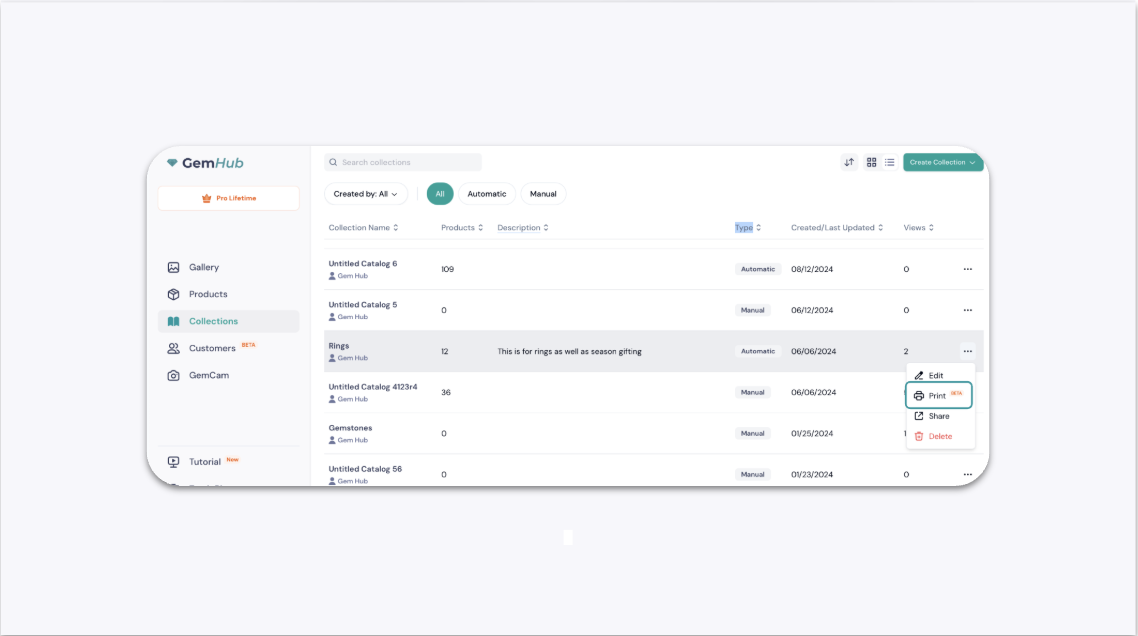
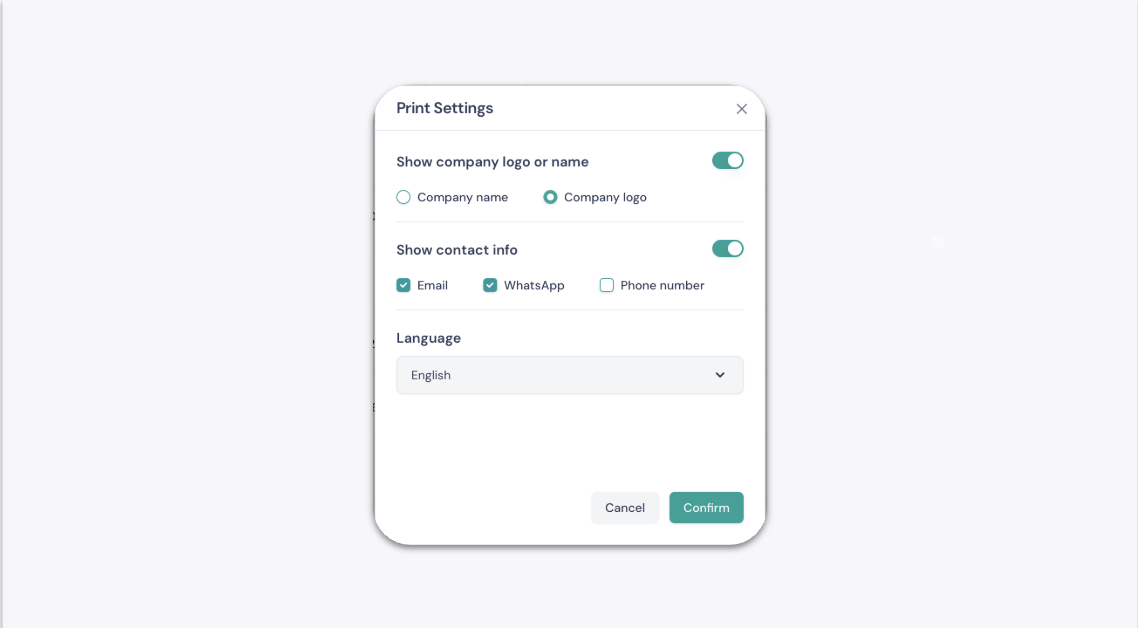
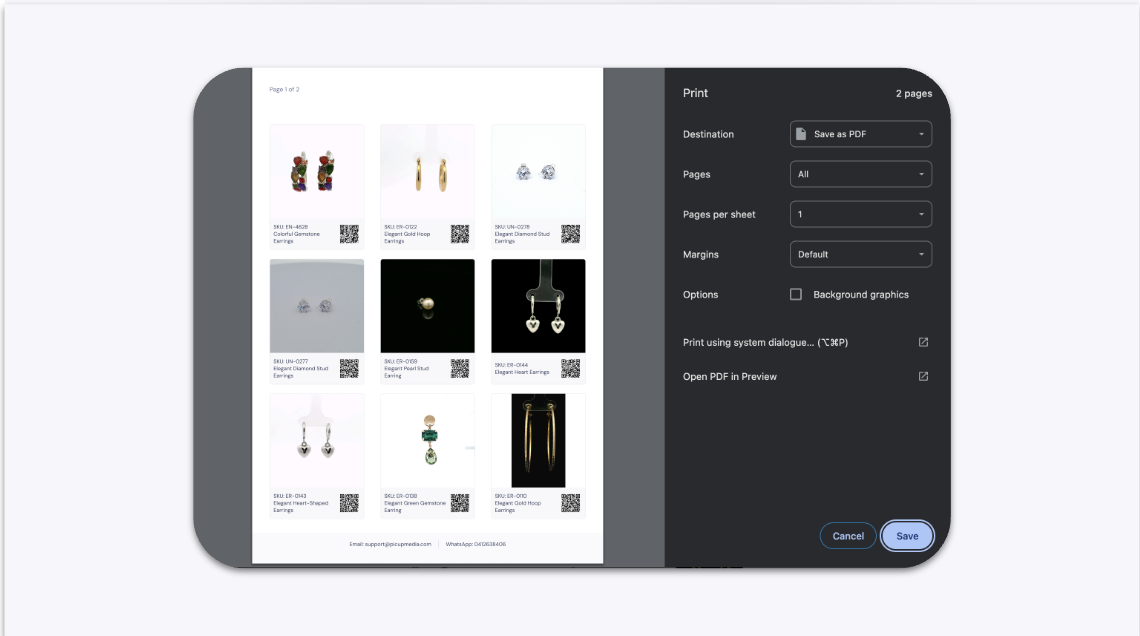
To print a catalog of your jewelry, open GemIQ on your desktop, navigate to the "Collections" section, and select "Print" from the menu on the collection you wish to export. You can then customize the information included before generating a printable PDF file.
Before You Start#
Ensure you have GemIQ installed on your Mac or Windows computer.
You must have at least one collection created in your GemIQ account.
Make sure your computer is connected to a printer or has a "Print to PDF" function enabled.
Steps#
Open GemIQ and navigate to the Collections section.
Find the collection you want to print. Click the ellipsis icon (
⋯) to open the menu.Select Print from the dropdown menu.