Quick answer#
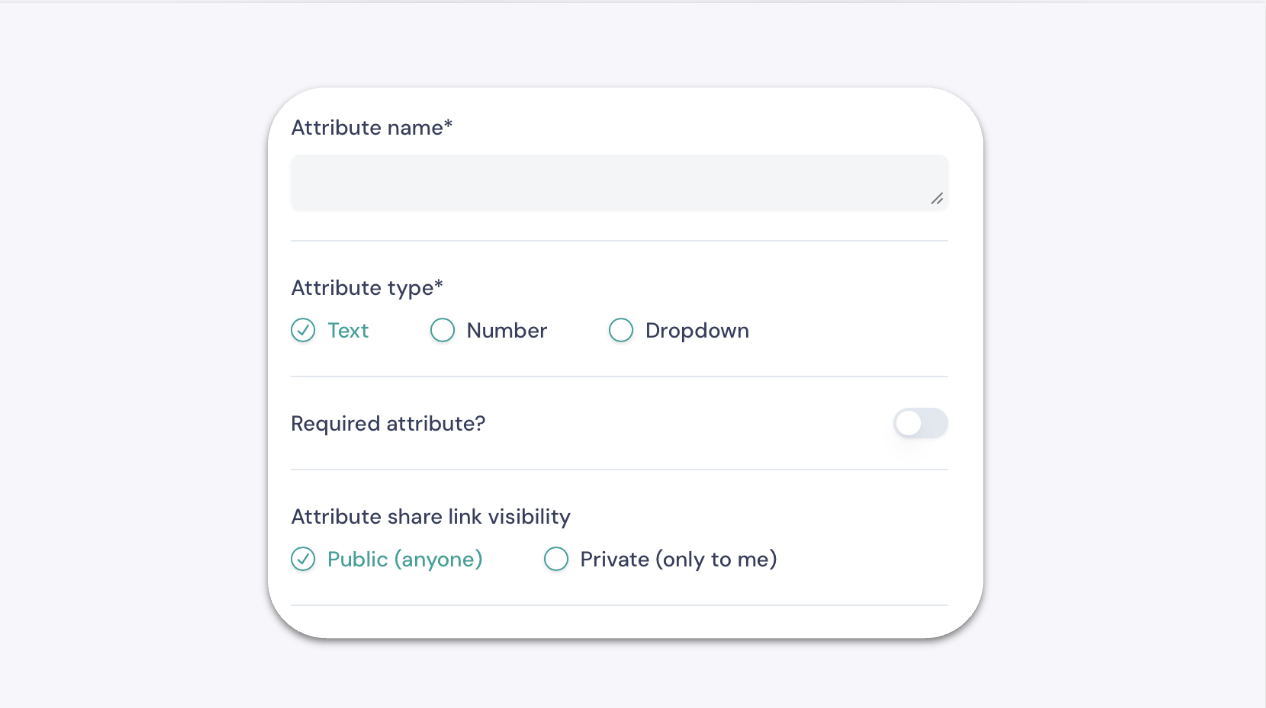
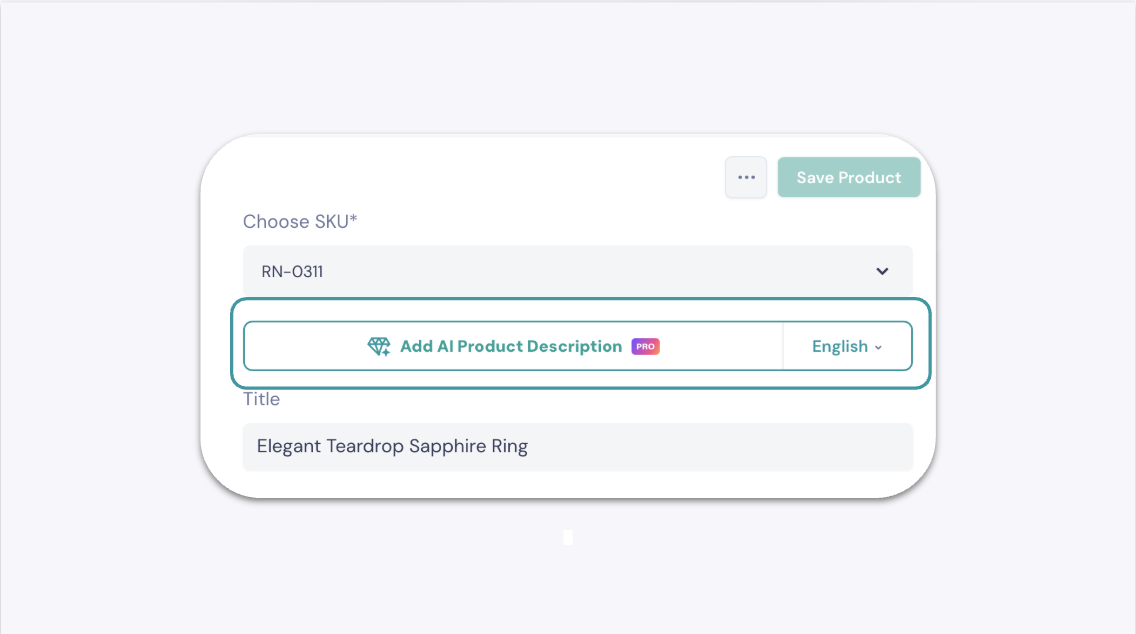
GemIQ lets you create custom product attributes to organize your jewelry catalog with fields tailored to your business. You can also generate AI-powered product descriptions for supported jewelry types directly from the product page.
Before you start#
You need a GemIQ account with access to the Products section.
Steps#
Part 1: Create a Custom Product Attribute#
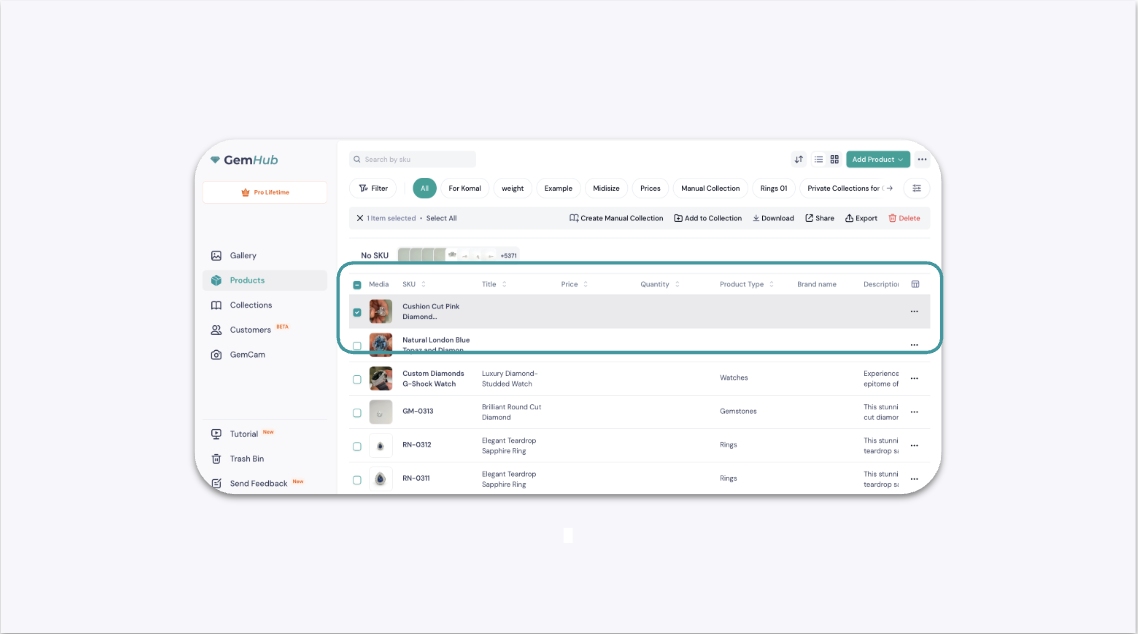
Log in to the GemIQ and go to the Products section.
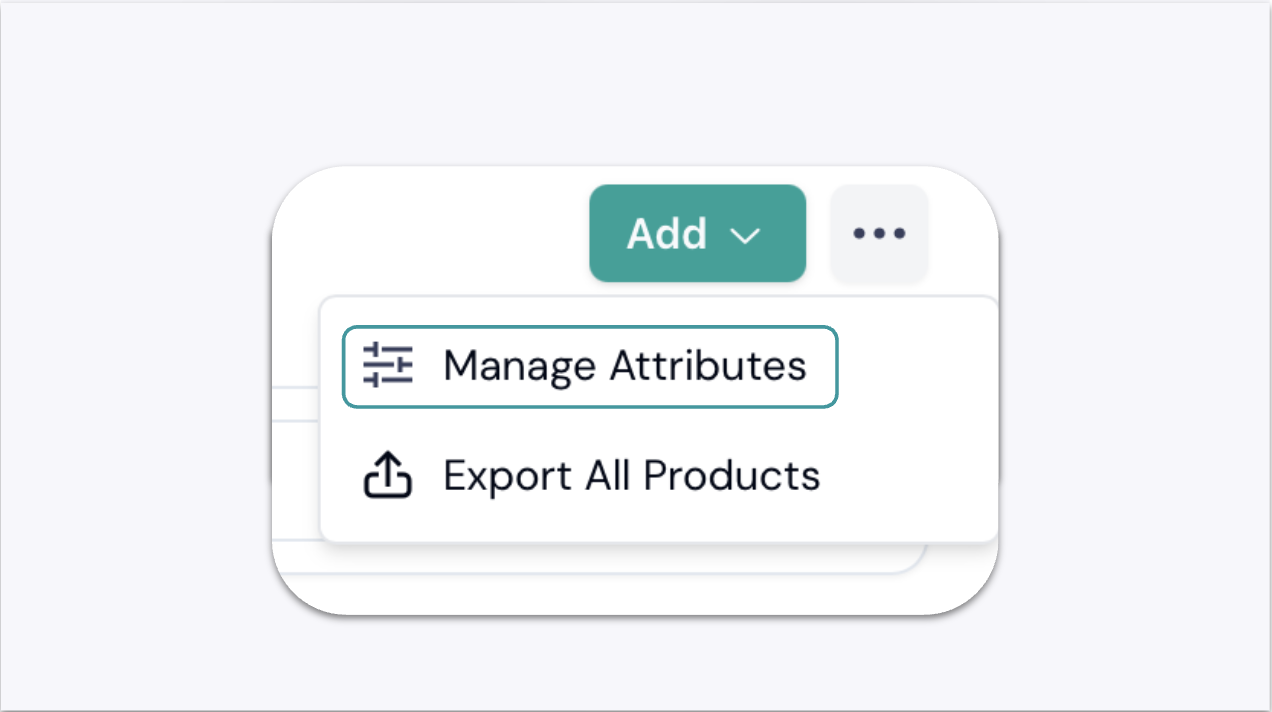
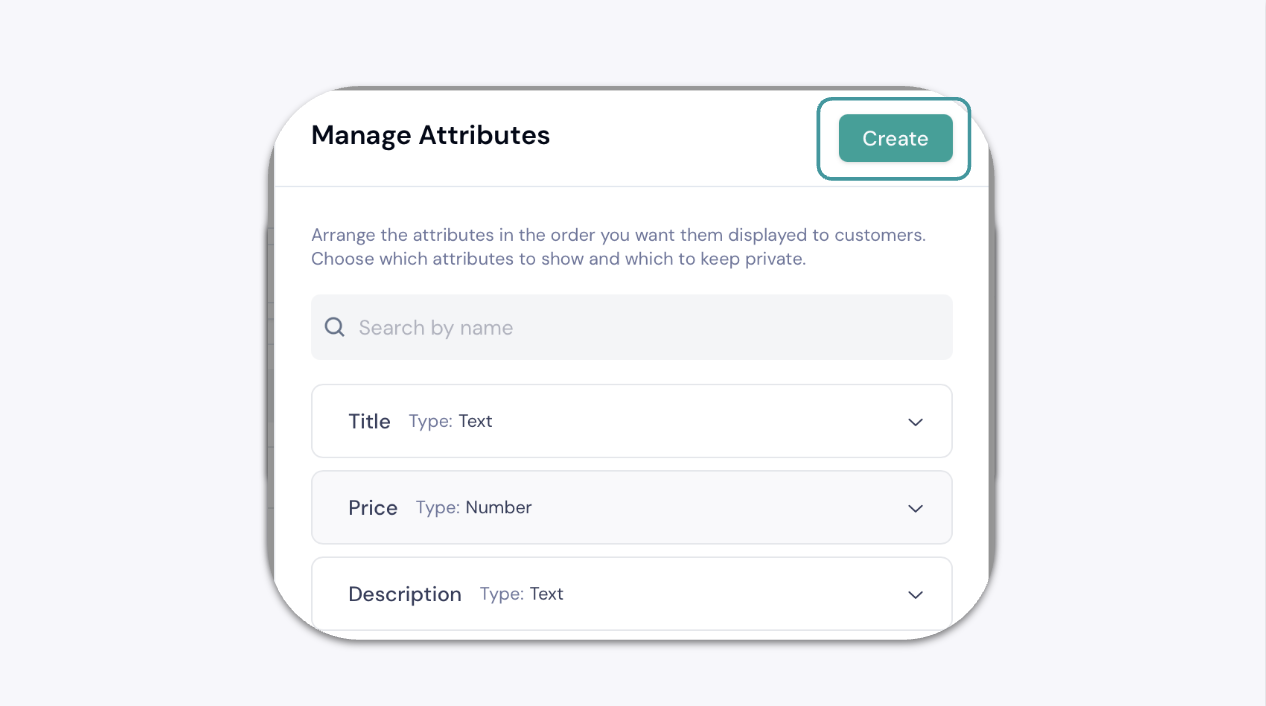
Click the ellipsis button (...) next to the Add button and select Manage Attributes.