Managing SKUs for Your Products in GemIQ#
Quick Answer#
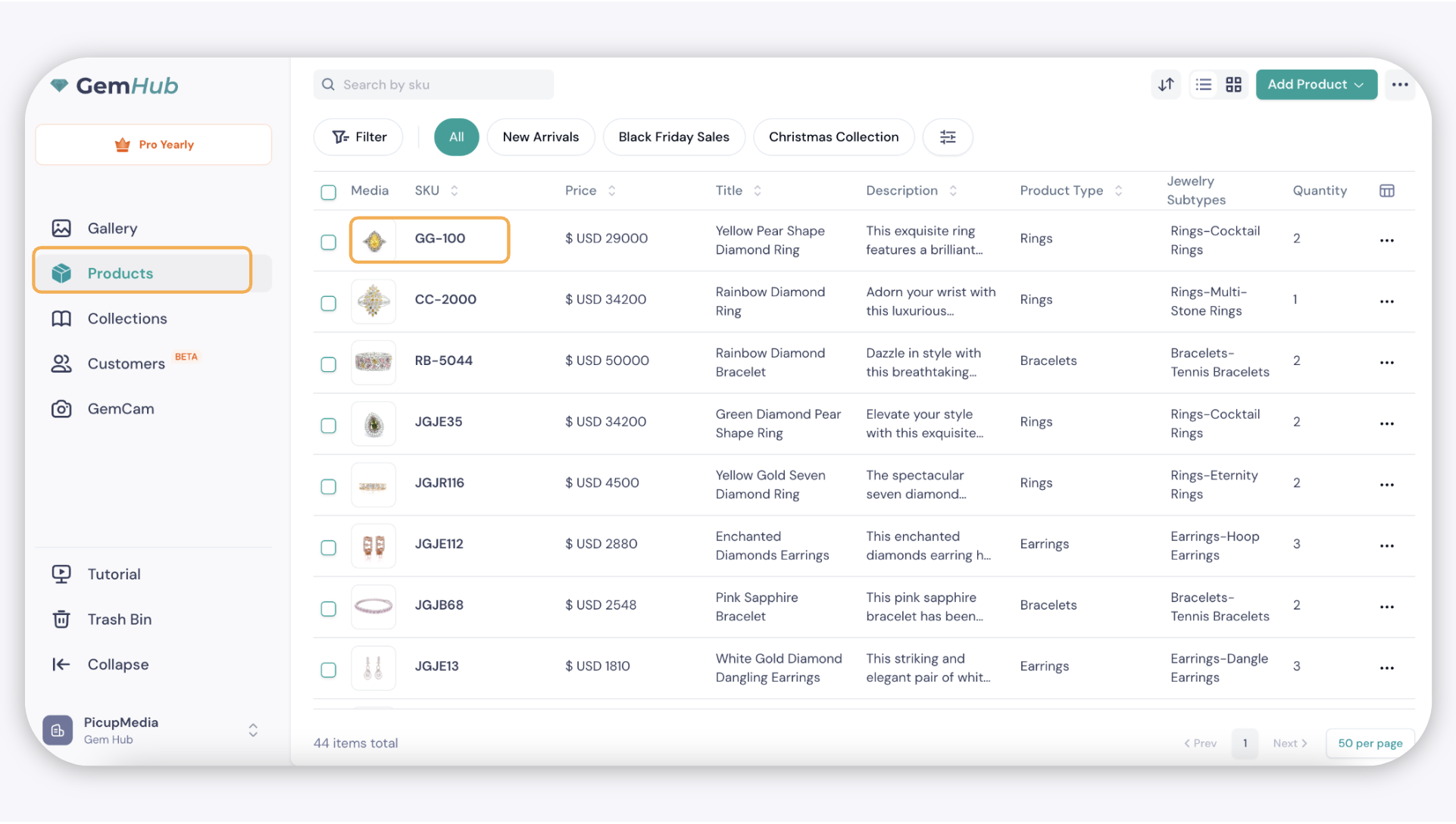
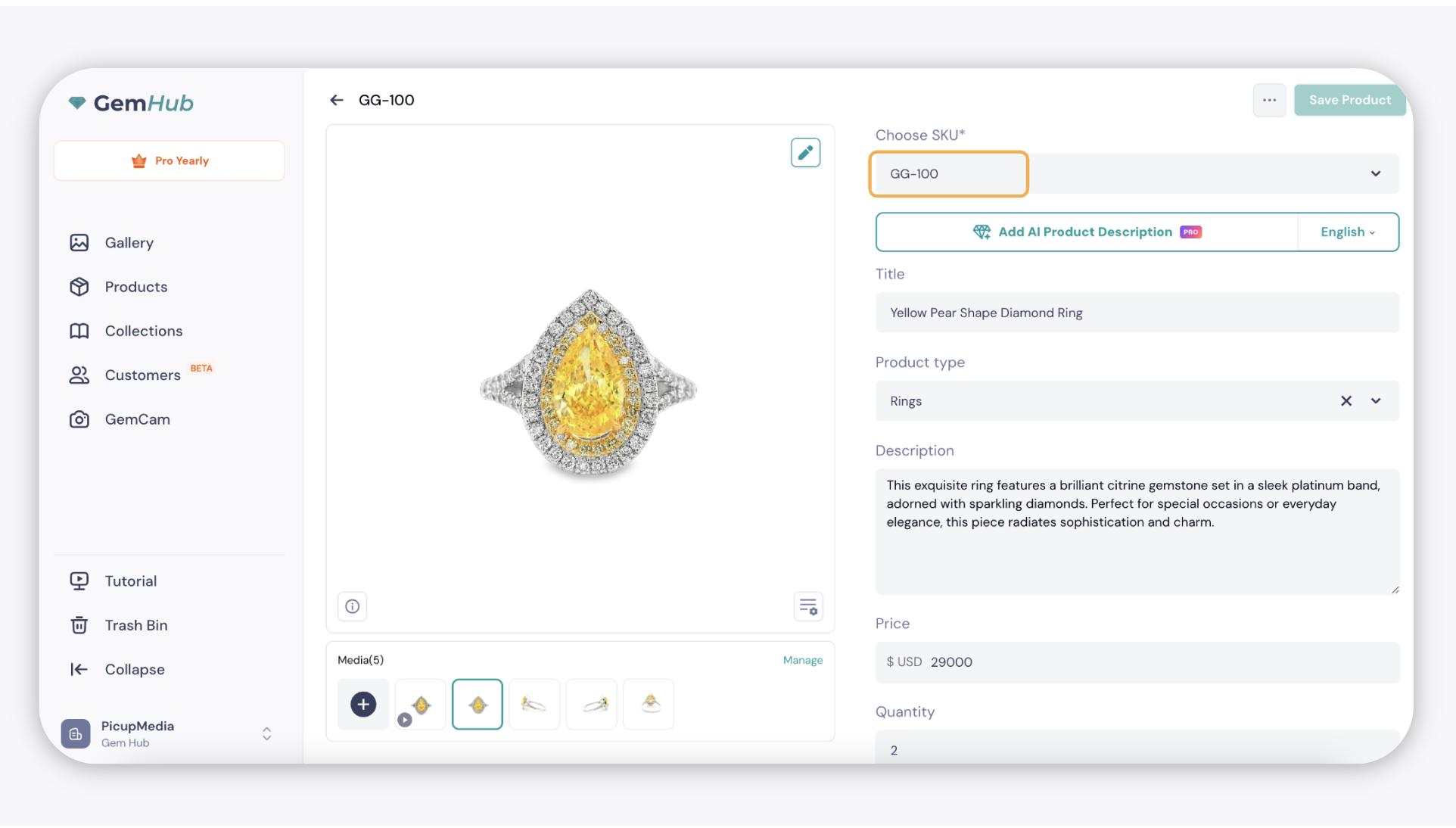
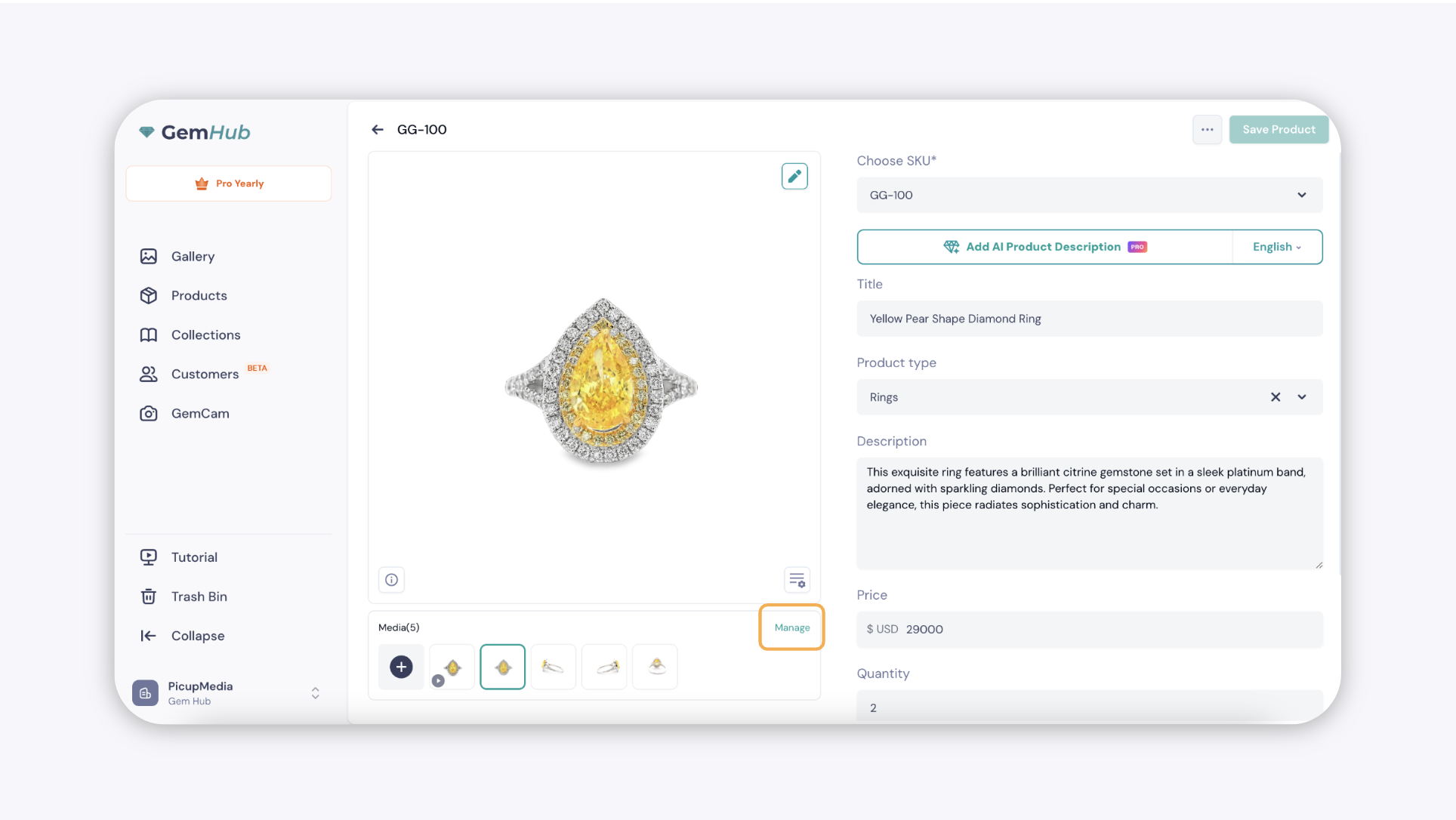
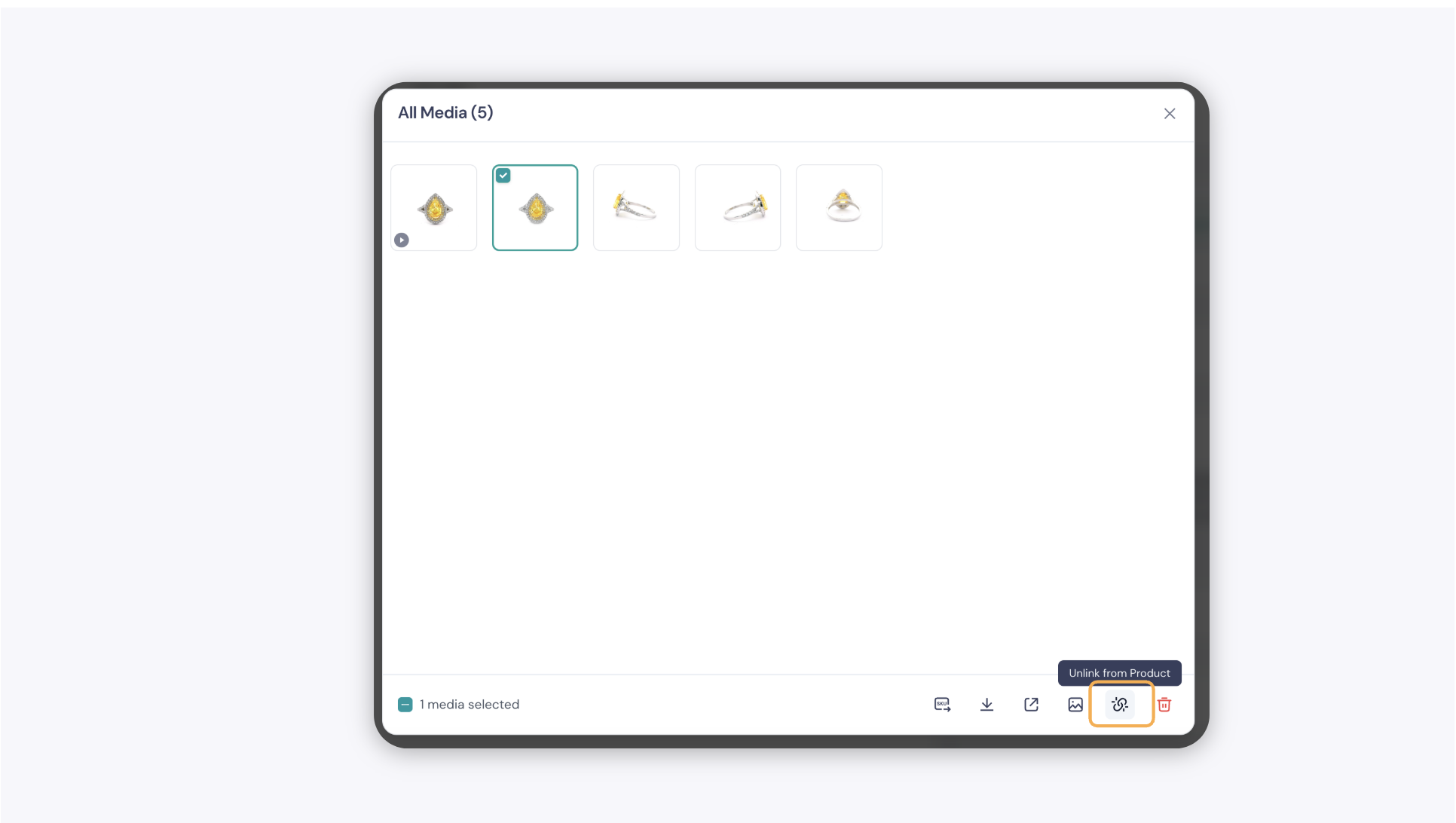
You can create, view, edit, and remove SKUs in GemIQ — one at a time or in bulk. SKUs link a unique identifier to each product image so you can track and organize your jewelry inventory more easily.
Before You Start#
You have a GemIQ account with at least one image or product uploaded.
You know the SKU format your business uses (for example, RNG-001 for a ring).
Steps#
1. Create and Assign a SKU#
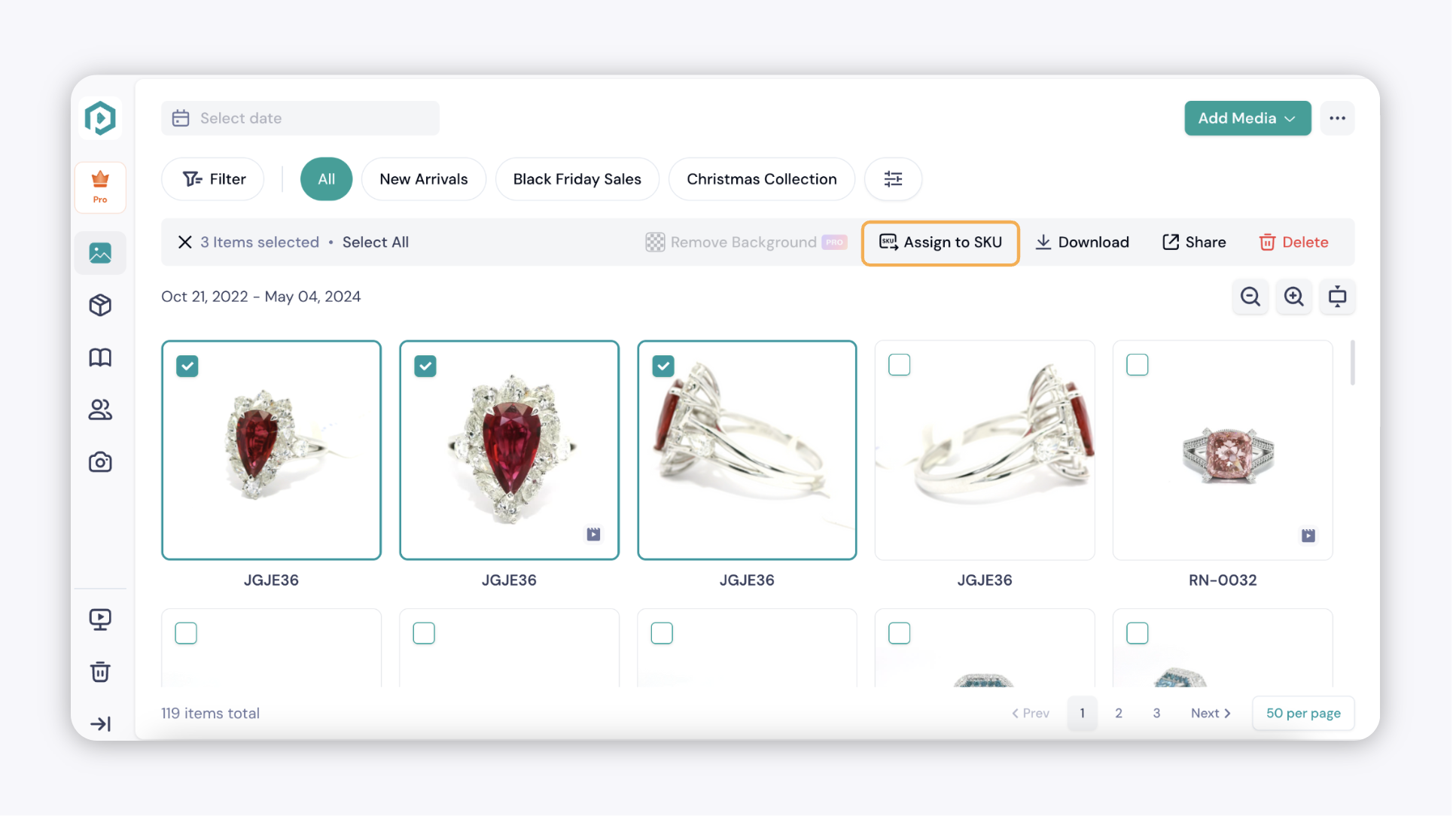
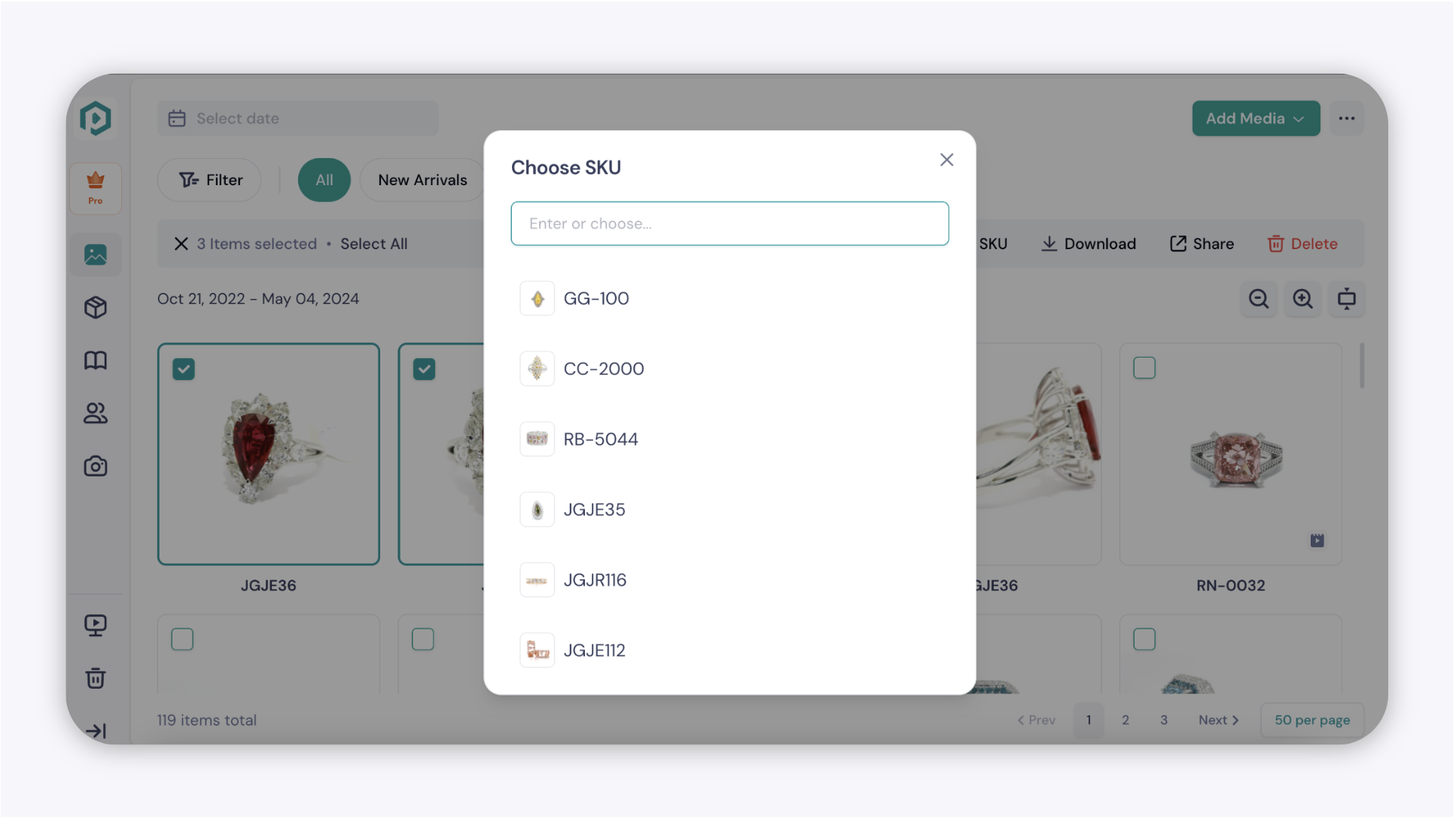
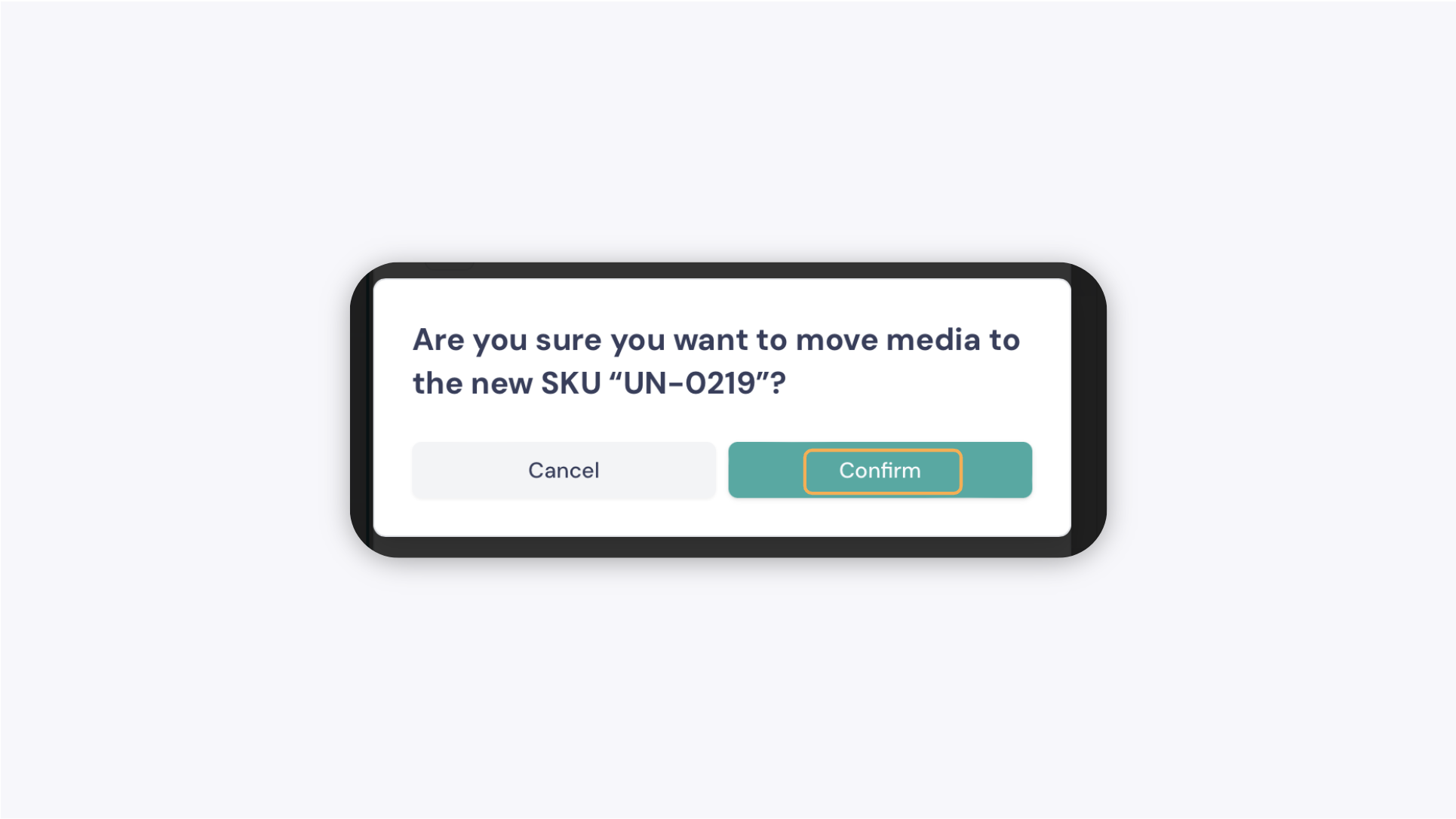
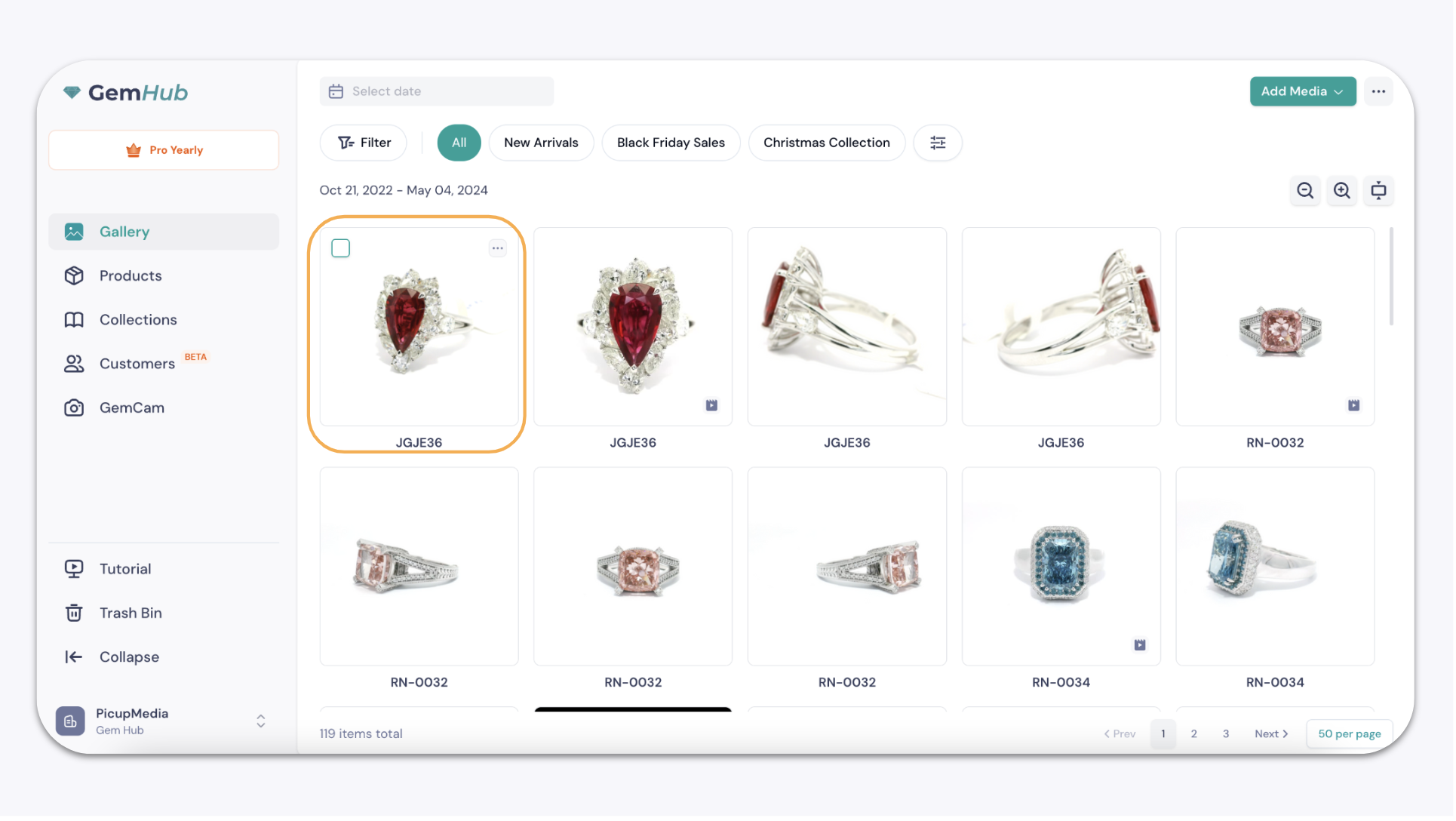
Open GemIQ and go to the Gallery.