Quick answer#
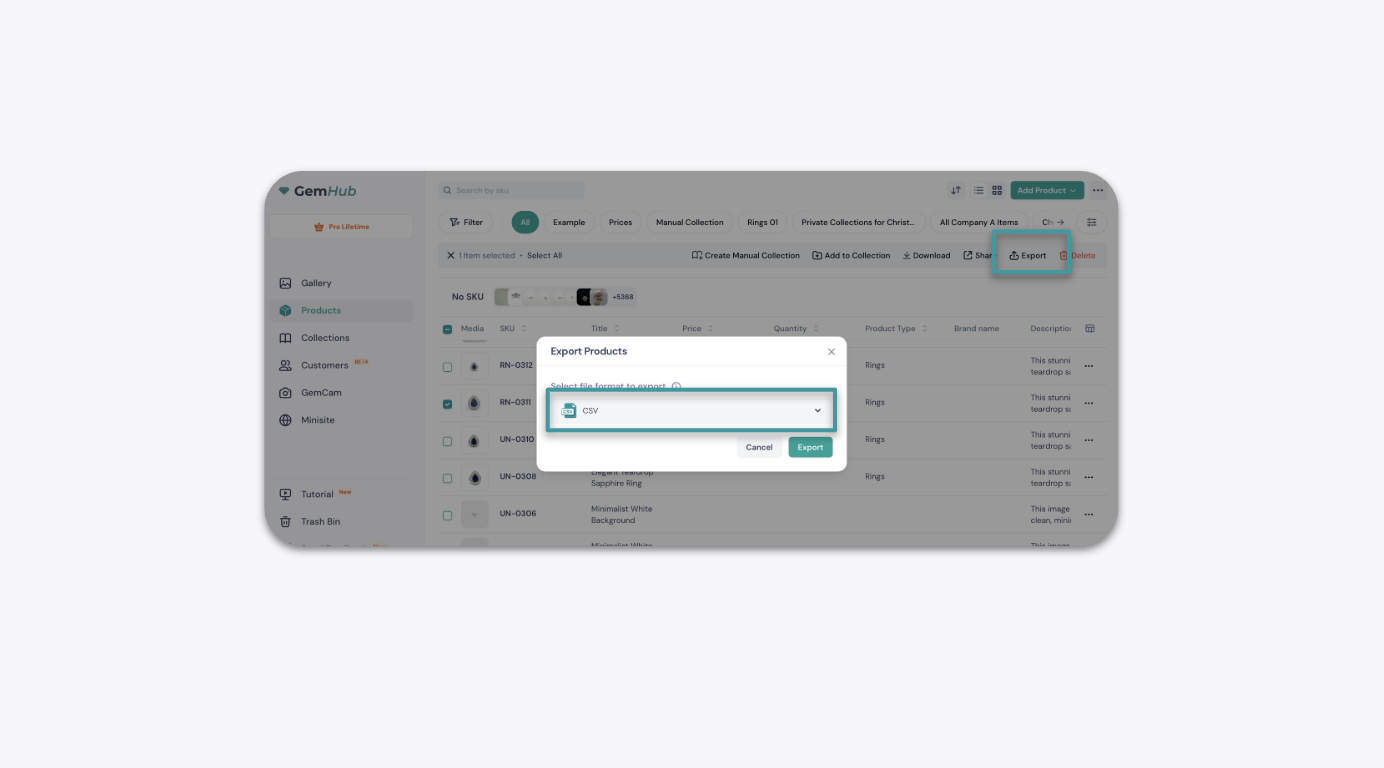
GemIQ does not currently have a direct WooCommerce integration. You can export your product catalog as a CSV file from the GemIQ and import it into WooCommerce using WooCommerce's built-in product importer. This guide walks you through both steps.
Before You Start#
You have a GemIQ account with products already added.
You have a WooCommerce store set up and WordPress admin access.
You are comfortable with basic WooCommerce product management.
Looking for Shopify? GemIQ has a native Shopify integration. See [Connect GemIQ to Your Shopify Store] for that workflow.