

Quick answer#
GemIQ includes built-in video tutorials to guide you through the software. Click the Tutorials button inside GemIQ to open them instantly — no external website required.
Before you start#
GemIQ must be installed on your computer.
Open the GemIQ and log in before following these steps.
Steps#
Open the GemIQ on your computer.
Locate the Tutorials button in the GemIQ interface.
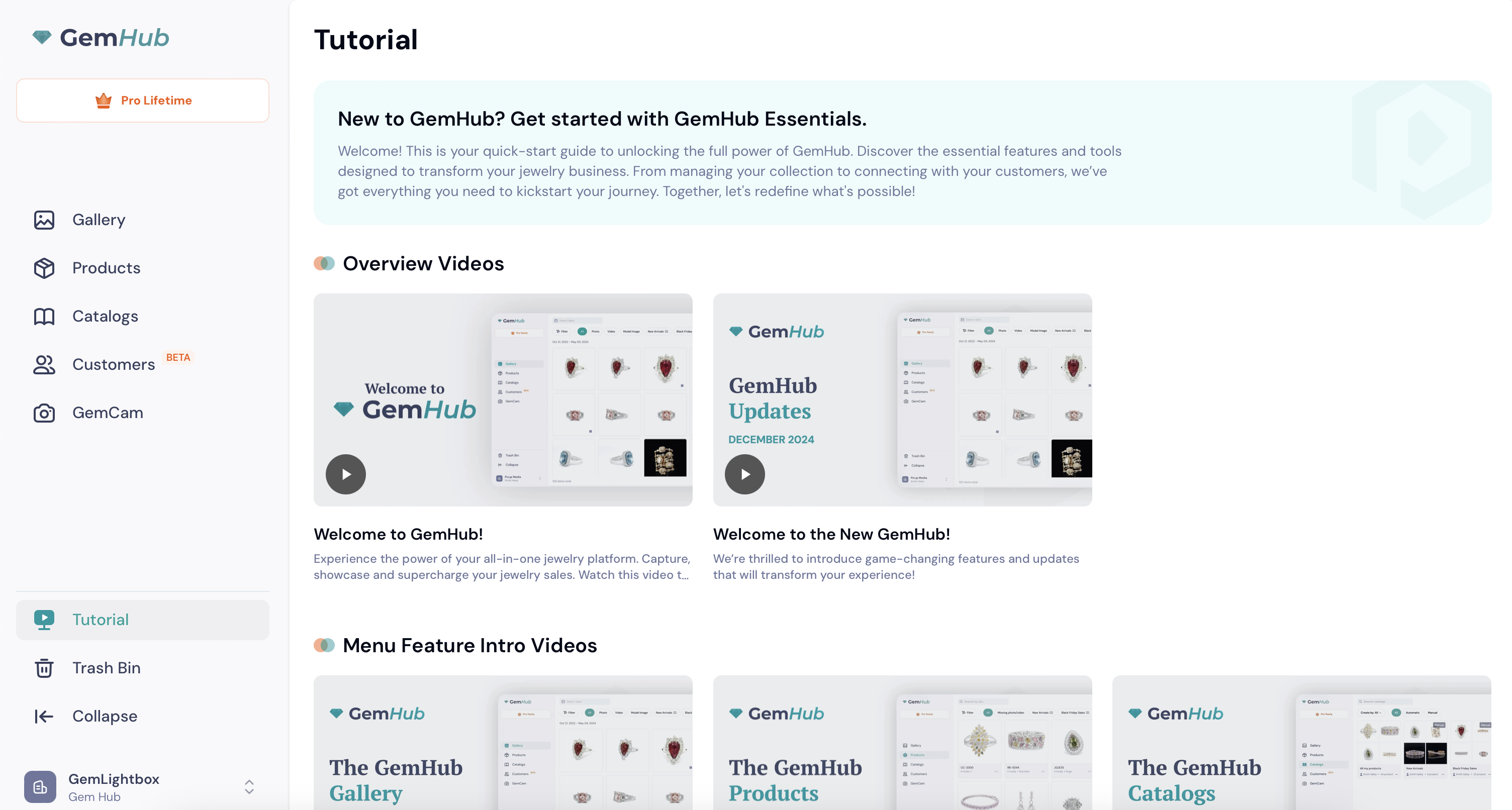
Click Tutorial to open the tutorial library.
Browse the available topics and select a tutorial to watch.