Quick Answer#
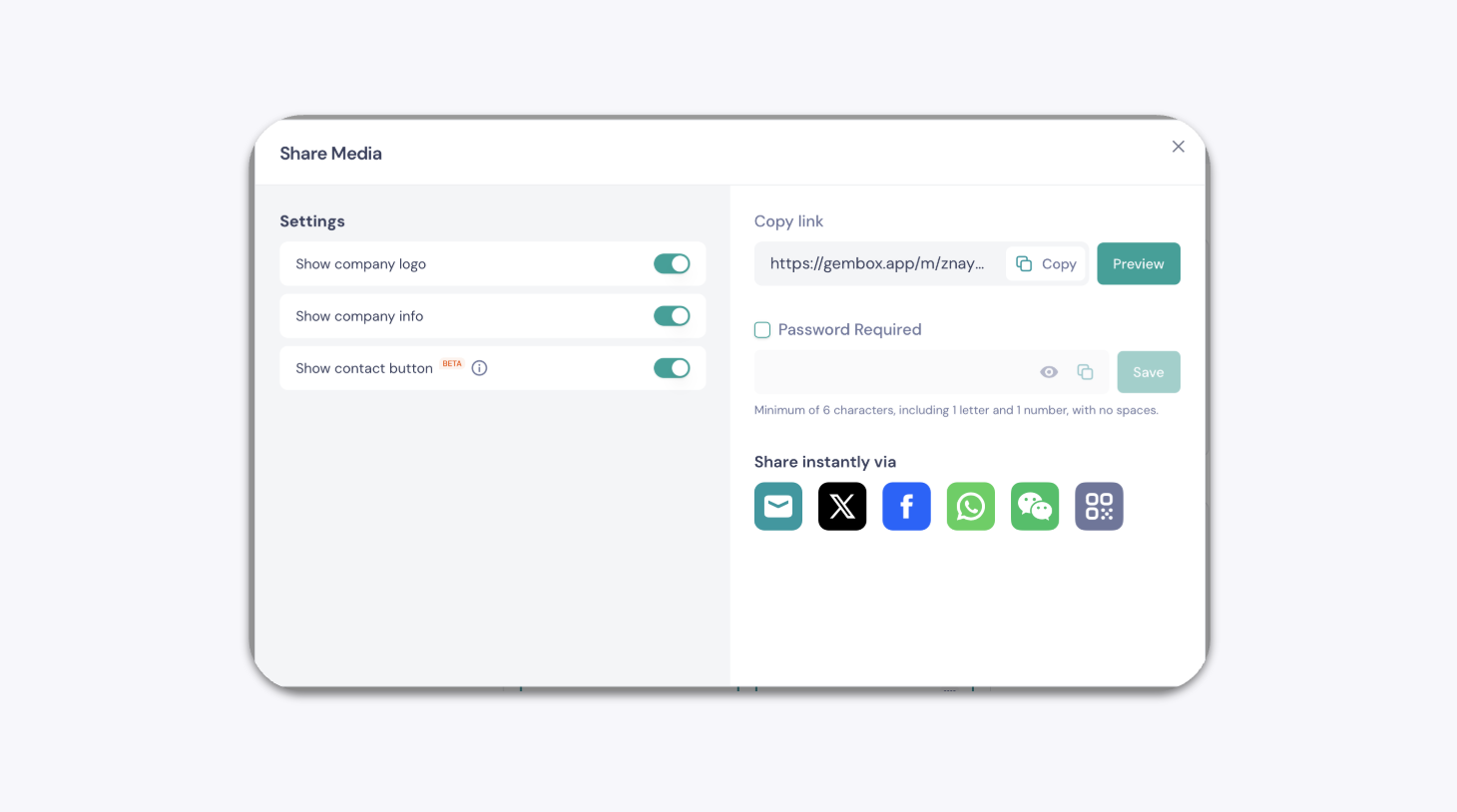
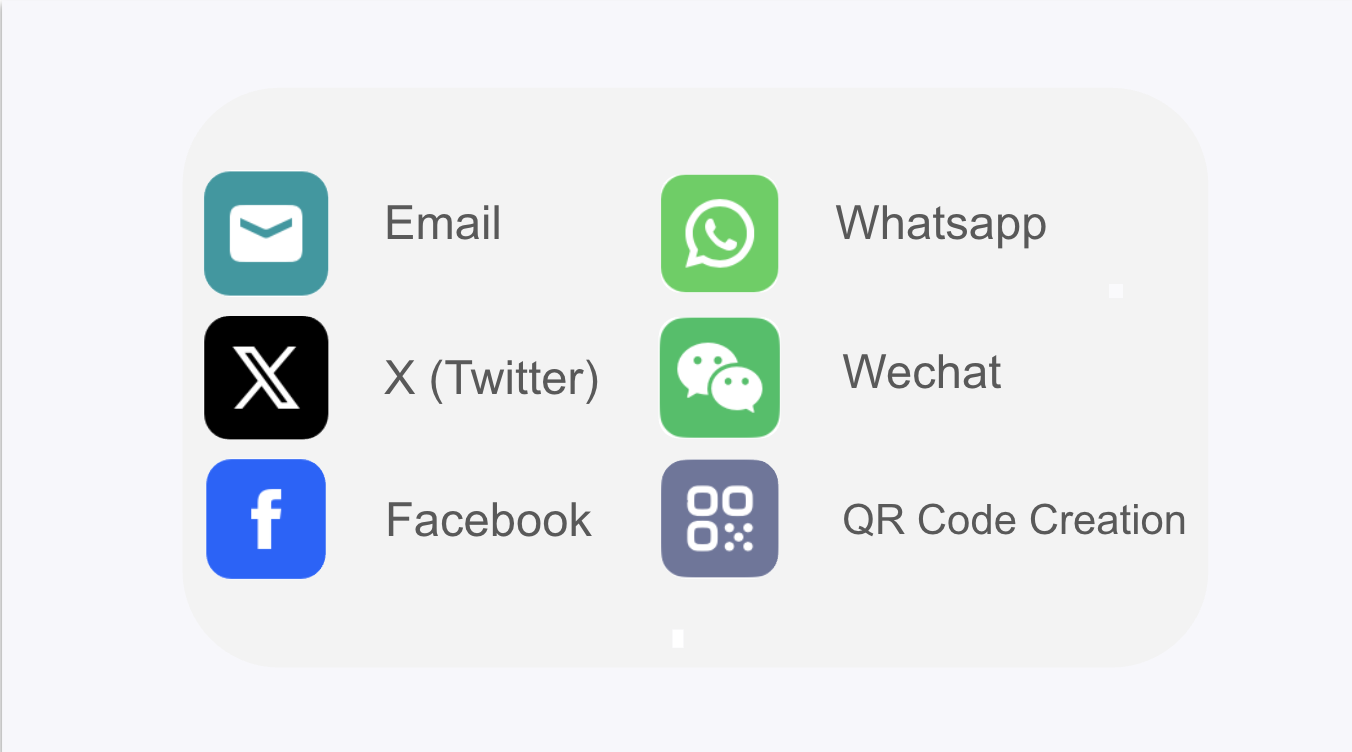
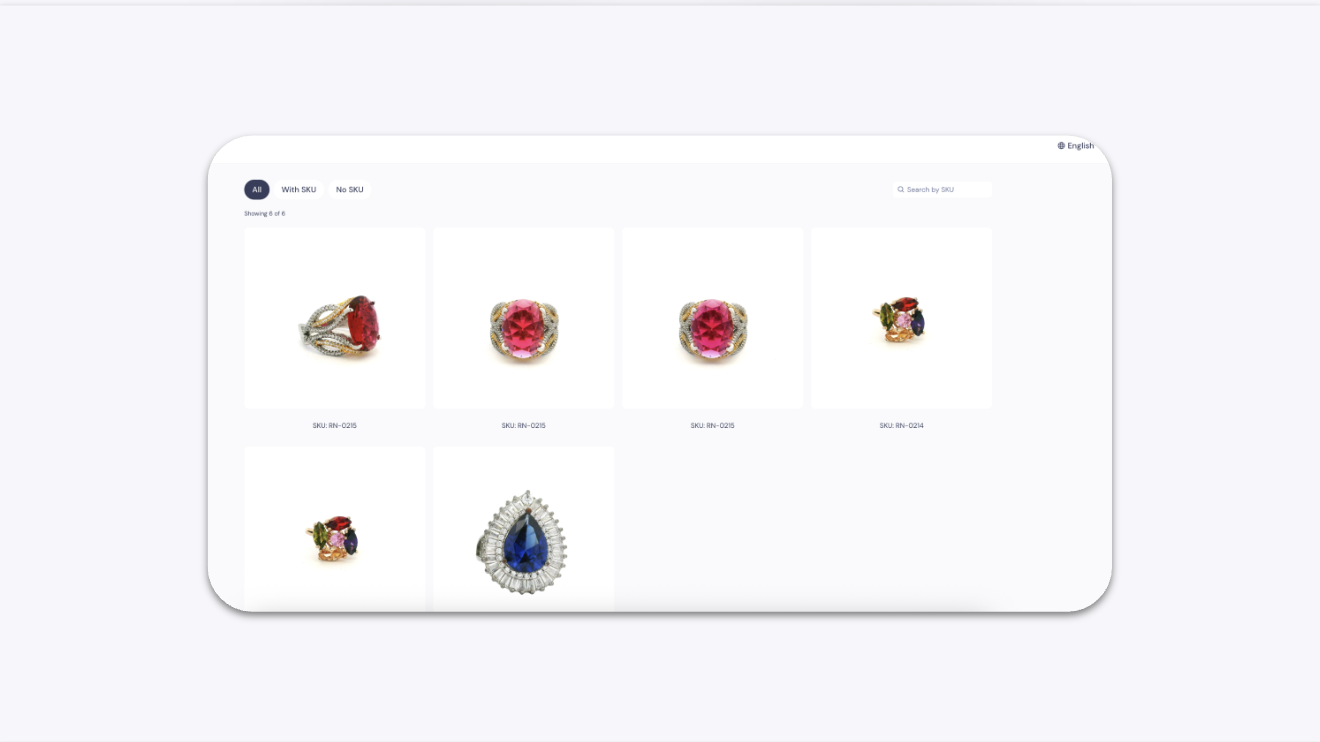
Select multiple images and videos in your GemIQ gallery, click the "Share" button, and copy the generated link. This link creates a simple, shareable web page that displays all your selected media, which you can then send to clients or post on social media.
Before You Start#
Ensure you are logged into your GemIQ account.
Have images and videos already uploaded to your GemIQ gallery.
Steps#
Open the GemIQ and navigate to the Gallery.
Hover over the media files you wish to share and click the checkbox that appears on each one. You can select multiple images and videos.
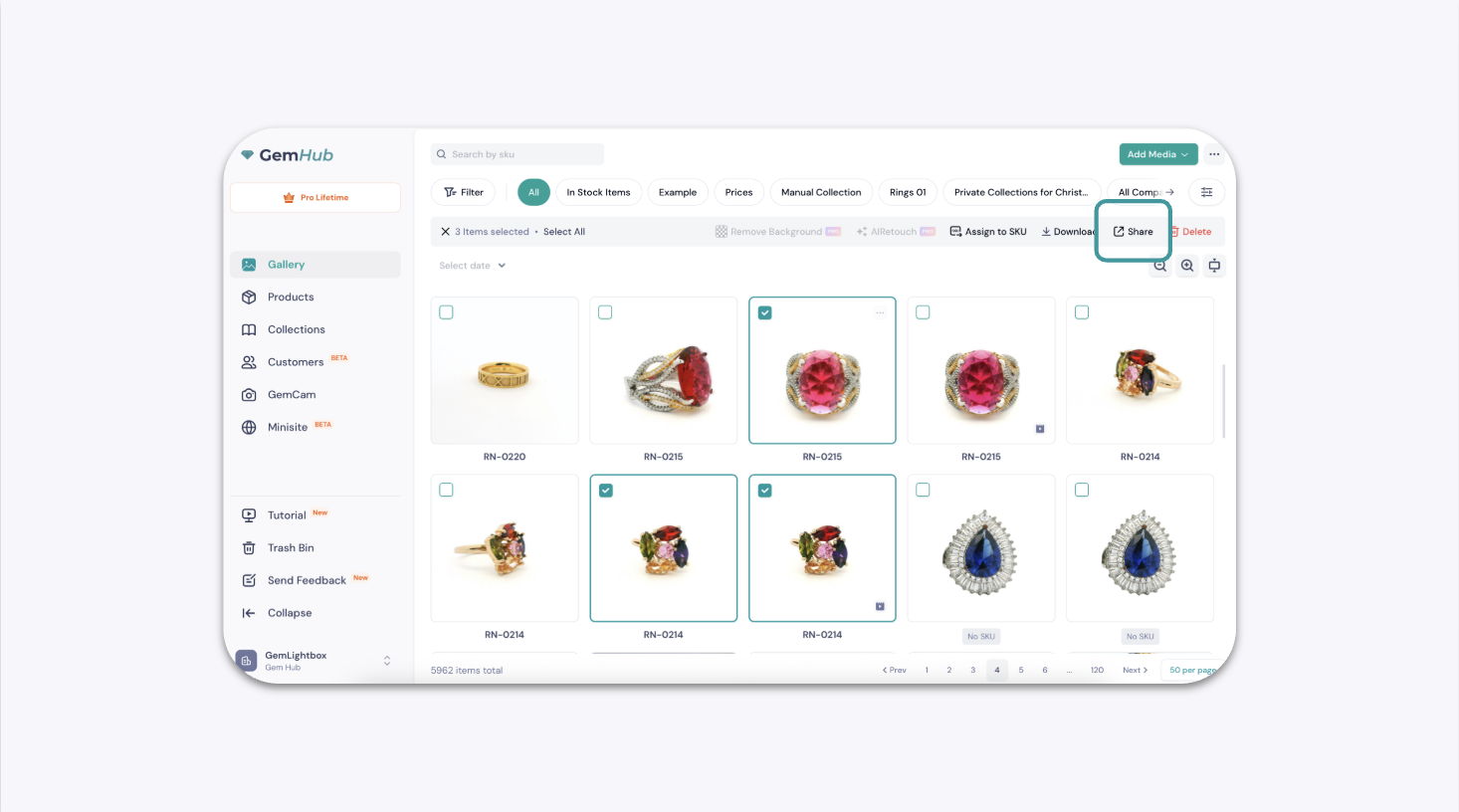
Once you have selected your files, an actions bar will appear at the top right. Click the