Quick answer#
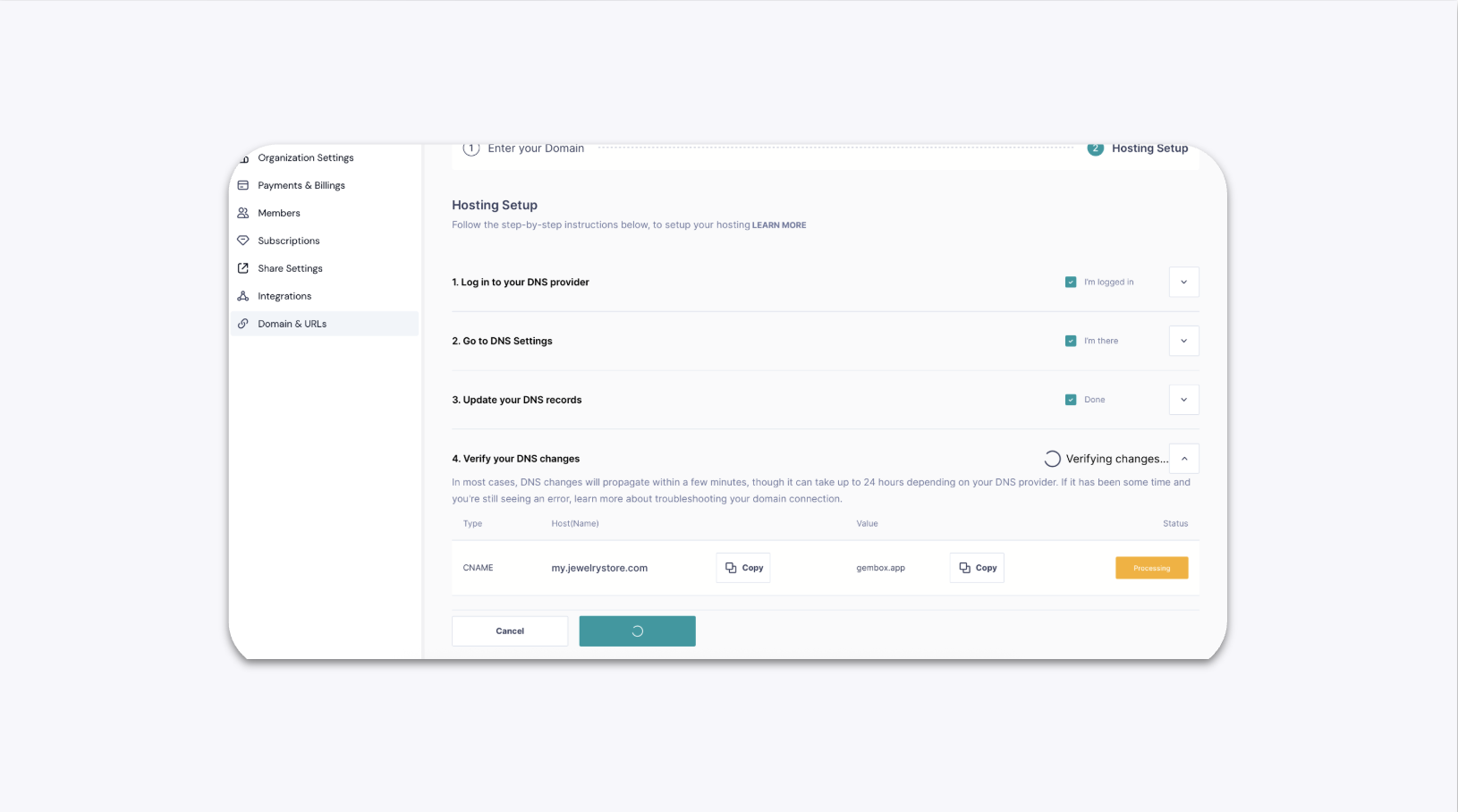
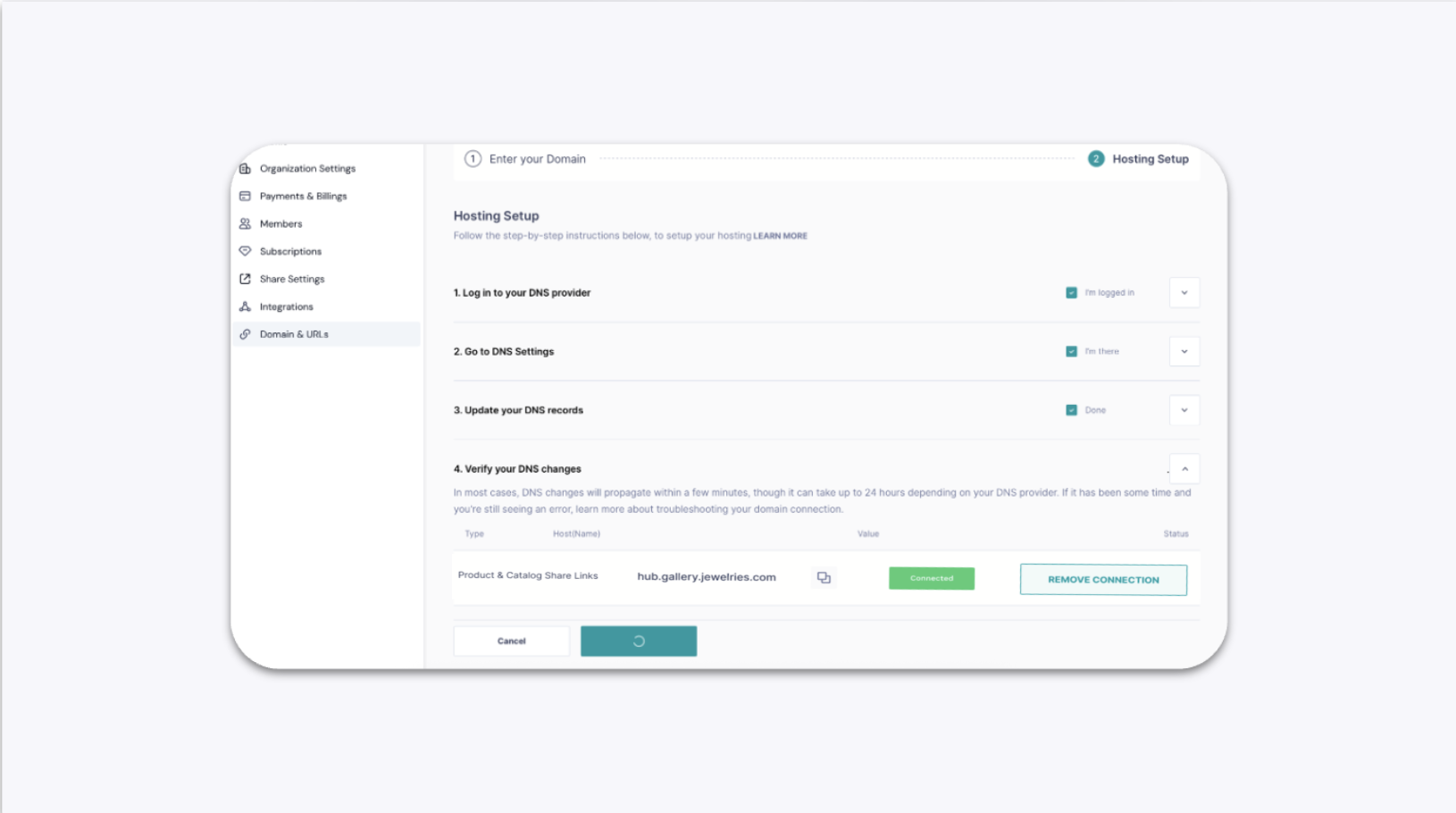
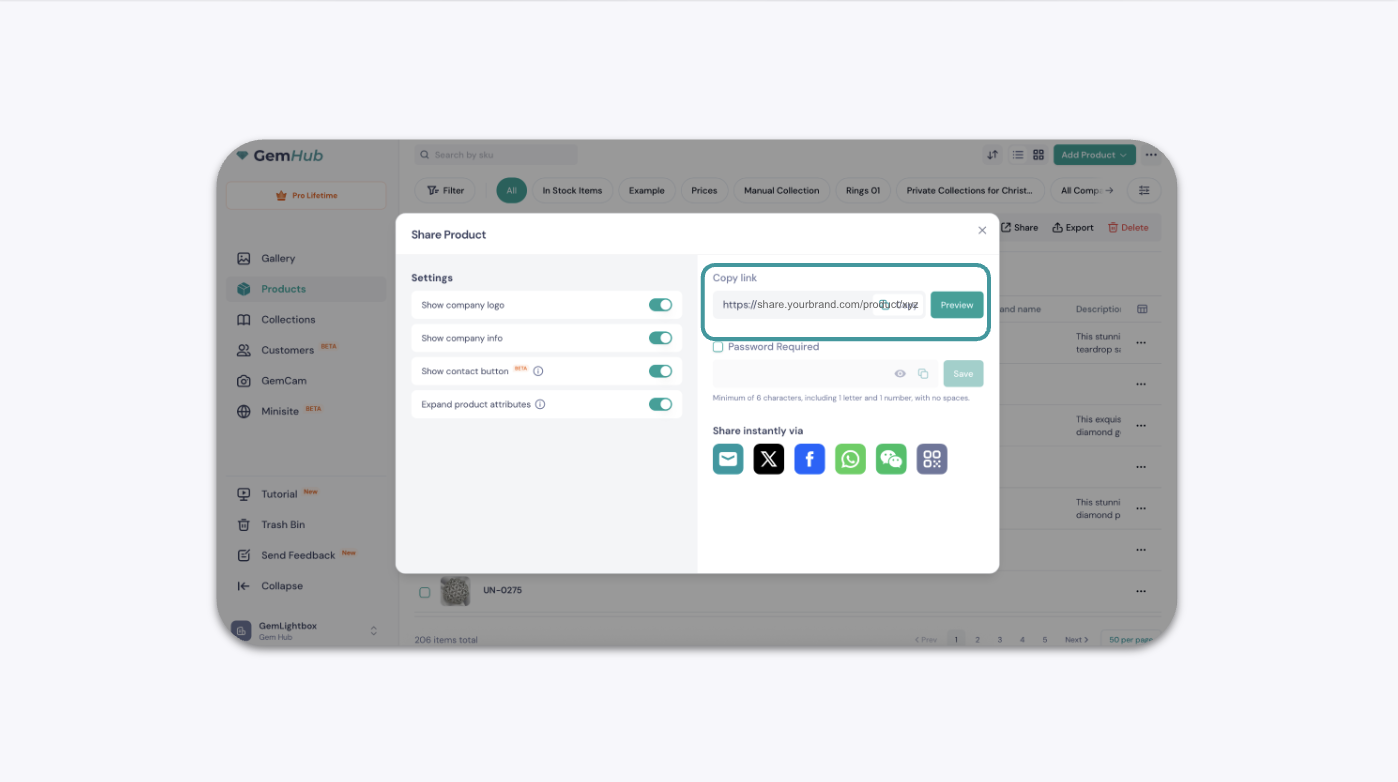
By default, GemIQ share links use the gembox.app domain. With a paid subscription, you can connect your own custom domain so every link you share looks professional and on-brand.
Before You Start#
You need an active paid GemIQ subscription.
You need access to your domain provider account (e.g., GoDaddy, Cloudflare, Namecheap) to create a subdomain and add DNS records.
Decide on your subdomain in advance. If your main domain is
yourbrand.com, a common choice isshare.yourbrand.com.
Steps#
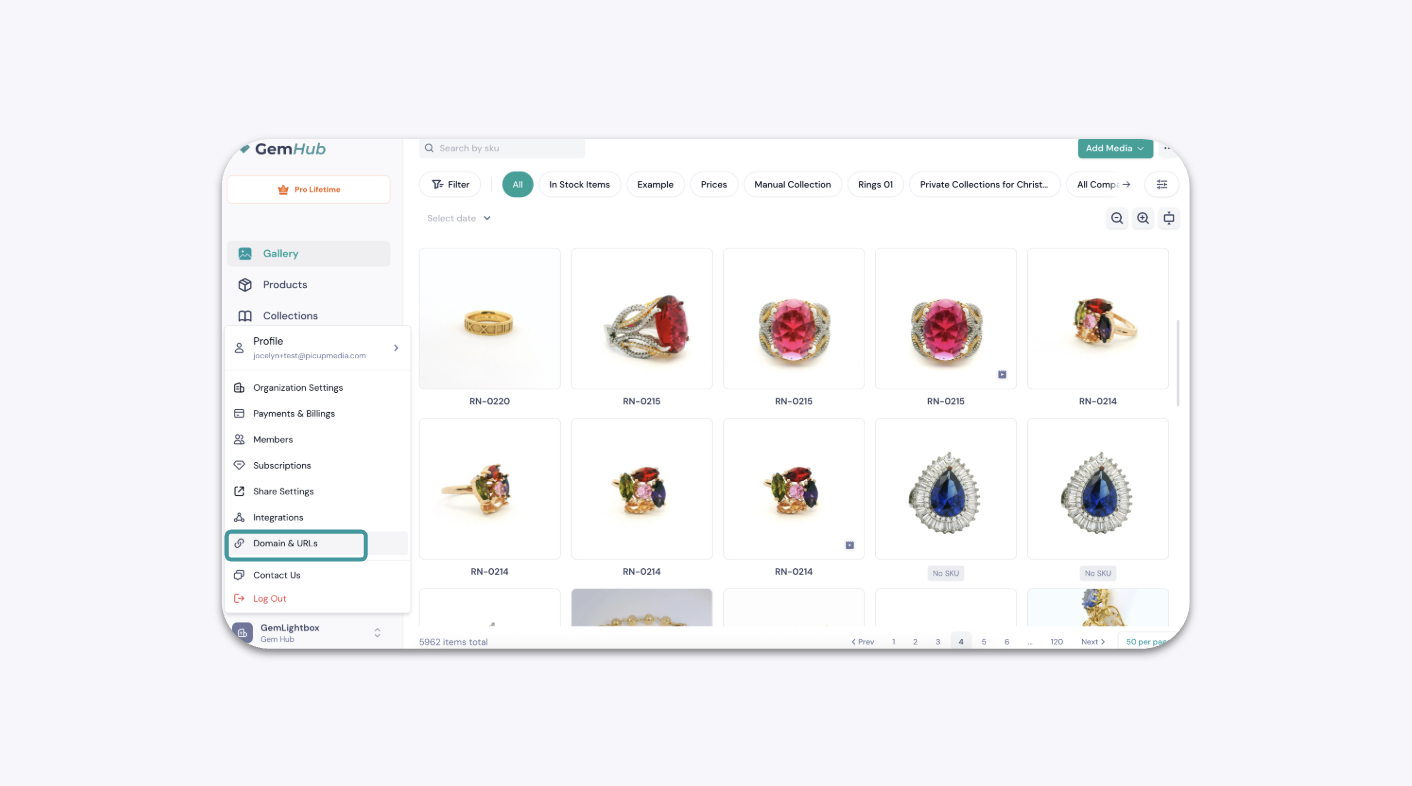
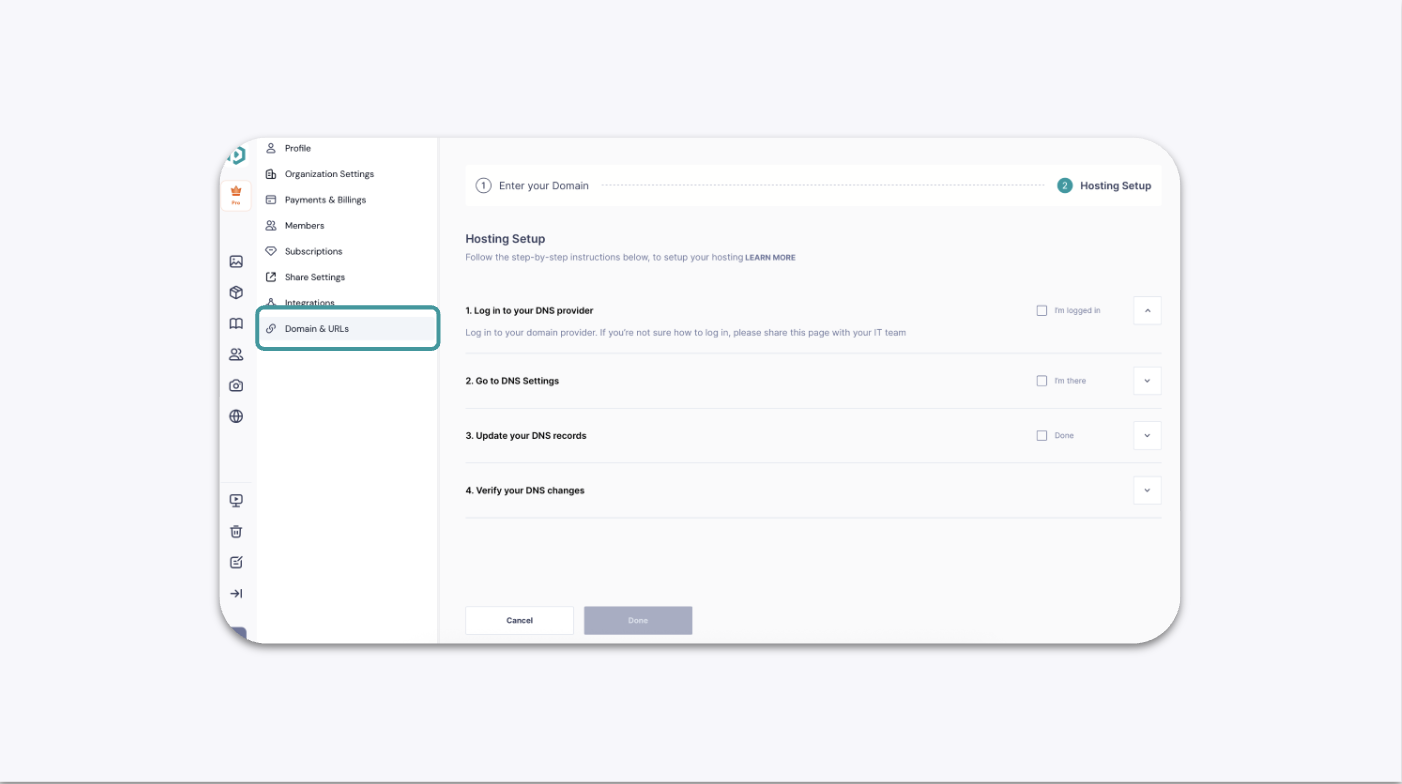
1. Open Domain and URL Settings#
Click the