Quick Answer#
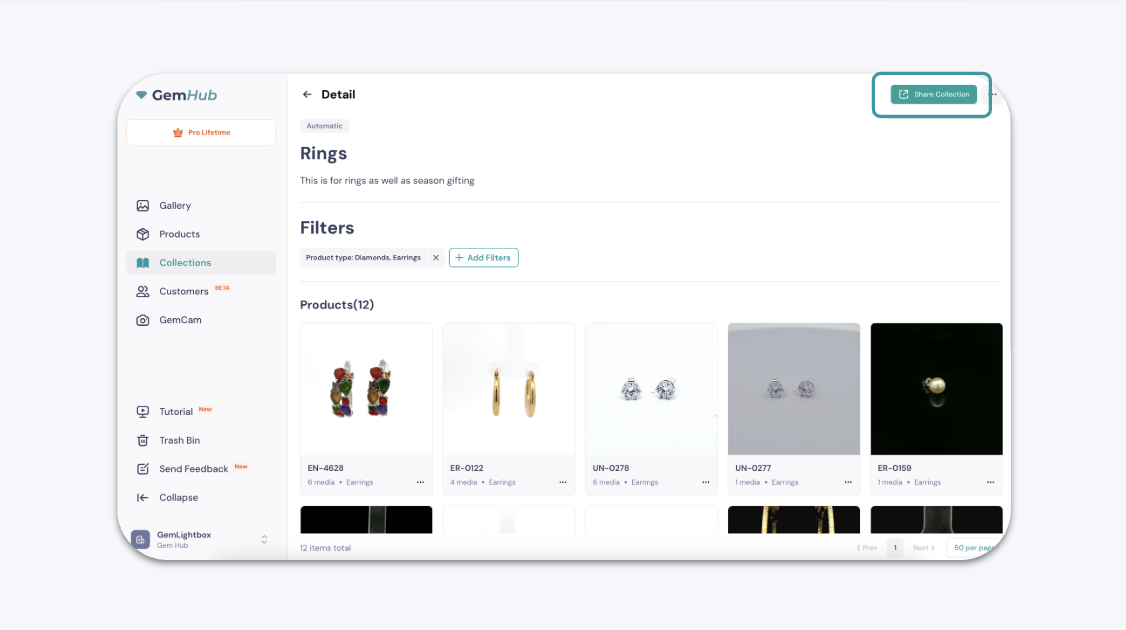
You can create a shareable link for a collection of your products directly from GemIQ. This allows you to easily showcase a curated group of items to your customers. You can generate this link from either the main Collections screen or from within a specific collection you are viewing.
Before You Start#
Ensure you have GemIQ installed on your device.
You must have at least one collection created with products added to it.
Steps#
There are two ways to share your collection:
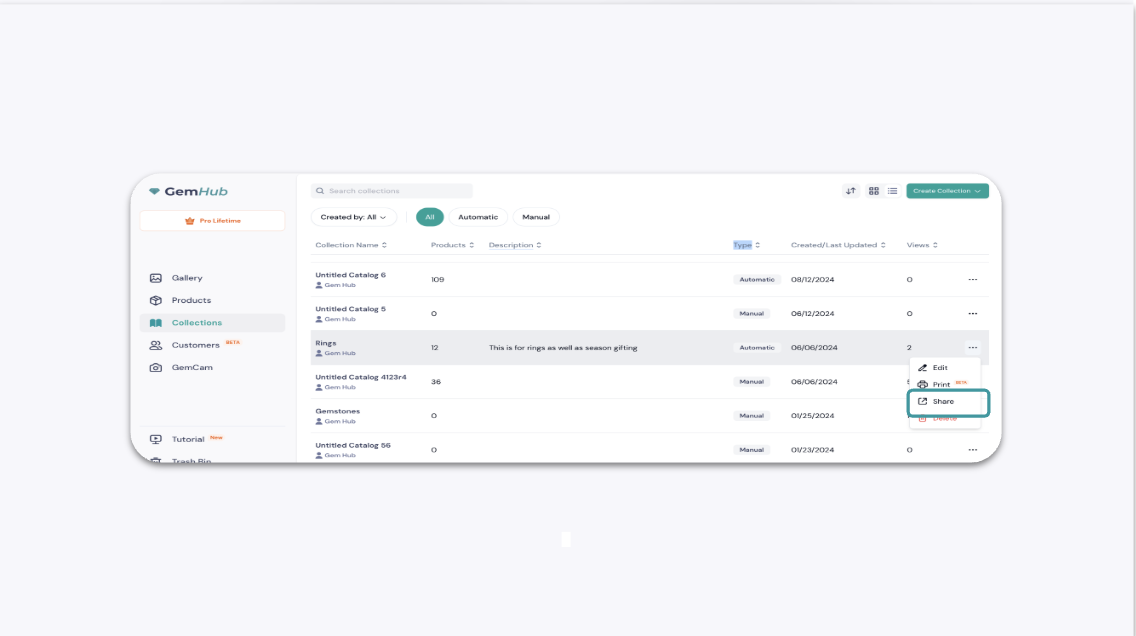
From the Main Collections Screen
Open the GemIQ and navigate to the Collections section.
Locate the collection you wish to share.
Click the ellipsis menu (⋯) on the collection card.
Select Share from the dropdown menu.