Quick Answer#
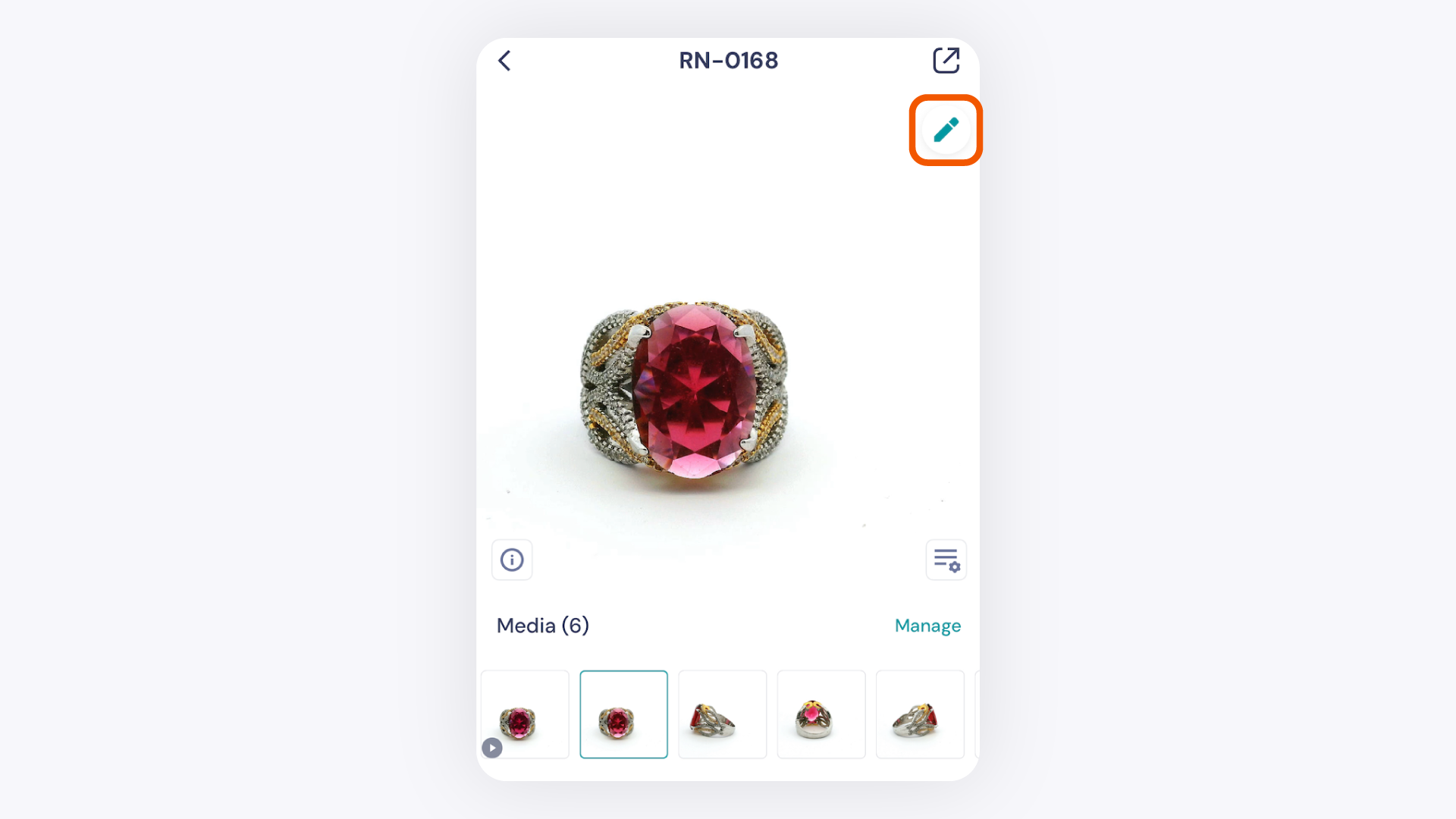
AI Retouch in GemIQ automatically enhances your jewelry photos — improving color accuracy, reducing noise, and sharpening detail in seconds. Open any image in GemIQ, tap the pencil icon, then tap AI Retouch. No manual editing skills needed.
Before You Start#
GemIQ application installed and up to date on your phone
Image already captured or saved inside GemIQ
Steps#
Select your image. Open the GemIQ application and tap the image you want to retouch.
Enter Edit Mode. Tap the 3 dots on the bottom right and tap on 'Edit Image'.
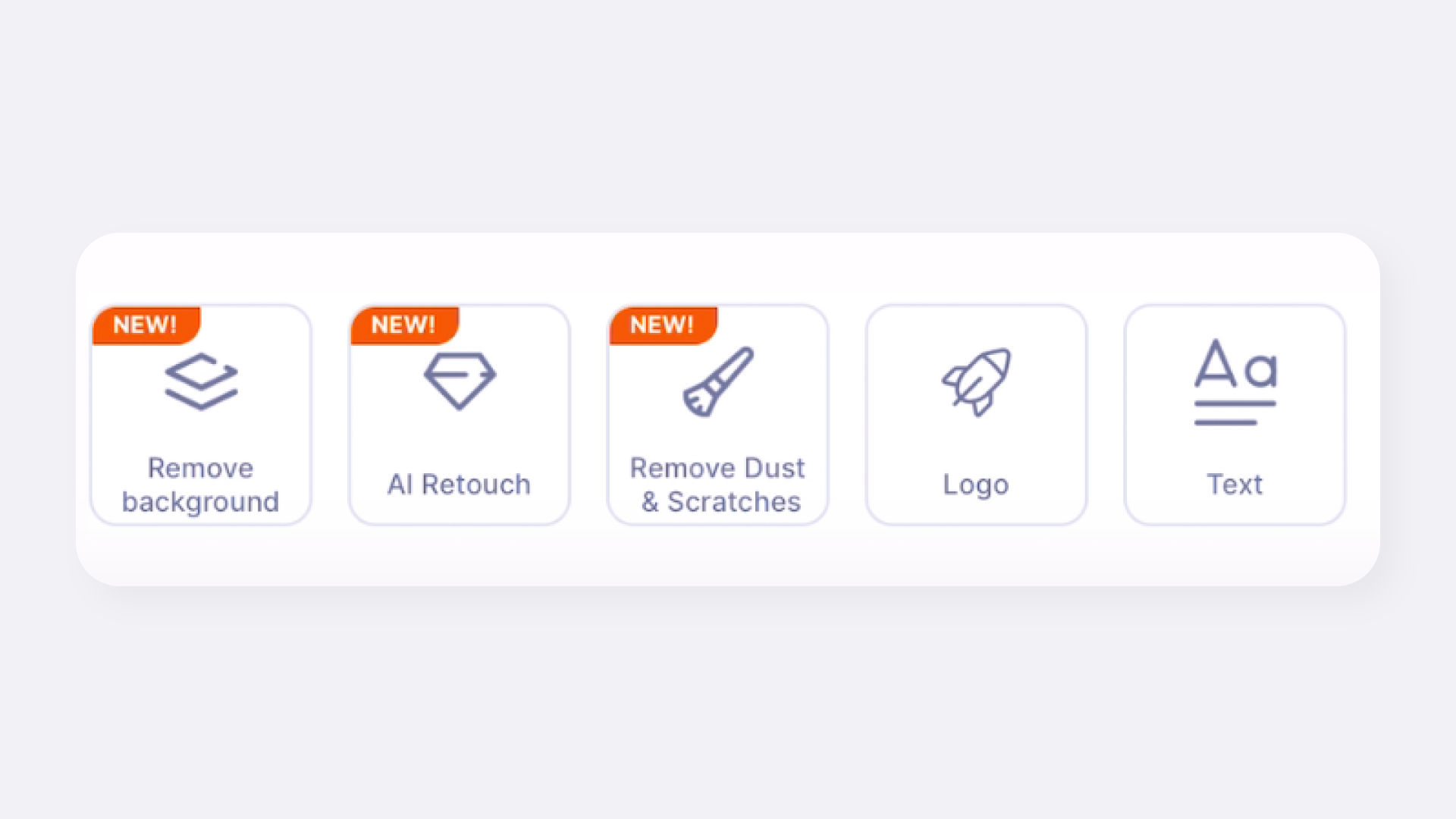
Tap AI Retouch. In Edit Mode, tap the AI Retouch option to start the automated enhancement.