

Quick Answer#
To reduce glare on transparent gemstones, turn off or reduce direct light sources hitting the stone, adjust the positioning of your magnetic sparkle lights, and make sure you have the correct scene preset selected for your background.
Adjust the GemCam Pro Lighting (Desktop Only)#
If you're shooting with the GemCam Pro, the camera has built-in front-facing lighting that can cause direct glare on transparent stones like aquamarines, topazes, and clear quartz.
To reduce this:
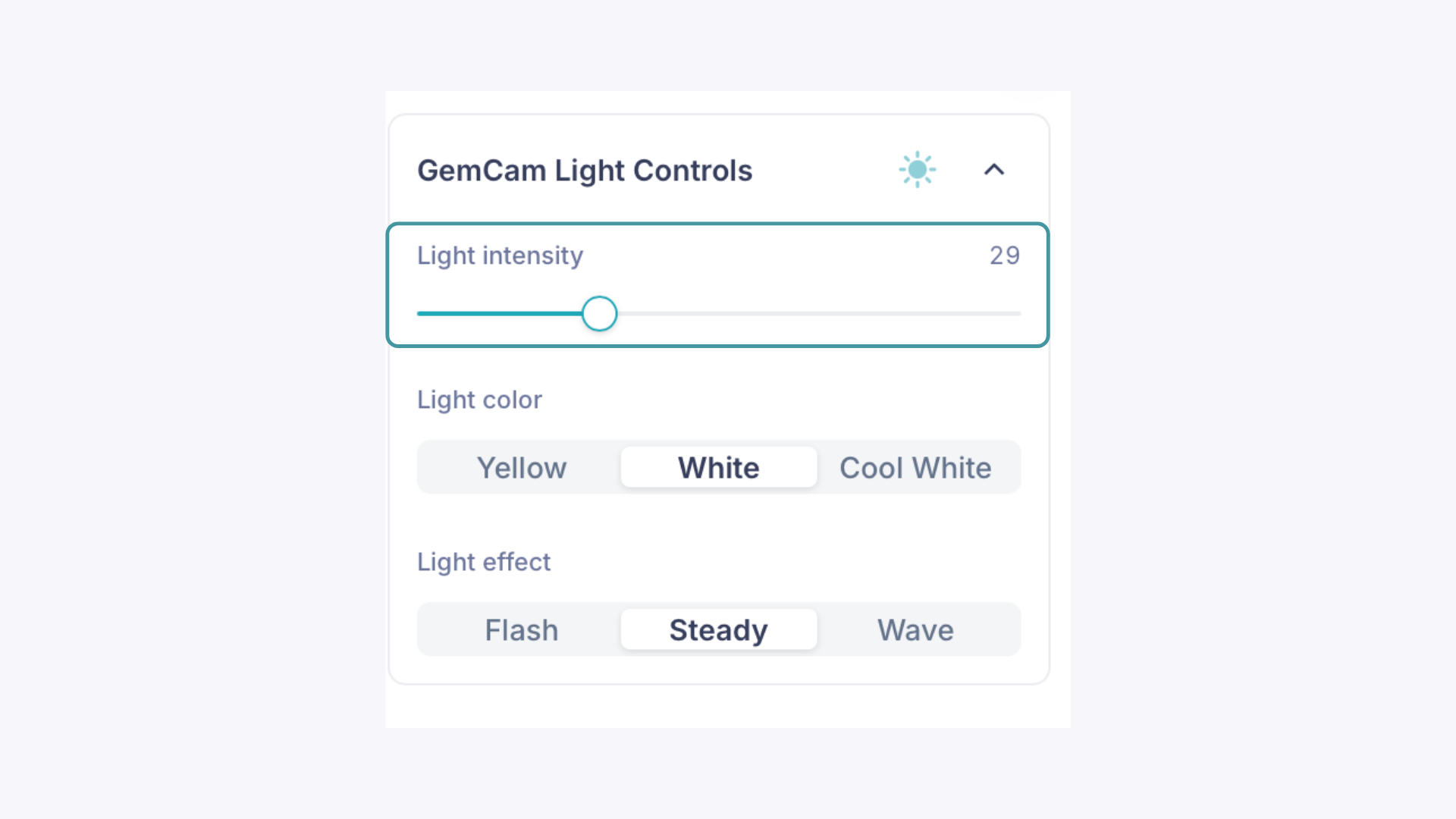
Go to the GemCam Light Controls panel in the GemIQ desktop app and turn the light intensity down or off entirely
Adjust the vertical angle of the GemCam Pro so the light is not hitting the gemstone directly
The GemLightbox itself provides enough ambient light for many shots, so you may not need the GemCam Pro's front light at all when photographing transparent stones.
Adjust or Remove the Magnetic Sparkle Lights#
The magnetic sparkle lights on the sides of the GemLightbox can be a direct source of glare on transparent gemstones. Try the following:
Move the magnetic lights up or down to change the angle at which light hits the stone
Adjust the angle of the light itself so it's not pointed directly at the gemstone
Remove the magnetic lights entirely if they're causing too much glare, the GemLightbox's built-in lighting is often sufficient on its own
Select the Correct Scene Preset#
An incorrect scene preset can make glare worse by applying the wrong exposure settings for your background.
If shooting on a white background, make sure White Background is selected under Scene Preset
If shooting on a dark background, select Eclipse Mode under Scene Preset
Using the wrong preset can result in overexposed highlights on the stone that look like glare even when the lighting itself is well-controlled.
Expected Result#
After adjusting your GemCam Pro light controls, repositioning or removing the magnetic sparkle lights, and selecting the correct scene preset, your transparent gemstones should appear with natural clarity, even color, and significantly less glare or blown-out highlights.
Common Questions#
Should I always turn off the GemCam Pro light when shooting transparent gemstones? Not necessarily. Start by lowering the intensity and adjusting the angle before turning it off completely. Some stones still benefit from a small amount of front light for depth and clarity. It depends on the specific piece.
Can I shoot transparent gemstones without the magnetic sparkle lights? Yes. The GemLightbox provides enough ambient light for most shots without them. The magnetic lights are best used for adding brilliance to faceted stones like diamonds, so removing them for transparent stones is a common and effective approach.
What if I still see glare after adjusting everything? Try using GemBrush in the media editor to remove any remaining small glare spots after capture. For larger or more persistent glare, revisit the angle of both the GemCam Pro and the magnetic lights.