Quick Answer#
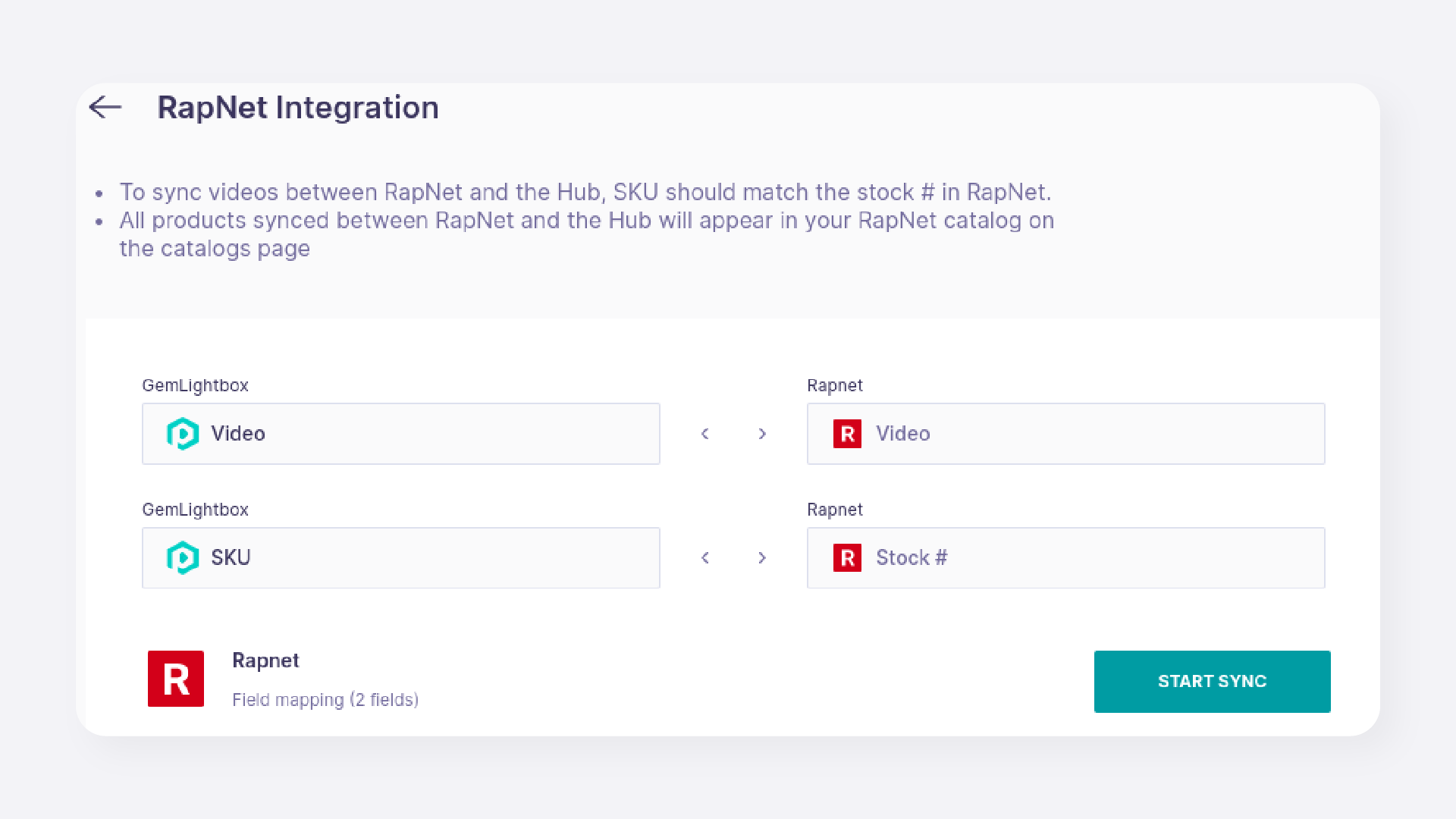
You can connect your GemIQ account to your RapNet account to automatically sync videos to your existing jewelry listings. The integration matches items using the SKU in GemIQ and the "Stock #" in RapNet. This feature only updates videos on existing jewelry listings; it does not create new listings or support loose diamond videos.
Before You Start#
An active GemIQ account with administrator access.
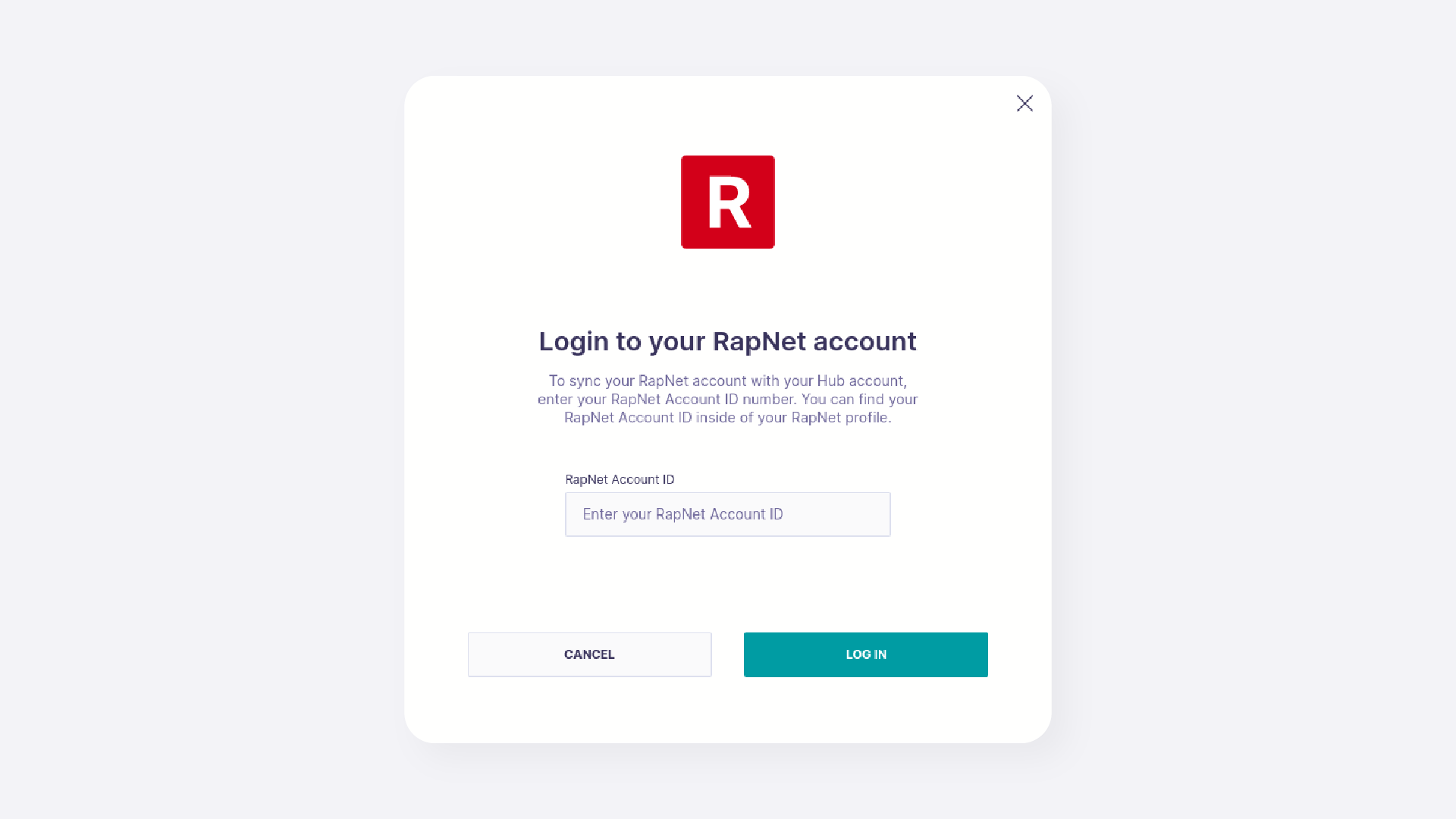
An active RapNet account and your RapNet Account ID.
Existing jewelry listings on your RapNet account.
Videos for your jewelry items already uploaded to GemIQ gallery.
Steps#
Log in to the GemIQ.
In the bottom-left corner, click on your profile name.
Select Integrations from the menu.
Locate the RapNet integration and click Set up Now.