How to Resize an Image After Using GemStudio AI Editing#
Quick Answer#
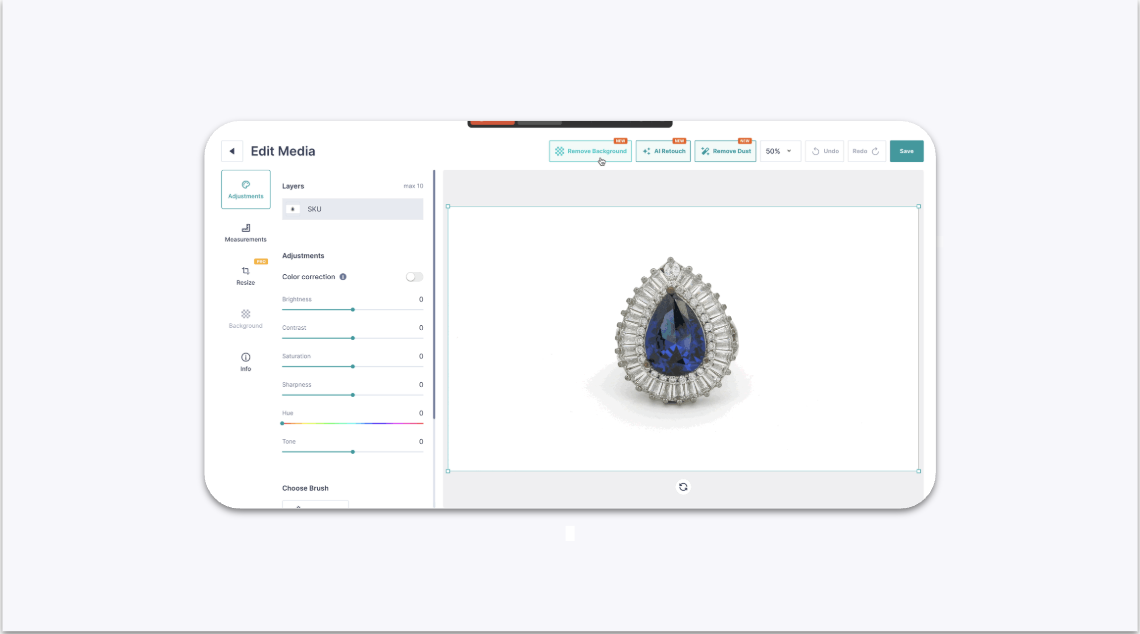
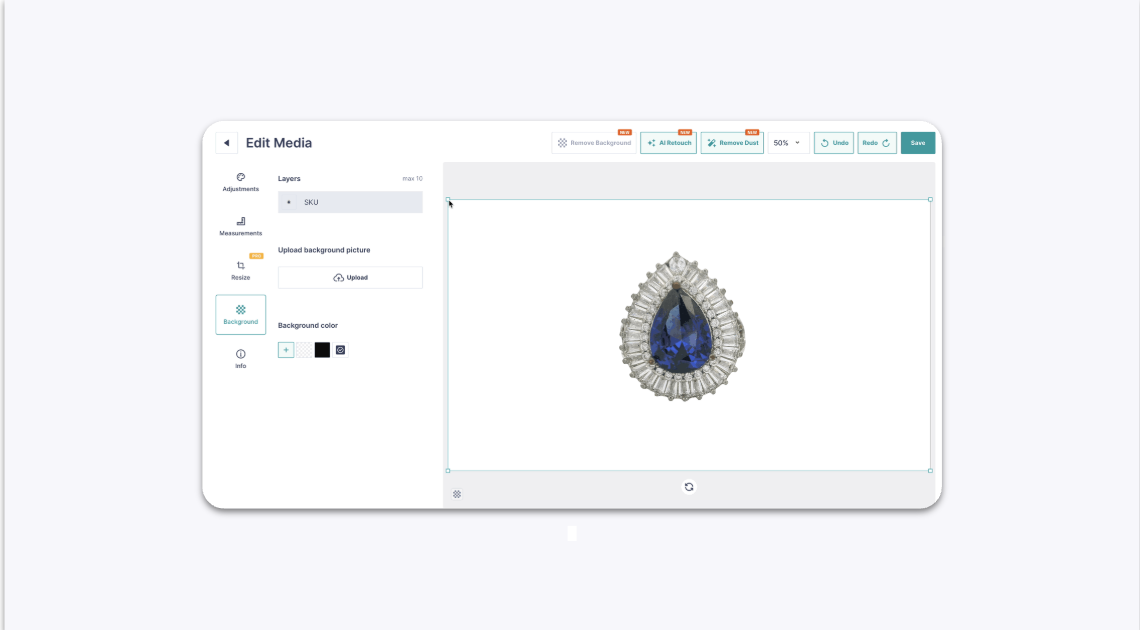
Yes, you can resize your jewelry within the frame after applying GemStudio AI effects like Background Removal or AI Retouch. Simply apply the desired AI effect, then click and drag a corner of the jewelry item to adjust its size before saving your final image.
Before You Start#
You need an image opened in the GemIQ editor.
You should have already applied at least one GemStudio AI effect (e.g., Background Removal, AI Retouch) to the image.
Steps#
In the GemIQ's image editor, select an AI function like Background Removal or AI Retouch and apply it to your image.