How to Use the Erase Brush and Zoom Tool in the GemIQ#
Quick Answer#
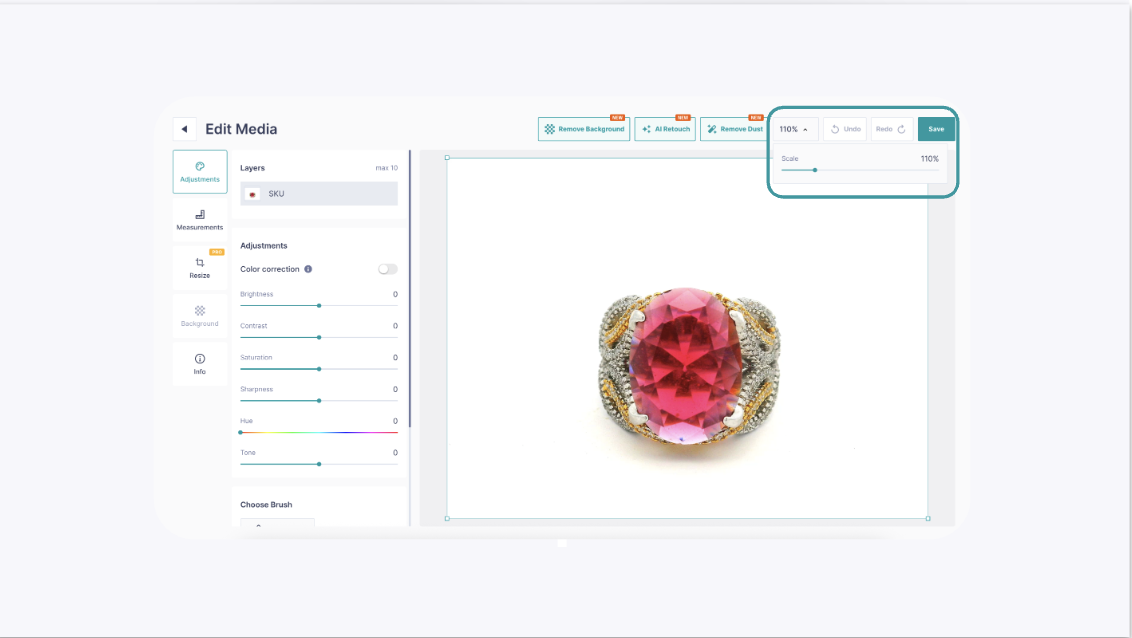
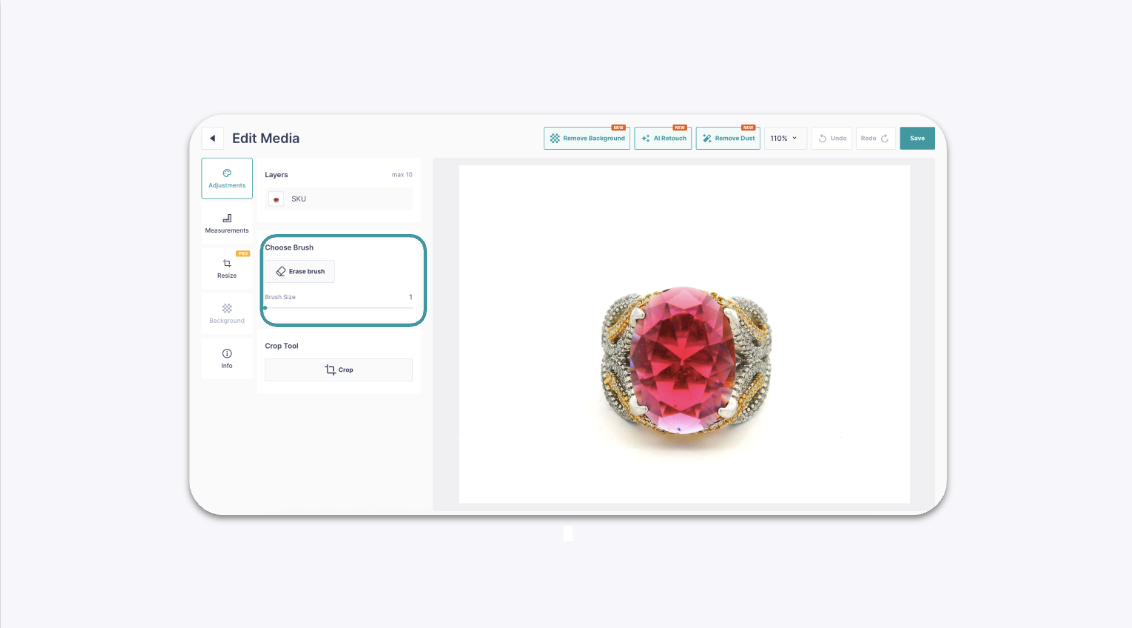
Use the Zoom and Erase Brush tools in the GemIQ's image editor to magnify specific areas of your jewelry photos and precisely remove unwanted elements, such as dust, blemishes, or background imperfections.
Before You Start#
You will need an image saved in your GemIQ gallery that you wish to edit.
Steps#
Open GemIQ and go to your gallery.
Tap on the image you want to edit to open it.

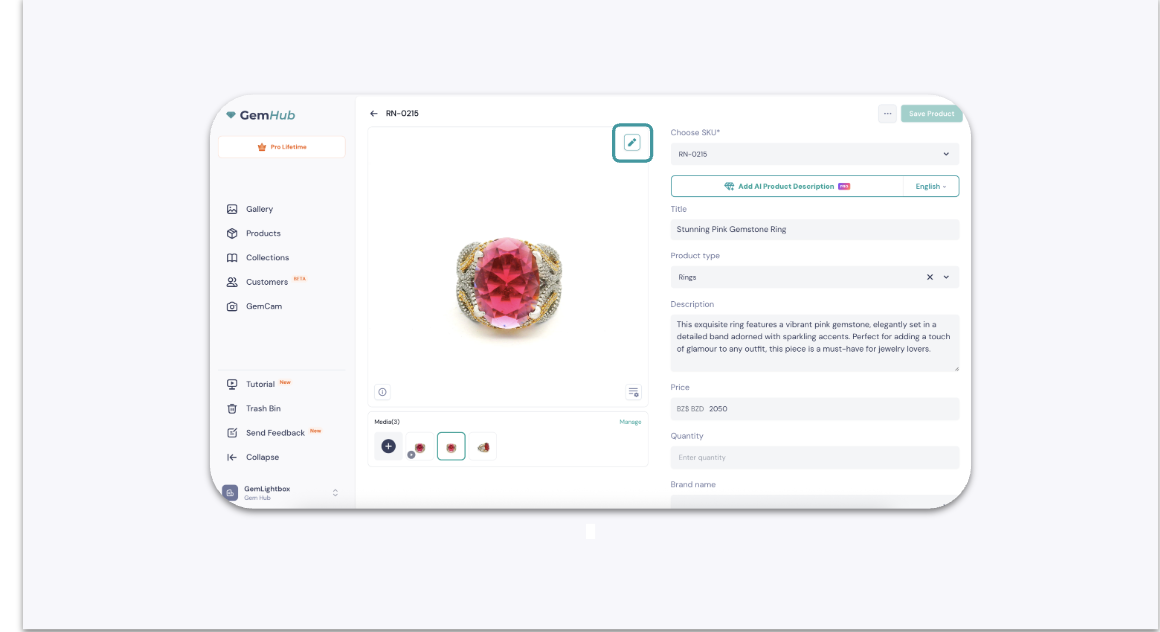
Tap the pencil icon to open the image editor.