Quick Answer#
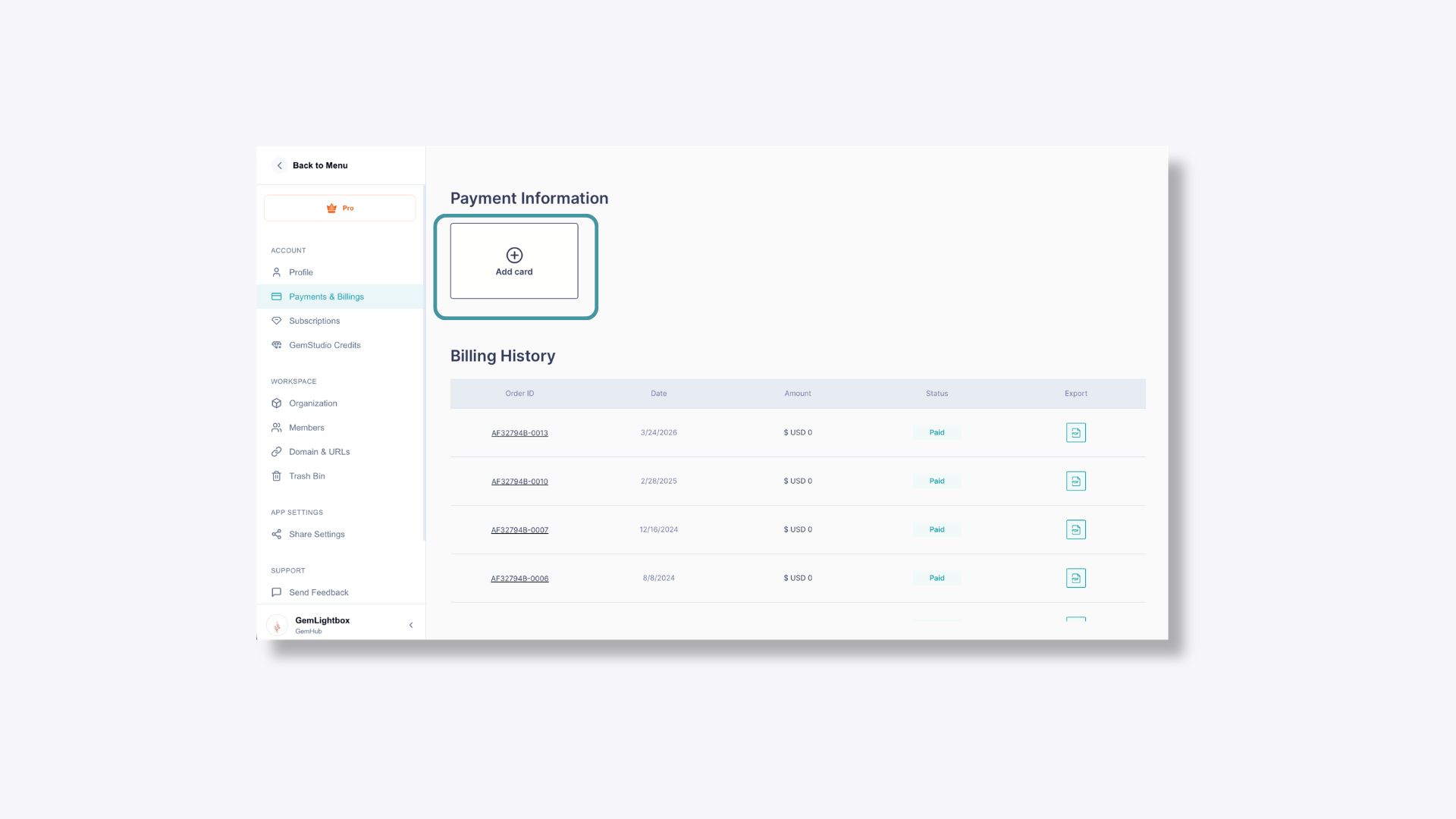
You can save a credit or debit card directly in the GemIQ app under your account's Payments and Billing settings. Once saved, your card will be used automatically when your subscription renews.
Before You Start#
You must be logged in to your GemIQ account.
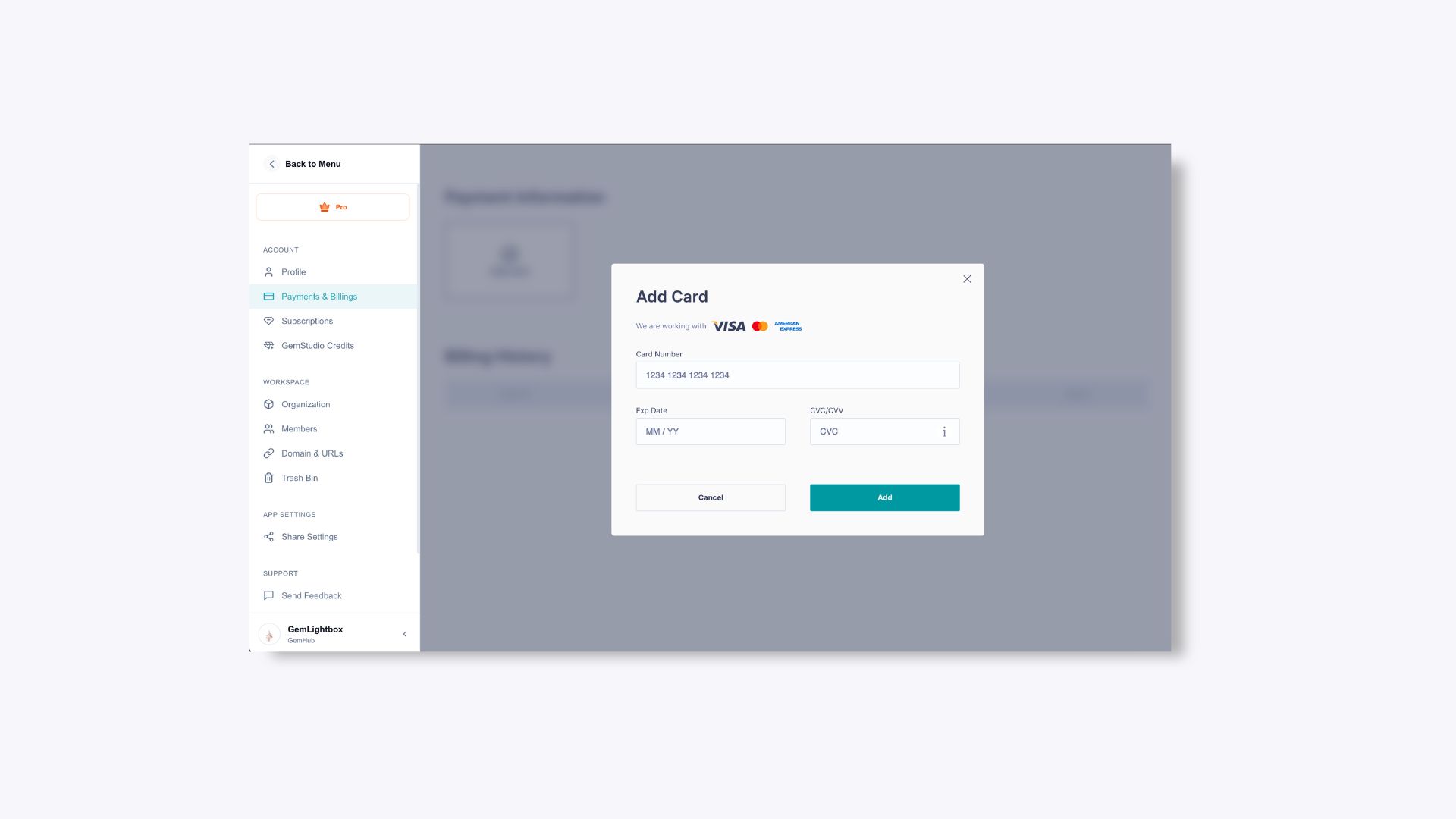
Have your credit or debit card ready (card number, expiration date, and security code).
Steps#
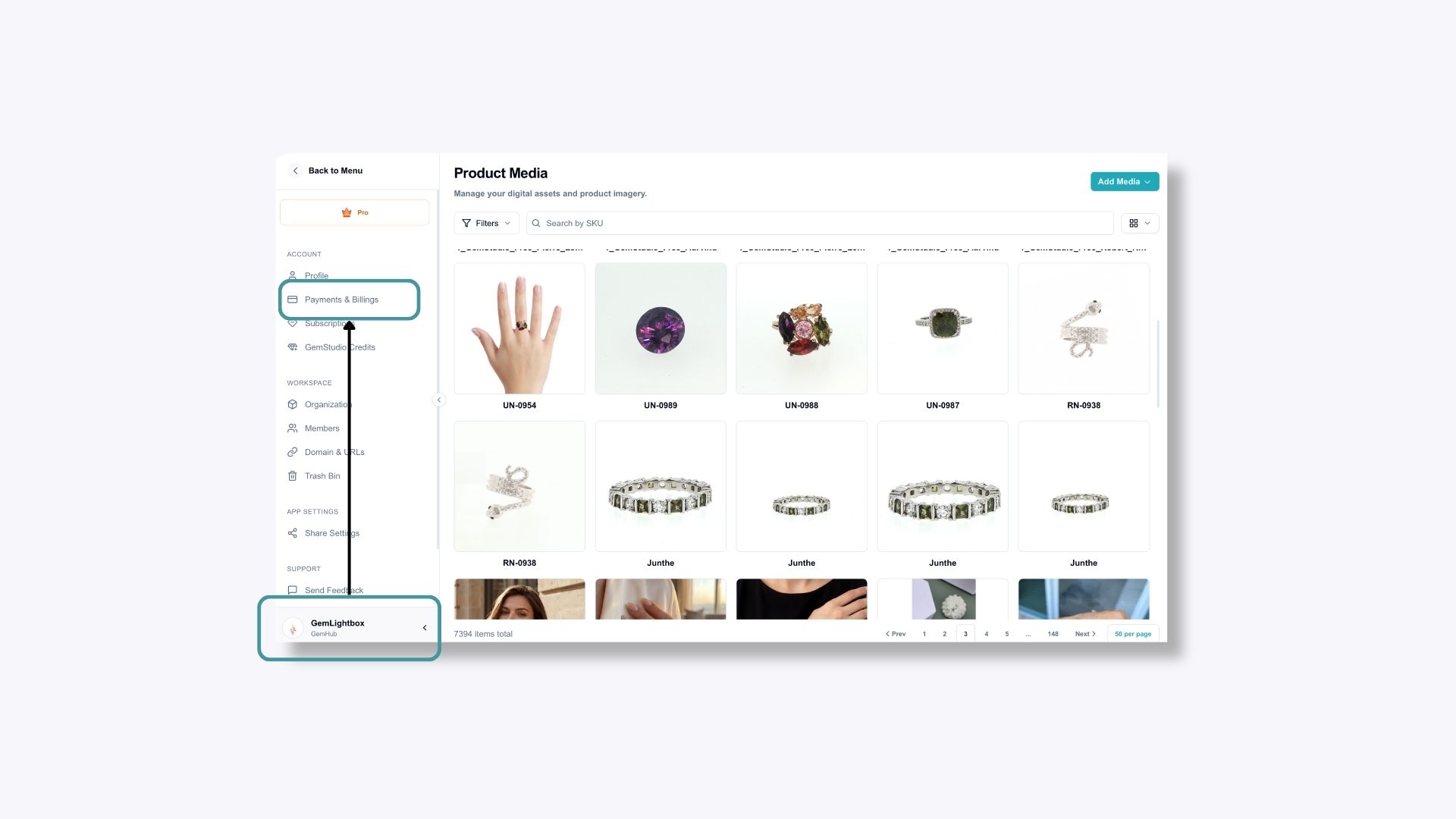
In the GemIQ app, click your Profile icon and select Payments and Billing.
Click Add Card and enter your card details.