How to Manage Your GemIQ Subscription#
Quick Answer#
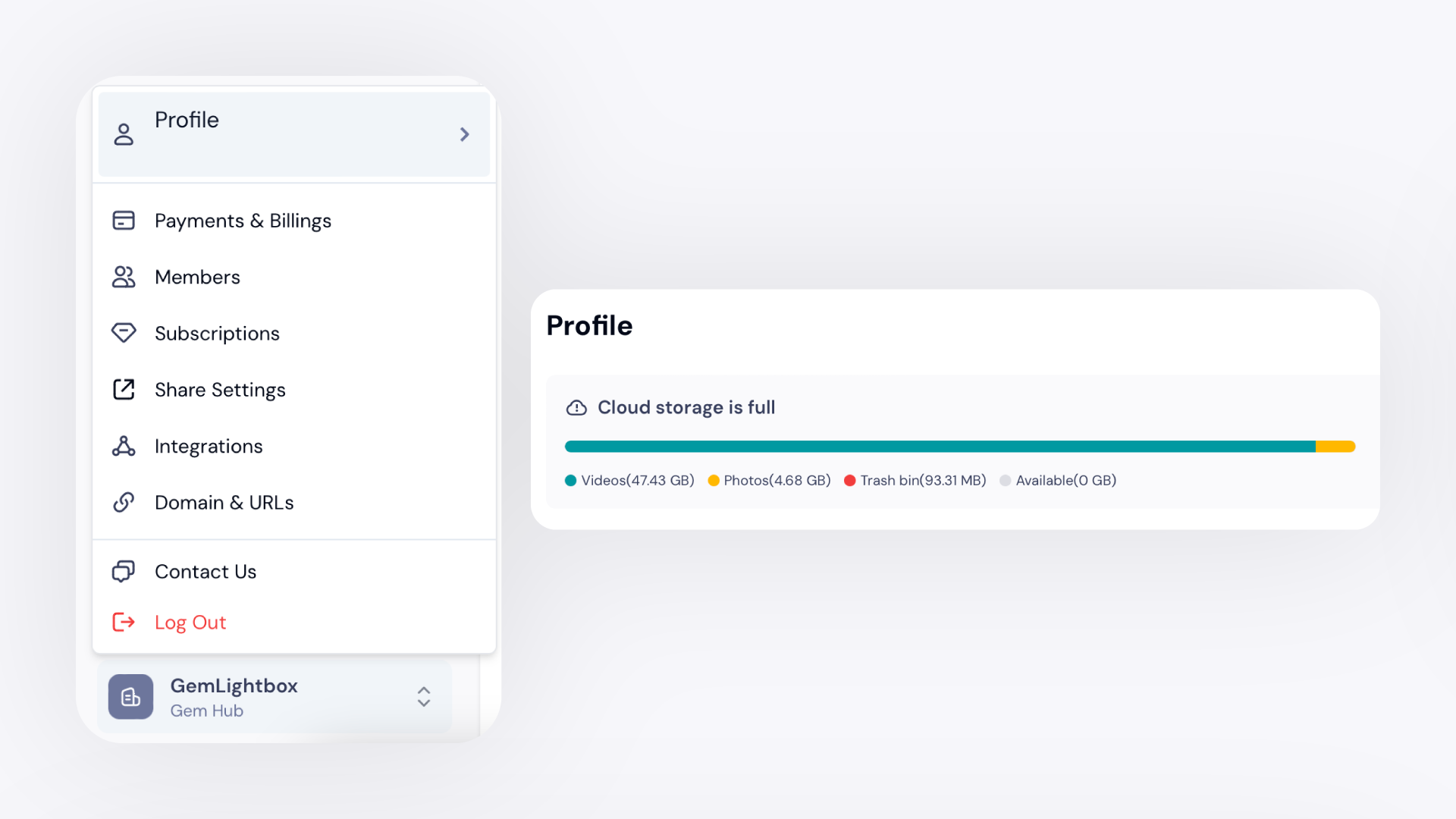
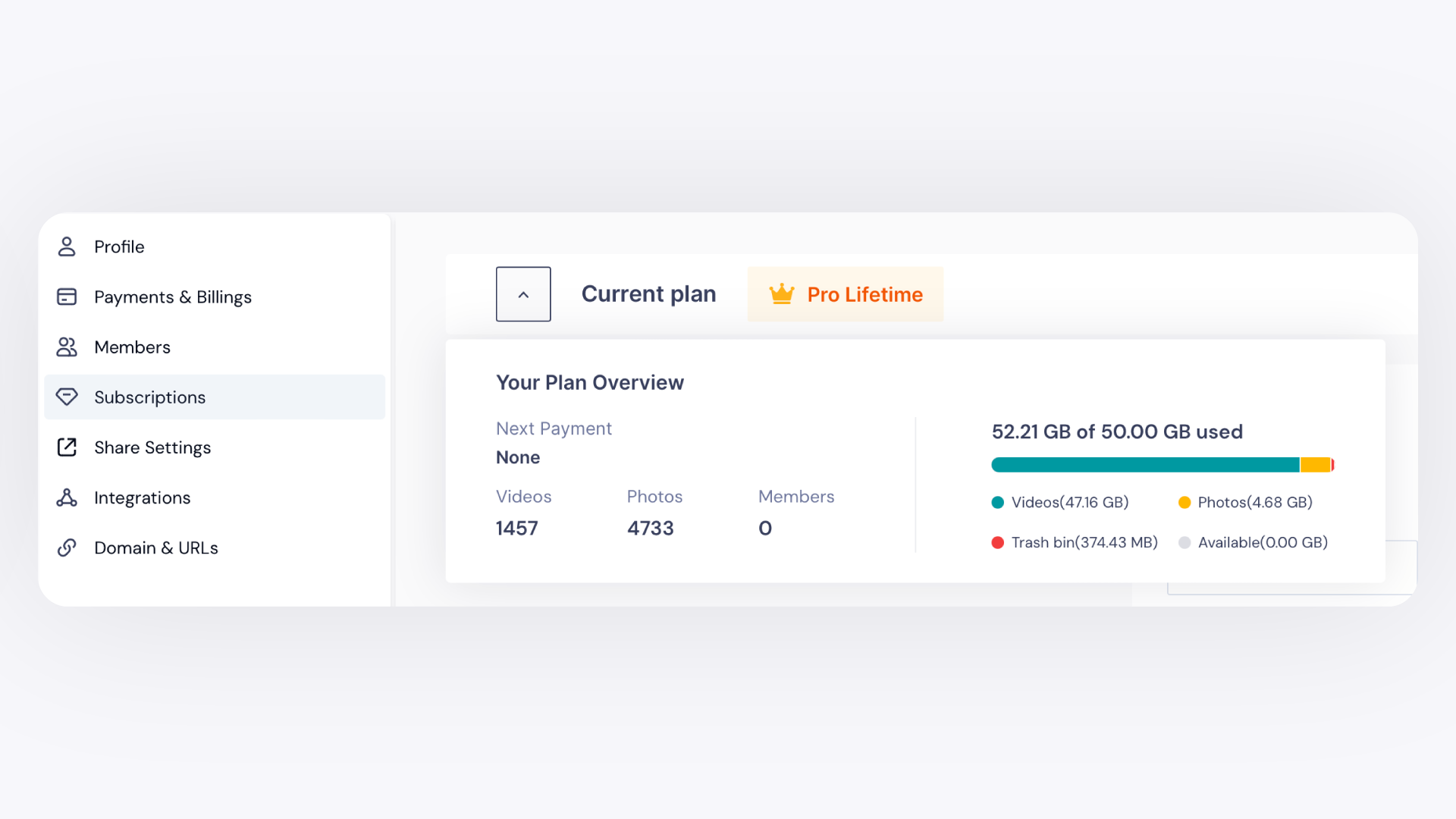
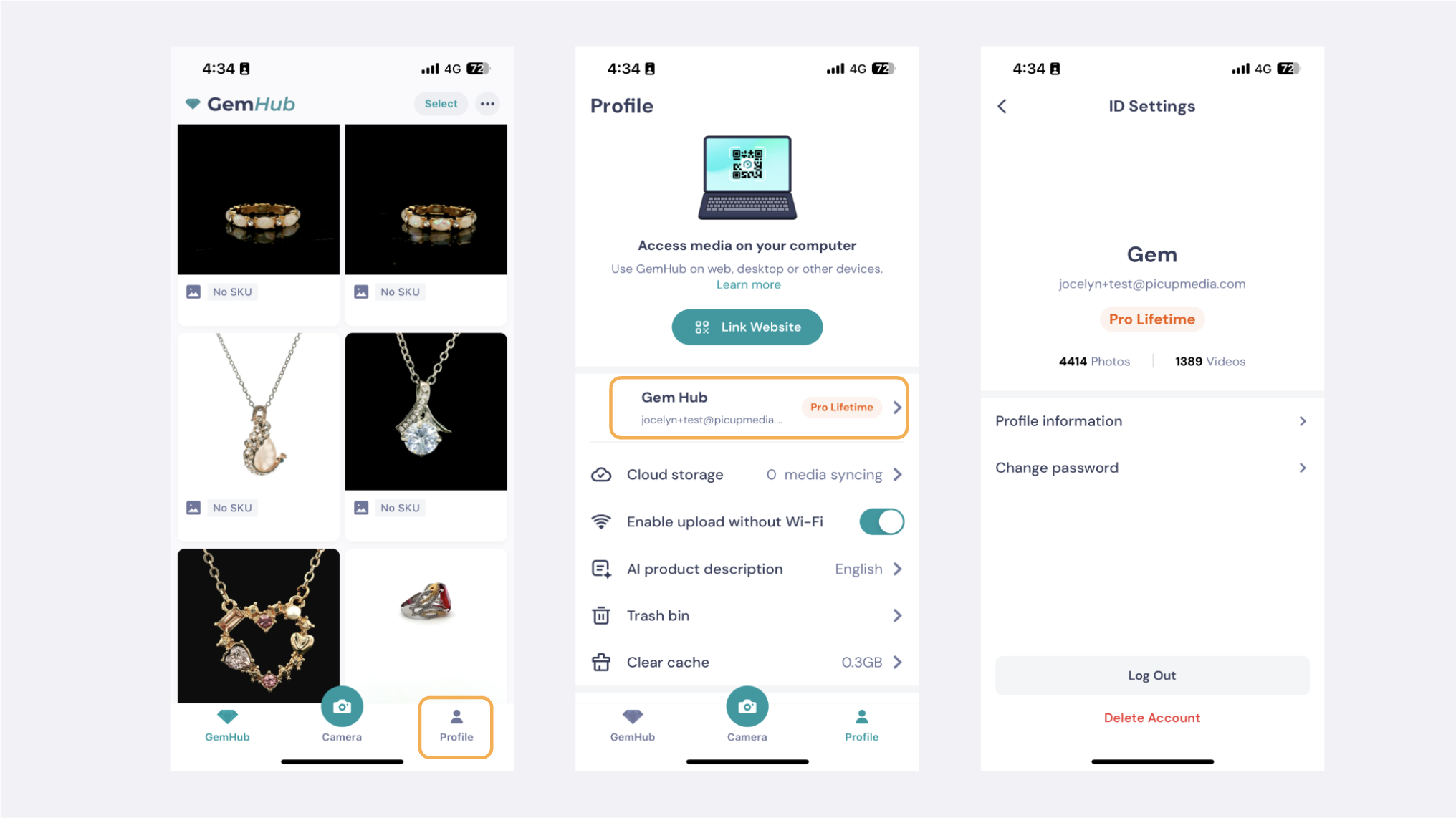
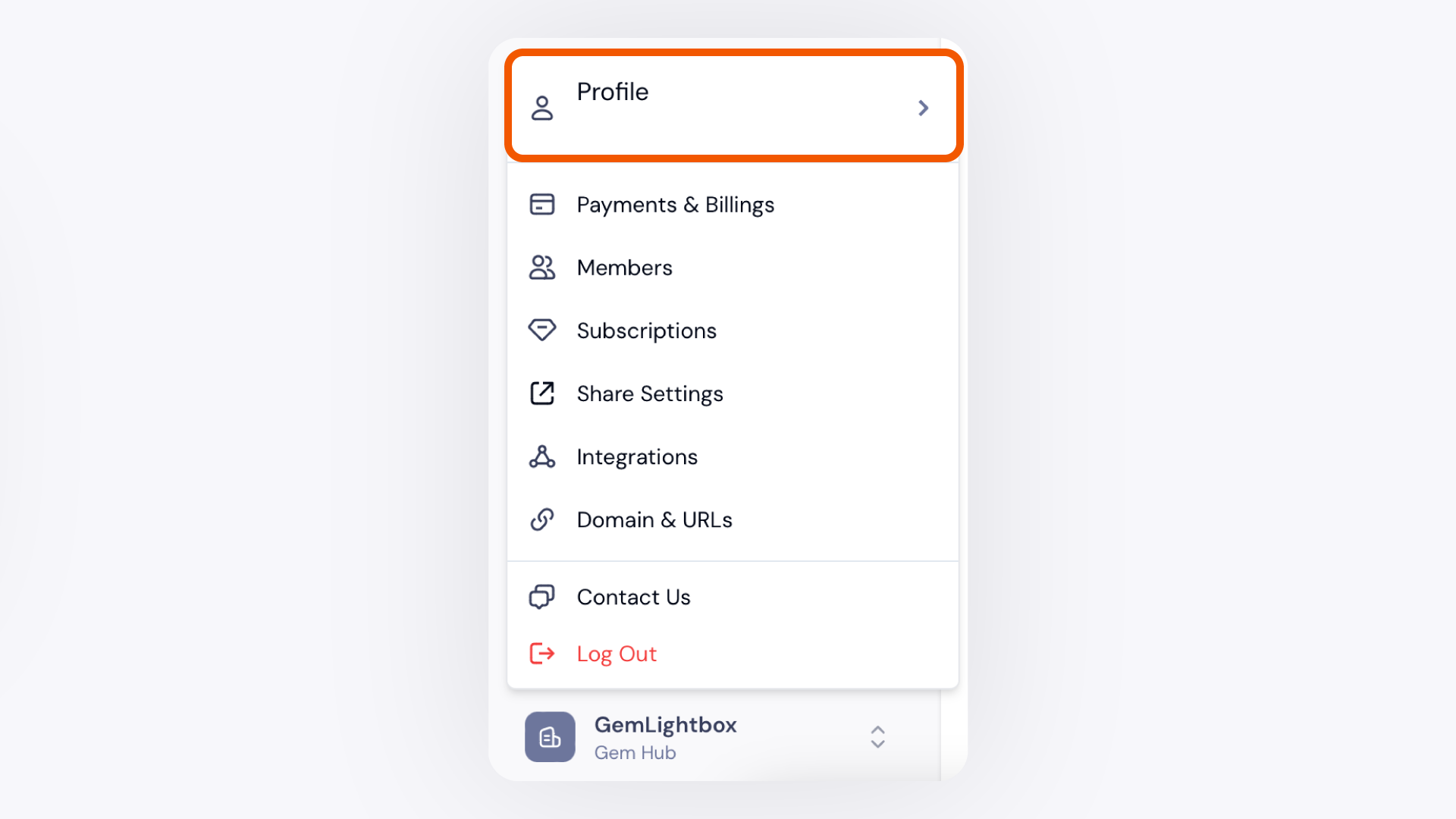
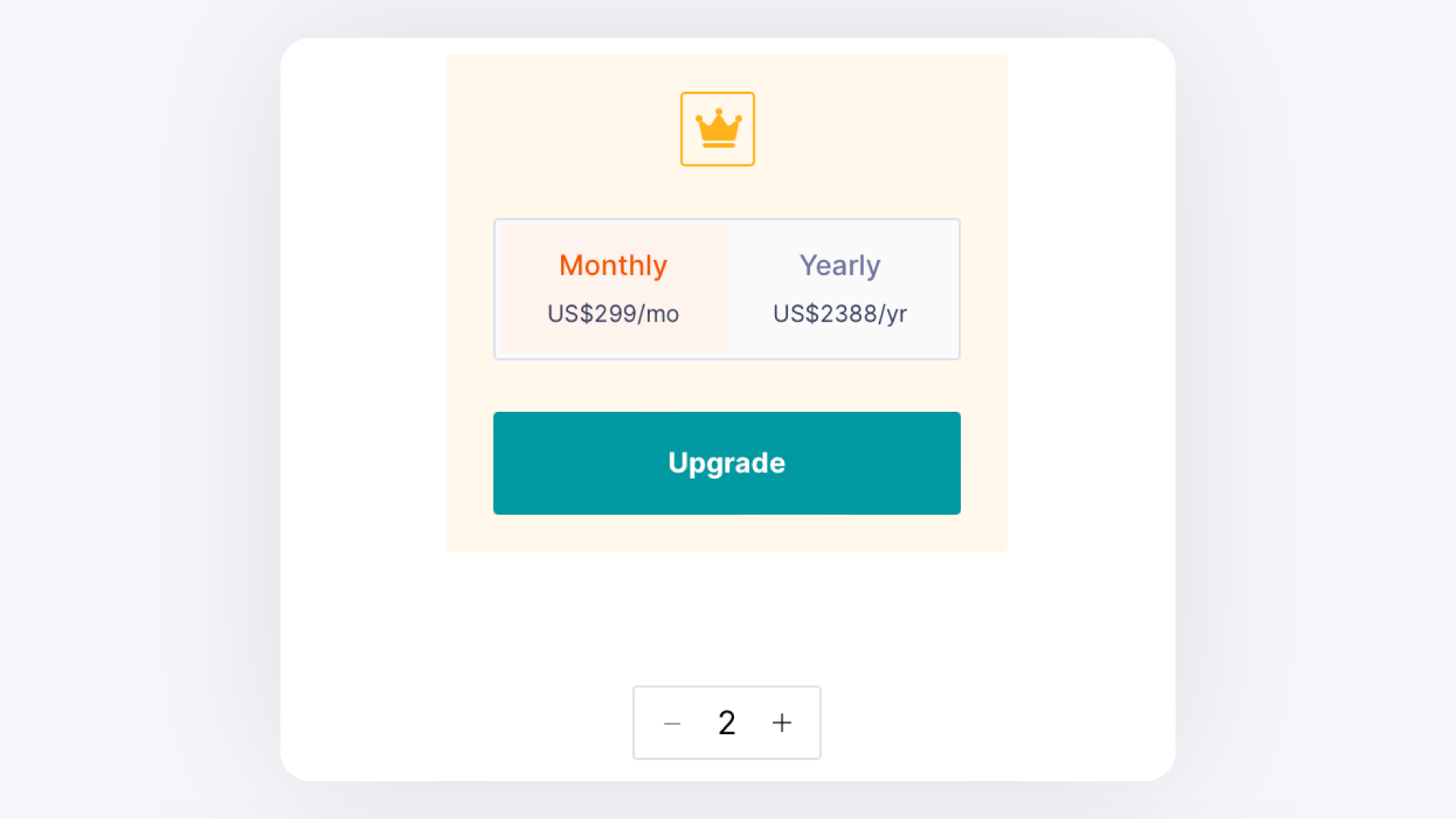
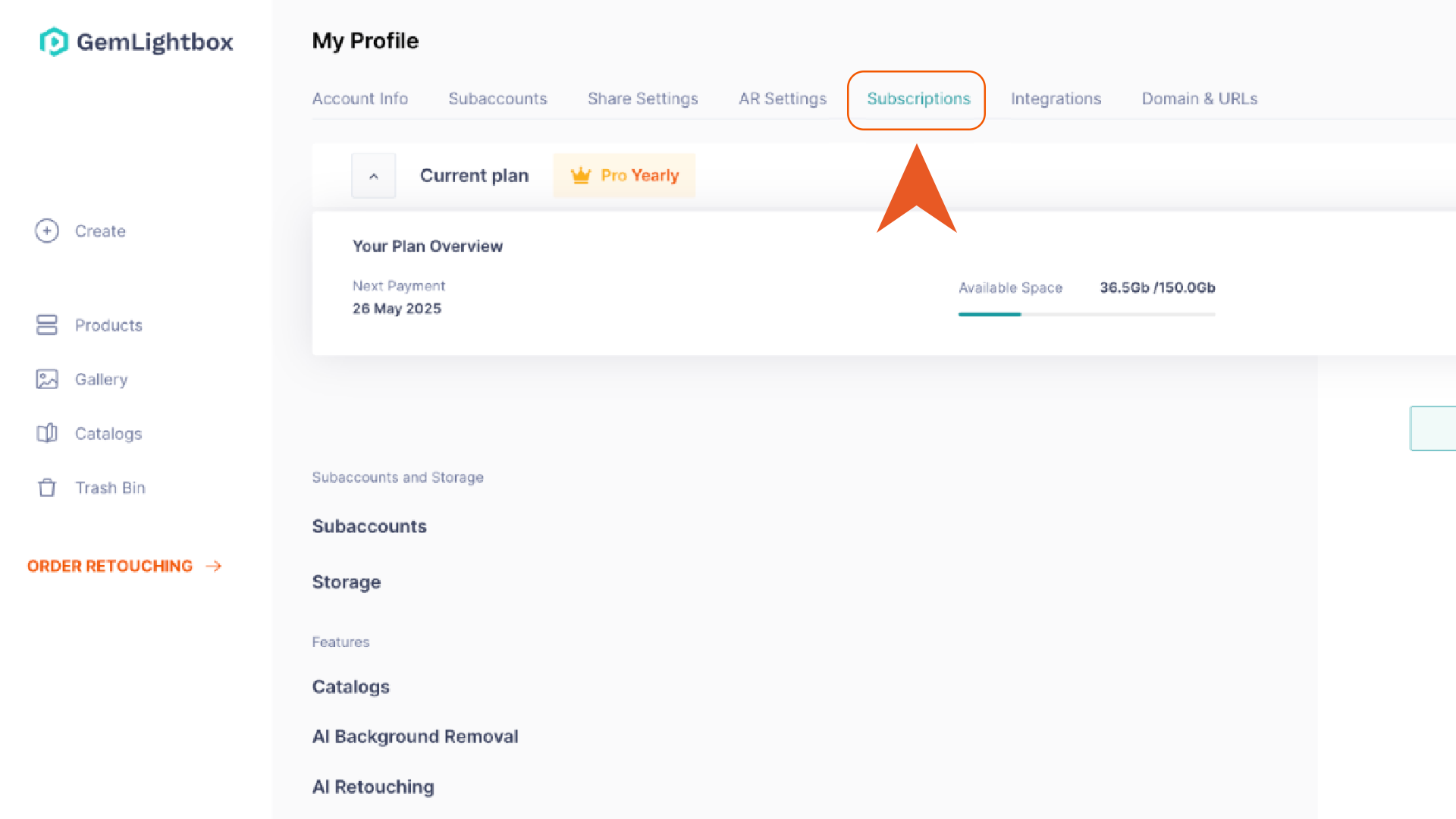
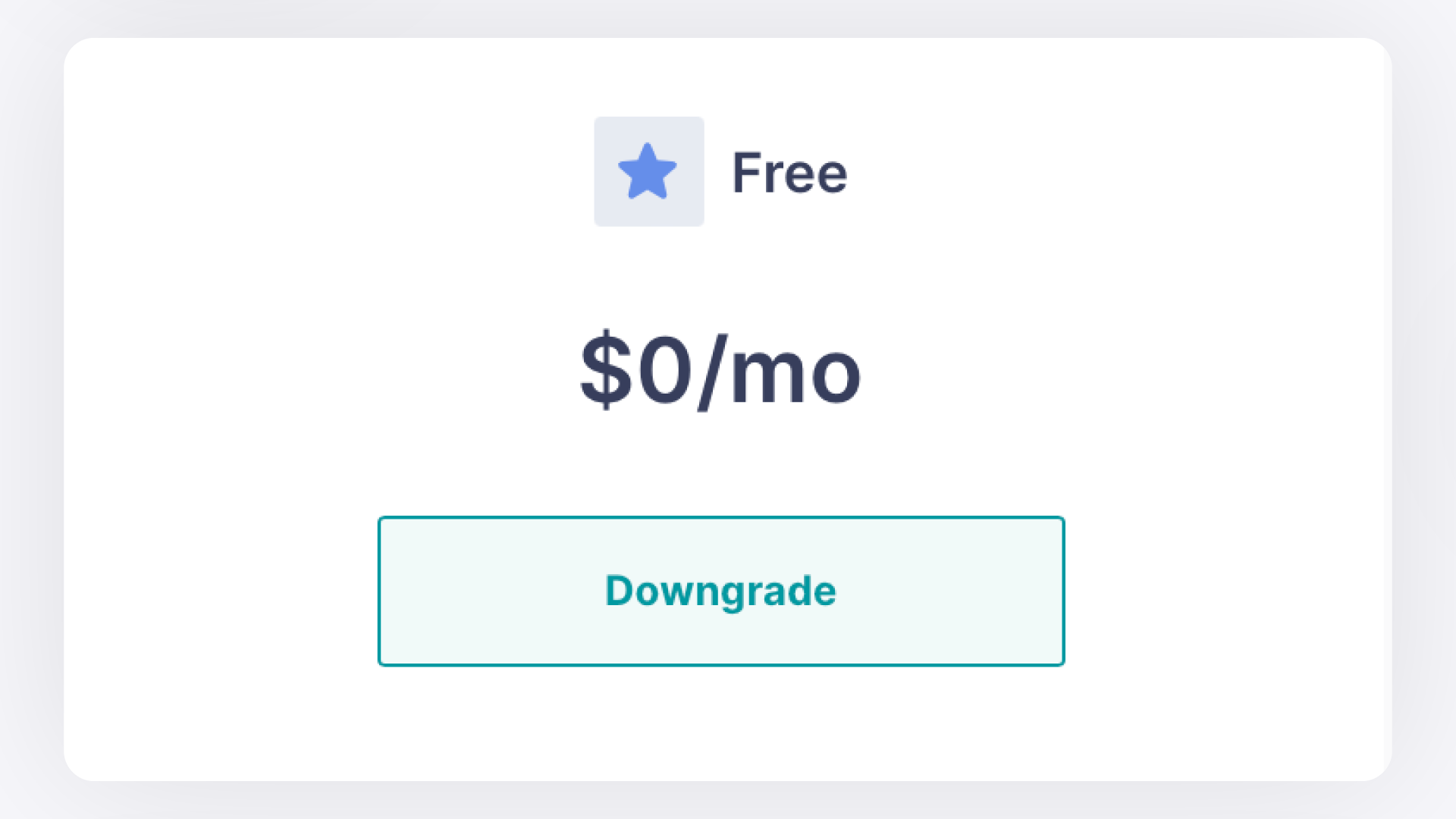
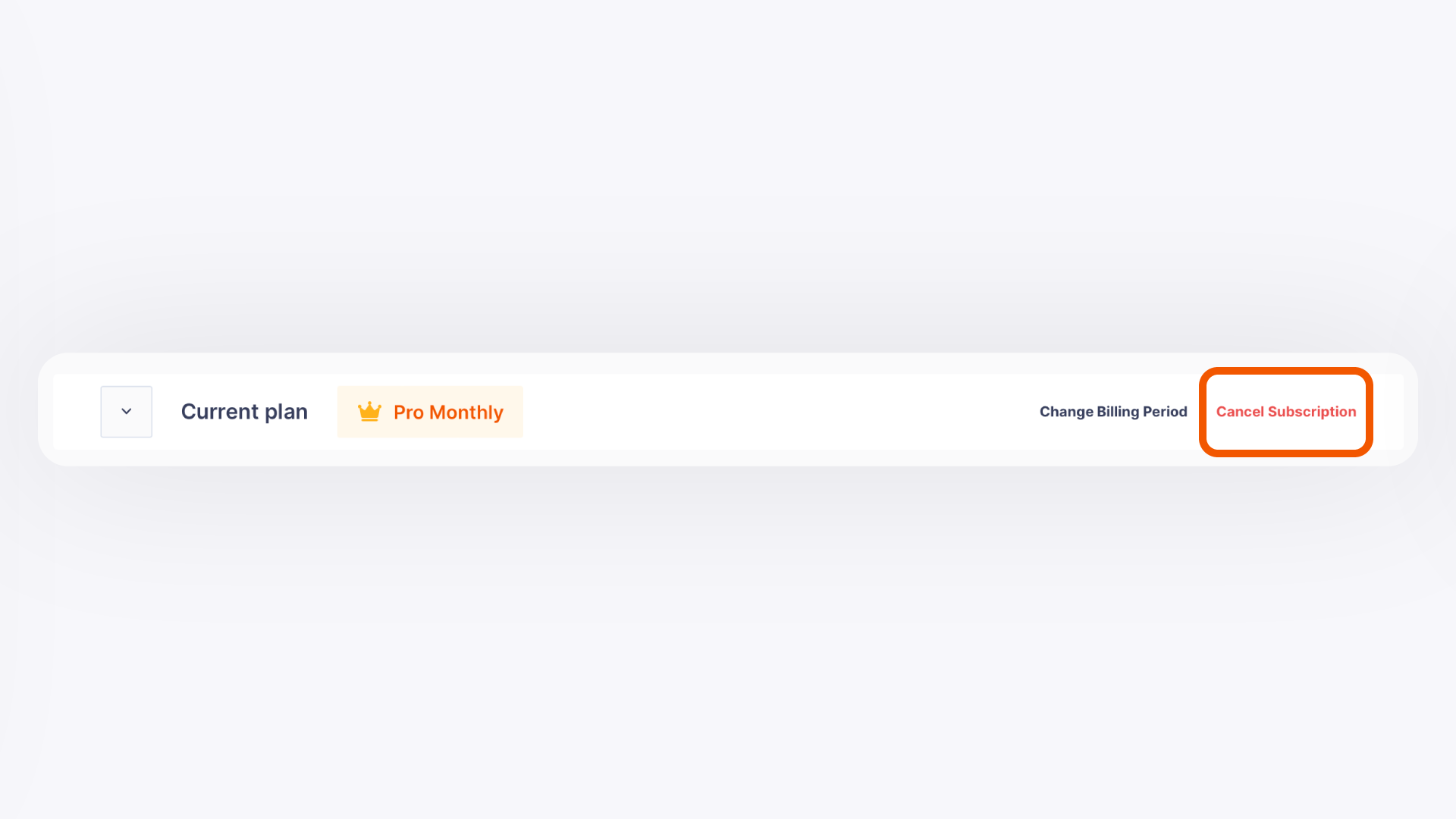
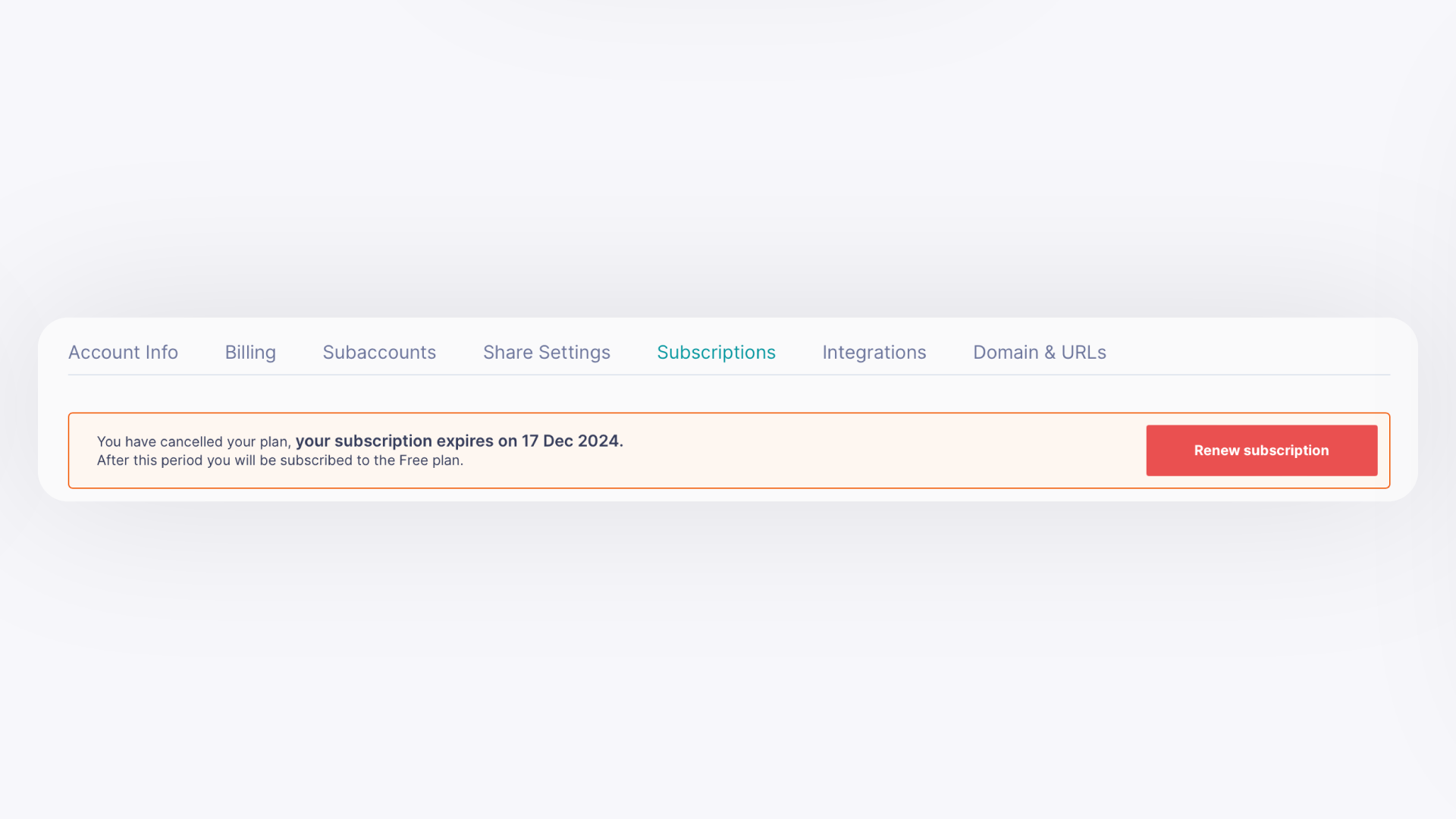
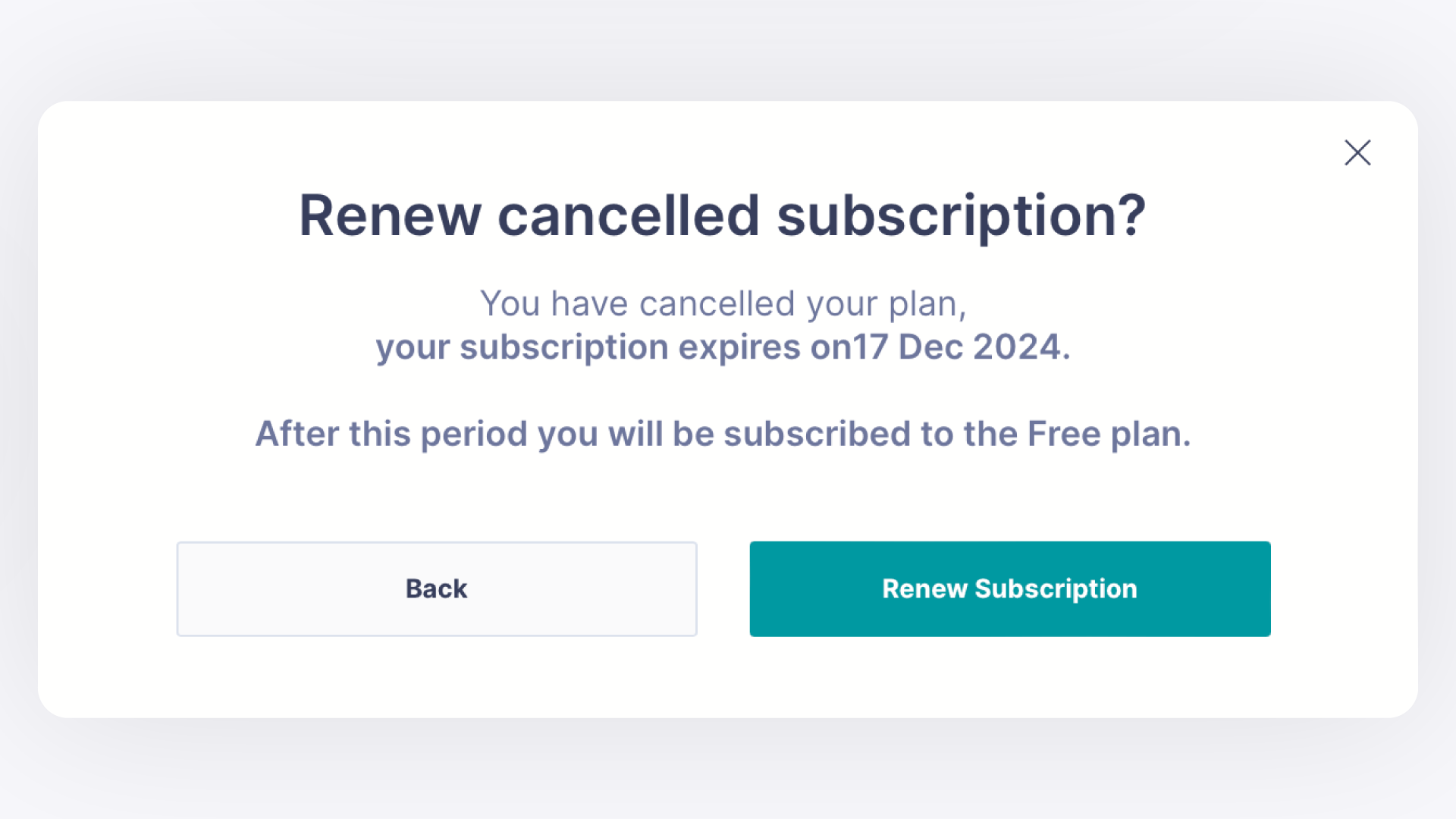
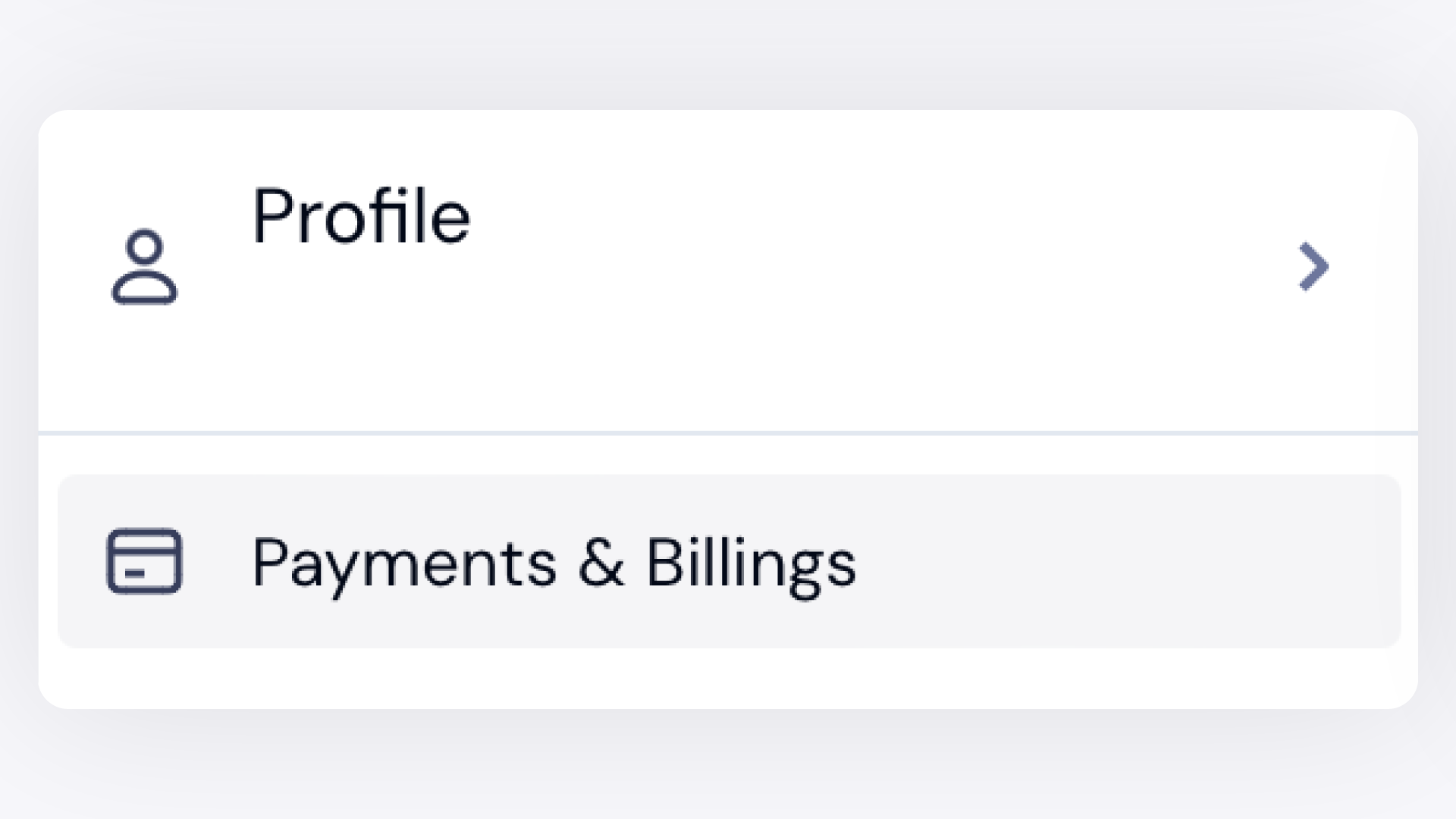
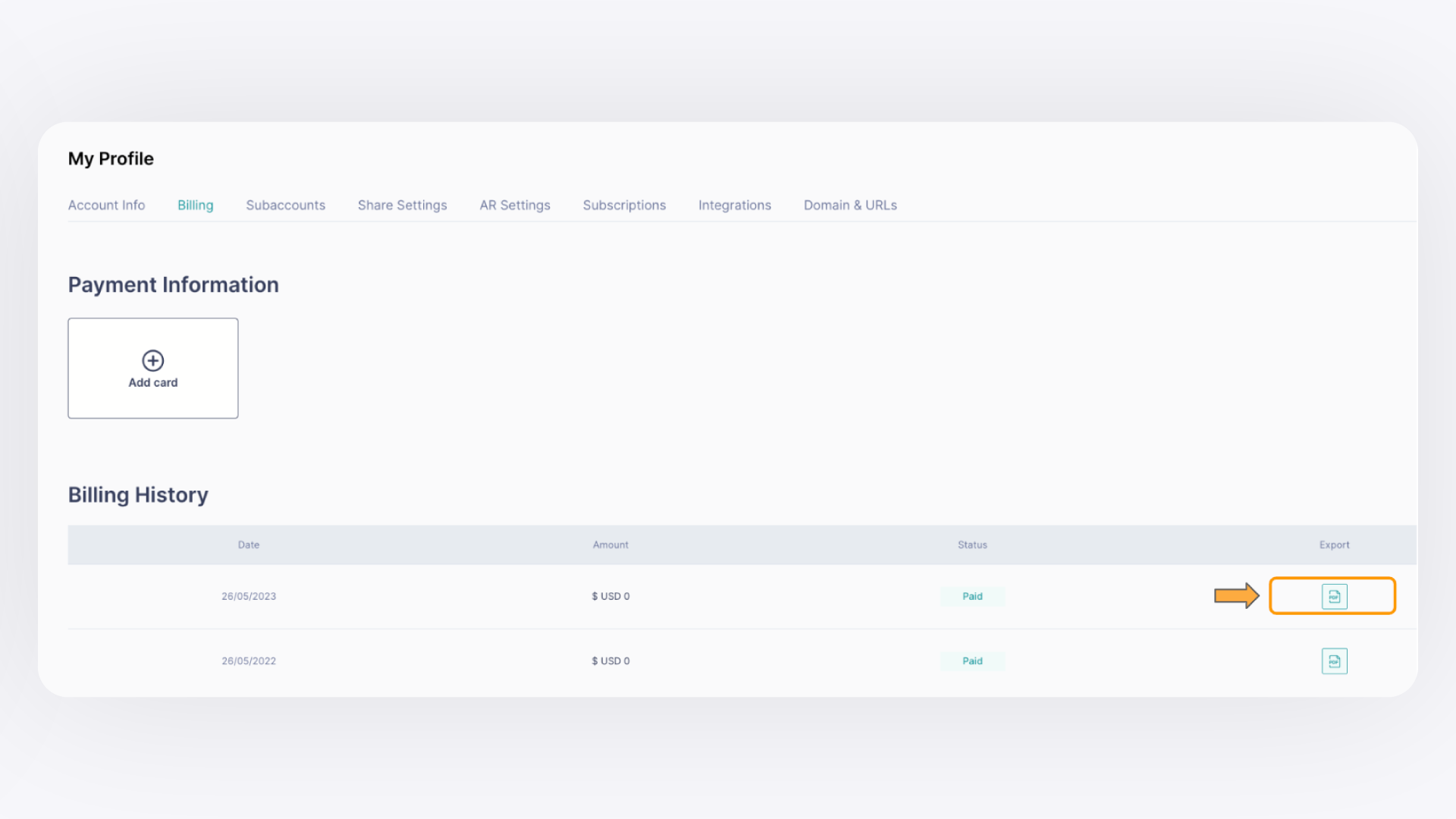
You can view, activate, upgrade, downgrade, cancel, renew, or download invoices for your GemIQ subscription directly from the Profile menu inside GemIQ. All subscription management is handled in one place — no need to contact support for routine changes.
Before You Start#
Log in to your GemIQ account at hub.gemlightbox.com.
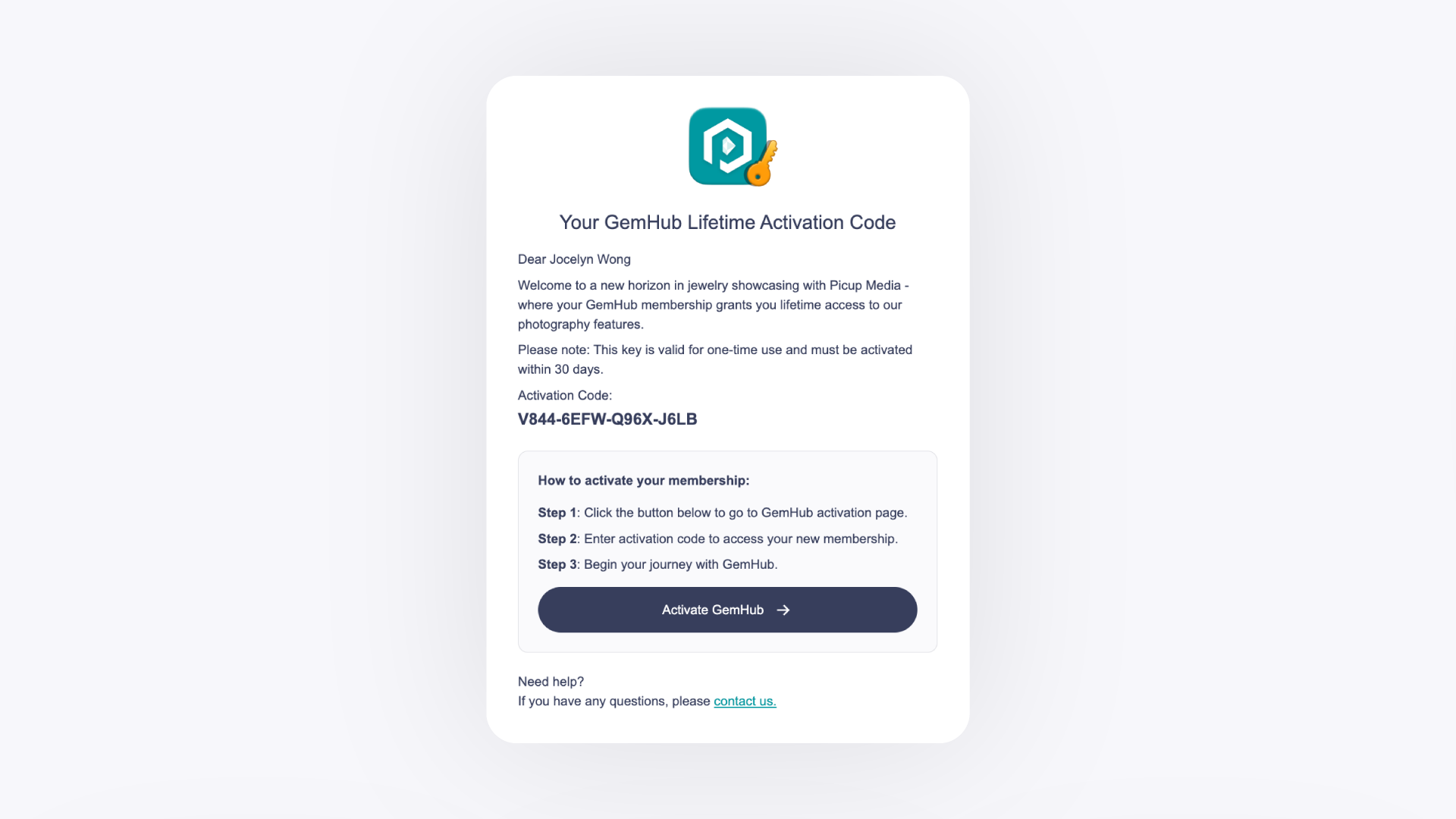
To activate a new subscription, have your activation code email ready.