How to Get the Best Photos with GemCam

Quick Answer

Position GemCam at the correct angle and distance for your jewelry type, configure your resolution and filter settings, and prepare your jewelry before every shoot. GemCam's built-in Sparkle Lights and macro lens capture sharp, detailed images with minimal setup.

Before You Start

  • Clean and polish your jewelry thoroughly.

  • Wear gloves when handling jewelry to avoid fingerprints or smudges.

  • Ensure GemCam is connected and powered on.

  • Have GemHub or the GemHub open and ready.

Steps

1. Set the Camera Angle

  • Push the GemCam lens module up or down to adjust height and angle.
  • Press both side buttons simultaneously to unlock the camera's position.

  • Use 45° for loose gemstones to capture brilliance and facets.

  • Use 90° for front-facing shots of jewelry pieces.

  • Aim the camera directly at the jewelry piece. Confirm alignment using the live view on the camera screen.

2. Set the Correct Distance

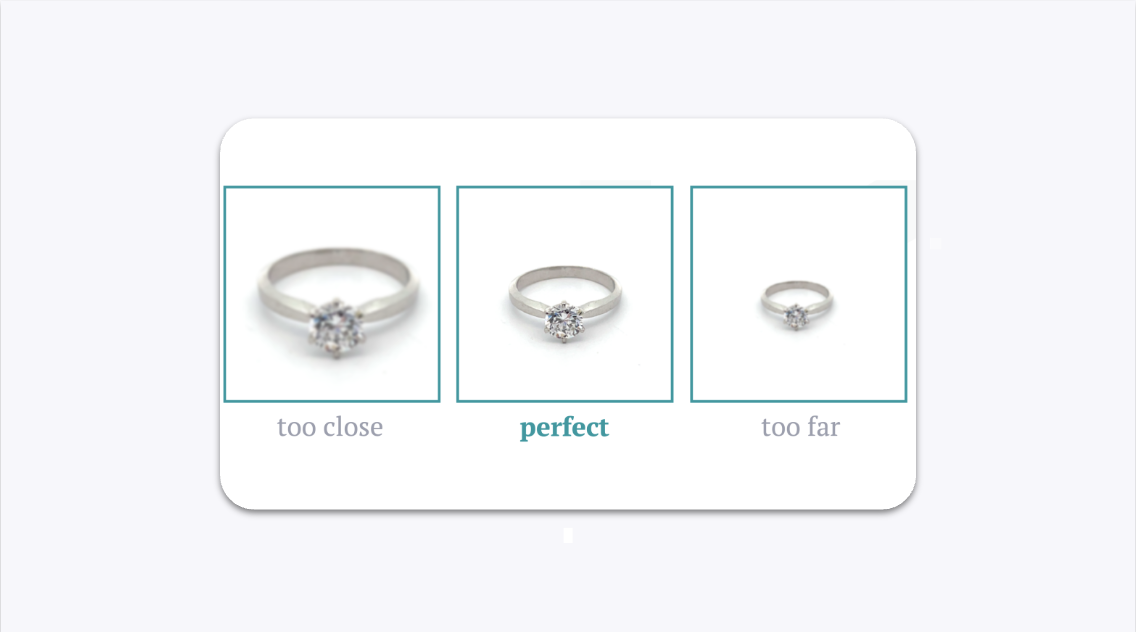
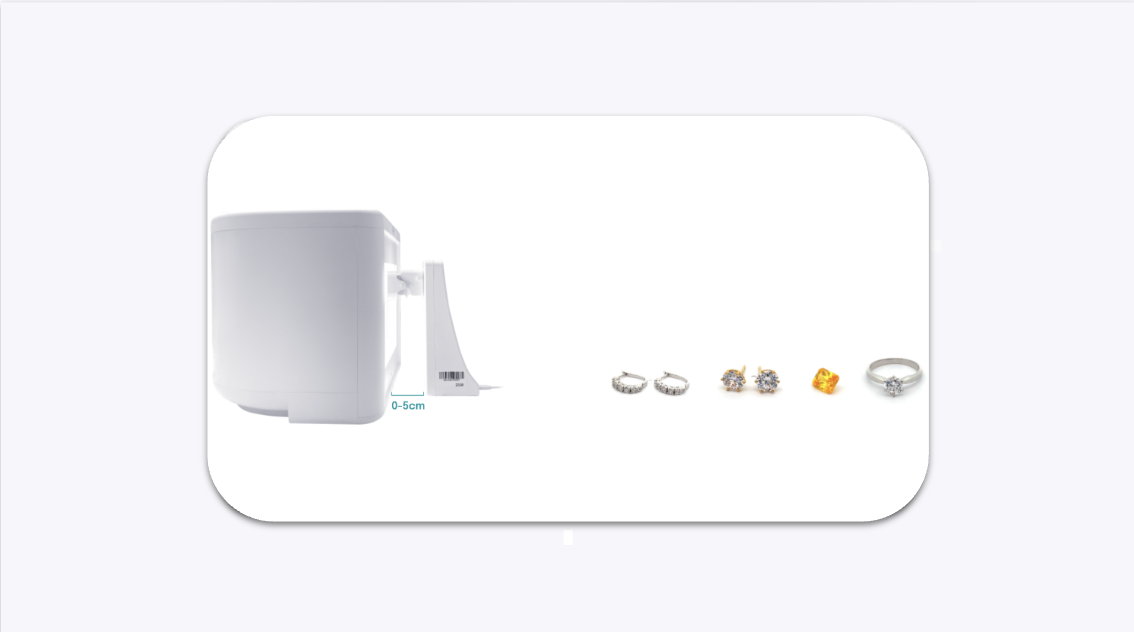
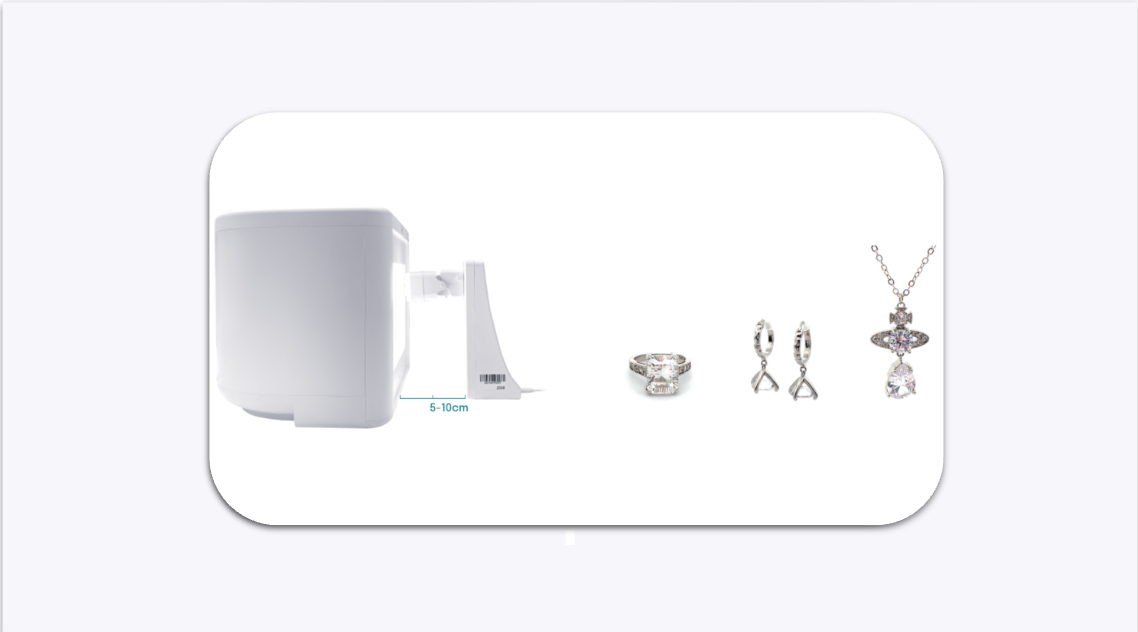
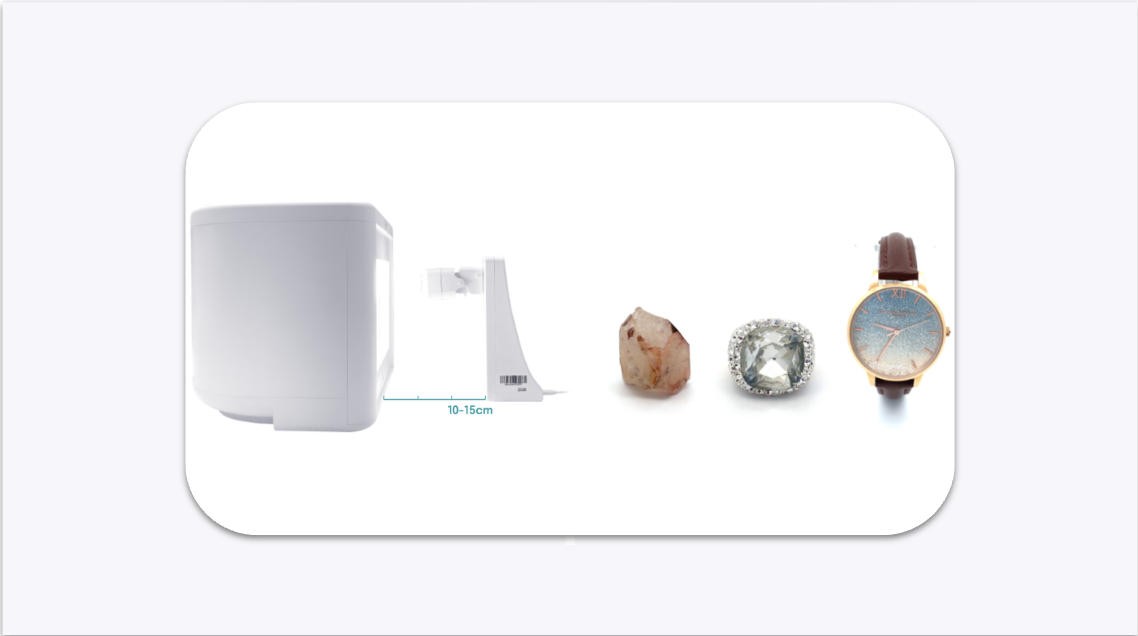
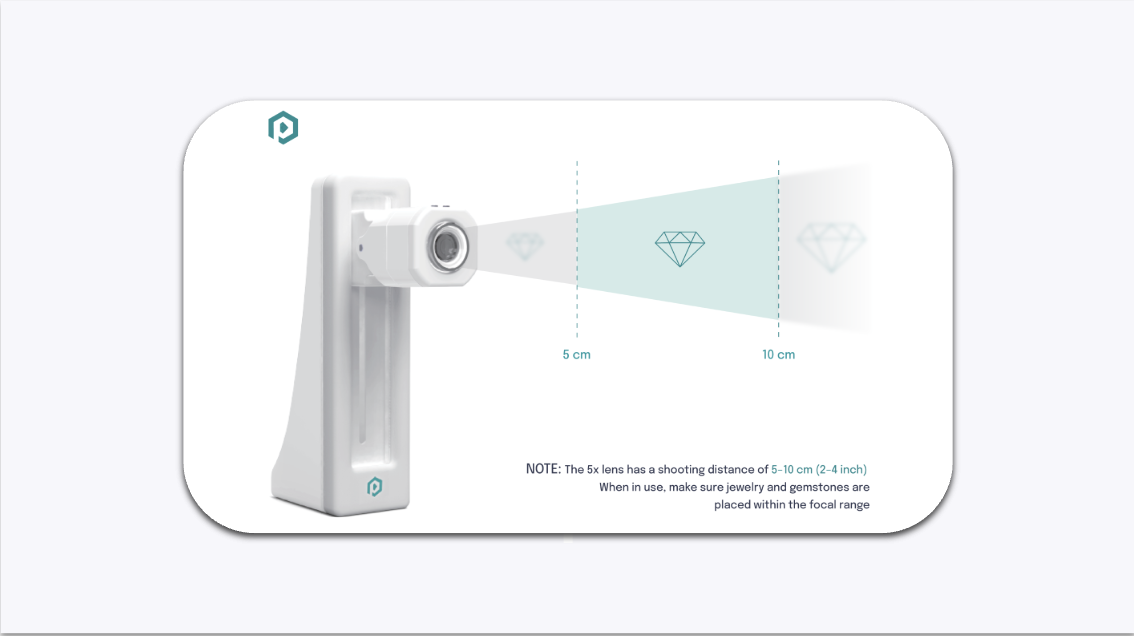
Keep GemCam within 5–10 cm (2–4 inches) of the jewelry. GemCam will auto-focus once correctly positioned.

Jewelry Size Recommended Distance Small 0–5 cm Medium 5–10 cm Large 10–15 cm

GemCam Focus and Distance Guide