Troubleshooting Shopify Sync Failures
Quick Answer
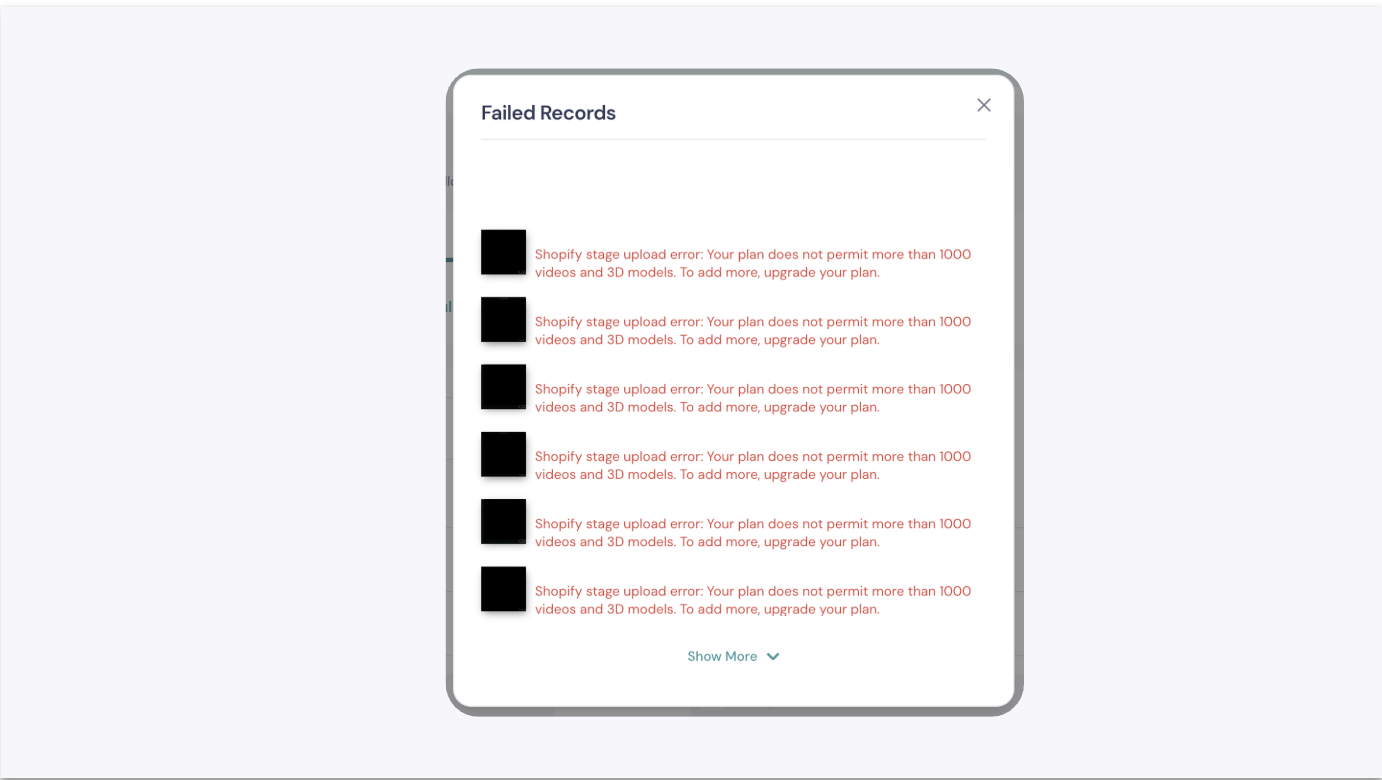
If your sync to Shopify fails, it is most likely due to Shopify's media limit per product or a network interruption. You can find the specific reason by clicking "View Errors" in the Shopify integration section of the GemHub.
Before You Start
Ensure you have a stable internet connection.
Be logged into your GemIQ account and your Shopify account.
Steps
Navigate to Shopify Integration: In the GemHub, go to the Integrations section and select Shopify.
Check Sync History: Find the product sync that failed in your history list.
View the Error Details: Click the View Errors button next to the failed sync status to see the specific error message provided by Shopify.
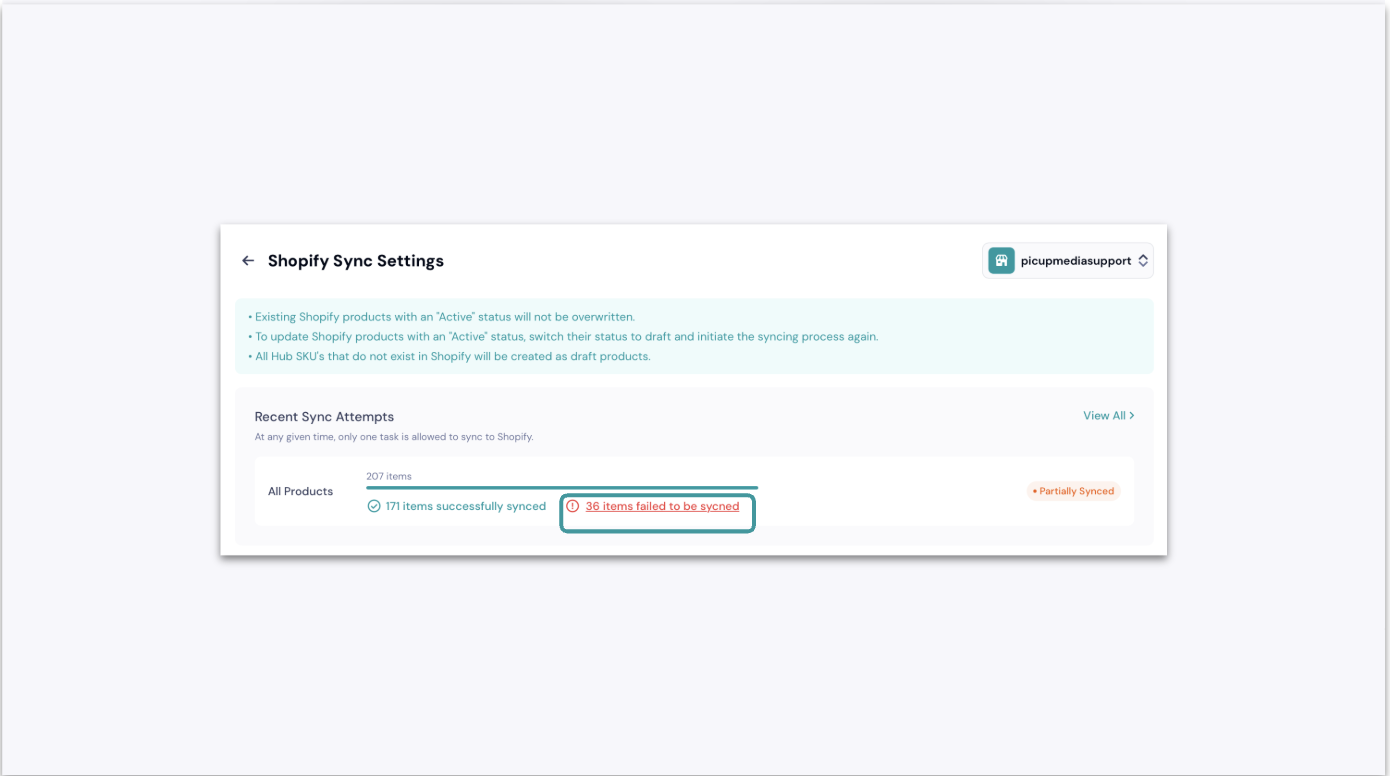
The 'View Errors' Button in the GemIQ App's Shopify Integration Menu. Resolve the Specific Error:
If the error is "Media resource limit has been reached": This means your Shopify plan limits the number of images and videos you can add to a single product. To fix this, you can either remove some existing media from that product in Shopify or contact Shopify support to discuss upgrading your plan.