How to Set Up the RapNet Video Sync Integration
Quick Answer
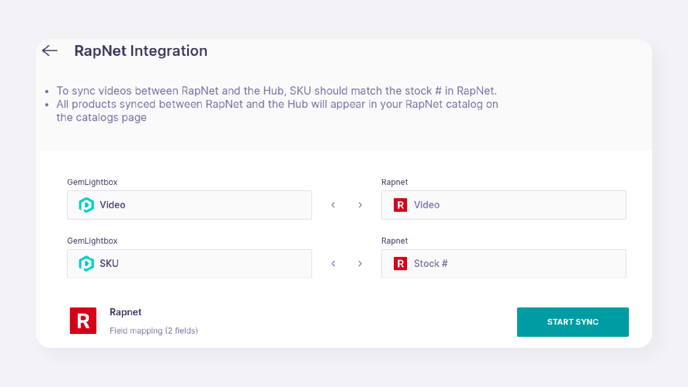
You can connect your GemIQ account to your RapNet account to automatically sync videos to your existing jewelry listings. The integration matches items using the SKU in the GemHub and the "Stock #" in RapNet. This feature only updates videos on existing jewelry listings; it does not create new listings or support loose diamond videos.
Before You Start
An active GemIQ account with administrator access.
An active RapNet account and your RapNet Account ID.
Existing jewelry listings on your RapNet account.
Videos for your jewelry items already uploaded to the GemHub gallery.
Steps
Log in to the GemHub.
In the bottom-left corner, click on your profile name.
Select Integrations from the menu.
Locate the RapNet integration and click Set up Now.
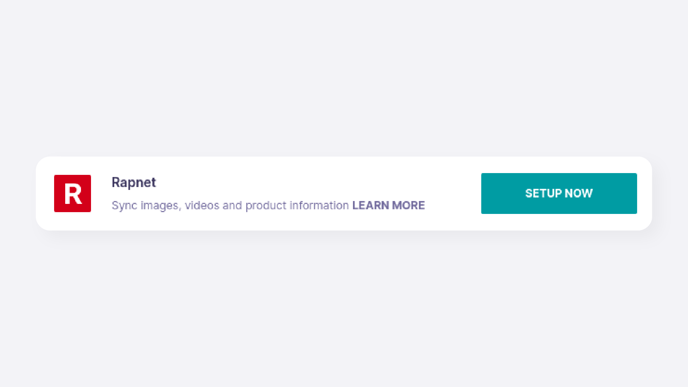
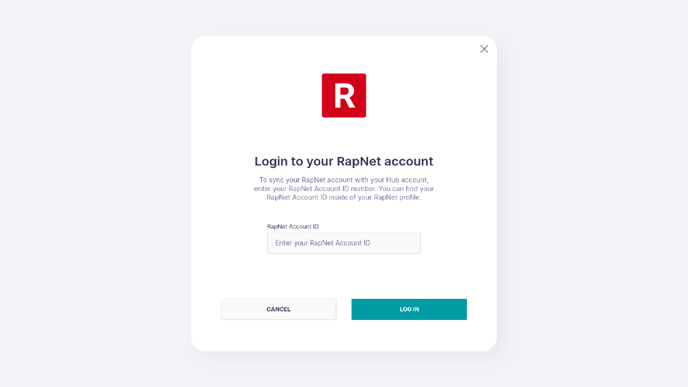
A user interface showing the RapNet integration option with a button that says Set up Now. Enter your RapNet Account ID in the field provided and click LOG IN.