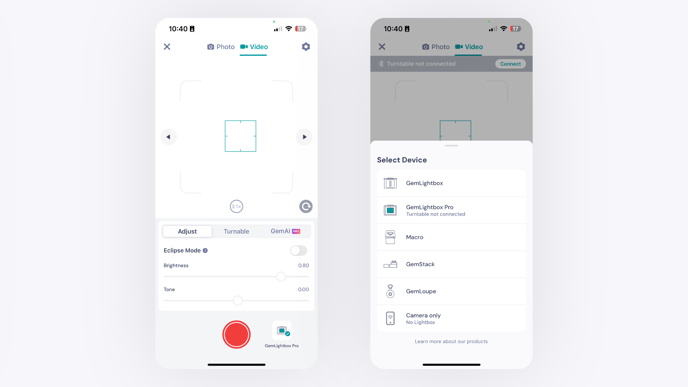
GemHub Camera Settings and Device Selection
Quick Answer
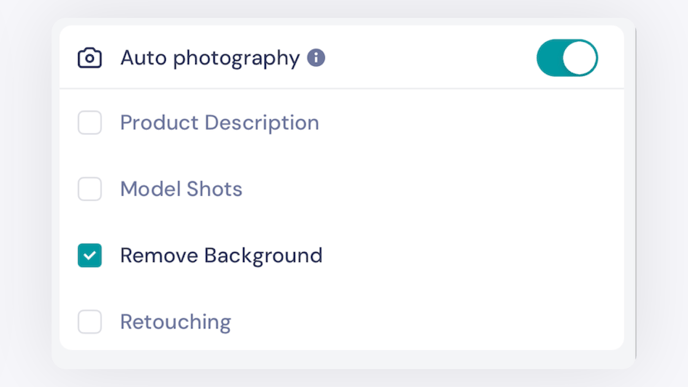
The GemHub gives you precise control over your capture setup. Tap the Adjust button in camera mode to access brightness, color, white balance, aspect ratio, and more. GemAI features automate background removal, retouching, and product descriptions. Switch between connected GemLightbox devices using the device button on the capture screen.
Camera Mode Adjustments
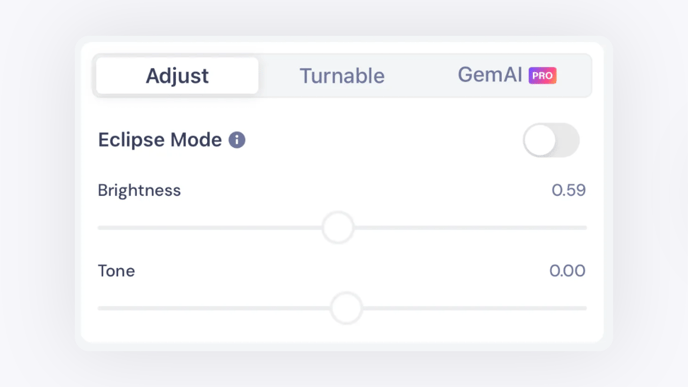
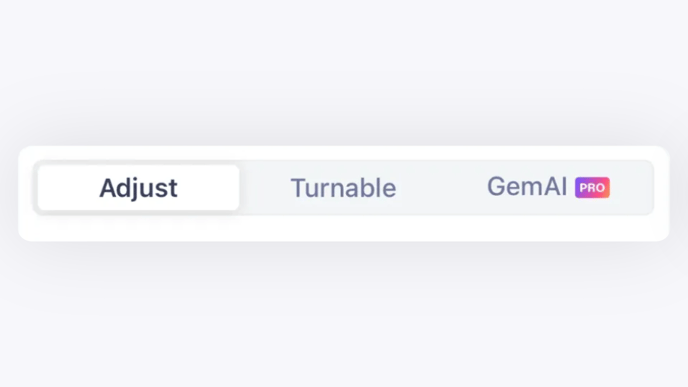
Tap the Adjust button in camera mode to open the settings panel.
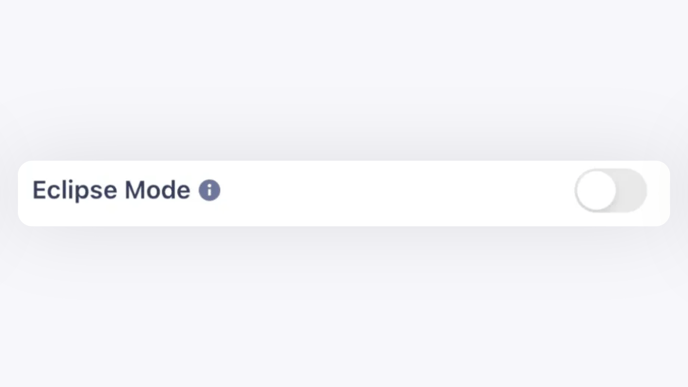
Eclipse Mode
Captures images and videos against a black background. Use this mode to create a dramatic, high-contrast presentation that draws focus to the jewelry piece.
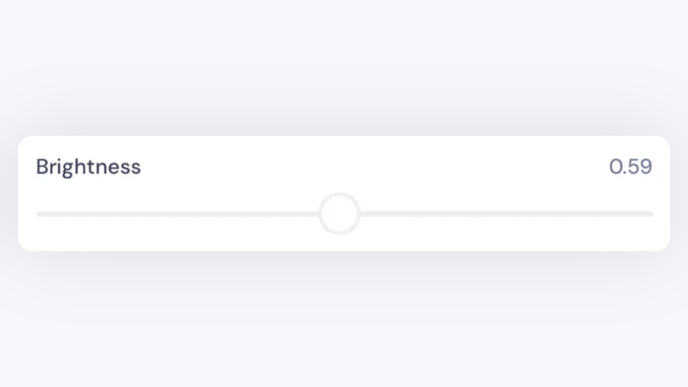
Brightness Adjustment
Controls overall image brightness. Move the slider right to brighten the image or left to darken it.