Use Your Own Domain for GemHub Share Links
Quick answer
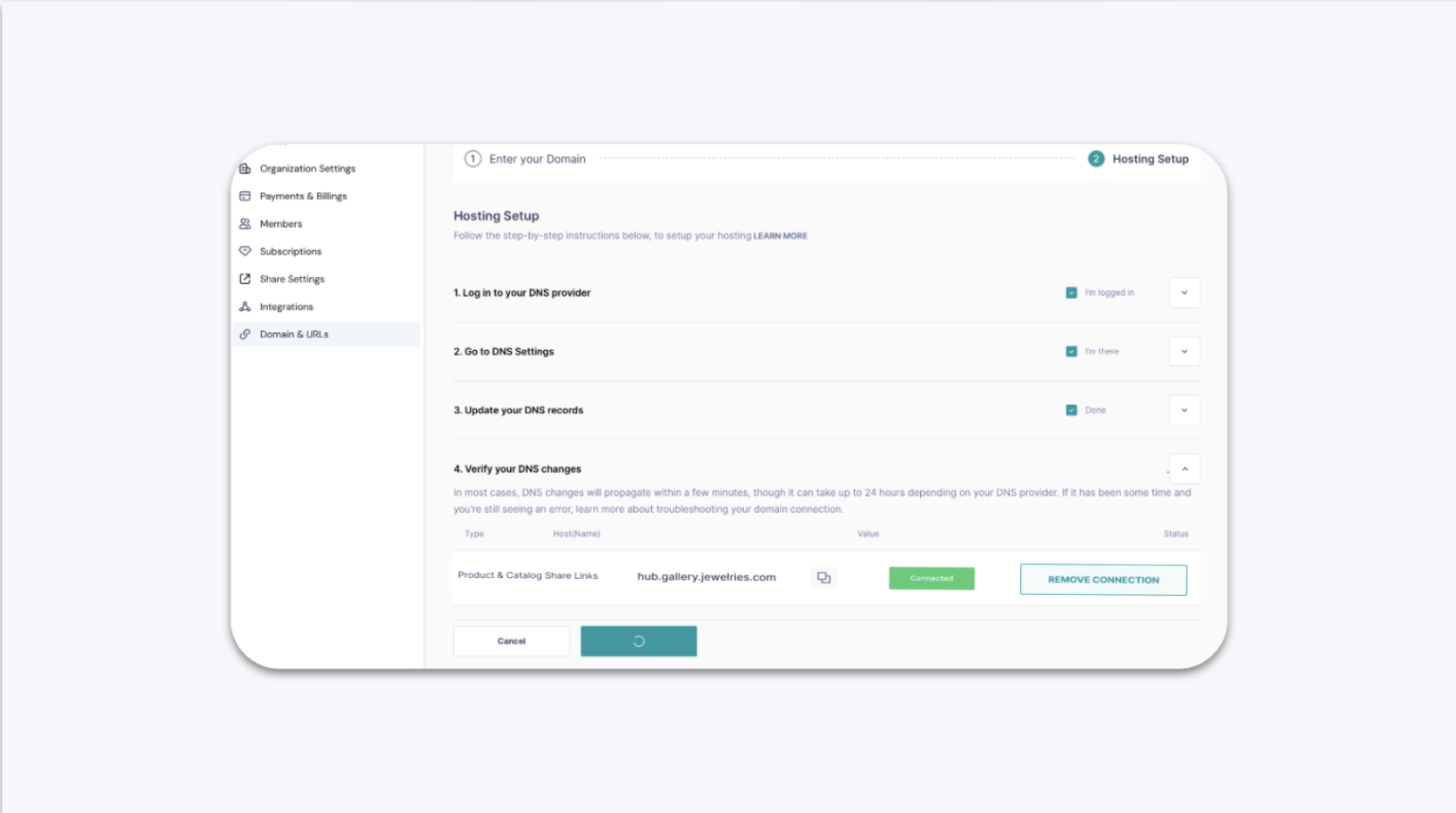
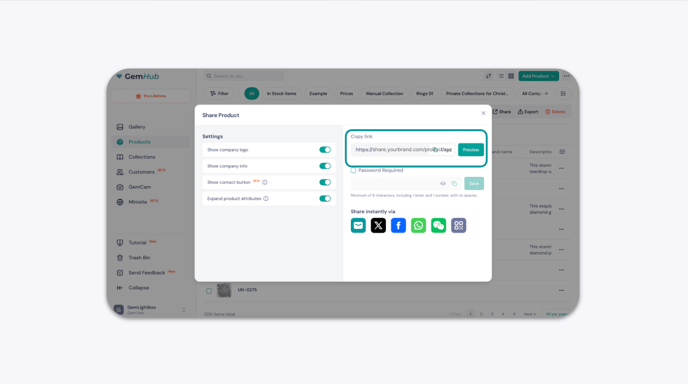
By default, GemHub share links use the gembox.app domain. With a paid subscription, you can connect your own custom domain so every link you share looks professional and on-brand.
Before You Start
You need an active paid GemIQ subscription.
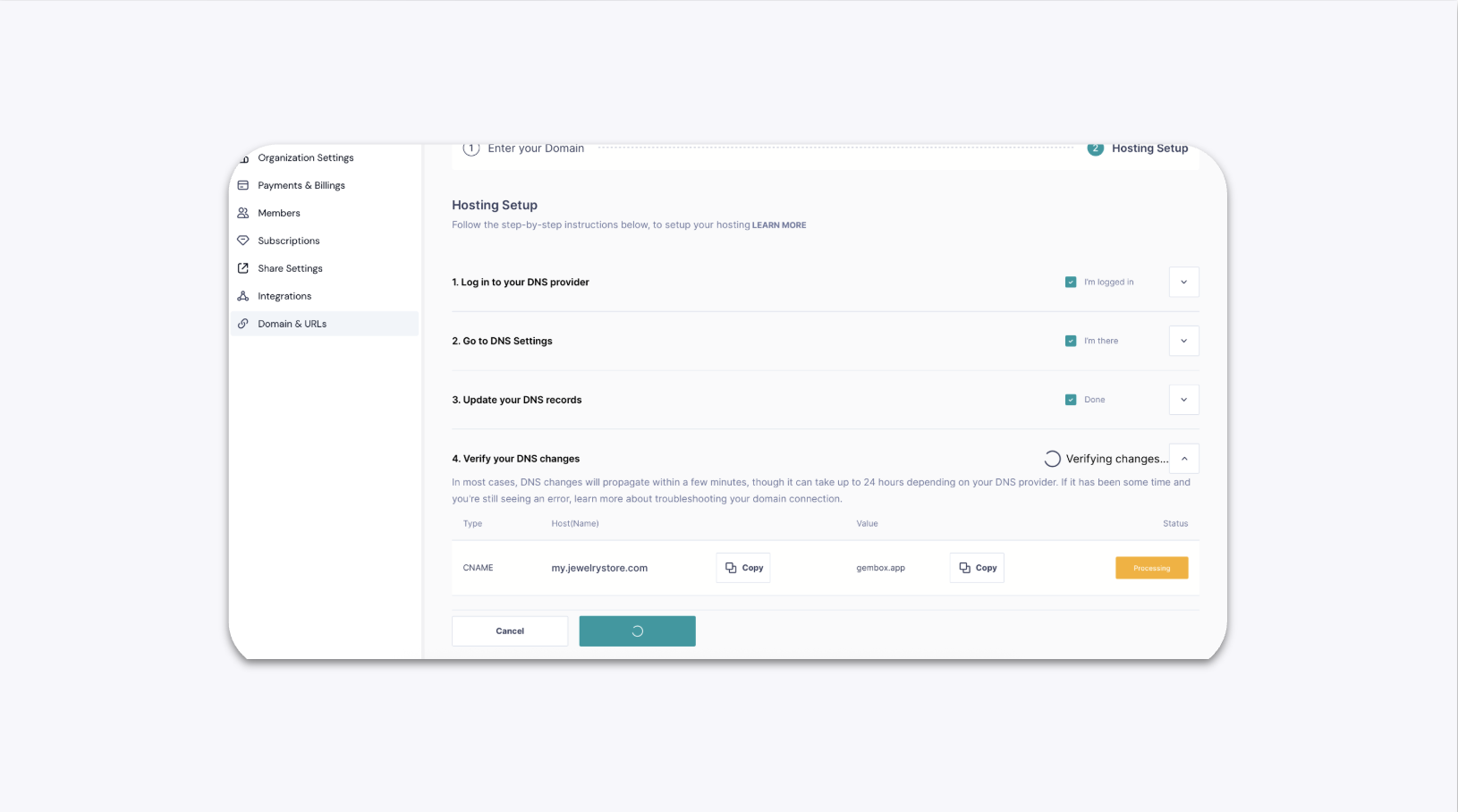
You need access to your domain provider account (e.g., GoDaddy, Cloudflare, Namecheap) to create a subdomain and add DNS records.
Decide on your subdomain in advance. If your main domain is
yourbrand.com, a common choice isshare.yourbrand.com.
Steps
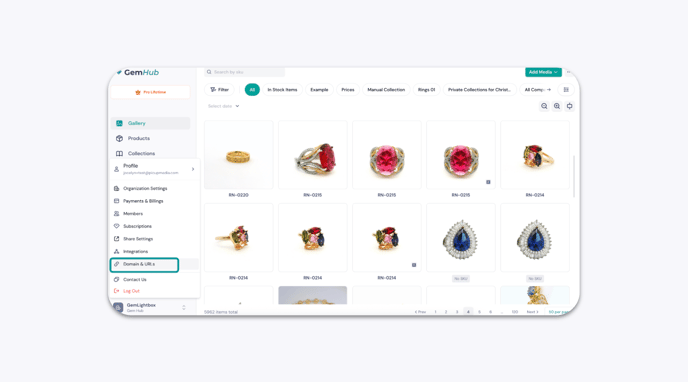
1. Open Domain and URL Settings
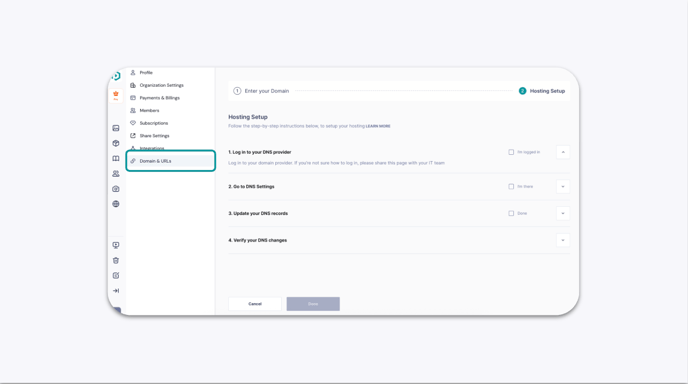
Click the Profile icon at the bottom left of GemHub, then select Domain & URLs.
2. Enter Your Domain Details
Enter your subdomain, brand name, and top-level domain in the fields provided.
For example, if your main domain is yourbrand.com, enter: - Subdomain: share - Brand: yourbrand - Top-level domain: com