
Video Rotation Modes and Speed Settings in the GemHub
Quick answer
GemHub offers four video rotation modes — 360°, 90°, 45°, and 15° — and two speed settings: Fast and Slow. Tap the mode or speed icon in the app to switch between them before capturing your turntable video.
Video Rotation Modes
Tap the rotation mode in GemHub to select how far your turntable rotates during capture.
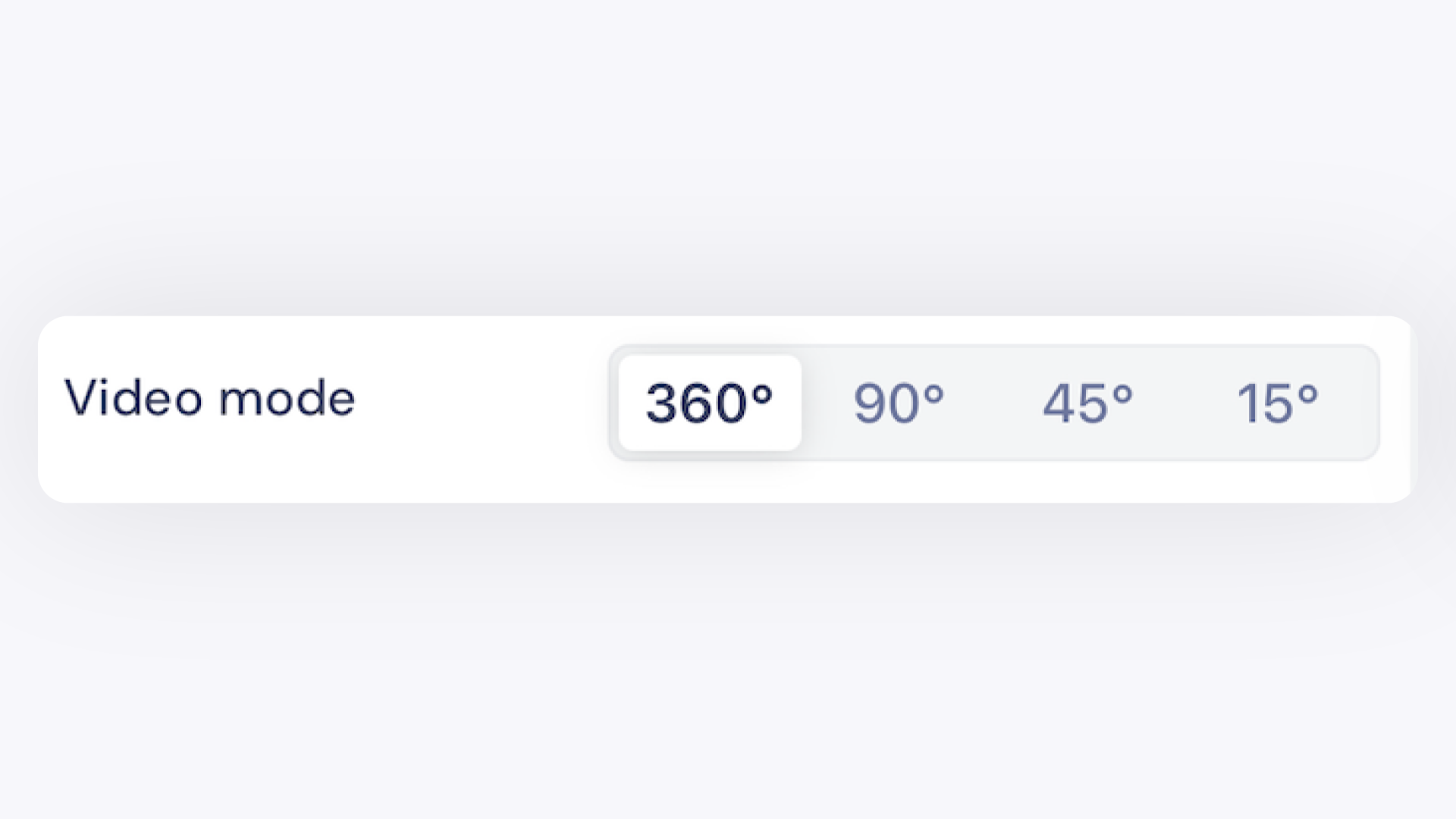
Mode Rotation Best For 360° Full rotation All-around view — e-commerce listings, inventory, one-of-a-kind pieces 90° Quarter rotation Key features — engagement rings, loose stones, social media sharing 45° Eighth rotation Highlighted details without a full revolution 15° Small arc Specific angles — focused close-up of critical details
Video Speed Settings
Tap the Speed icon in GemHub to toggle between Fast and Slow.

Speed 360° / 90° Duration 45° / 15° Duration Best For Fast ~15 seconds ~7 seconds High-volume shoots, speed photography