
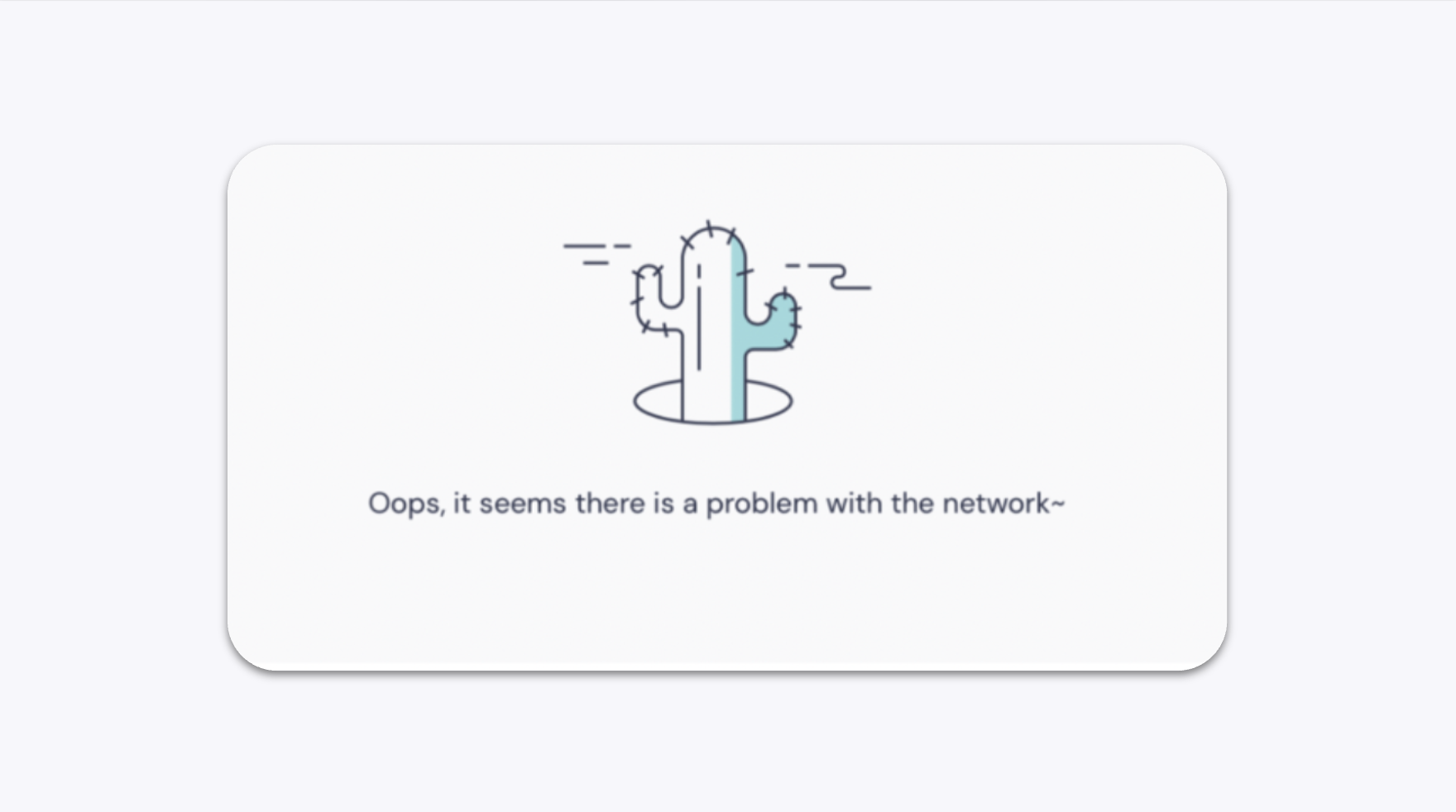
Fix the "Oops, It Seems There Is a Problem with the Network" Error in the GemHub
Quick Answer
This error appears when GemHub cannot reach the internet. In most cases, restarting your computer and checking your network connection resolves it immediately. If the problem continues, restart your router or reinstall the GemHub.
Before You Start
Confirm that other apps or websites on your computer can access the internet.
Have your GemHub login details ready in case you need to reinstall the app.
Steps
Restart your computer. Close GemHub, restart your computer, then reopen the app and try again.
Check your internet connection. Open a browser and confirm you can load a website. If other sites load normally, your network is not the issue — move to step 3.
Restart your router. Unplug your router, wait 30 seconds, plug it back in, and wait for a full reconnection before retrying GemHub.
Reinstall GemHub. If your connection is working but the error continues: - Uninstall GemHub from your computer. - Download the latest version from the GemHub page. - Reinstall the app and log in again.
Expected Result
GemHub opens without the network error and connects to your account normally.