Managing Product Information in the GemHub
Quick answer
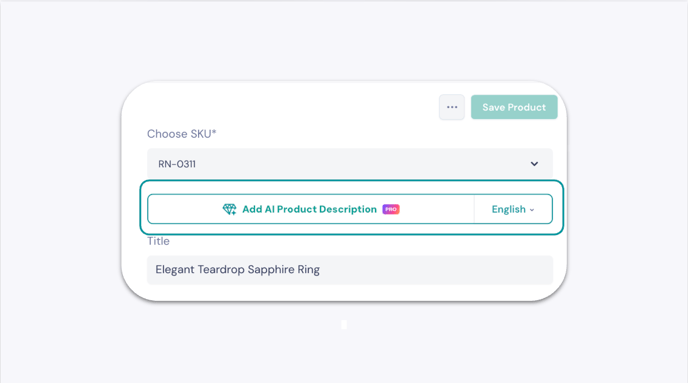
GemHub lets you create custom product attributes to organize your jewelry catalog with fields tailored to your business. You can also generate AI-powered product descriptions for supported jewelry types directly from the product page.
Before you start
You need a GemIQ account with access to the Products section.
Steps
Part 1: Create a Custom Product Attribute
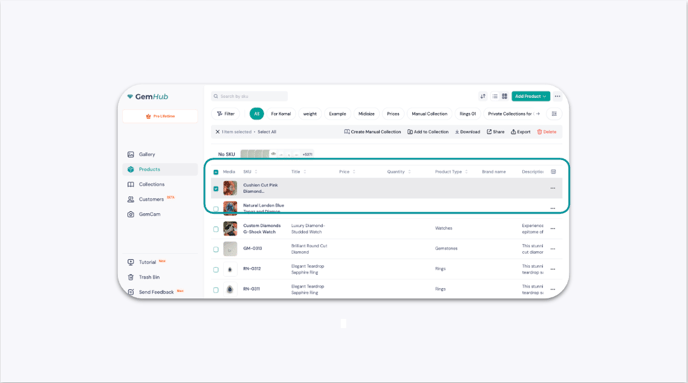
Log in to the GemHub and go to the Products section.
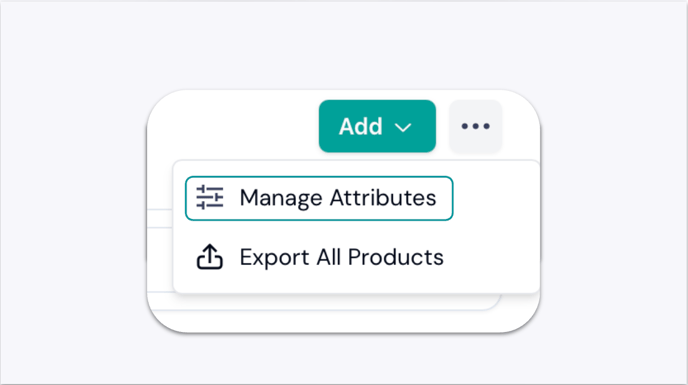
Click the ellipsis button (...) next to the Add button and select Manage Attributes.
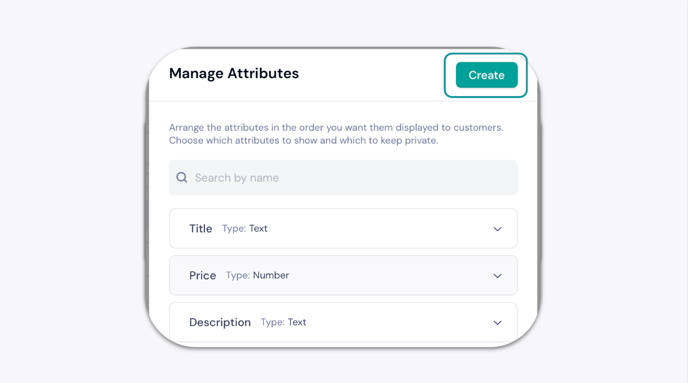
In the side panel, click Create.
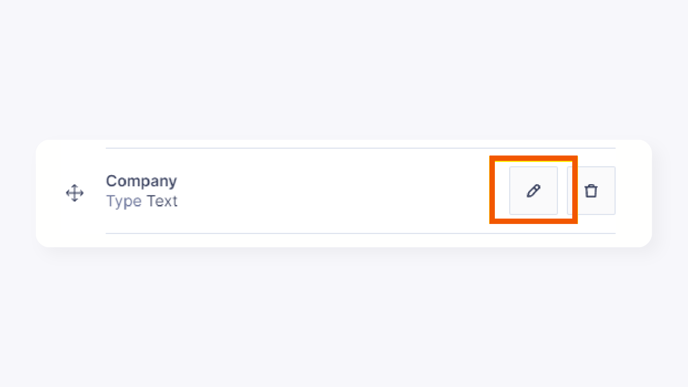
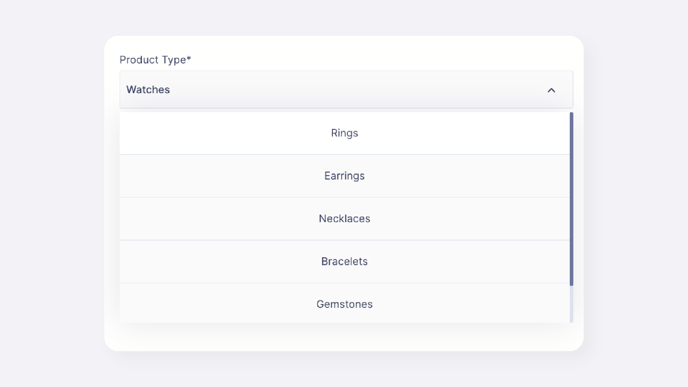
Enter the attribute name and select its type: -