Export Your Product List to a File
Quick answer
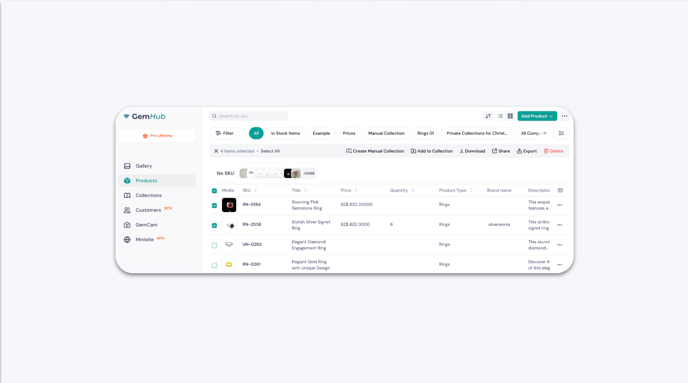
In the GemHub, you can export your product listings as a CSV or XLSX file — either all products at once or just a selected group. The exported file downloads automatically to your browser's downloads folder.
Before you start
Make sure you are logged in to the GemHub.
Confirm the products you want to export are already saved in your Products library.
Steps
Export All Products
Click Products in the main navigation menu.
In the top-right corner of the page, click the ellipsis (…) button to open the options menu.
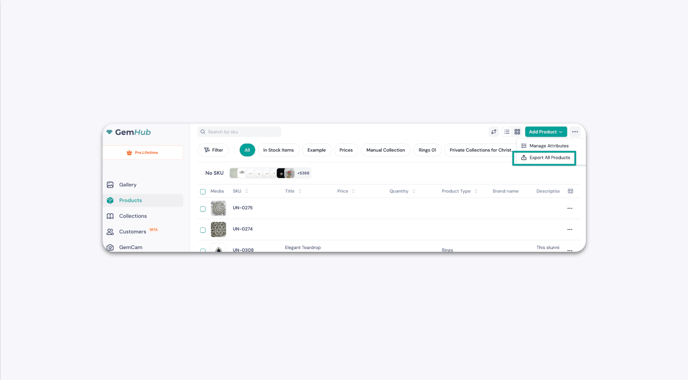
Click Export All Products.
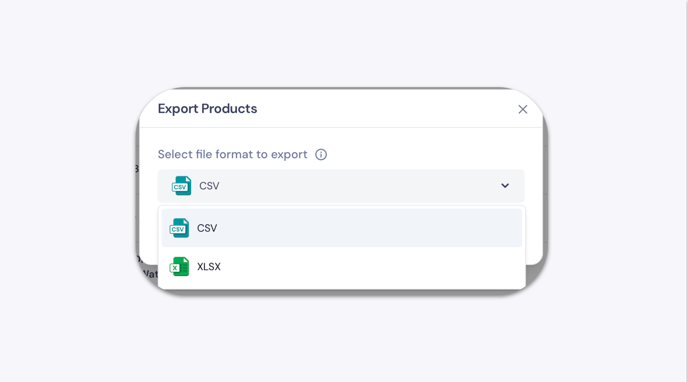
In the pop-up window, select your preferred format — CSV or XLSX.
Click Export.