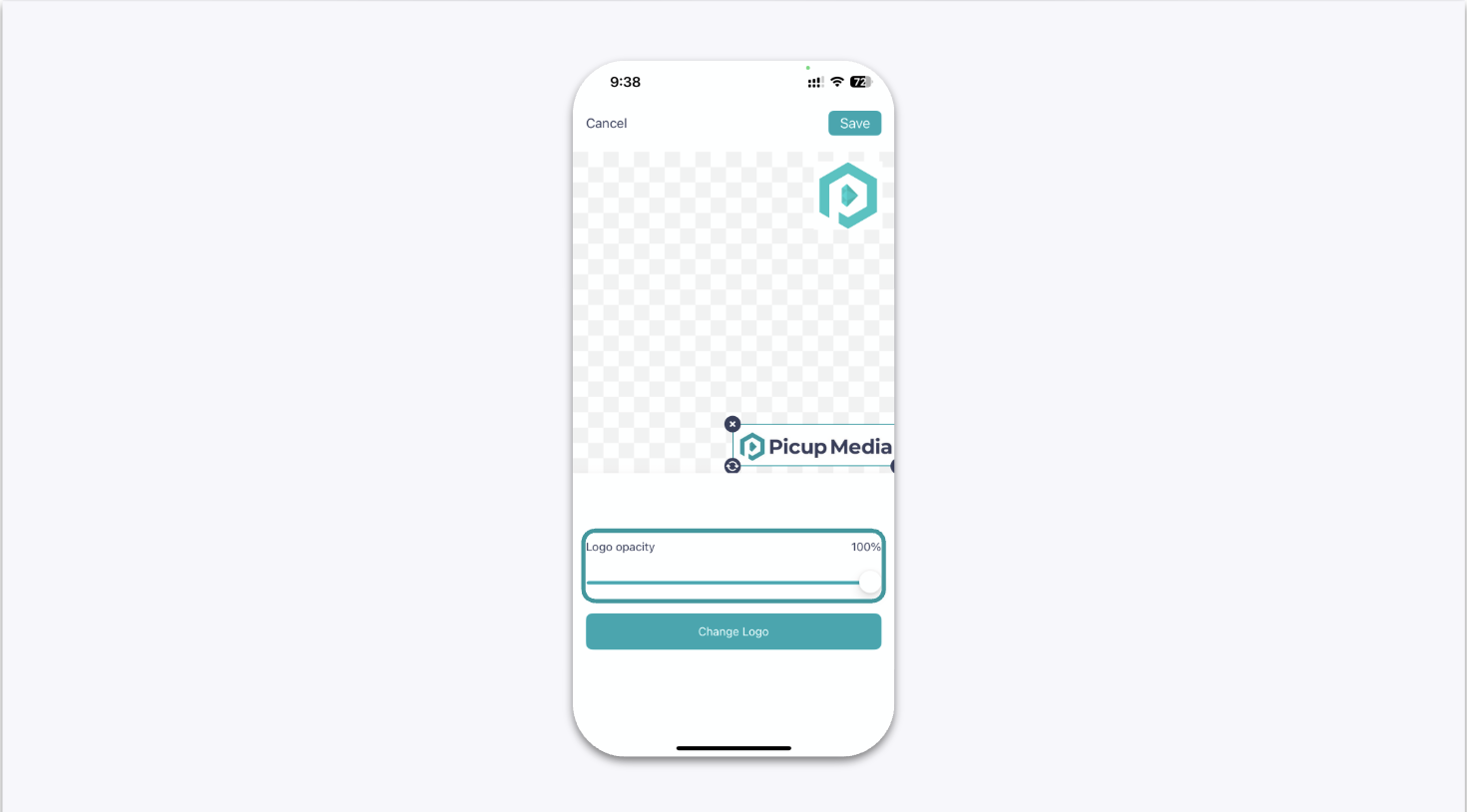
How to Add a Logo Watermark in the GemHub
Quick Answer
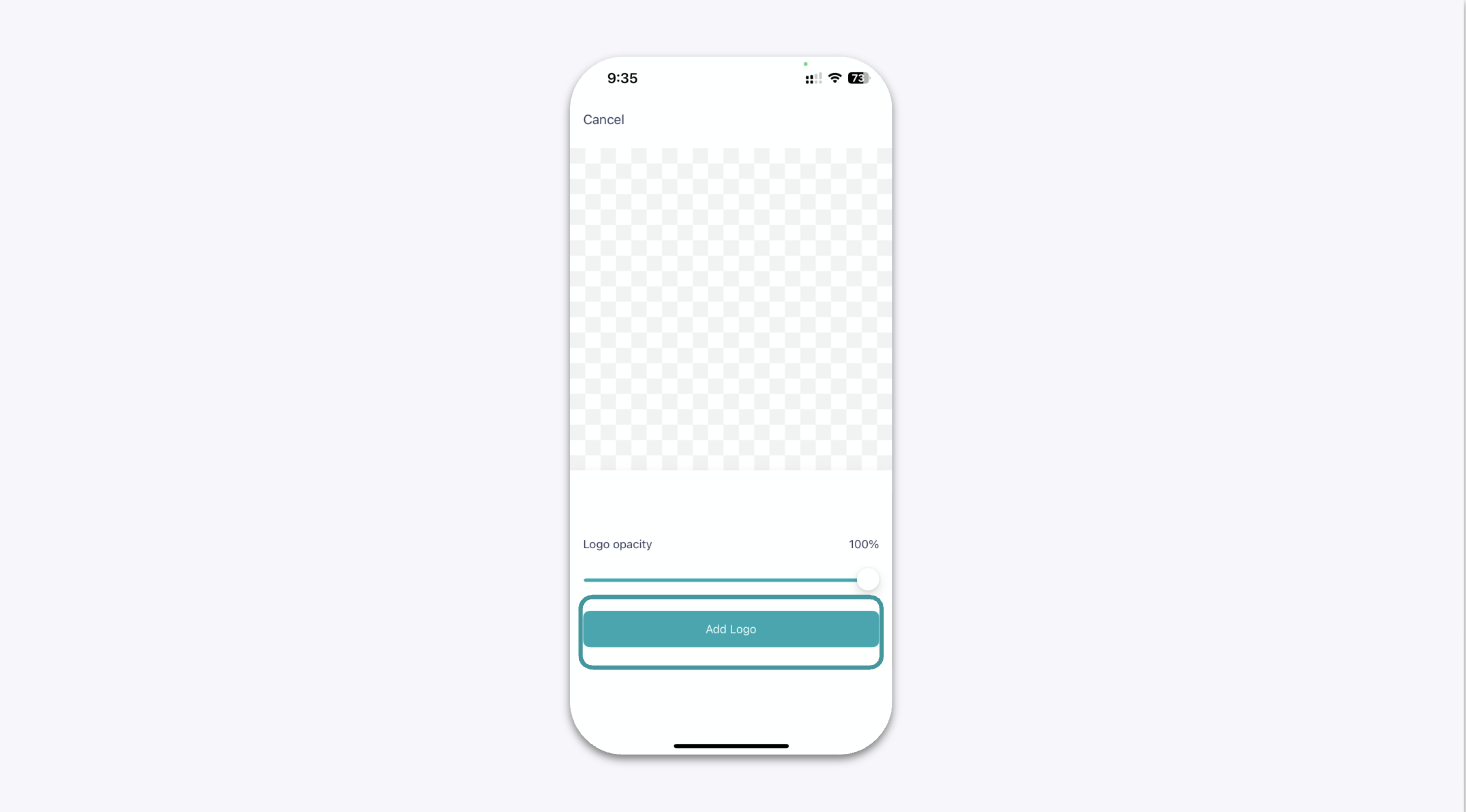
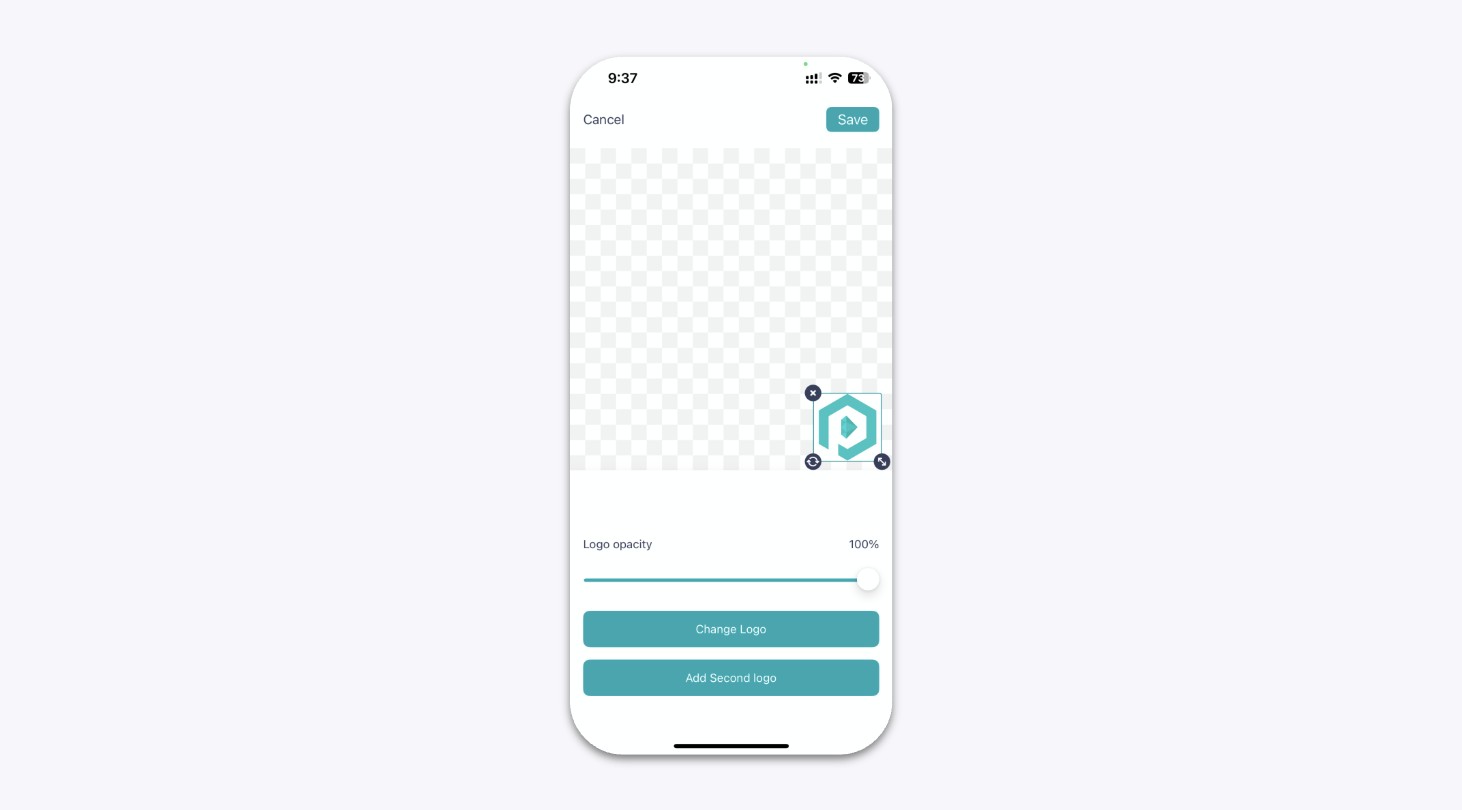
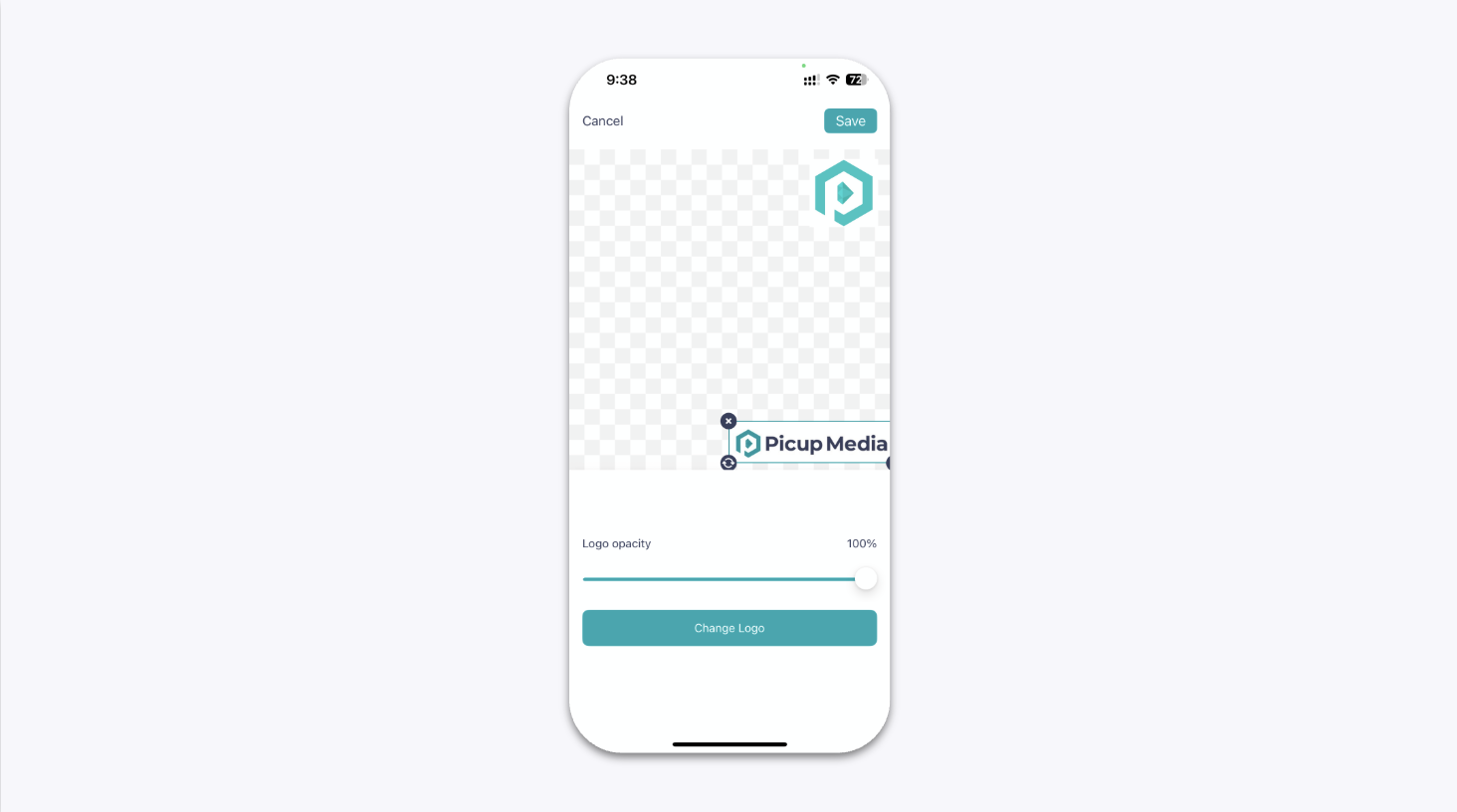
You can add up to two custom logo watermarks to your photos and videos directly within the GemHub. Upload your logo files in the camera settings, then adjust their size, position, and transparency before you start shooting.
Before You Start
Install the GemHub on your mobile device.
Save your logo file(s) to your device's photo library or files. For best results, use a high-resolution PNG file with a transparent background.
Steps
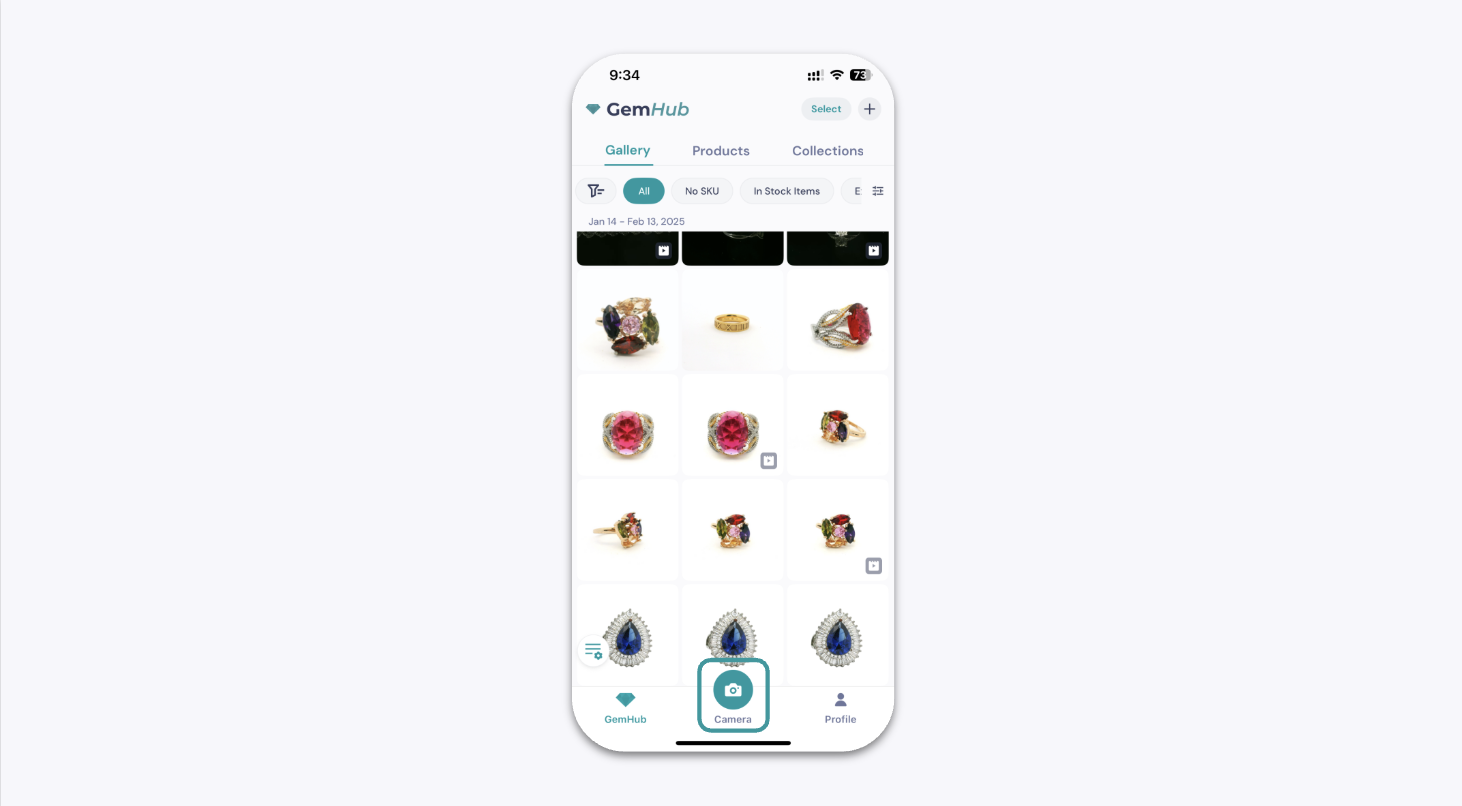
Open the GemHub and navigate to the camera capture screen.
Tap the settings icon (⚙️) to open the camera settings menu.
Camera Screen in GemIQ App Highlighting the Settings Icon 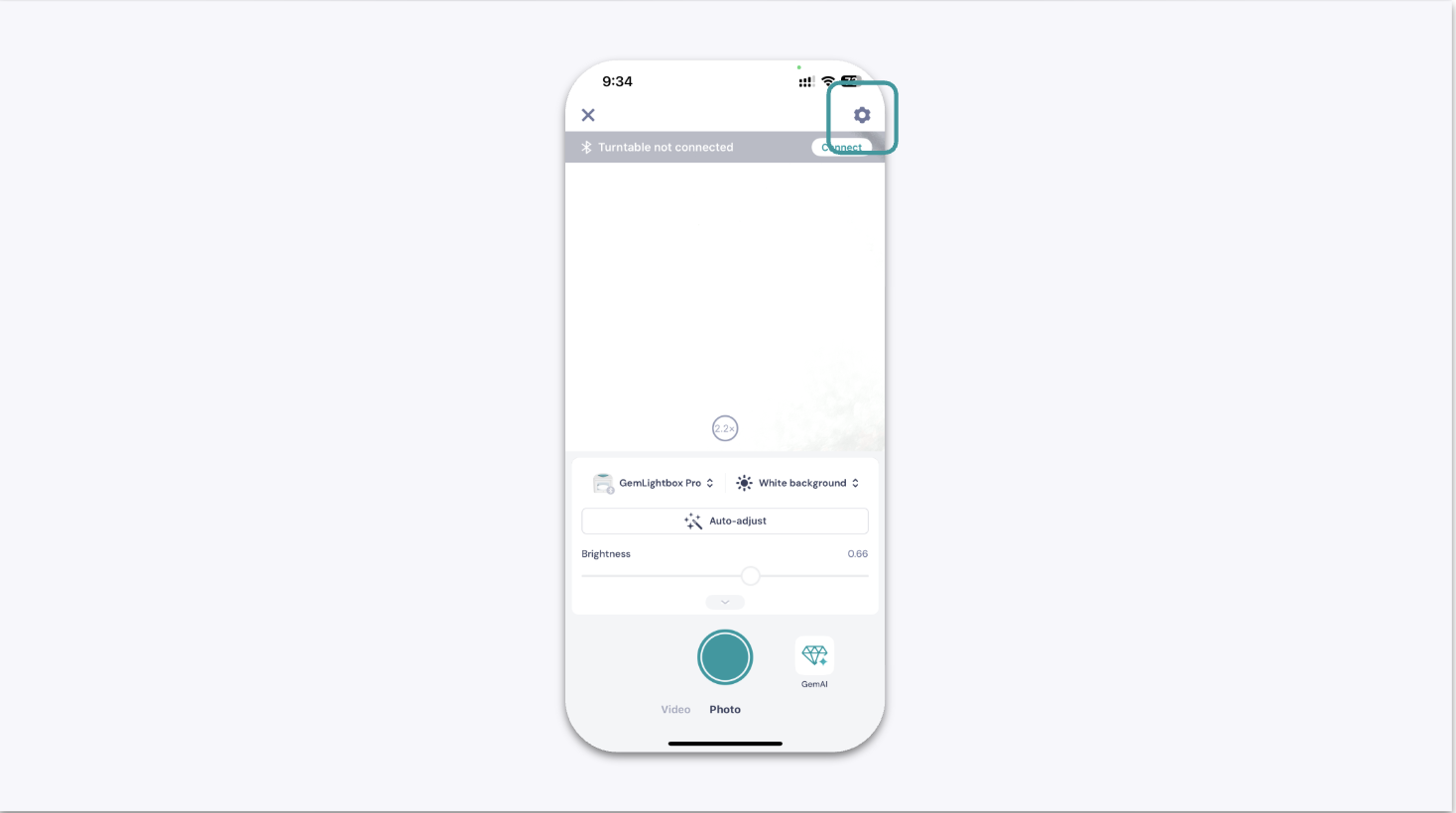
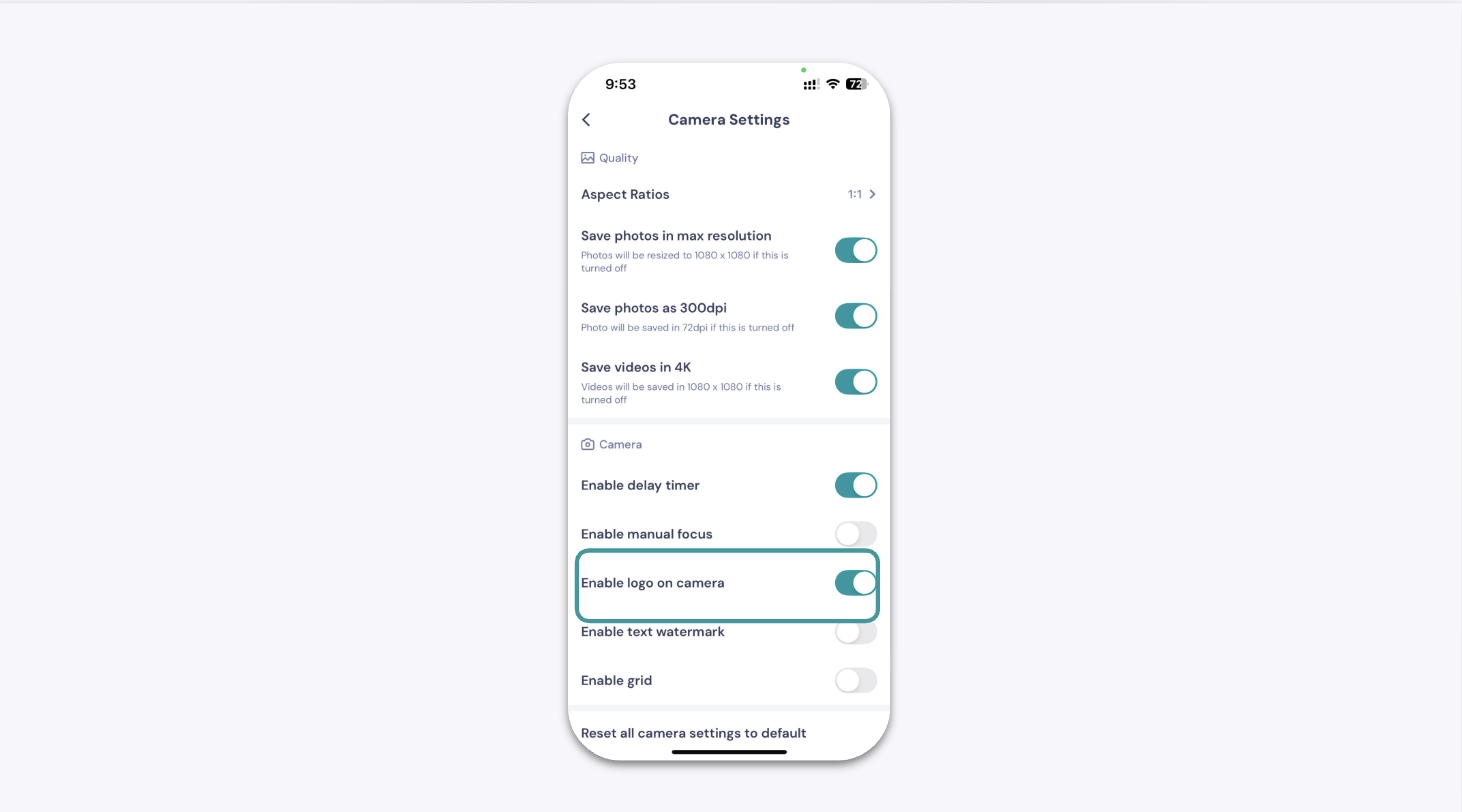
Camera Settings Menu in GemIQ App Scroll through the settings and toggle on Enable logo on camera.