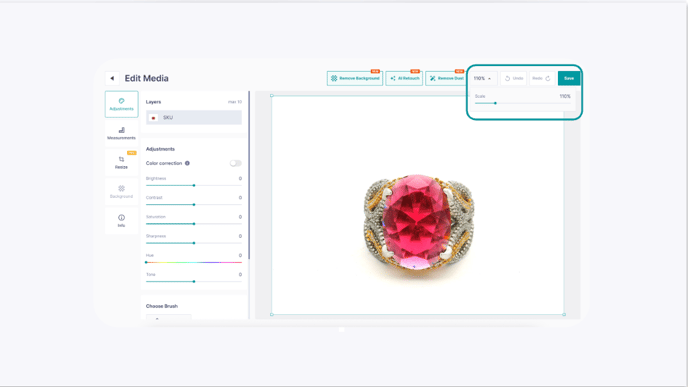
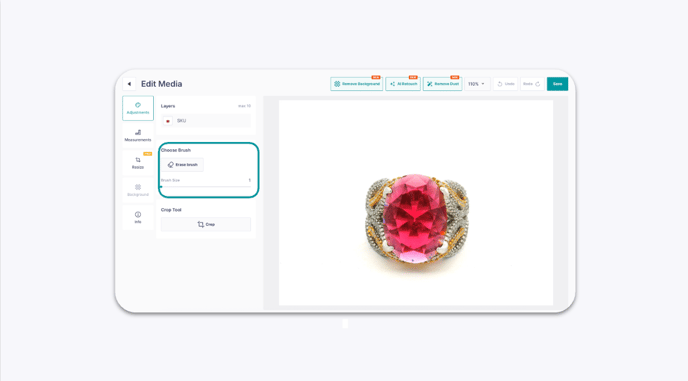
How to Use the Erase Brush and Zoom Tool in the GemHub
Quick Answer
Use the Zoom and Erase Brush tools in the GemHub's image editor to magnify specific areas of your jewelry photos and precisely remove unwanted elements, such as dust, blemishes, or background imperfections.
Before You Start
You will need an image saved in your GemHub gallery that you wish to edit.
Steps
Open the GemHub and go to your gallery.
Tap on the image you want to edit to open it.
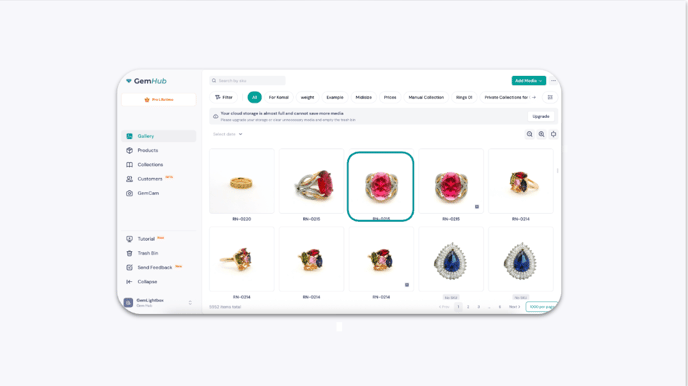
Tap the pencil icon to open the image editor.

Select the Zoom tool and magnify the part of the image you want to refine. You can also pinch to zoom on mobile devices.