Share Videos from the GemHub to Social Media and Etsy
Quick Answer
Use the GemHub's Export Media feature to share your jewelry videos directly to Instagram and other social platforms, or download them to your device first before uploading to Etsy.
Before You Start
GemHub installed and open on your phone
Video already captured and saved inside GemHub
Your Instagram or Etsy account active on the same device
Steps
Share to Instagram (and Other Social Media)
Open the GemHub and tap the product you want to share.
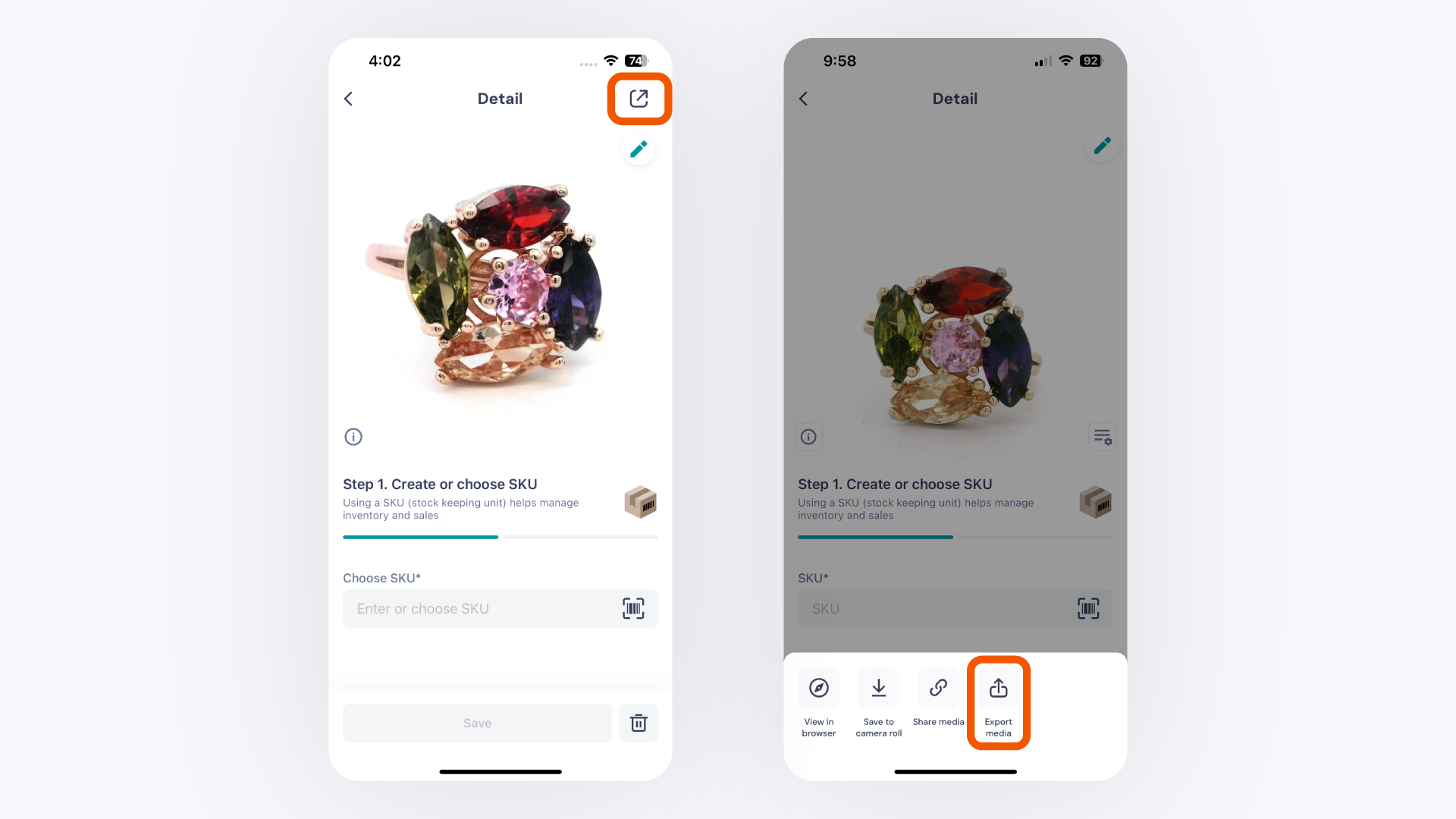
Tap the gear icon in the bottom right corner.
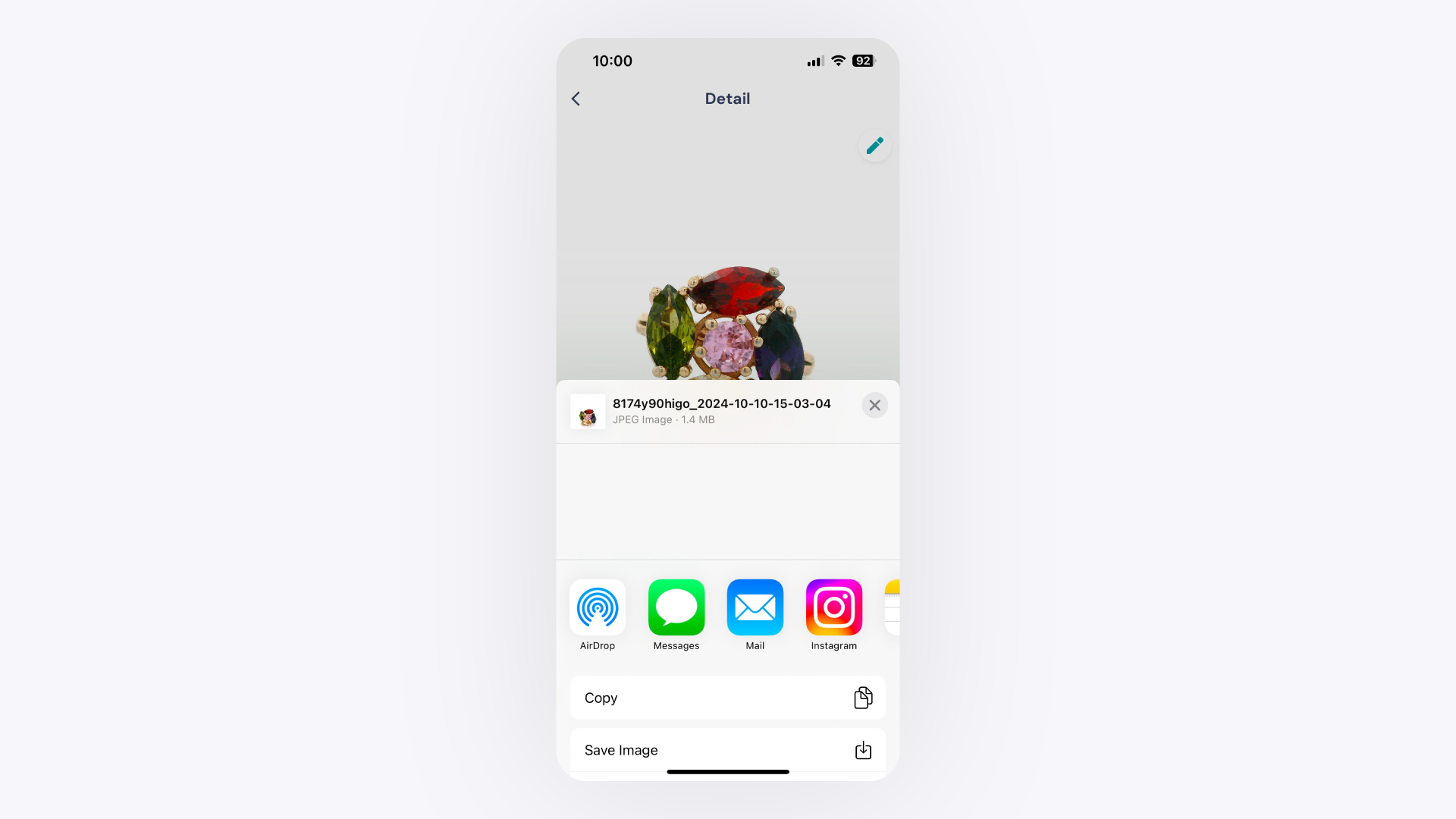
Tap Export Media from the options that appear.
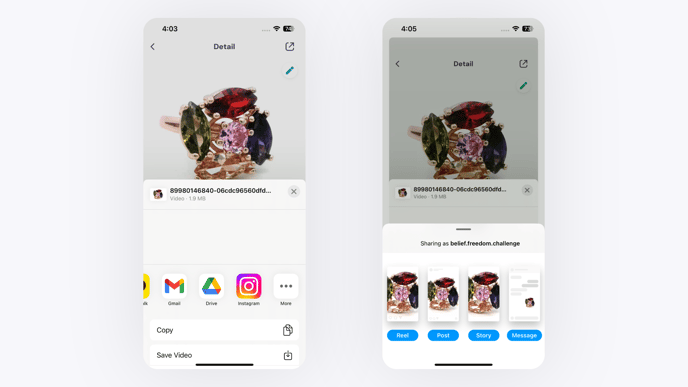
Select your preferred social media platform from the list.