
How to Retouch Images with AI in the GemHub
Quick Answer
AI Retouch in the GemHub automatically enhances your jewelry photos — improving color accuracy, reducing noise, and sharpening detail in seconds. Open any image in the GemHub, tap the pencil icon, then tap AI Retouch. No manual editing skills needed.
Before You Start
GemHub installed and up to date on your phone
Image already captured or saved inside GemHub
Steps
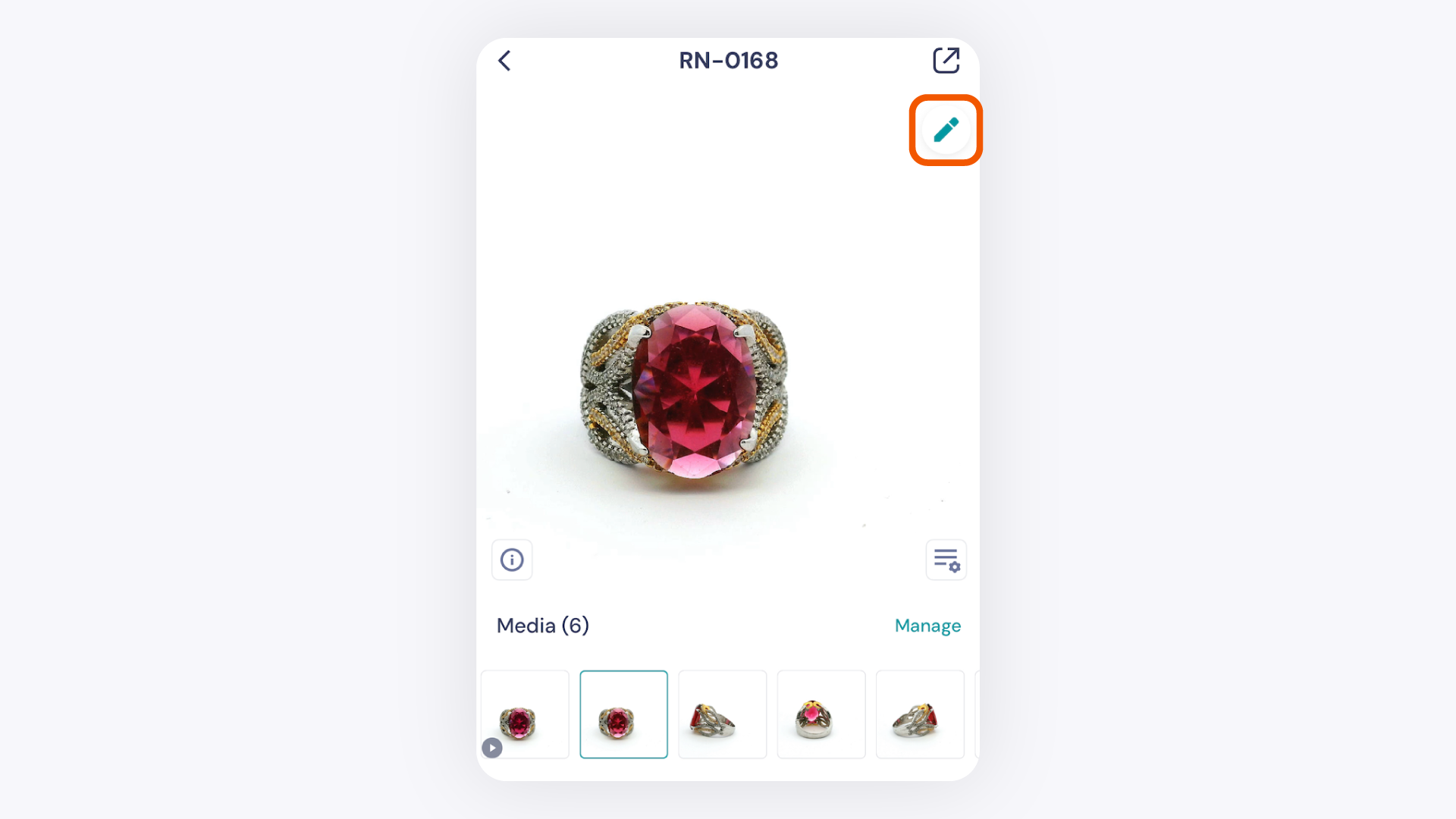
Select your image. Open the GemHub and tap the image you want to retouch.
Enter Edit Mode. Tap the pencil icon in the top-right corner of the screen.
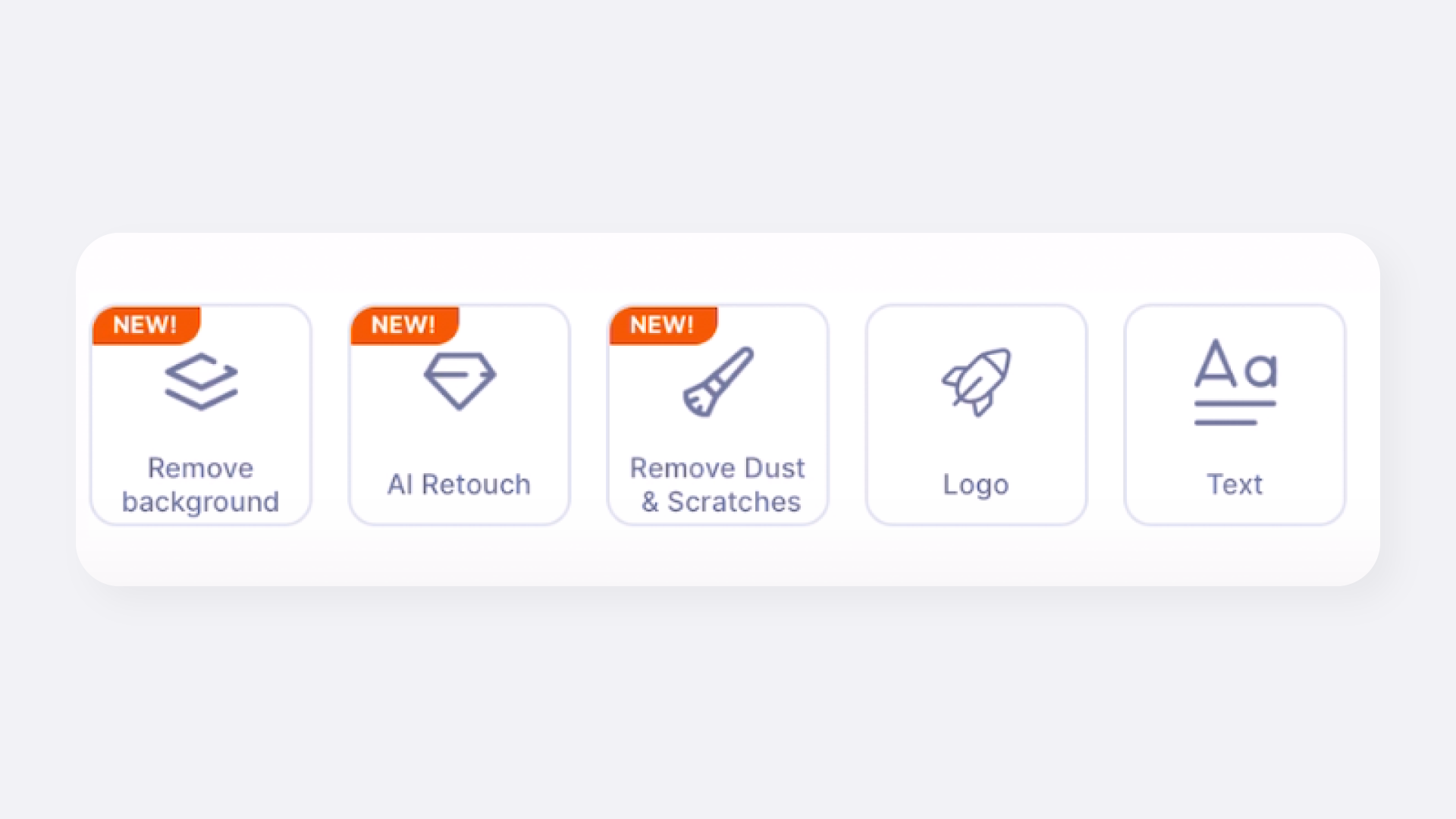
Tap AI Retouch. In Edit Mode, tap the AI Retouch option to start the automated enhancement.
Wait for processing. The AI analyzes and enhances your image automatically.