Managing Your Profile on GemHub
Quick Answer
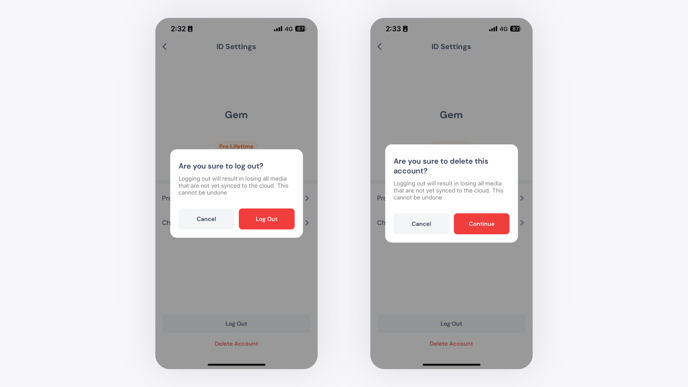
The GemHub lets you view and update your account from the Profile tab. Tap the Profile icon in the bottom-right corner of the app, then tap your email address to access your settings. From there you can edit your details, change your password, or log out.
Before You Start
Log in to the GemHub on your phone.
If you plan to log out or delete the app, sync all photos and videos first. Any un-synced media will be permanently lost.
Steps
Open Your Profile
Open the GemHub on your phone.
Tap the Profile icon in the bottom-right corner of the screen.
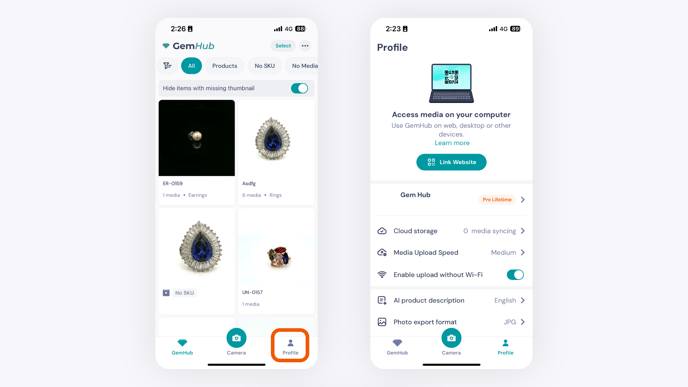
Tap your email address at the top of the screen to open your profile settings.
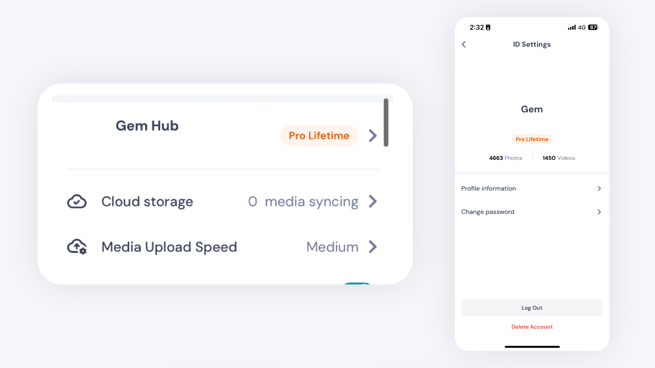
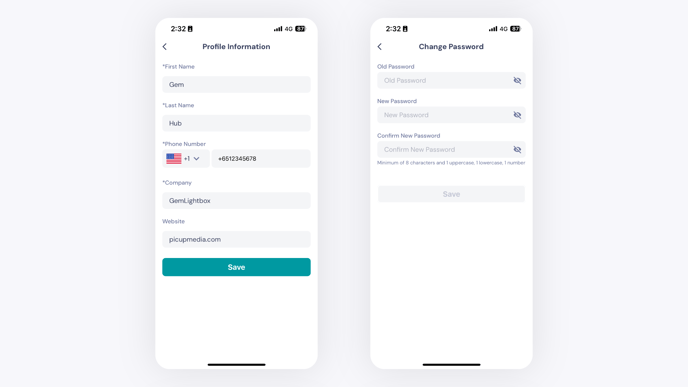
Edit Your Profile Information
Update your name, contact details, or other account information as needed. Changes save automatically.