How to Manage Your GemIQ Subscription
Quick Answer
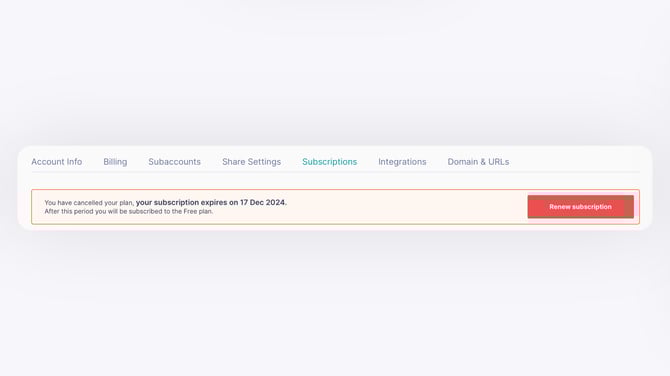
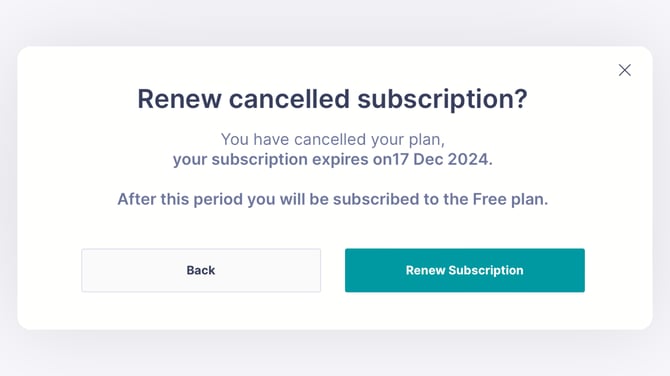
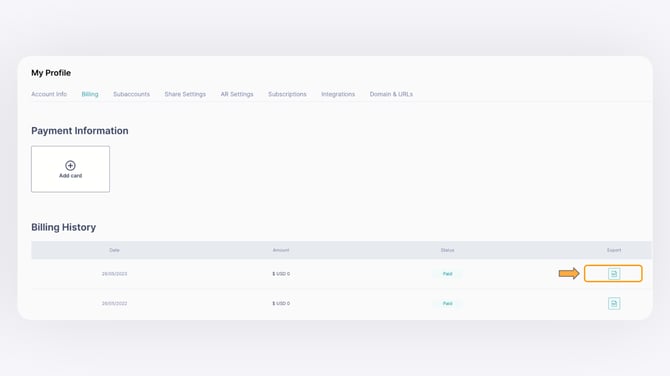
You can view, activate, upgrade, downgrade, cancel, renew, or download invoices for your GemIQ subscription directly from the Profile menu inside GemHub. All subscription management is handled in one place — no need to contact support for routine changes.
Before You Start
Log in to your GemIQ account at hub.gemlightbox.com.
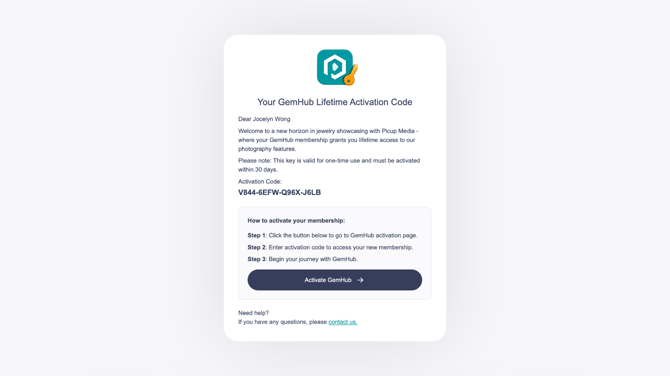
To activate a new subscription, have your activation code email ready.
To downgrade, delete any sub-accounts that exceed the lower plan's limit before proceeding.
Steps
View Your Current Subscription
In the GemHub:
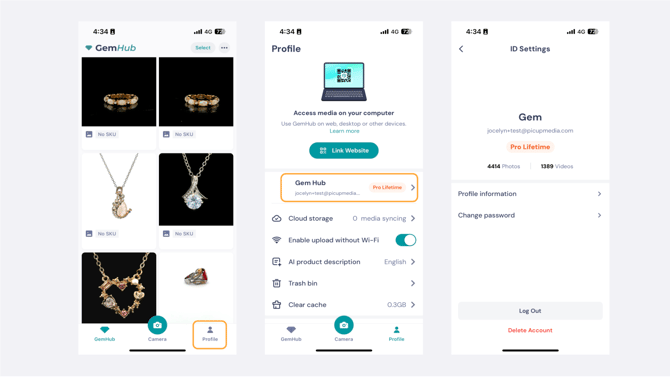
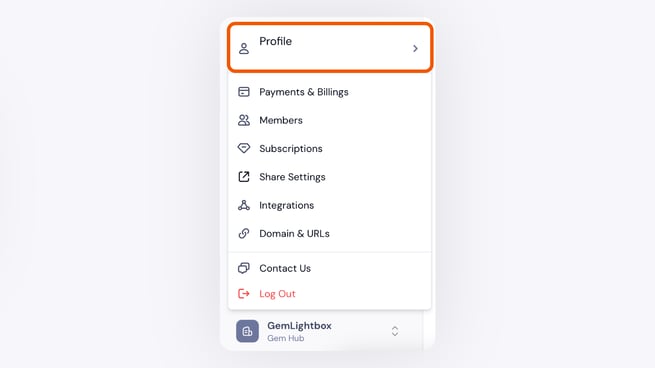
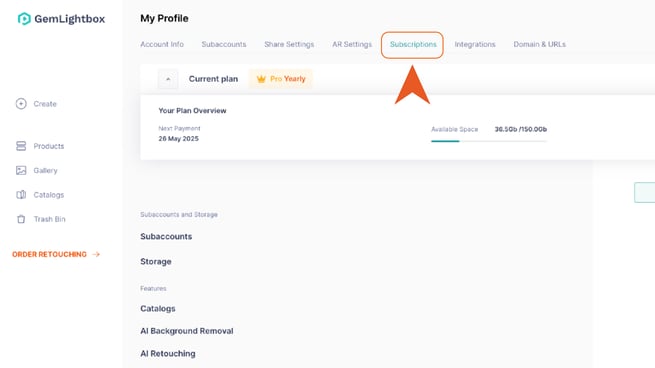
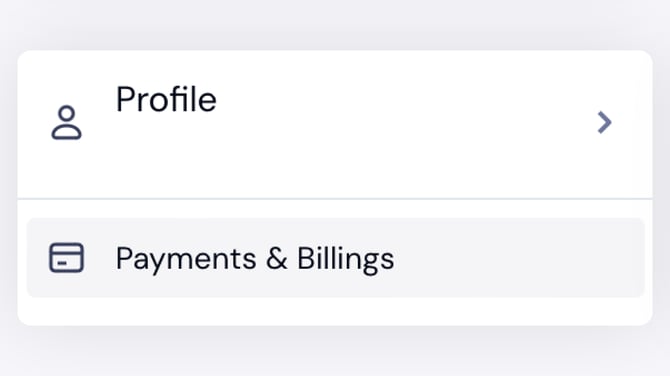
Open the GemHub and click the Profile icon in the bottom left corner.
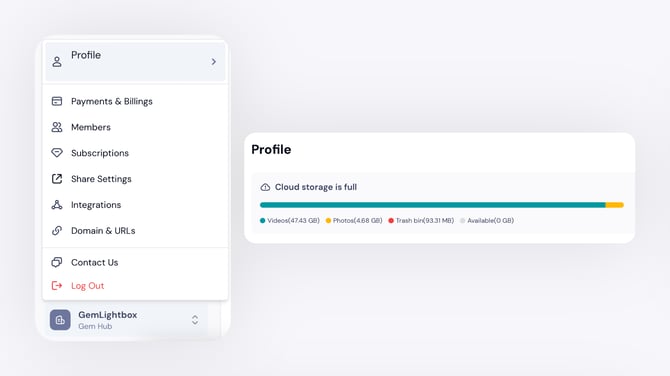
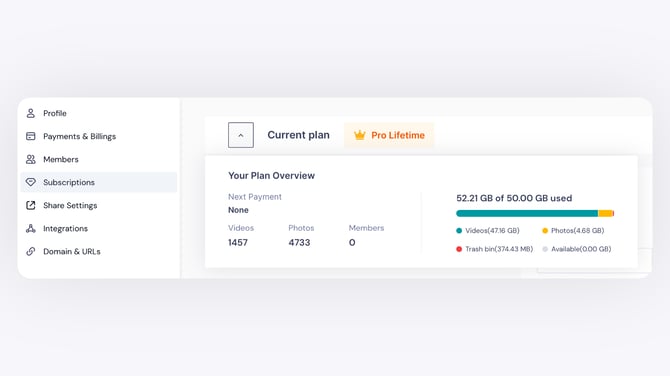
Select Subscriptions from the menu to view your current plan.