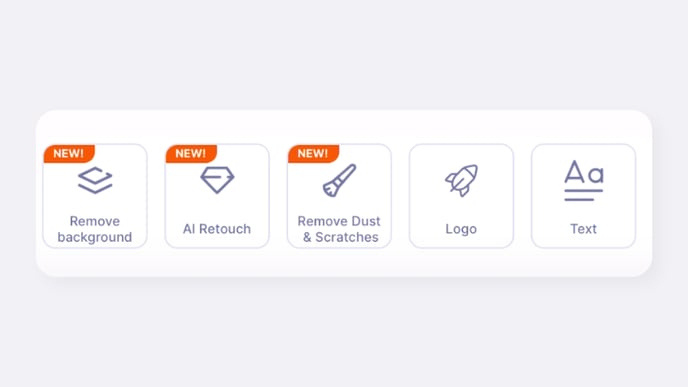
How to Automatically Remove Dust and Scratches from Images
Quick Answer
The GemHub includes an AI-powered tool that automatically detects and removes small dust particles, blemishes, and scratches from your jewelry photos. You can find this feature in the image editing menu for any photo in your GemIQ gallery.
Before You Start
Ensure you have the GemHub installed on your mobile device.
Have an image saved to your GemHub gallery that you wish to edit.
Steps
Open the GemHub and navigate to your gallery.
Tap to open the image you want to clean.
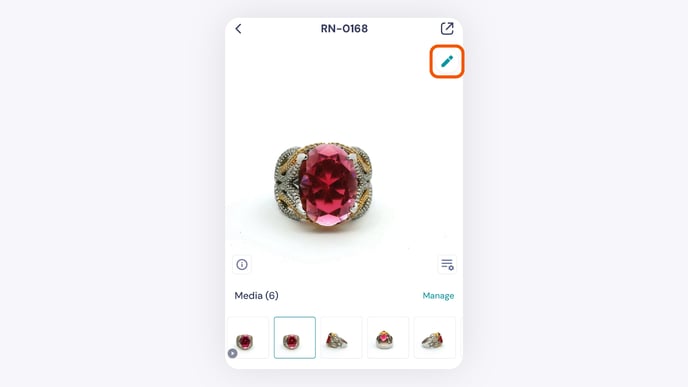
Tap the Edit icon (a pencil) in the top right corner of the screen.
From the editing options that appear, tap Remove Dust & Scratches.