How to Create Your GemIQ Account
Quick Answer
Create a GemIQ account to save, edit, and organize your jewelry photos and videos across all your devices. You can sign up through the GemHub on desktop or mobile. After registering with your email and creating a password, you must click the verification link sent to your email to activate your account.
Before You Start
You will need a valid email address that you can access.
Steps
Start the Sign-Up Process. Open the GemHub on your computer or mobile device. If you don't have it, you can download it from:
Apple (Mac, iPhone, iPad): Apple App Store
Windows: Microsoft Store
Android: Google Play Store
Select Create Account. On the login screen, click the "Sign Up" or "Create Account" button.
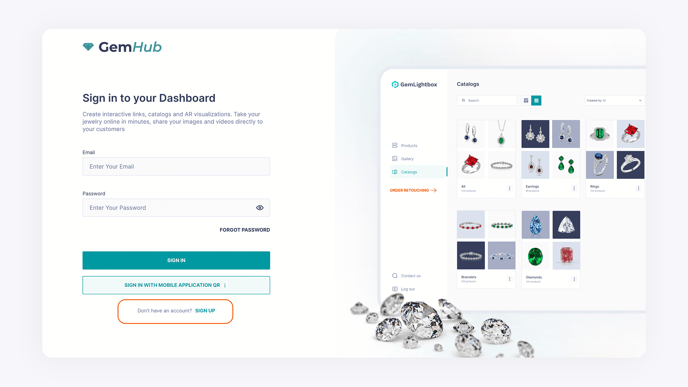
Creating a GemIQ Account on Desktop Enter Your Details. Fill in the required fields, including your name, email address, and a secure password.