Quick Answer#
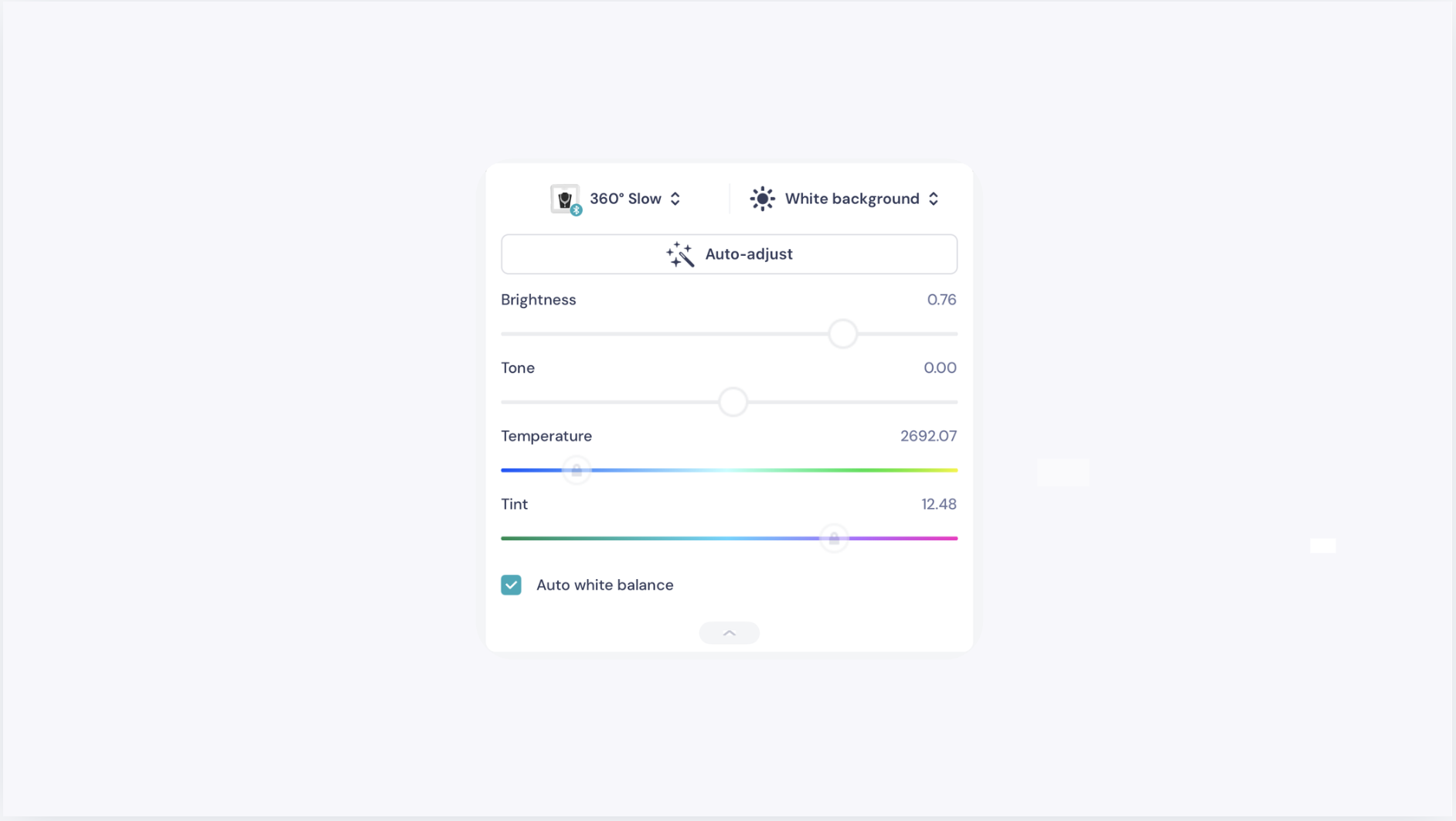
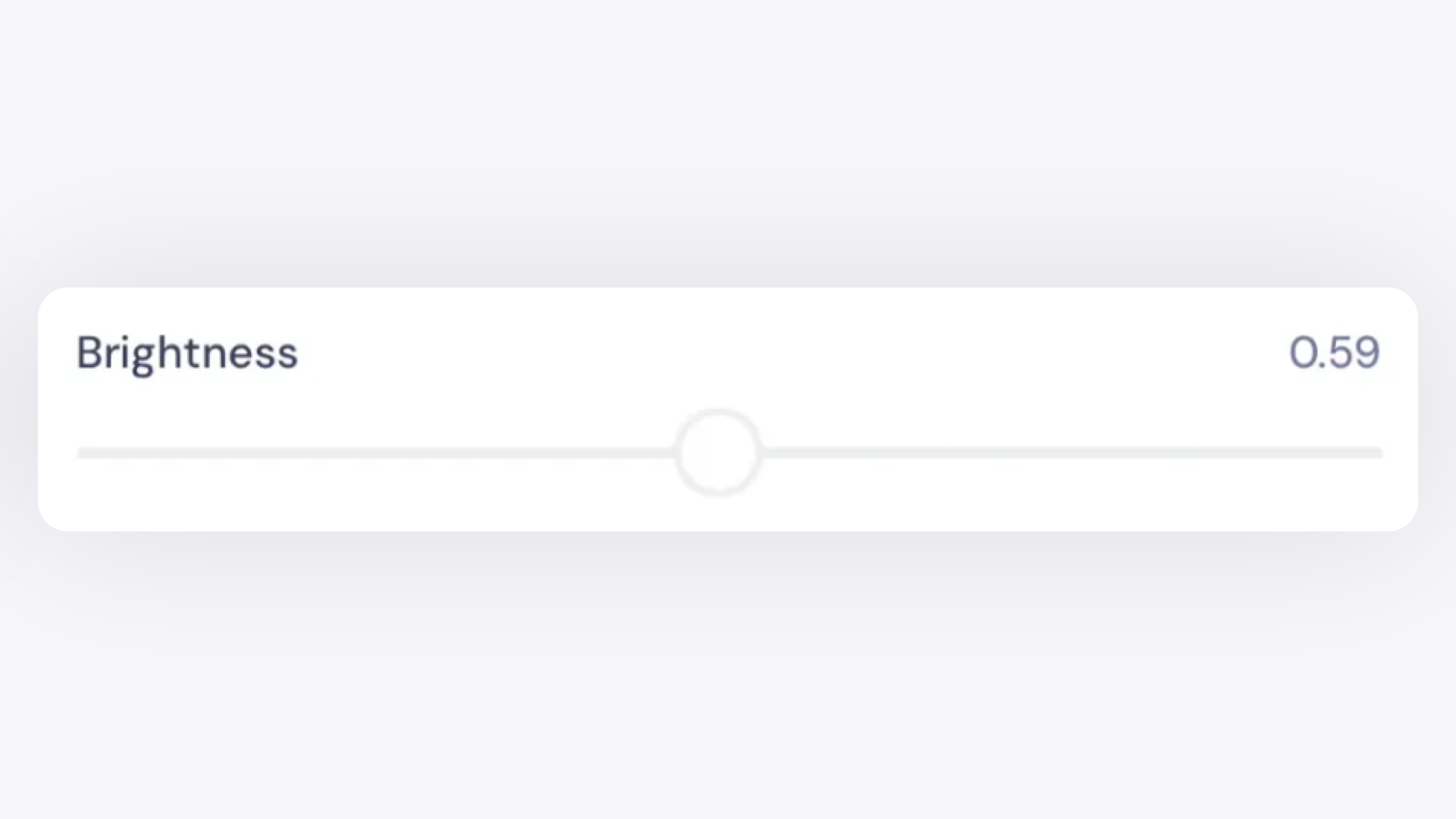
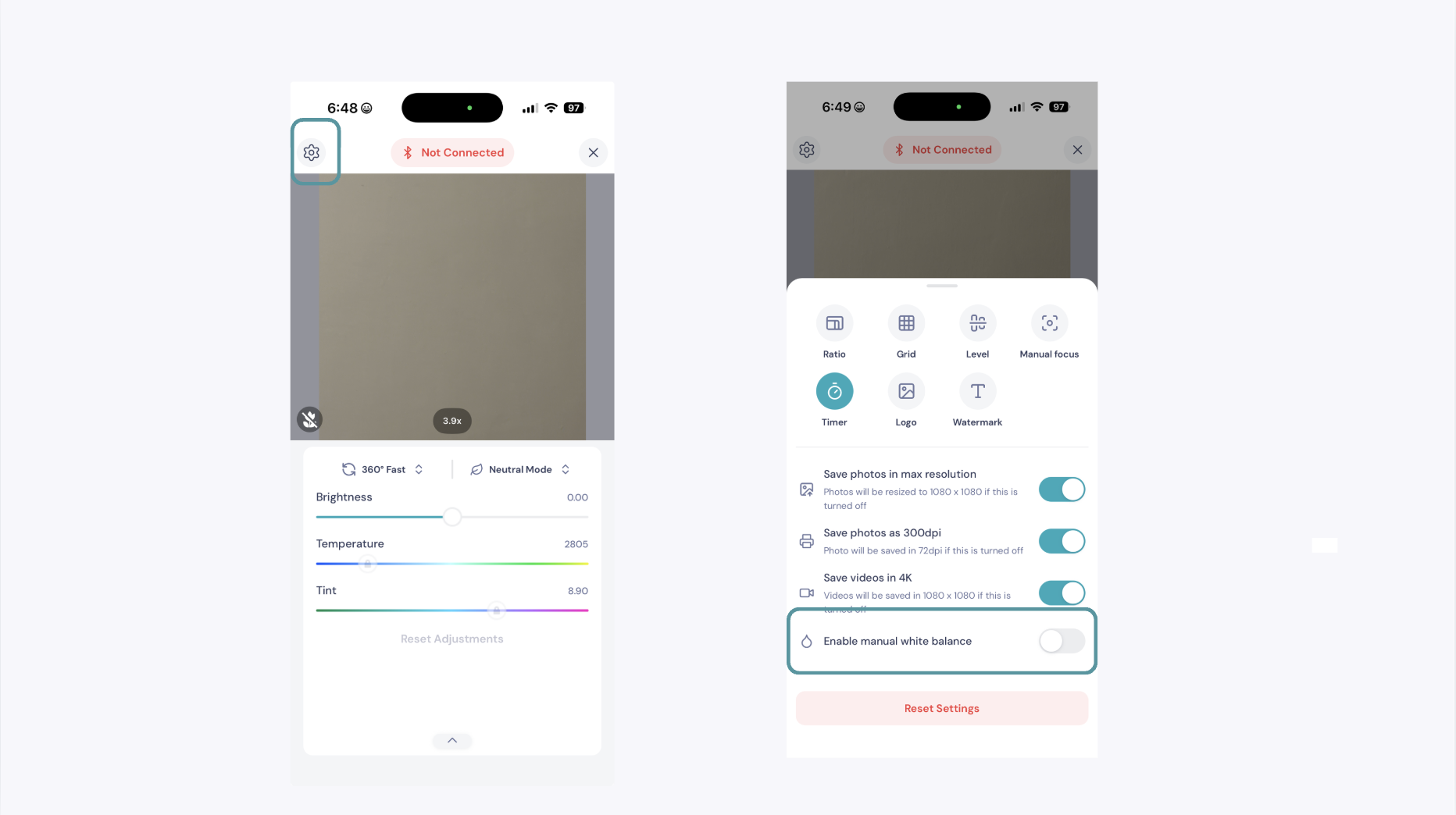
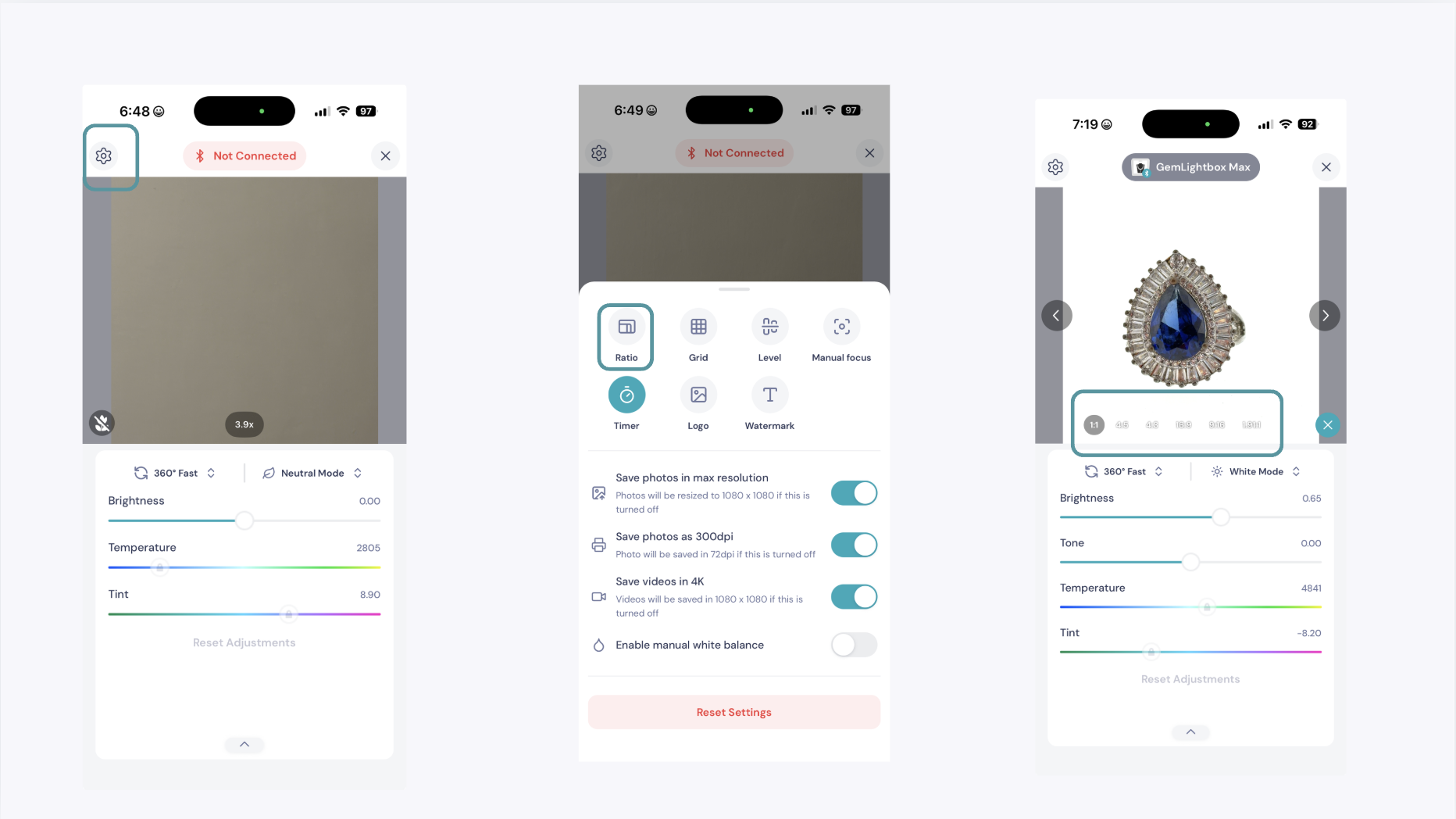
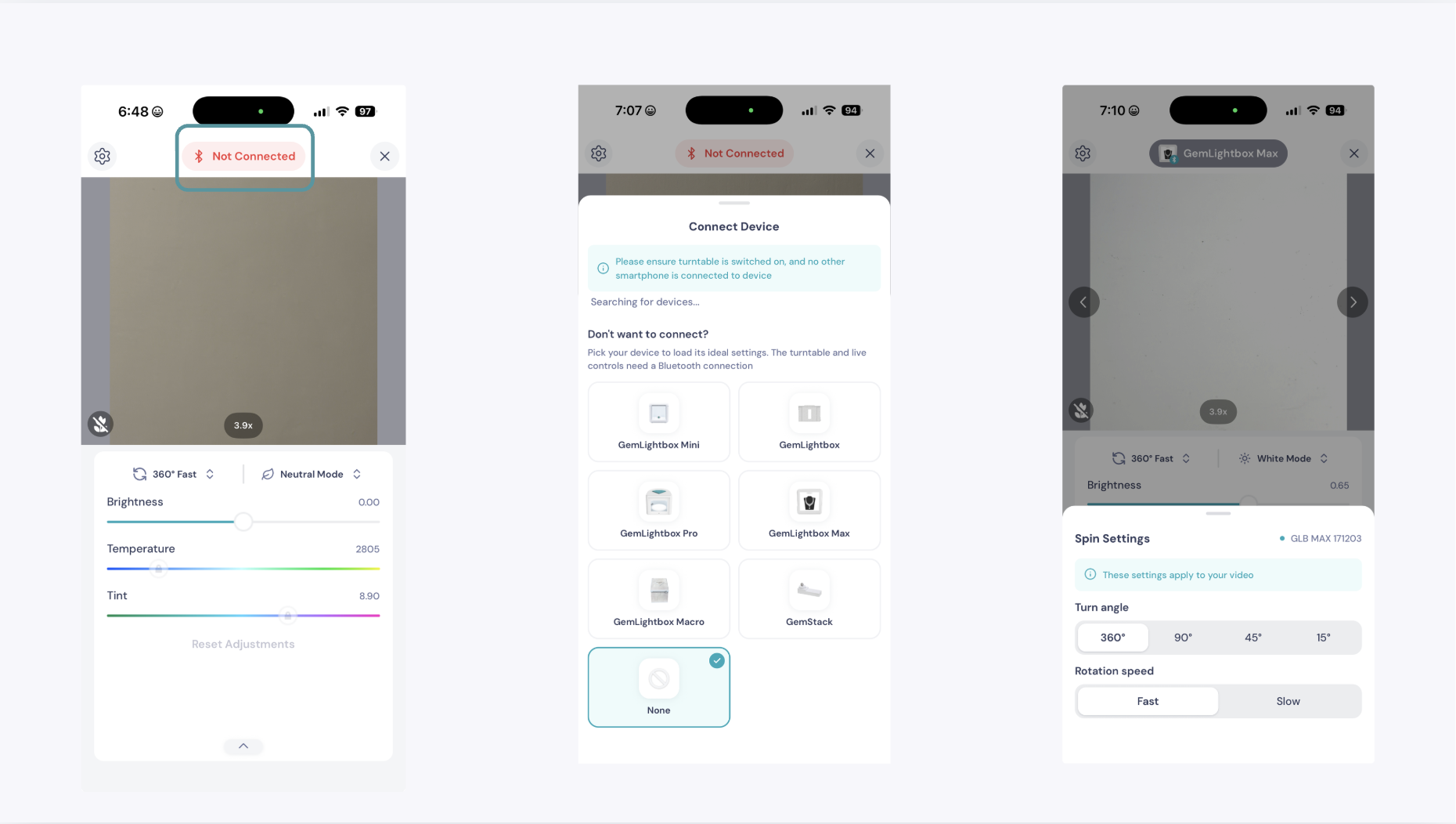
The GemIQ mobile app gives you precise control over your capture setup.
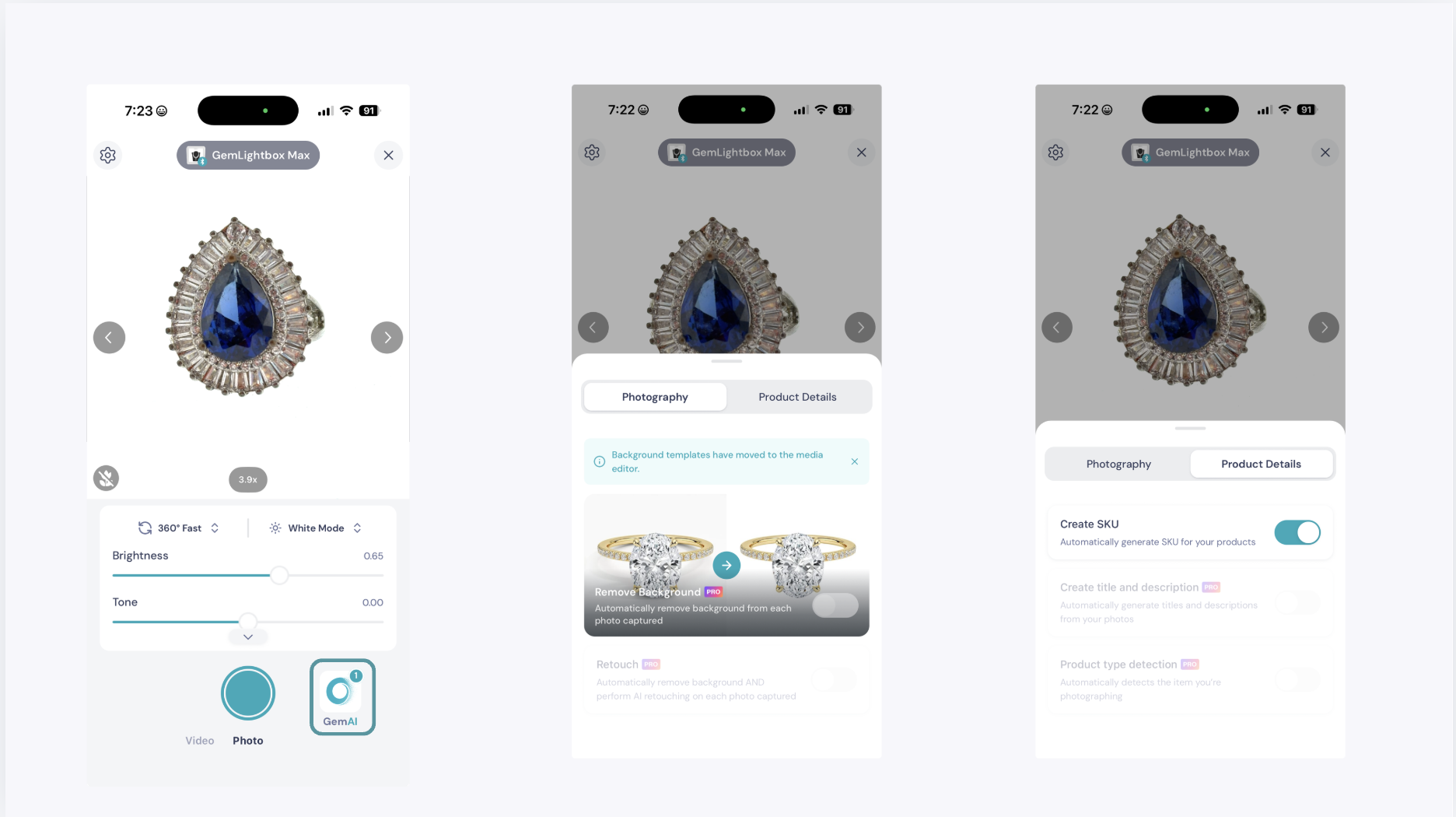
GemAI features automate background removal, retouching, and product descriptions. Switch between connected GemLightbox devices using the device button on the capture screen.
Camera Mode Adjustments#
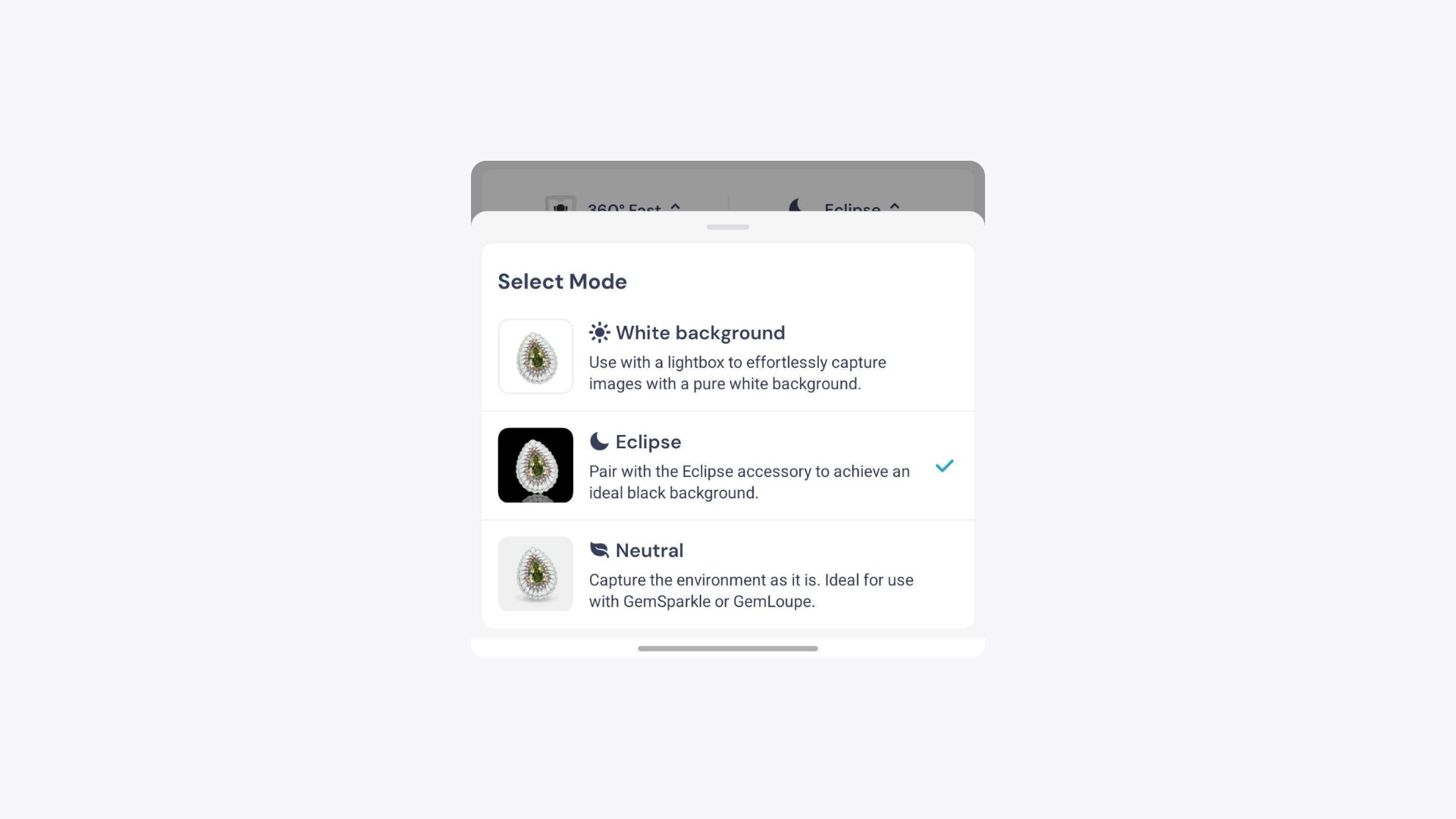
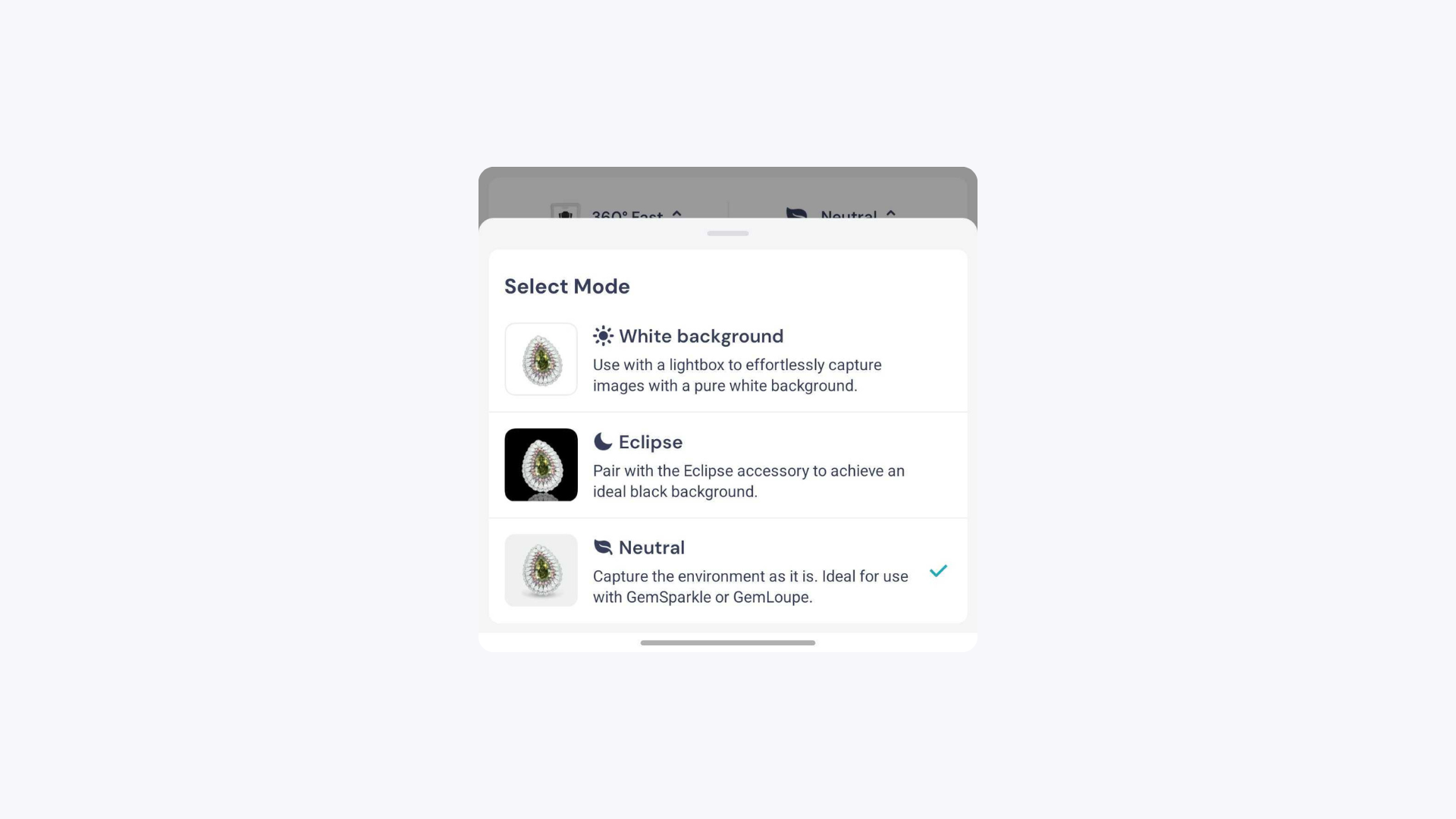
Tap on the background selection option in camera mode to open the background menu.
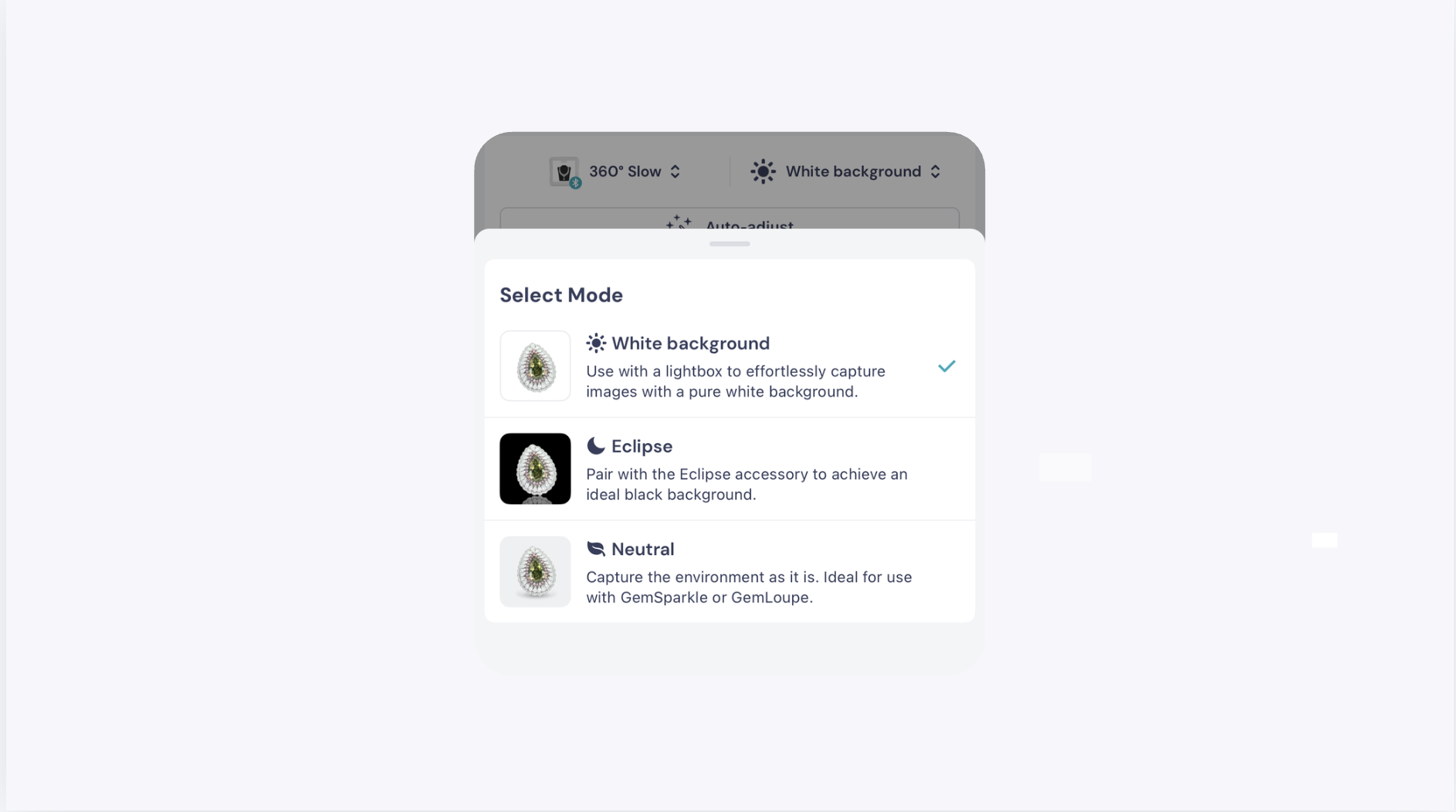
Eclipse Mode#
Captures images and videos against a black background. Use this mode to create a dramatic, high-contrast presentation that draws focus to the jewelry piece.