Quick Answer#
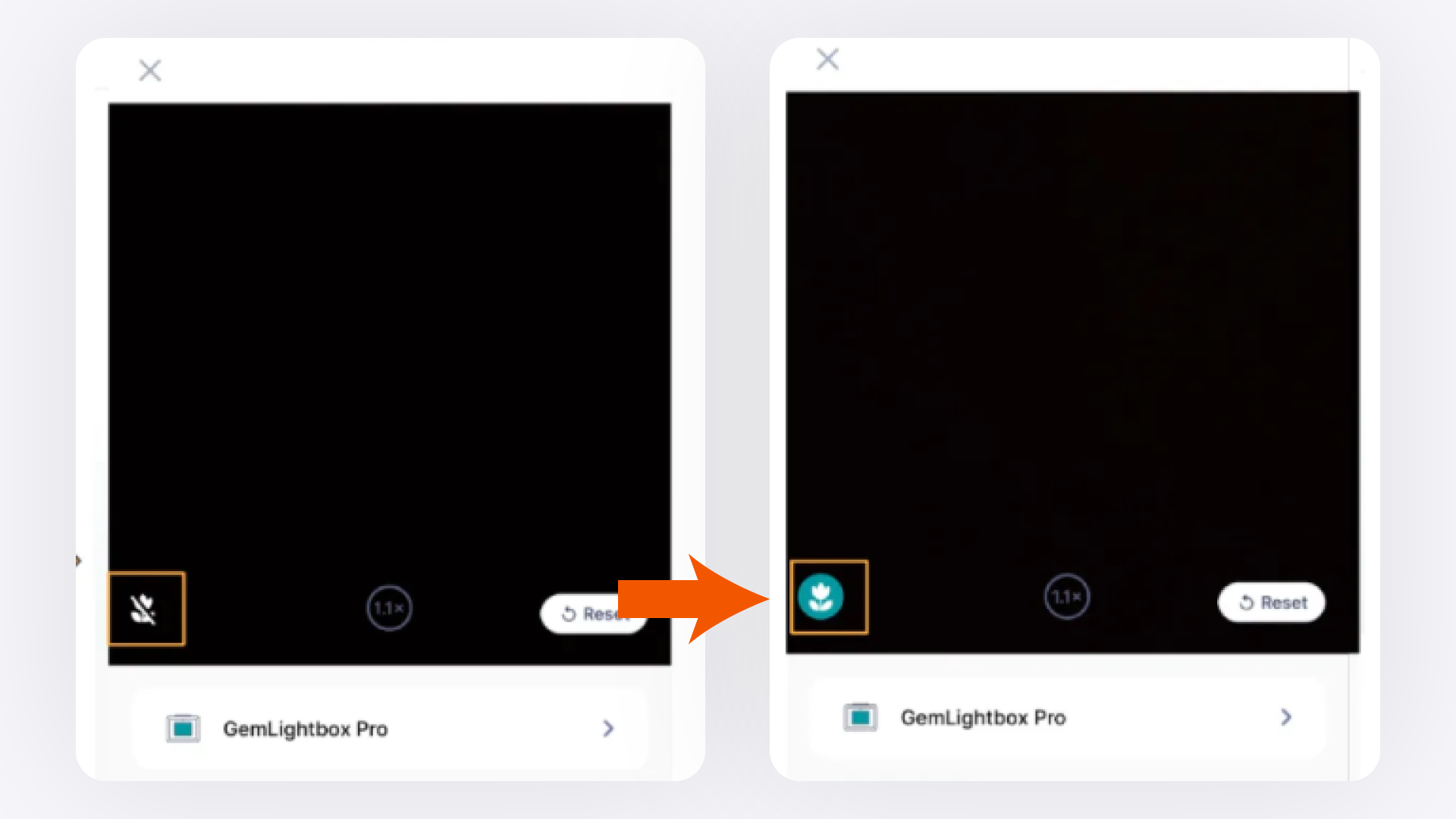
If your GemIQ camera appears green, exit the app completely and relaunch it. If your camera struggles to focus on bracelets or larger pieces on an iPhone Pro or Pro Max, adjust the macro lens setting inside GemIQ camera settings.
Before You Start#
Confirm GemIQ is updated to the latest version from the App Store.
Note your iPhone model — the macro control steps apply to iPhone 13 Pro, iPhone 13 Pro Max, iPhone 14 Pro, and iPhone 14 Pro Max.
Steps#
Issue 1: Camera Appears Green#
Swipe GemIQ closed from the app switcher to fully exit the app.
Relaunch GemIQ.
Tap the camera screen to refresh the view.