Quick Answer#
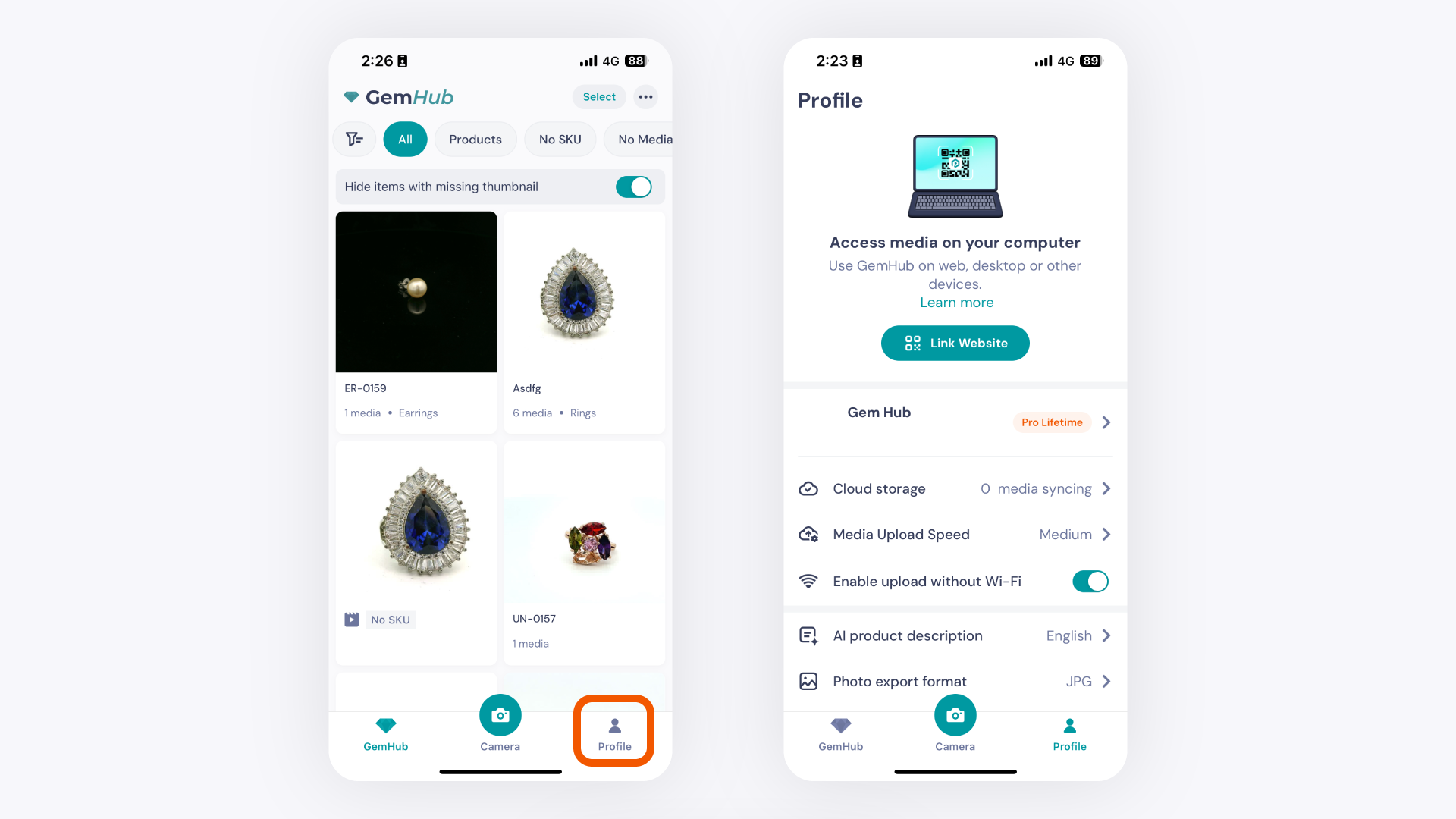
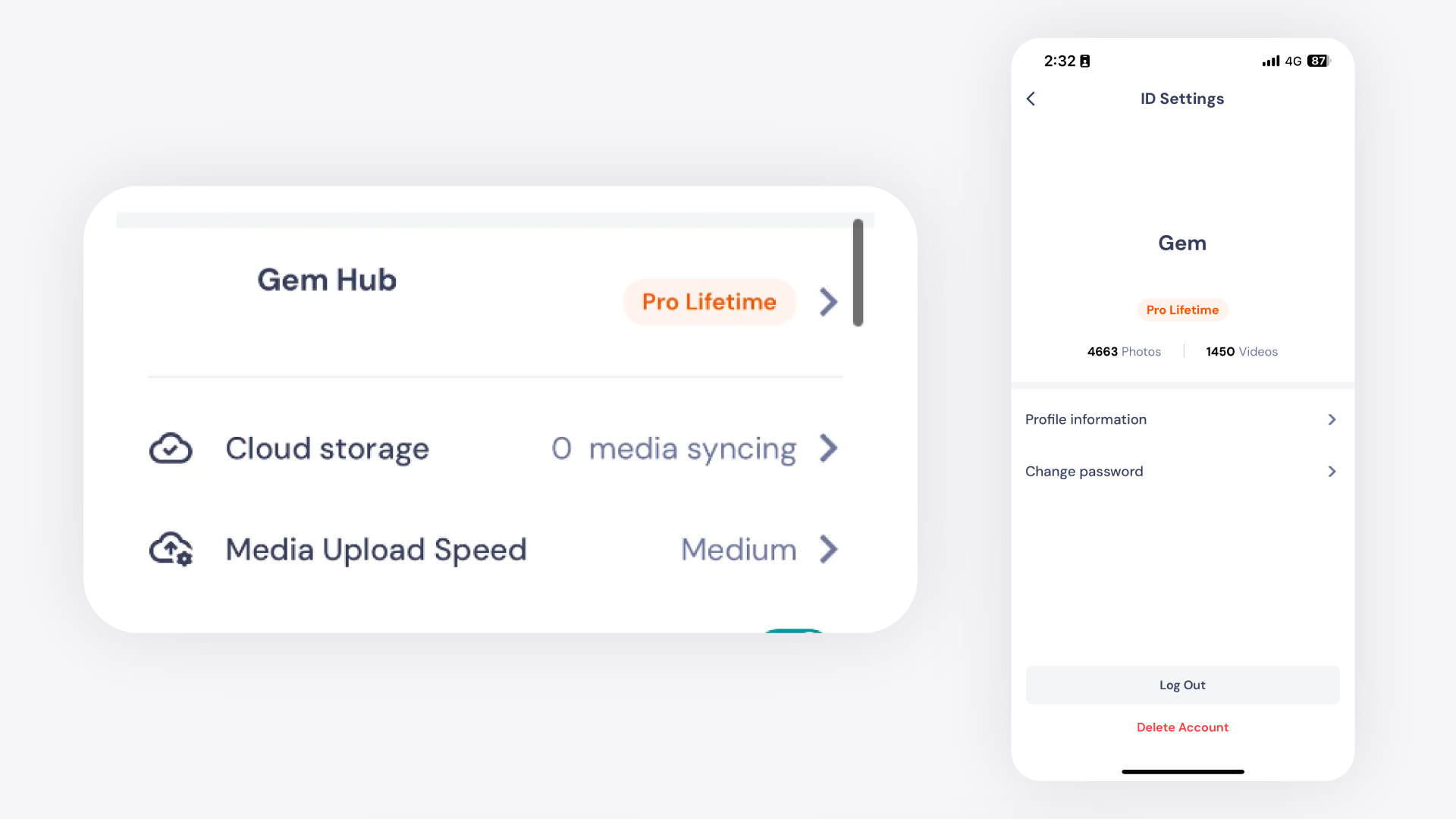
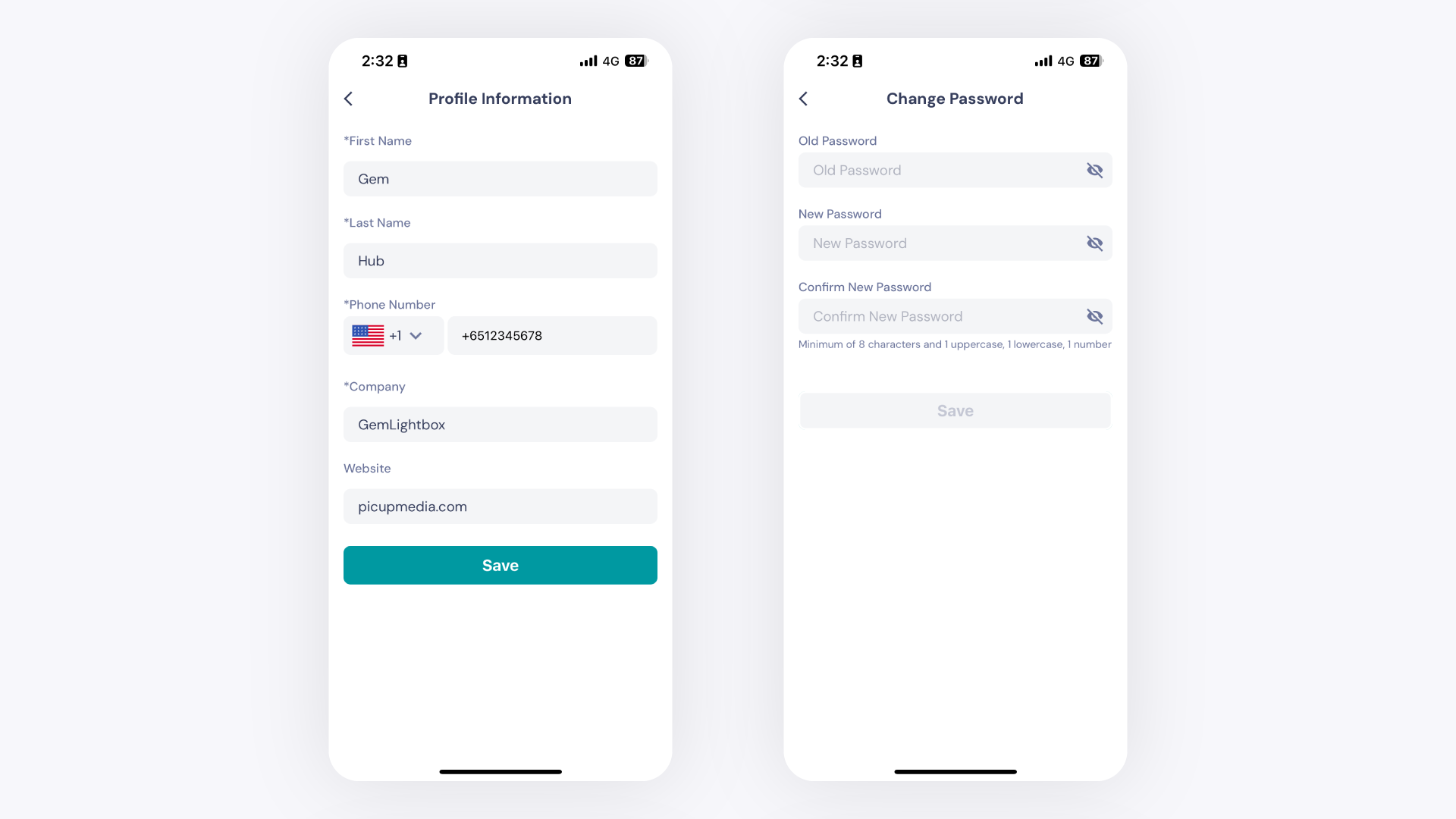
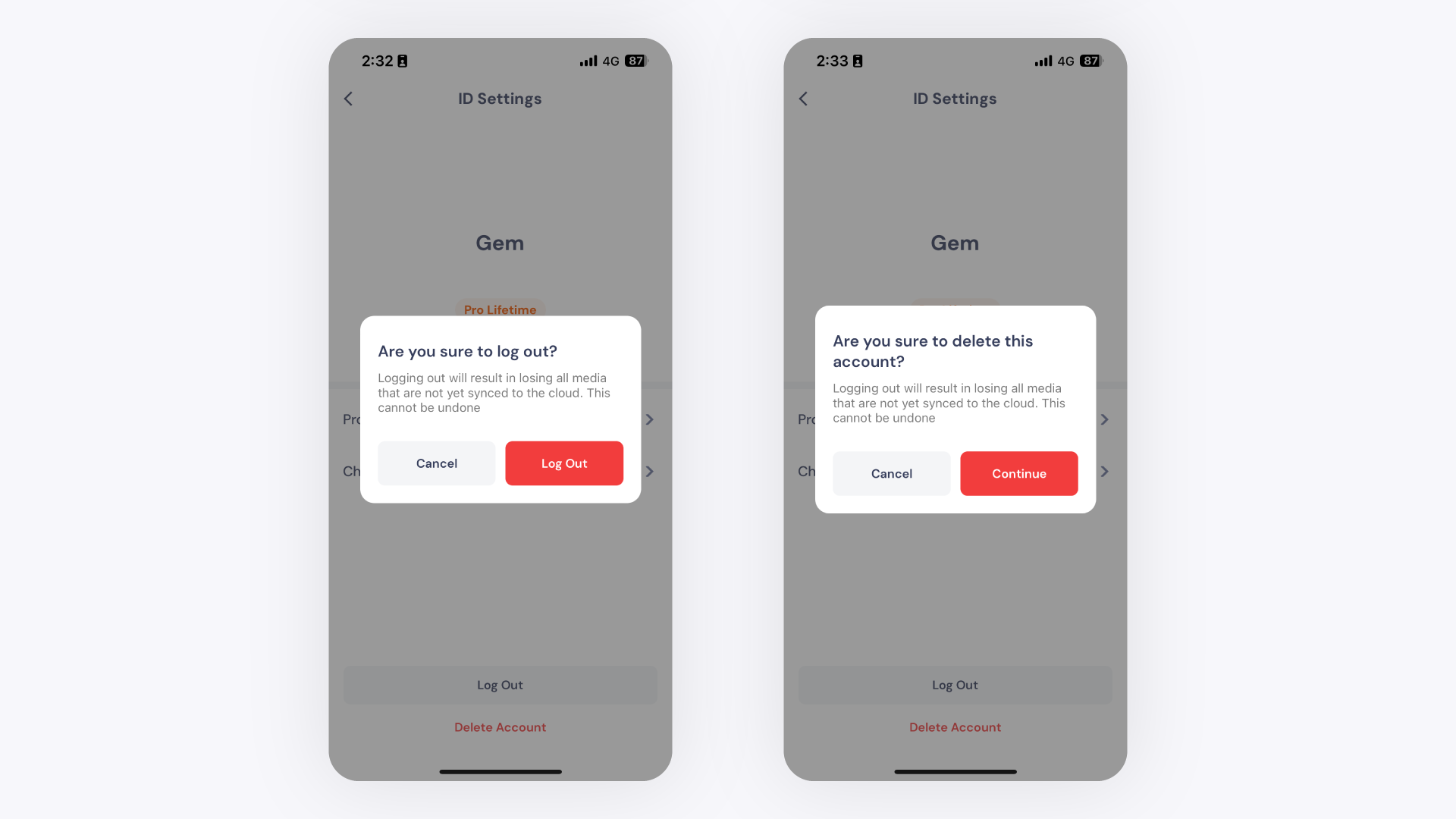
The GemIQ lets you view and update your account from the Profile tab. Tap the Profile icon in the bottom-right corner of the app, then tap your email address to access your settings. From there you can edit your details, change your password, or log out.
Before You Start#
Log in to the GemIQ application on your phone.
If you plan to log out or delete the app, sync all photos and videos first. Any un-synced media will be permanently lost.
Steps#
Open Your Profile#
Open GemIQ on your phone.
Tap the Profile icon in the bottom-right corner of the screen.