

Quick Answer#
The GemIQ Mobile App requires iOS 15.5 or later on iPhone, iPadOS 15.5 or later on iPad, and Android 7.1 or later on Android devices.
Which version is needed?#
On Apple devices, the GemIQ Mobile App needs iOS 15.5 or later on iPhone and iPadOS 15.5 or later on iPad. You can download it from the Apple App Store. To check your version, go to Settings > General > About. To update, go to Settings > General > Software Update.
On Android devices, the GemIQ Mobile App needs Android 7.1 or later. You can download it from the Google Play Store. To check your version, go to Settings > About phone > Android version. Menu names can vary slightly between manufacturers.
If your device runs an older version than these, the app store won’t let you install GemIQ. Update your device’s operating system first if an update is available. If your device can’t be updated to the minimum version, you’ll need a newer device to use the GemIQ Mobile App.
Not sure? Check the App Store directly#
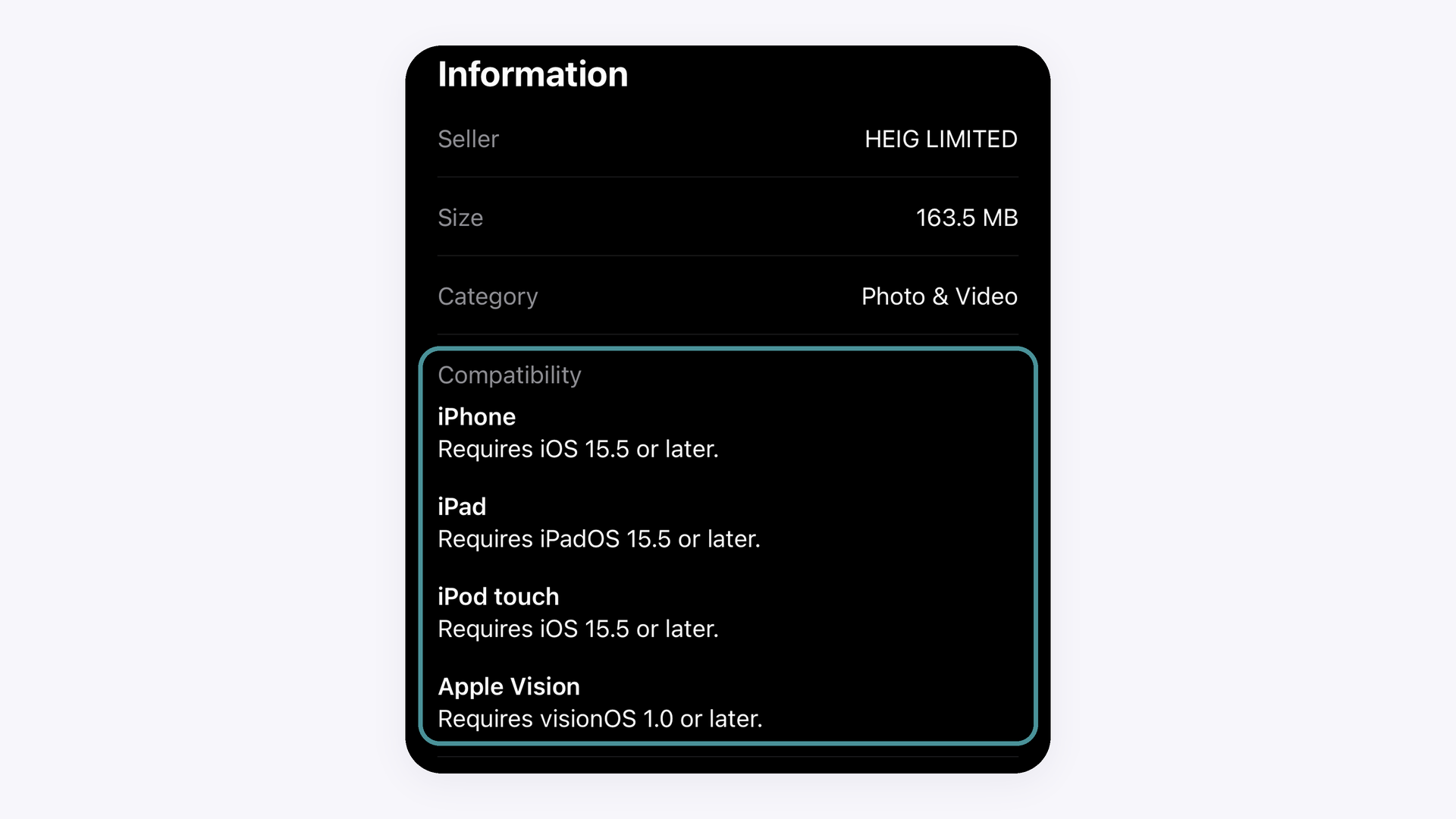
If you are not sure whether your device can run the app, open the GemIQ listing on the App Store, scroll down to Information, and read the Compatibility section. It shows the current minimum version for each type of device, and it is the final word if anything differs from this article.
The App Store does not list a minimum iPhone model for GemIQ. In practice, any iPhone that can run iOS 15.5 can install the app. We are confirming which is the oldest iPhone model we officially support, and we will update this article once that is confirmed.
iPhone and iPad#
The GemIQ Mobile App is compatible with iPads running iPadOS 15.5 or later, but it is optimized for smartphones, so we recommend using an iPhone for the best experience. On an iPad you can sign in with your existing GemIQ account and your content syncs across your devices.
GemCam Pro cannot be connected to an iPad or iPhone, because it requires a Windows or macOS computer.
Not sure? Check the App Store or Google Play directly#
If you’re not sure whether your device can run the app, check its store listing. The listing always shows the current minimum version. If anything there differs from this article, the store listing is correct.
On iPhone or iPad: Open the GemIQ listing on the App Store. Scroll down to Information and read the Compatibility section. It shows the minimum version for each type of device.
On Android: Open the GemIQ listing on Google Play. Tap About this app and scroll down to App info, then find Requires Android. If you open the listing on a device that can’t run the app, Google Play will also tell you it isn’t compatible.
The App Store does not list a minimum iPhone model for GemIQ. In practice, any iPhone that can run iOS 15.5 can install the app. We’re confirming the oldest iPhone model we officially support and will update this article once that’s confirmed.
Google Play doesn’t list a minimum Android device model either. Because Android phones and tablets vary widely by manufacturer, the compatibility message on your device’s Google Play listing is the most reliable check.
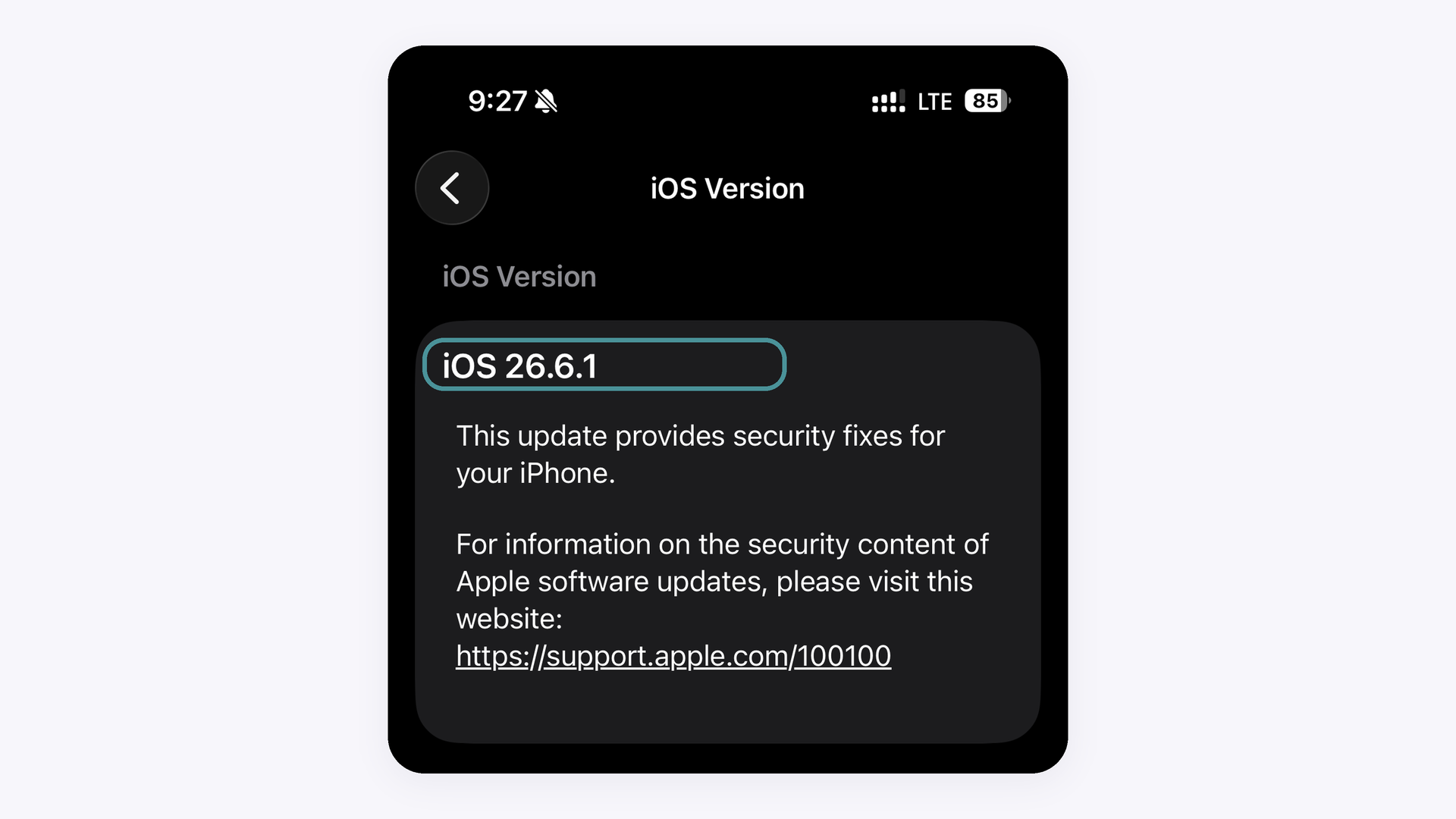
If no update is offered for your device, it cannot run iOS 15.5 or later, and the GemIQ Mobile App cannot be installed on it.
Expected Result#
Customers know the minimum iOS, iPadOS and Android versions for the GemIQ Mobile App and how to check whether their device meets them
Common Questions#
Q: What are the minimum requirements for the GemIQ Mobile App?
A: iOS 15.5 or later on iPhone, iPadOS 15.5 or later on iPad, and Android 7.1 or later on Android devices.
Q: Is the GemIQ Mobile App available on Android?
A: Yes. You can download it from the Google Play Store on any Android device running Android 7.1 or later.
Q: How do I check which version my device is running?
A: On iPhone or iPad, go to Settings > General > About. On Android, go to Settings > About phone > Android version.
Q: Why can’t I find or install GemIQ in my app store?
A: Your device is most likely running an older version than the minimum required. Update your operating system and try again. If no update is available, the device isn’t supported.