Quick Answer#
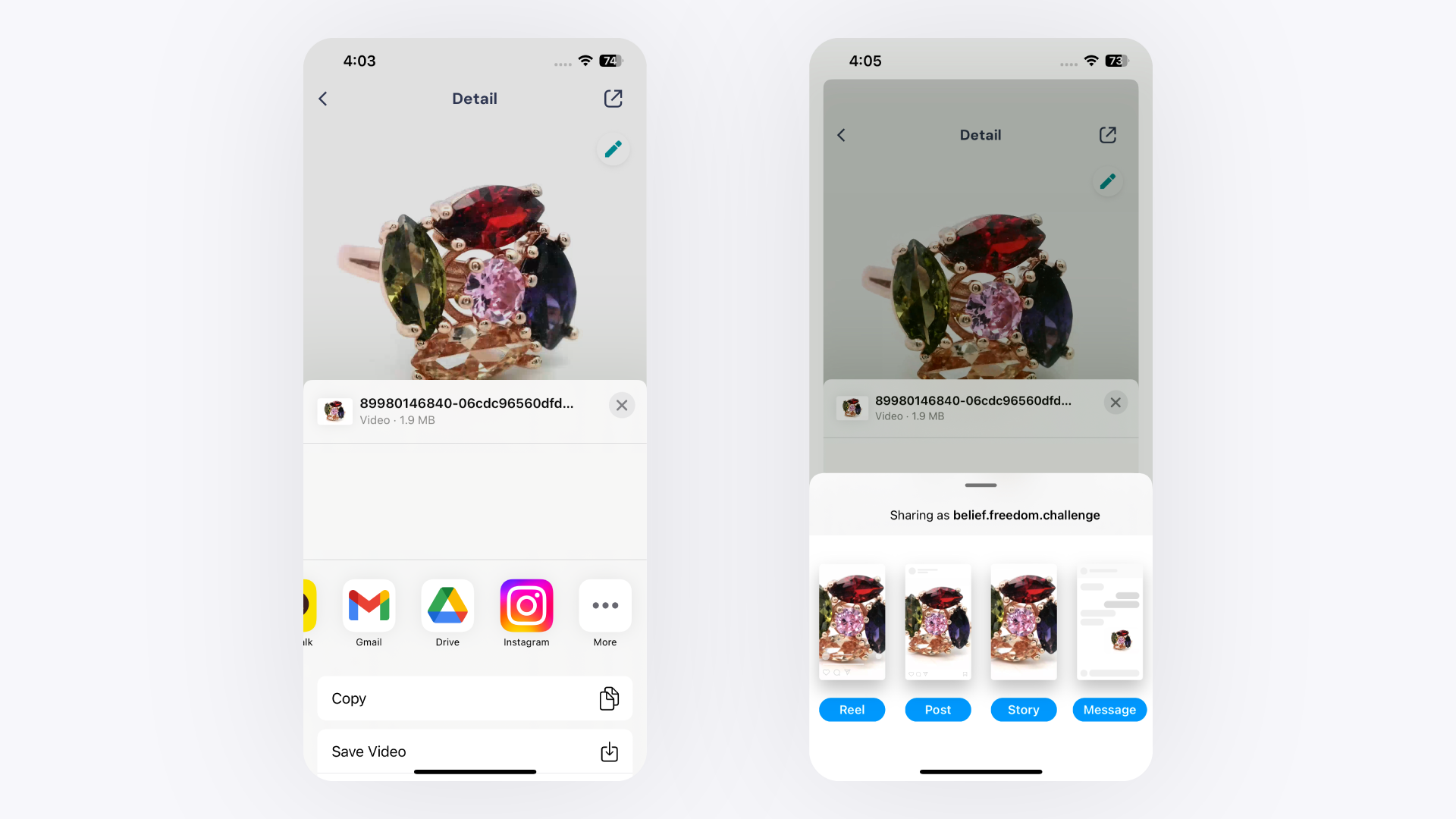
Use GemIQ's Export Media feature to share your jewelry videos directly to Instagram and other social platforms, or download them to your device first before uploading to Etsy.
Before You Start#
GemIQ application installed and open on your mobile device
Video and pictures already captured and saved inside GemIQ
Your Instagram or Etsy account active on the same device
Steps#
Share to Instagram (and Other Social Media)#
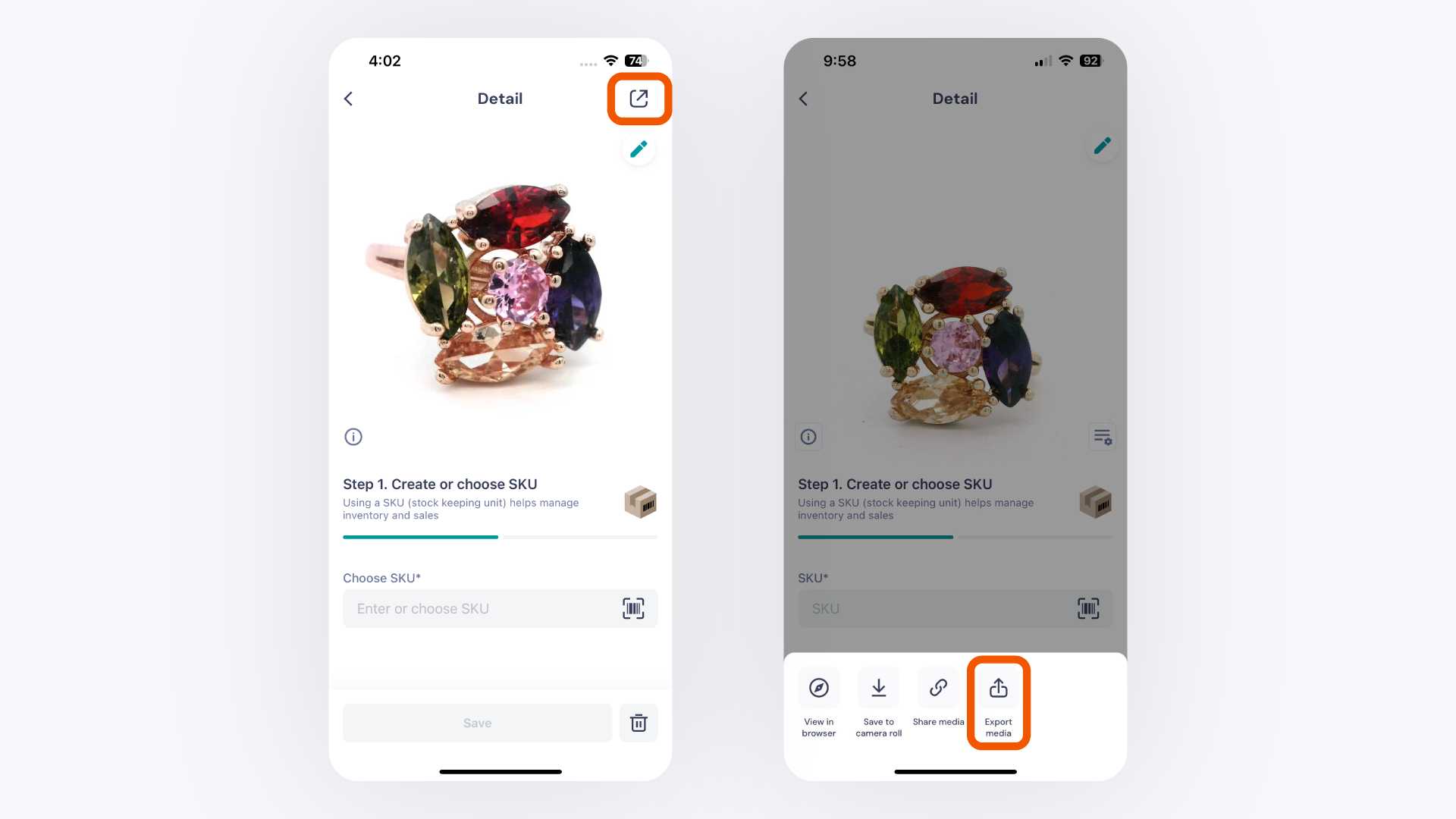
Open the GemIQ and tap the product you want to share.
Tap the share button in the bottom right corner.
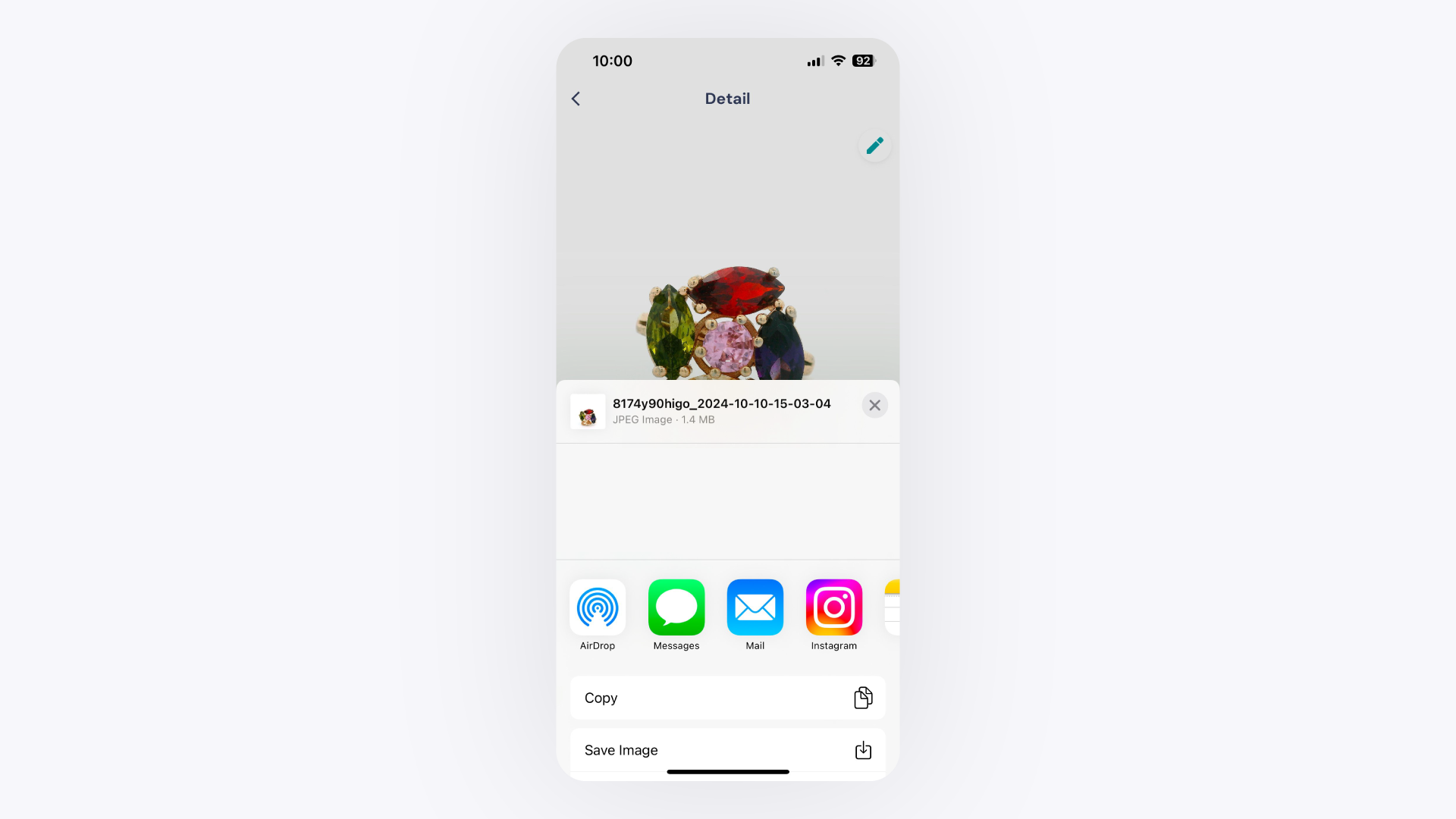
Tap Export Media from the options that appear.