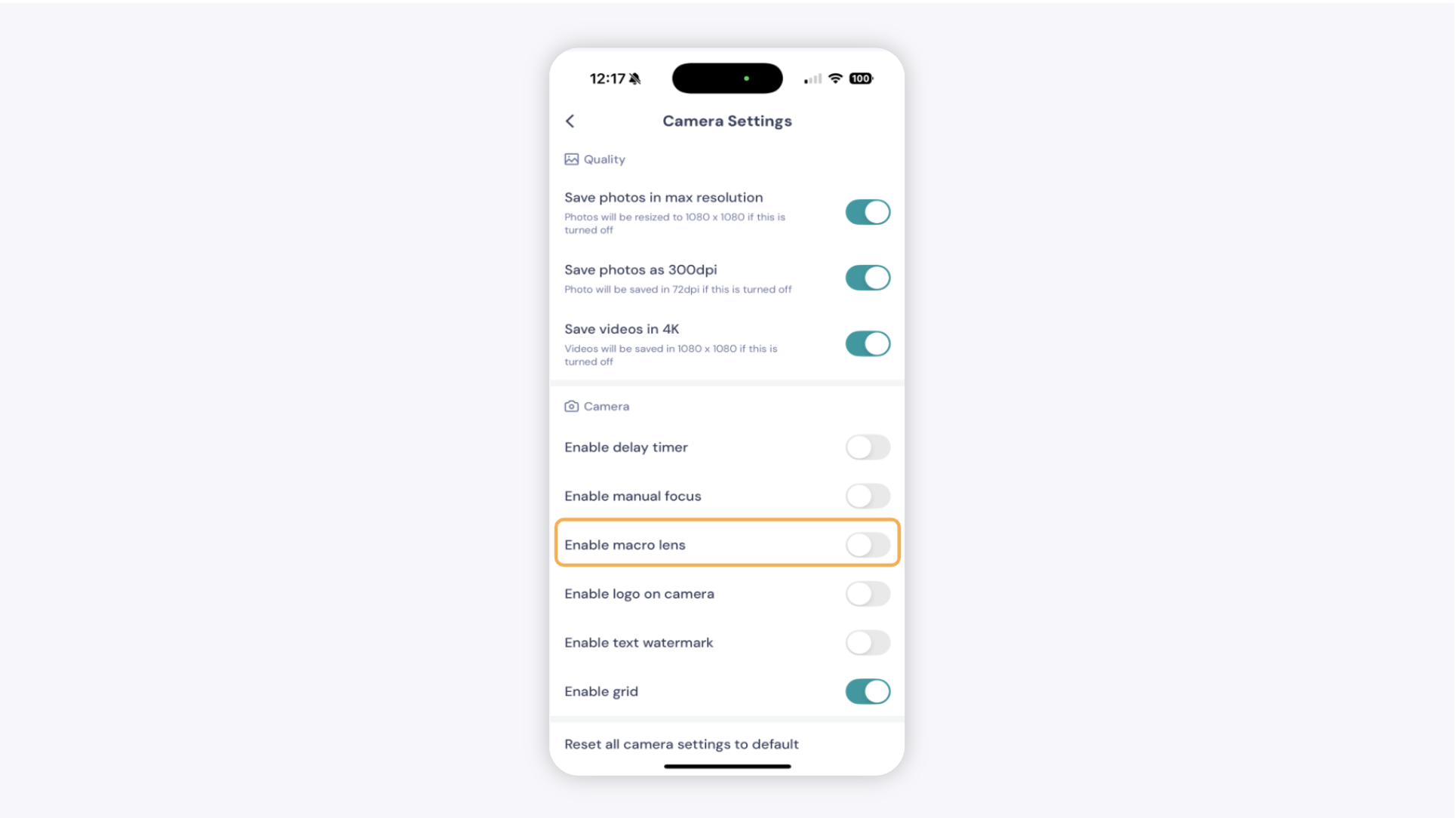
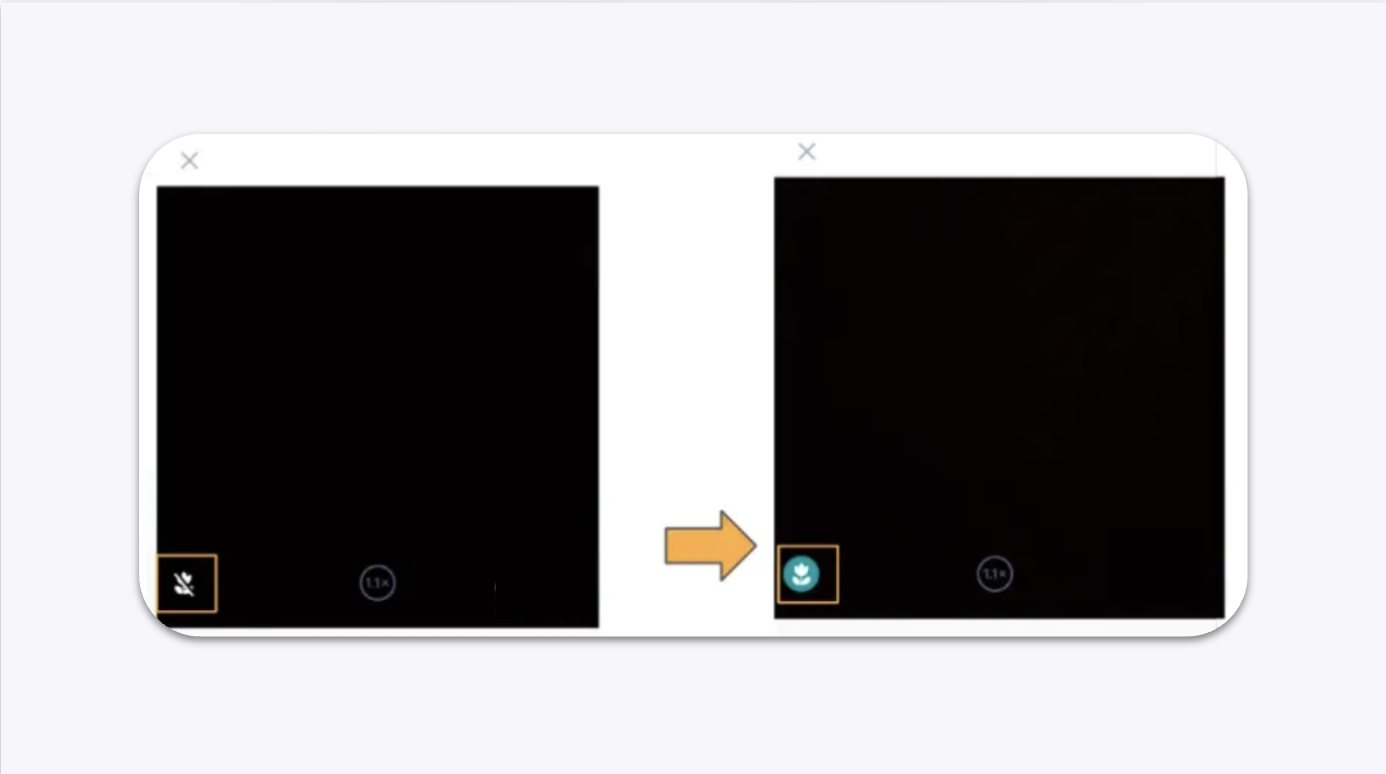
If your photos look blurry or out of focus when shooting jewelry with an iPhone Pro or Pro Max (iPhone 12, iPhone 17 Pro and later), the camera is too close to the subject. Move your phone slightly farther back, or enable the Macro Lens option in GemIQ to improve focus.
Before You Start#
Before troubleshooting, please confirm:
You are using an iPhone Pro or Pro Max.
GemIQ is installed and updated to the latest version.
The issue is caused by camera focusing and not a hardware fault.
If you're using a GemLightbox, remove the front cover to provide a wider field of view for the camera.
Option 1: Move the Phone Slightly Farther Away#
Position your iPhone slightly farther away from the jewelry.
Wait for the camera to lock focus.
Capture a test image.
Newer iPhone Pro cameras have a minimum focusing distance. When the camera is too close, it cannot focus properly.