Quick answer#
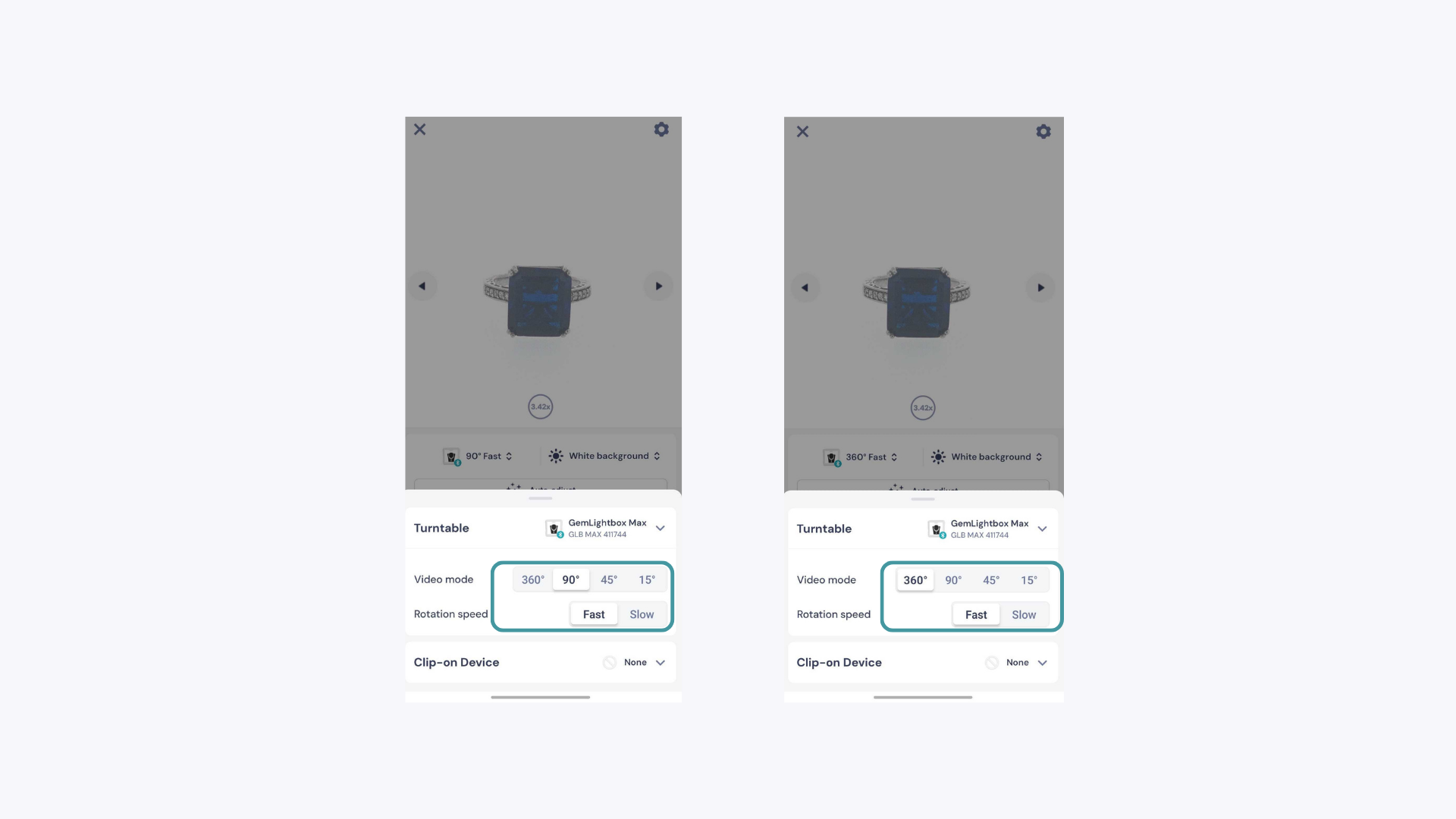
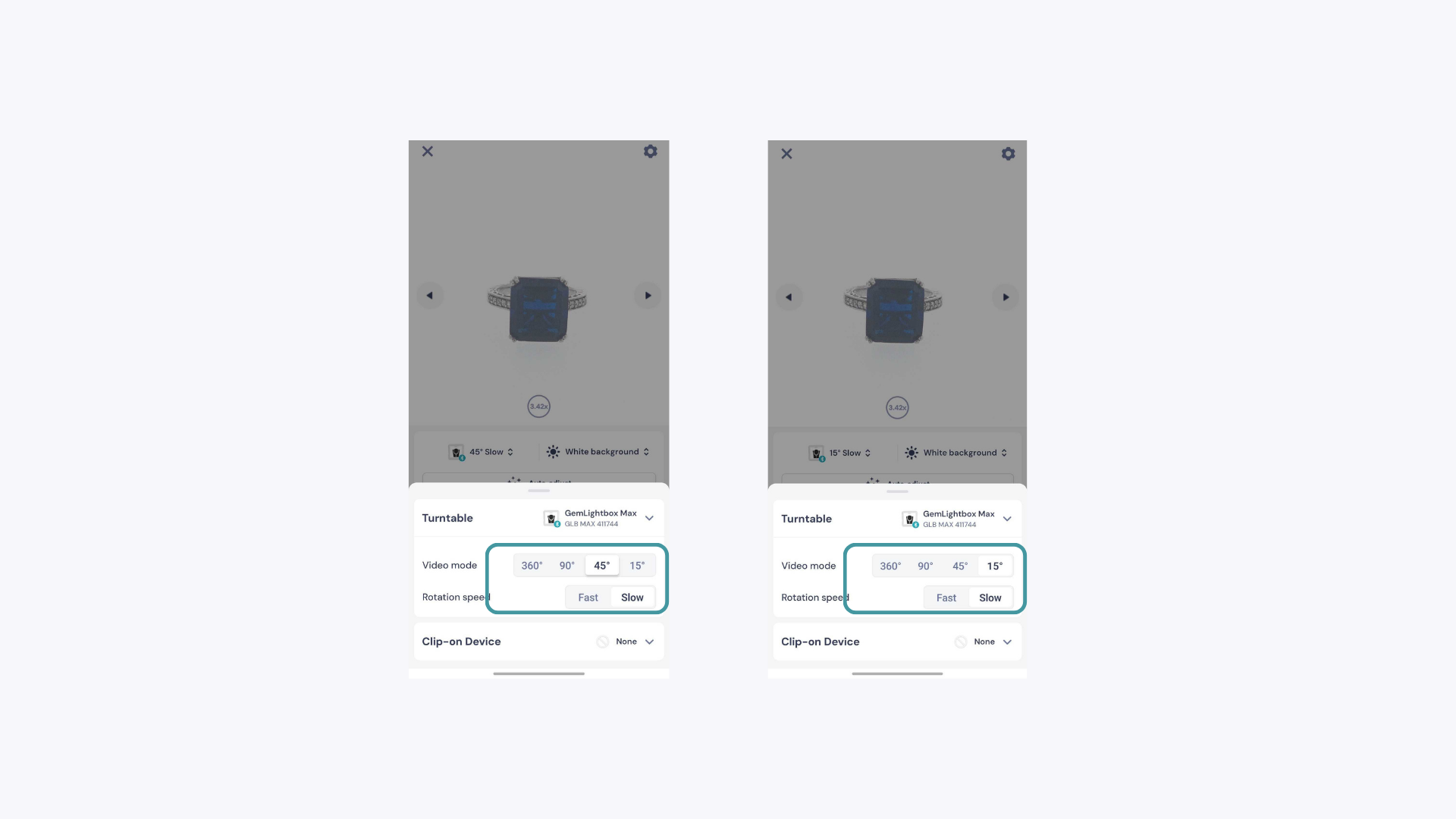
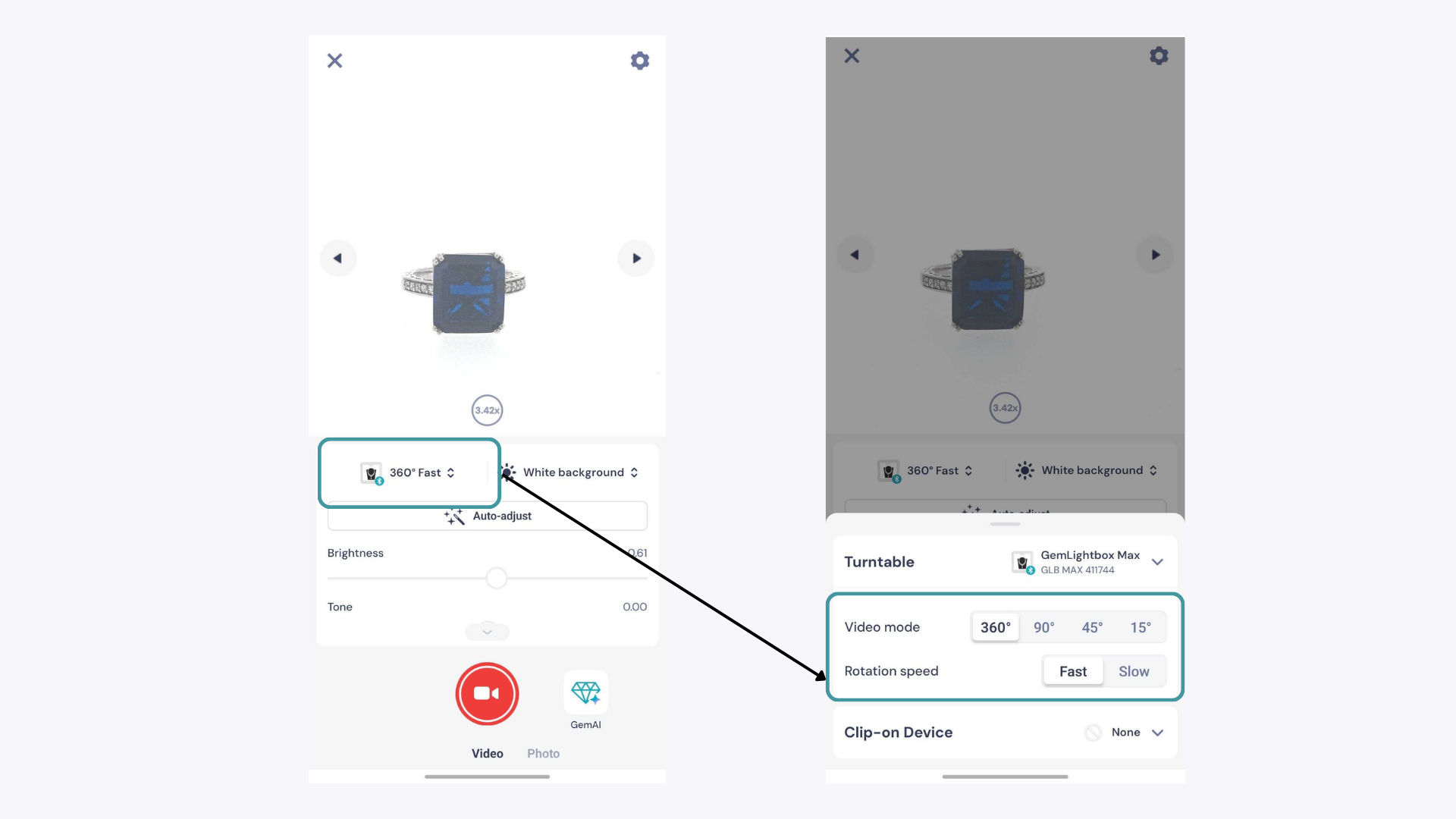
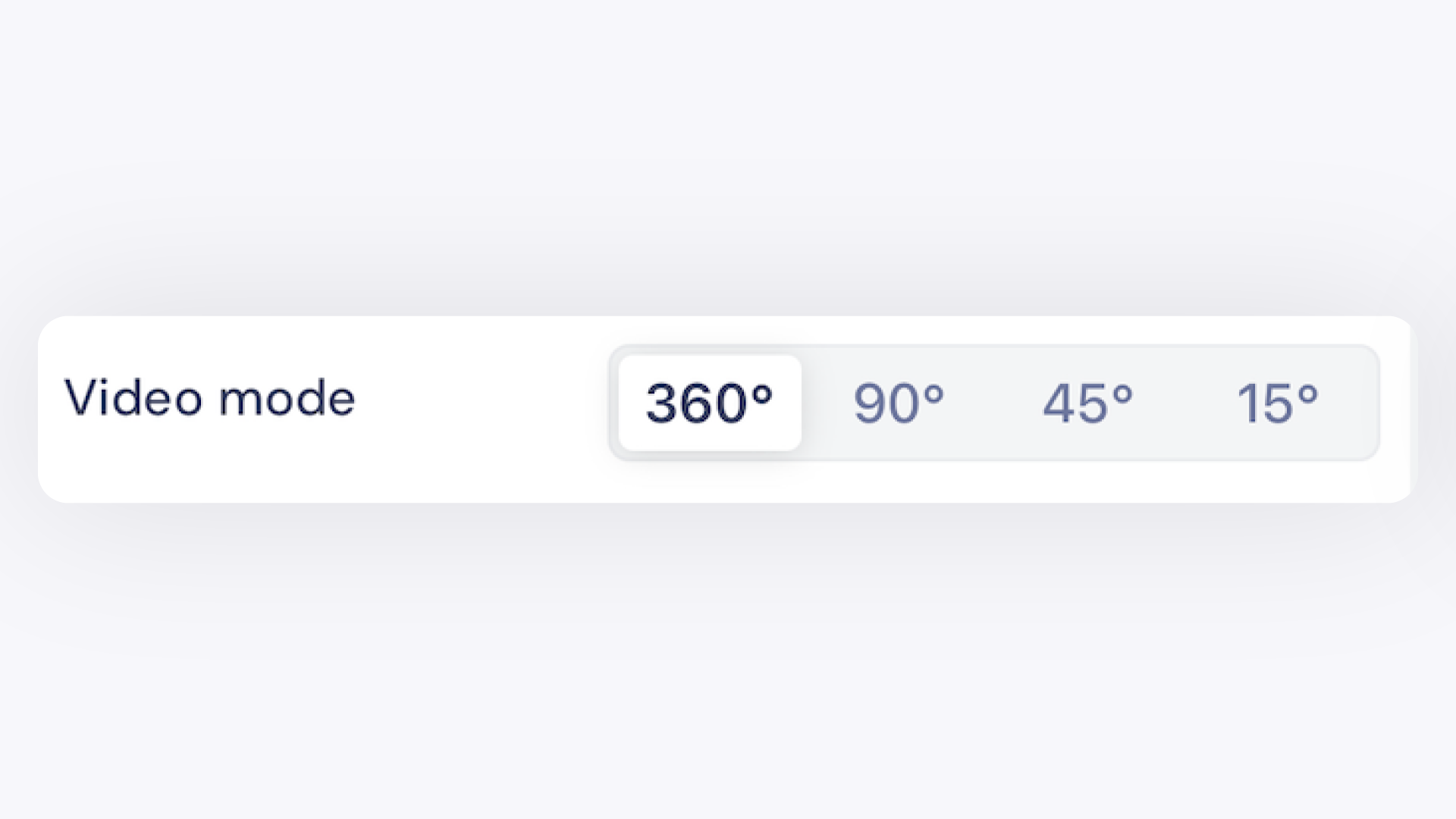
GemIQ app offers four video rotation modes — 360°, 90°, 45°, and 15° — and two speed settings: Fast and Slow. Tap the mode or speed icon in the app to switch between them before capturing your turntable video.
Video Modes#
There are 4 video modes that you can use with GemIQ on mobile. Simply tap on the mode that you prefer to change the rotation of your video.
360-Degree Video#
Capture all the details of your jewelry in a single touch. Perfect for one-of-a-kind pieces, e-commerce, and inventory.
90-Degree Video#
The 90-degree video can be used to highlight the most important features of your jewelry. This mode is great for engagement rings or loose stones, and for sharing directly to customers or social media.