Quick Answer#
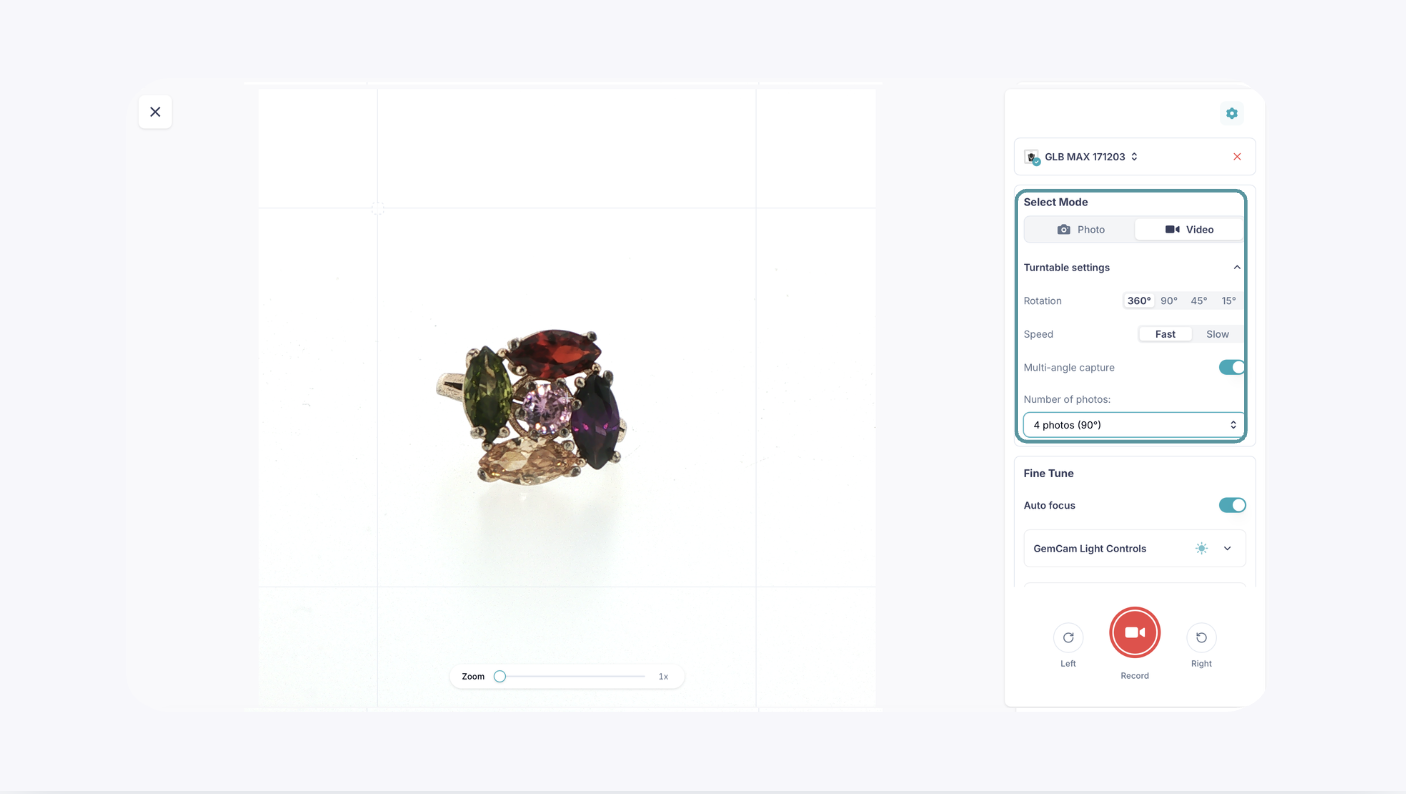
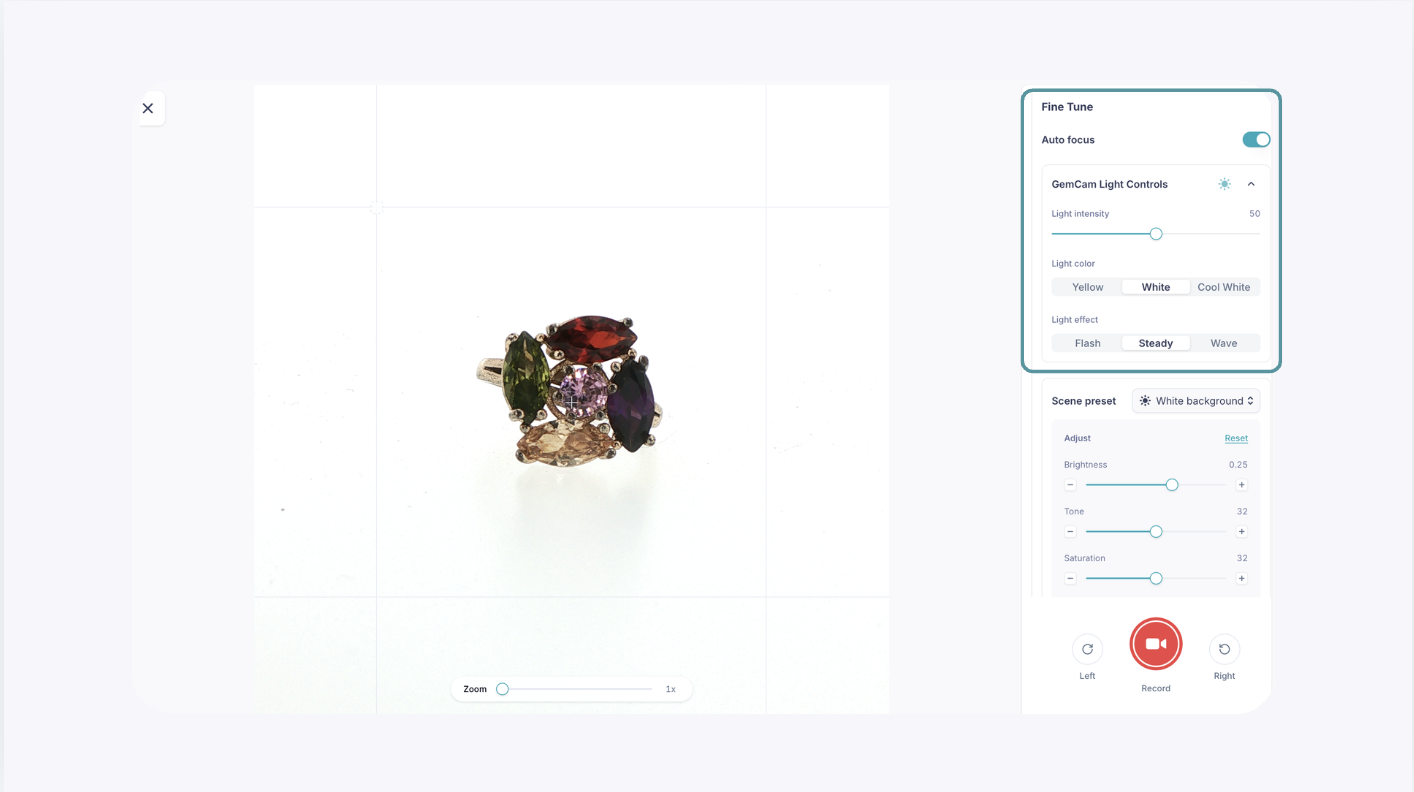
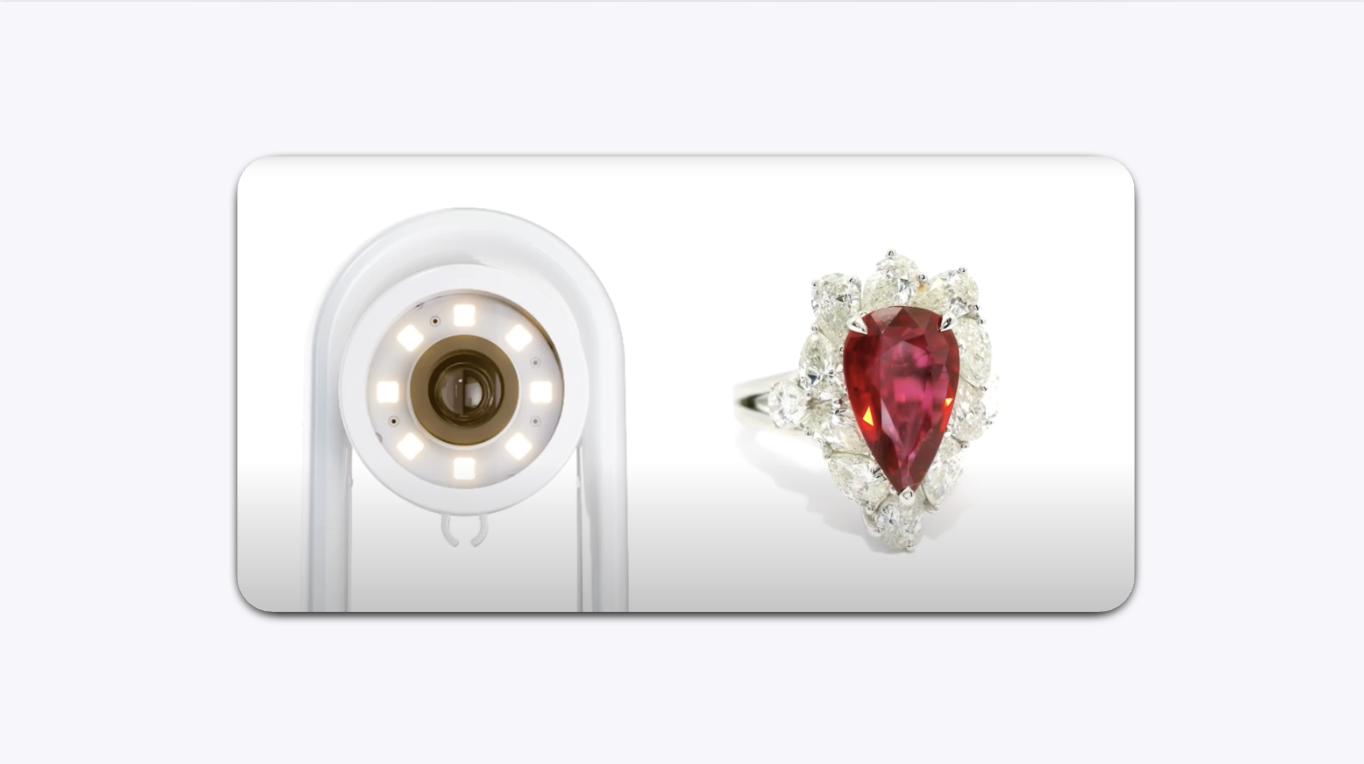
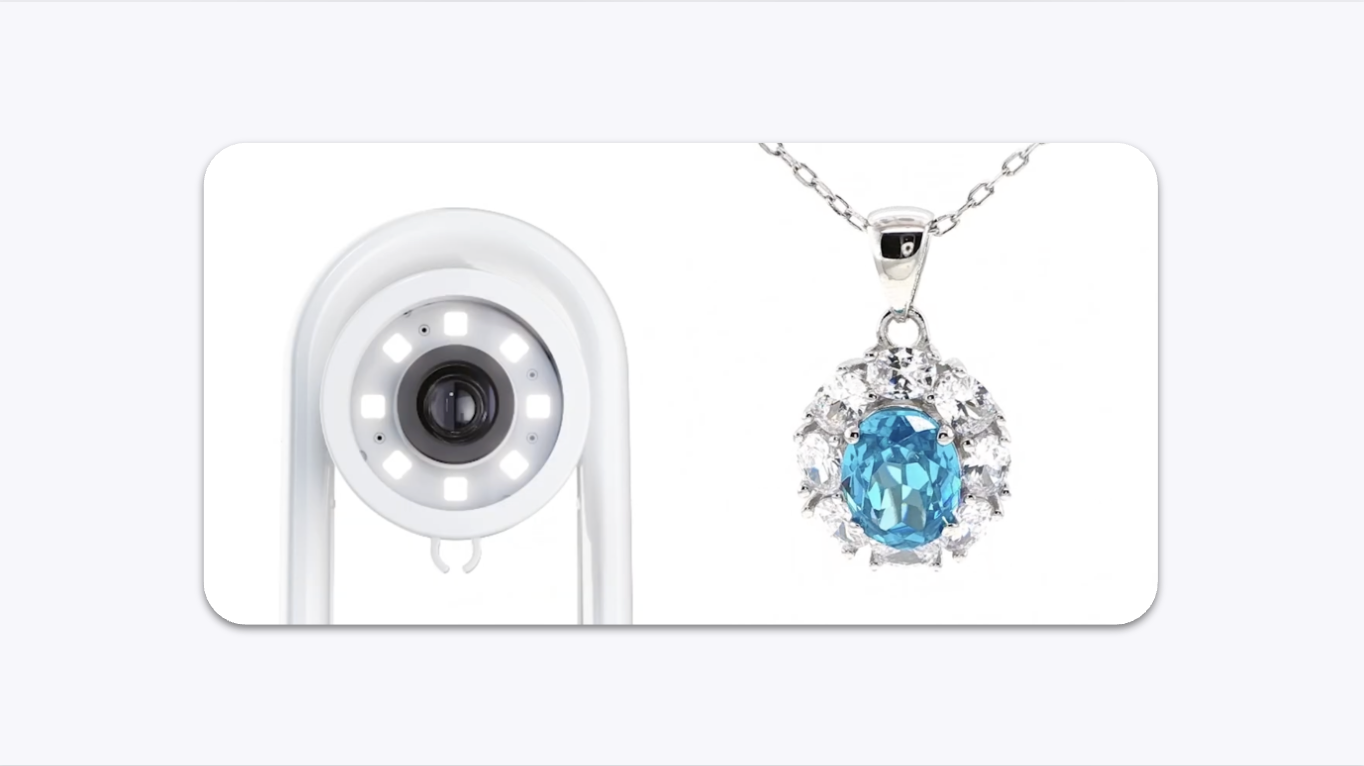
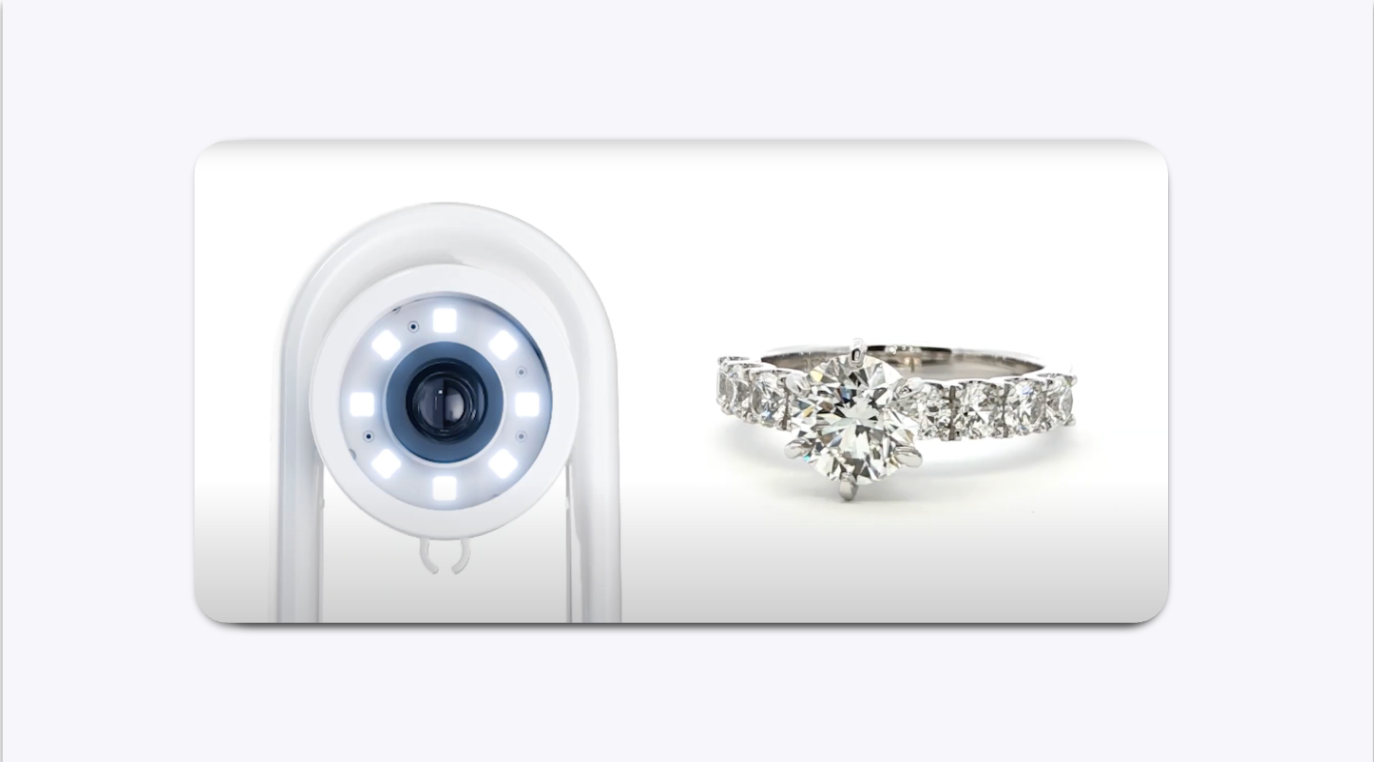
The GemIQ provides a complete control panel for your GemCam Pro. It allows you to adjust camera, lighting, and turntable settings to capture jewelry photos and videos directly from your computer.
Set Up and Connect Your GemCam Pro#

Ensure your GemCam Pro is connected to your computer.
The GemCam Pro is powered directly through your computer, so no separate power source is required.
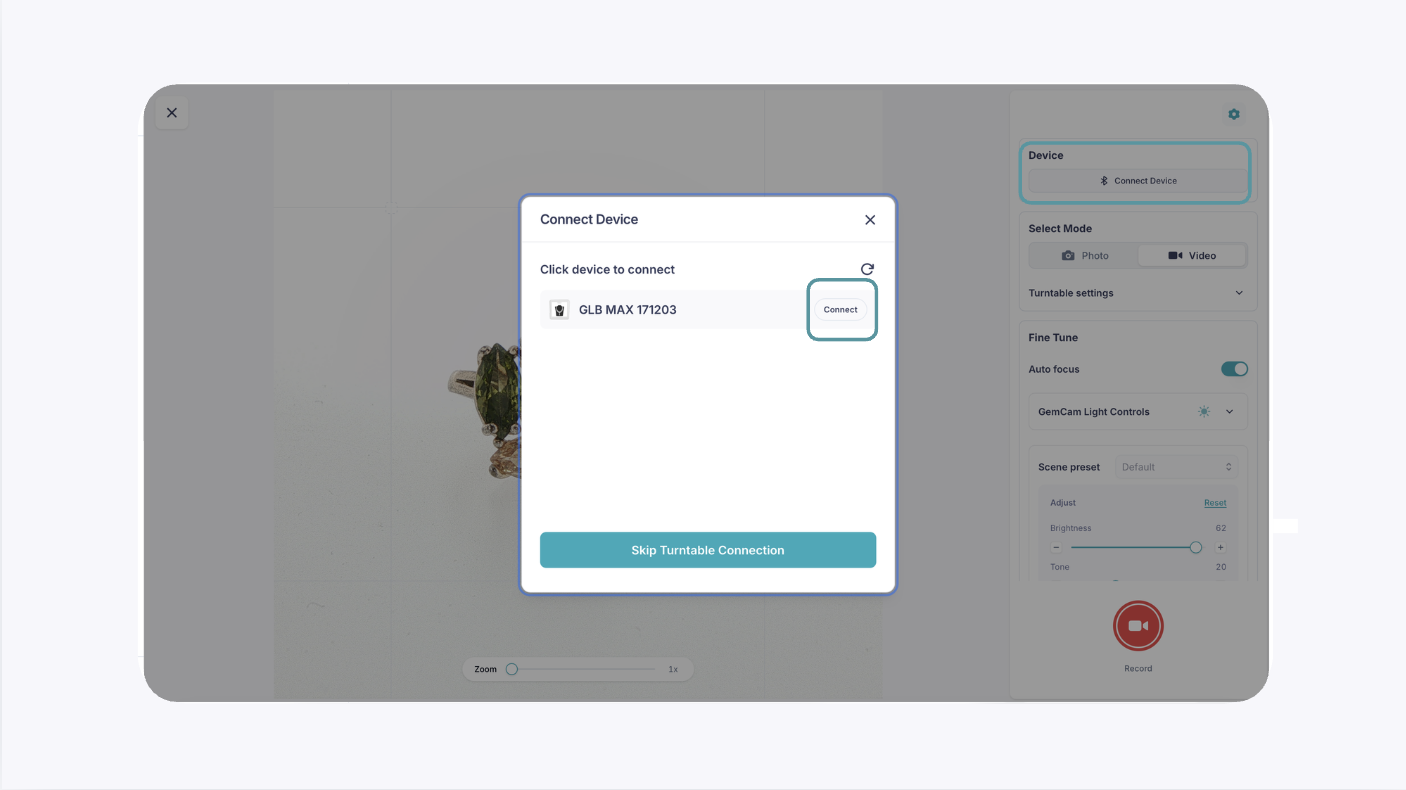
Open the GemIQ Desktop App and click Capture.
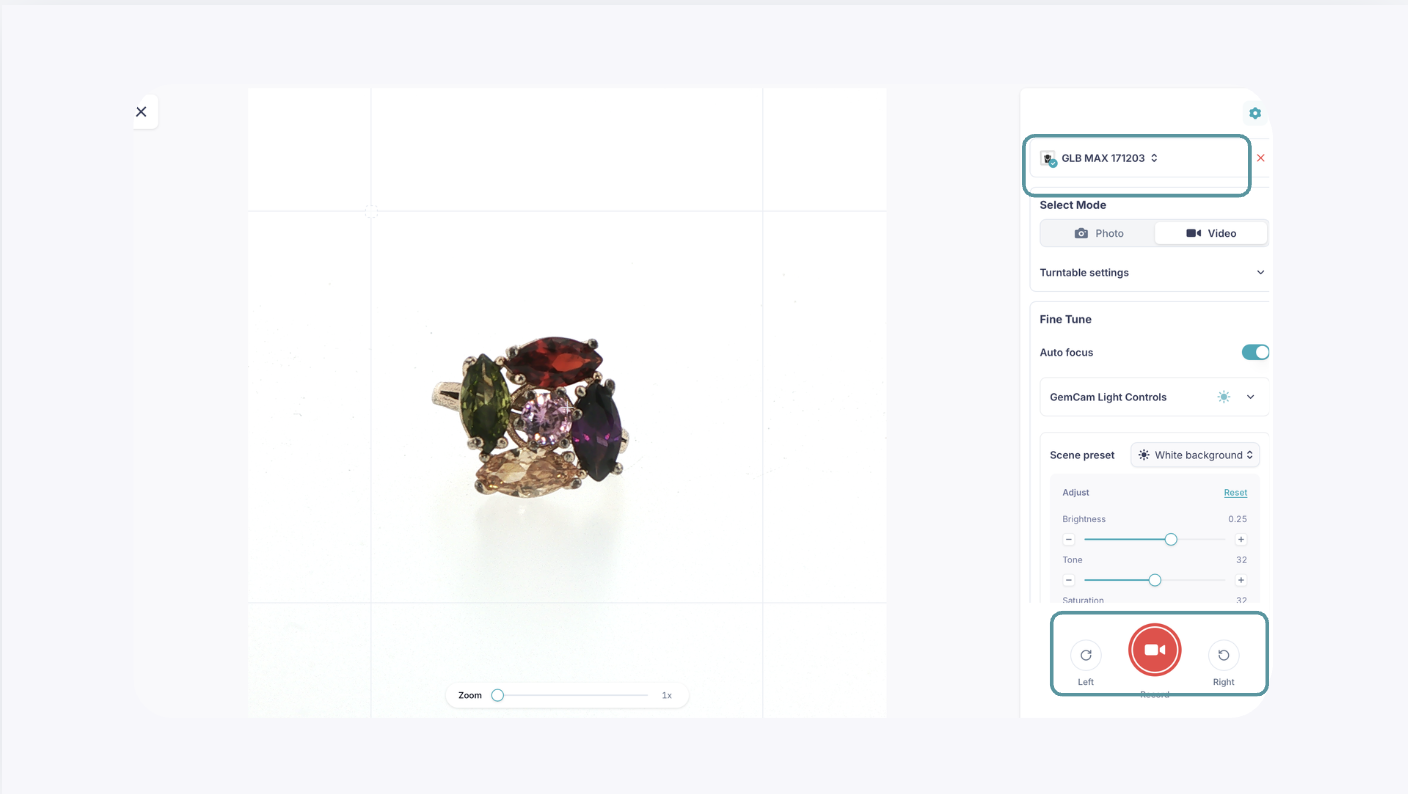
GemIQ will establish the connection with the GemCam Pro and power on the camera automatically.