Quick Answer#
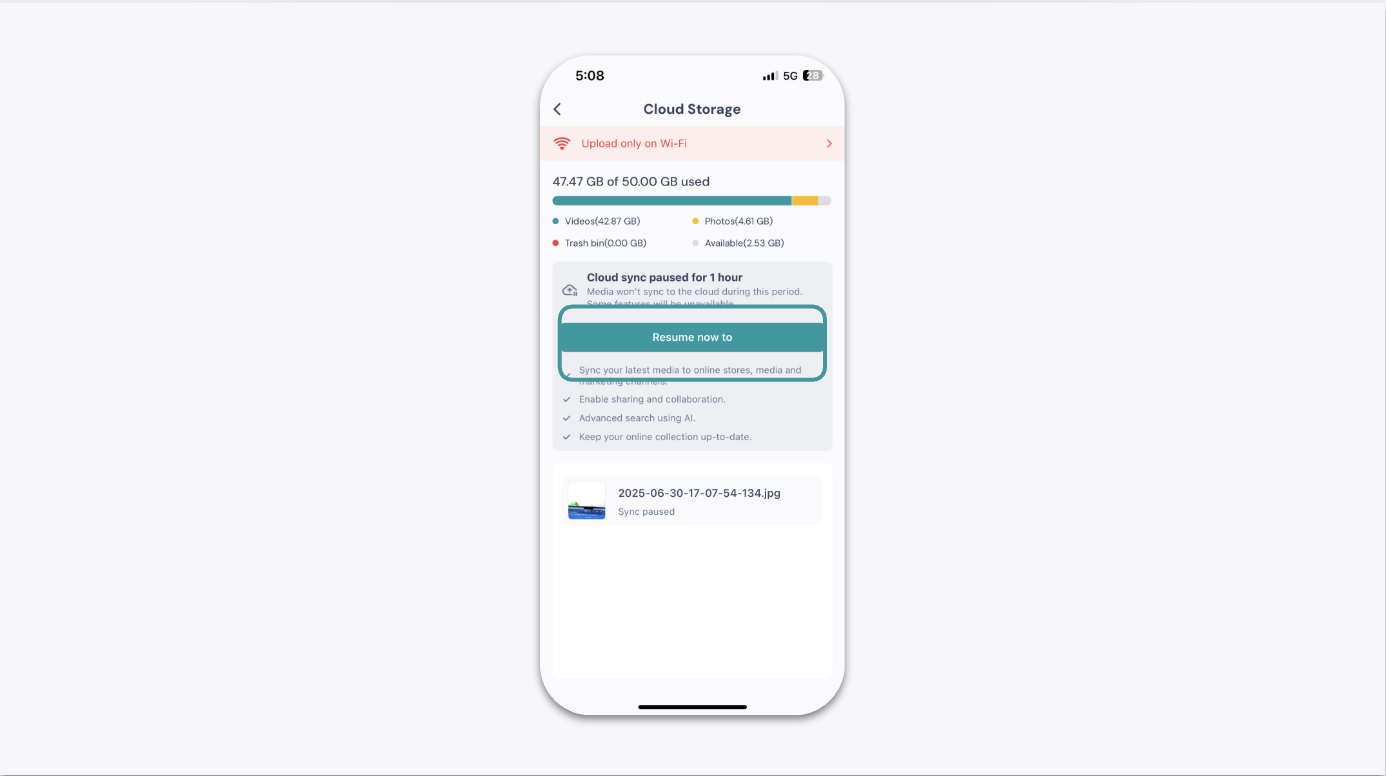
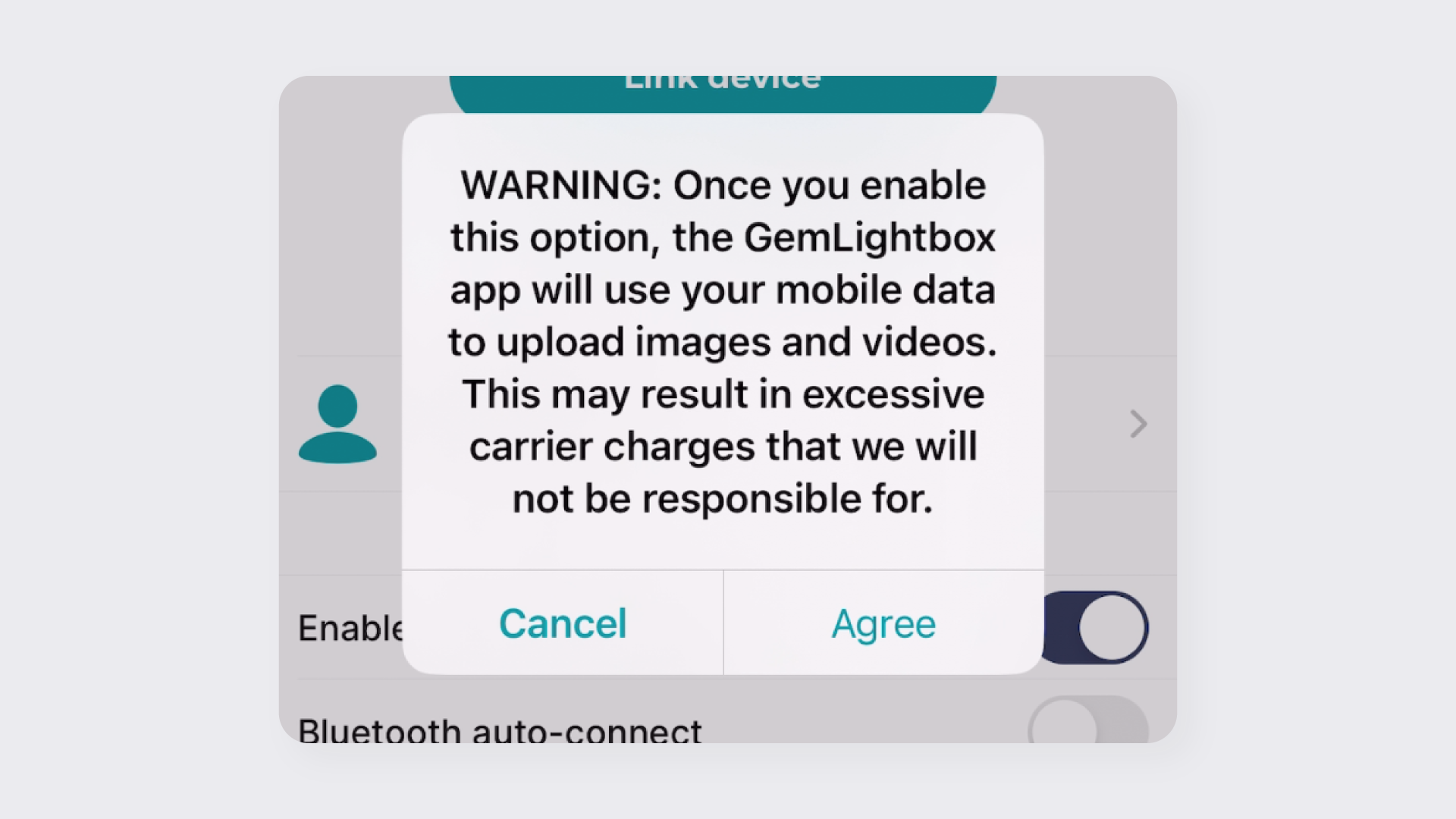
If your images and videos are stuck with a "pending" status or are not appearing in your cloud storage, it's usually due to an interrupted internet connection, full cloud storage, or a paused sync. Following the diagnostic steps below will help you identify and fix the issue.
Before You Start#
Ensure the GemIQ Mobile app is installed on your mobile device.
Have access to a stable internet connection (Wi-Fi is recommended for large uploads).
Be logged into your GemIQ account.
Steps#
Follow these steps in order to diagnose and resolve the syncing problem.