What It Does#
GemStudio's Video Generation feature takes a single jewelry photo and turns it into a short, social-ready video in three steps.
The GemStudio AI generates a model wearing your piece, adds realistic motion — hair movement, fabric settling, subtle posture shifts — and composes an original music score matched to the style and mood of the jewelry.
The jewelry itself never changes. Stone settings, metal tone, and fine details stay locked throughout every frame. Only the model moves.
The output is a single MP4 with audio baked in, ready for Instagram Reels, TikTok, or Stories.
Credit cost: 1 credit for the model photo + 4 credits for the video = 5 credits total.
How to Do It#
Step 1 : Open GemStudio
Log into the GemIQ App, select your product photo, and click GemStudio.
Step 2 : Generate a model image (1 credit)
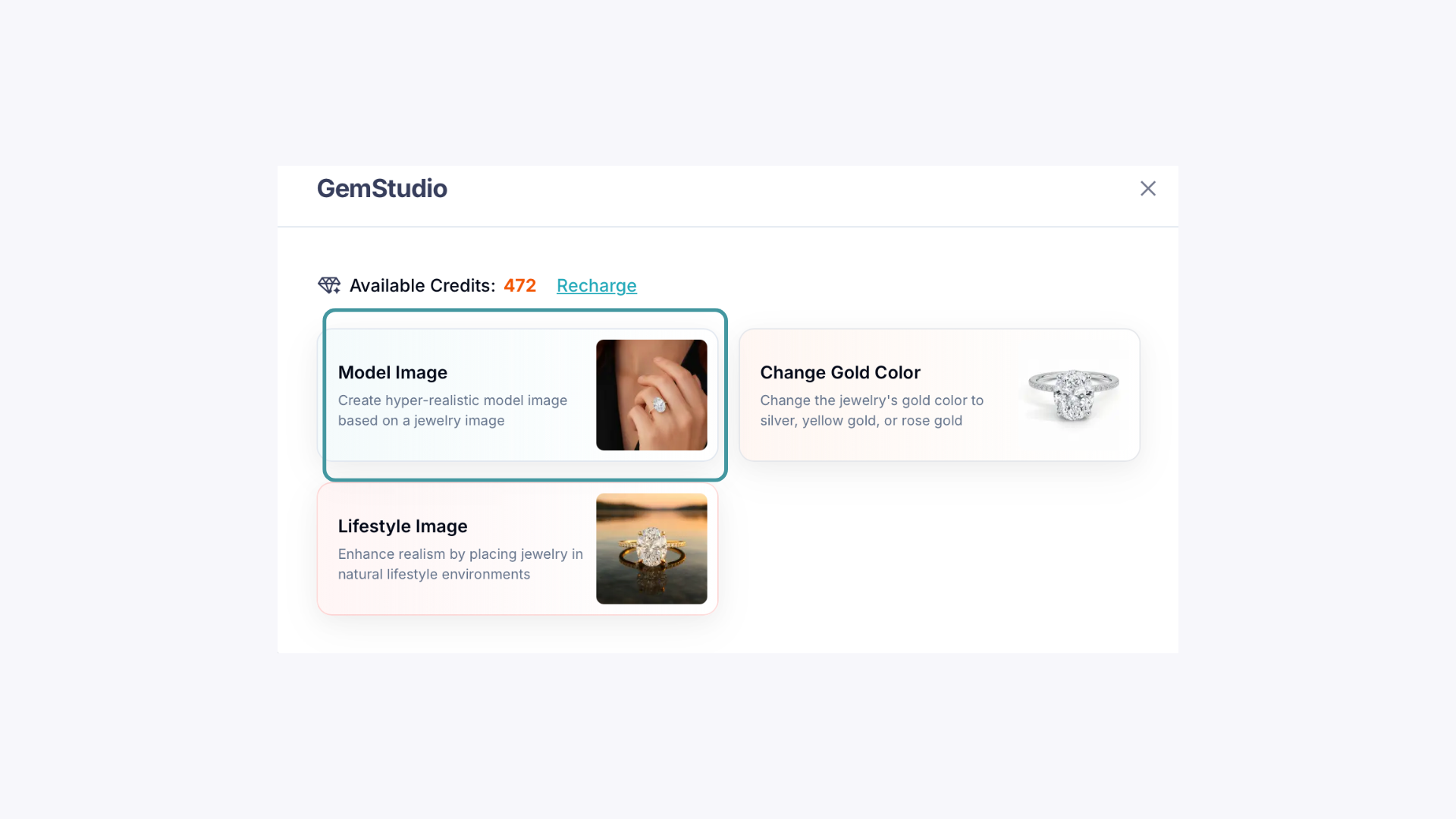
Select Model Image. GemStudio creates a realistic image of a model wearing your piece. Review it carefully — the pose, lighting, and background carry straight through to the video.