GemCam Is Not Focusing#
Quick Answer#
If your GemCam is not focusing correctly, the most common cause is incorrect camera distance from the jewelry. The GemCam has a minimum focal range of 7–14 cm. Resetting autofocus or adjusting focus manually in the GemIQ will resolve most issues.
Before You Start#
Make sure your GemCam is connected via USB-C / USB-A cable
Log in to the GemIQ
Have a clean microfiber cloth available in case the lens needs cleaning
Steps#
Follow these steps in order. Stop as soon as the focus issue is resolved.
Check camera distance
Position the GemCam so the jewelry fills approximately 70% of the frame. The GemCam has a minimum focal range of 7–14 cm. If the camera is too close or too far, autofocus will not work correctly.Reset autofocus.
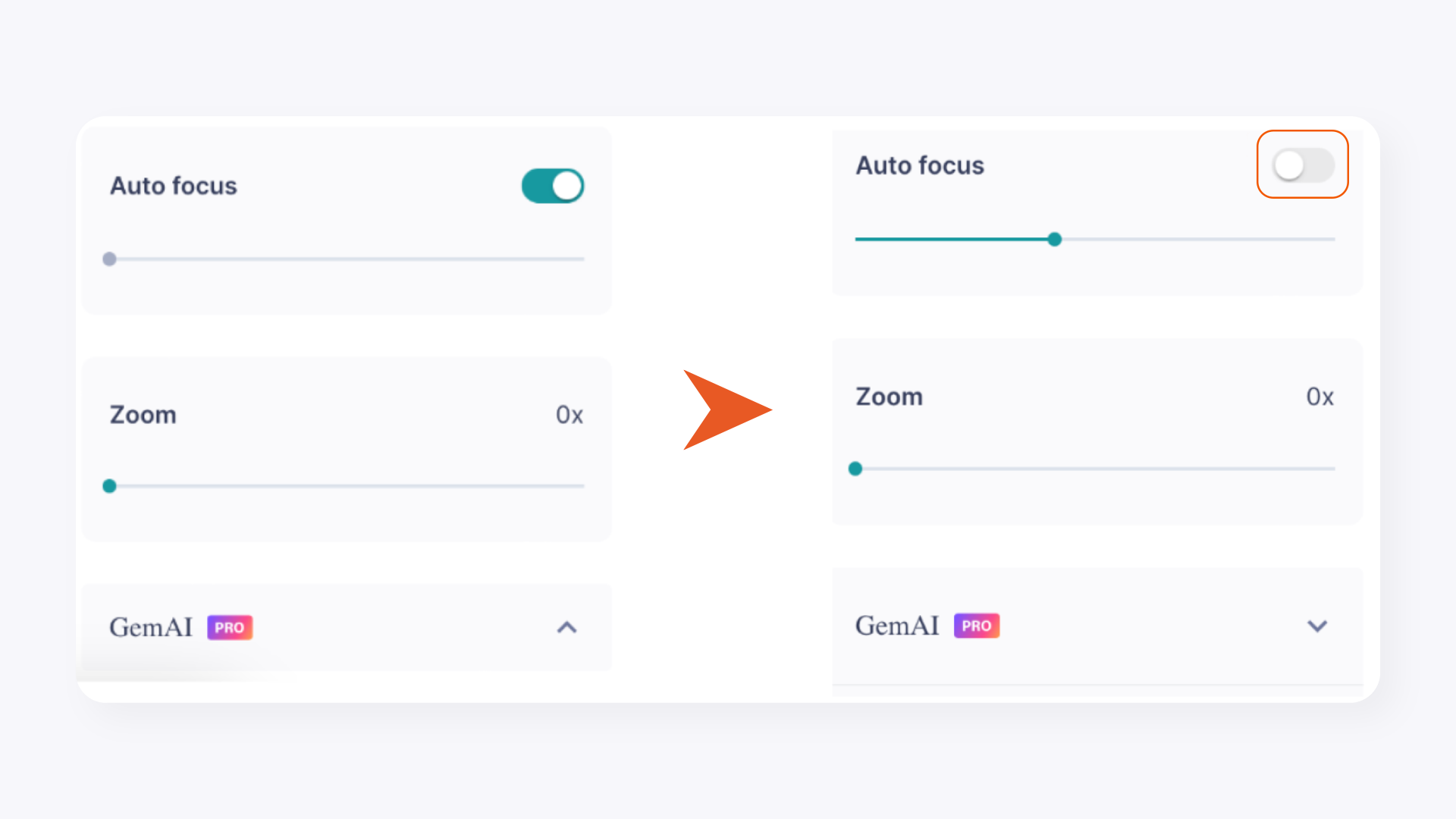
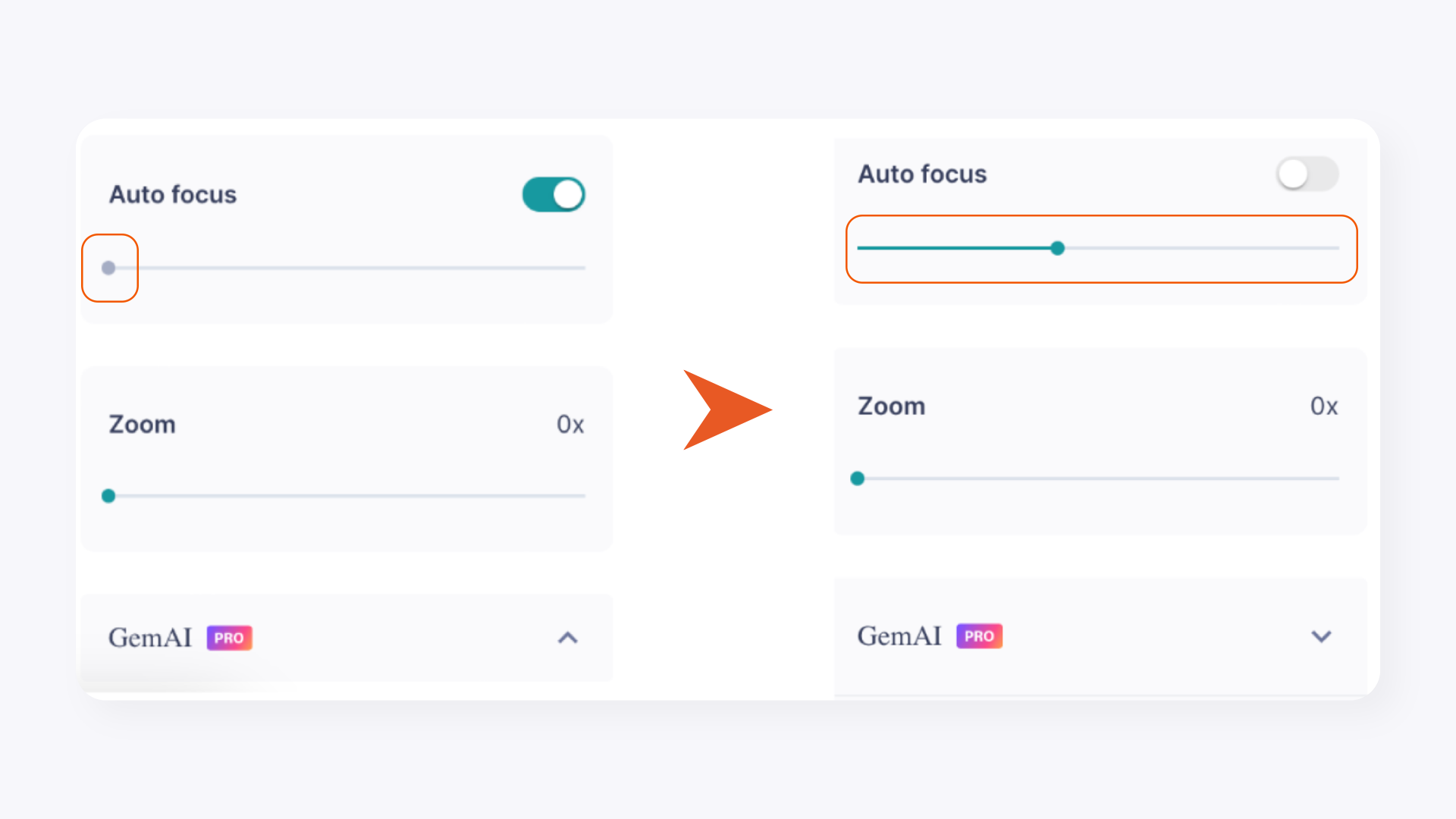
In GemIQ, toggle the Autofocus function off, then back on again. You must complete both steps — toggling off alone is not enough to reset it.