Quick Answer#
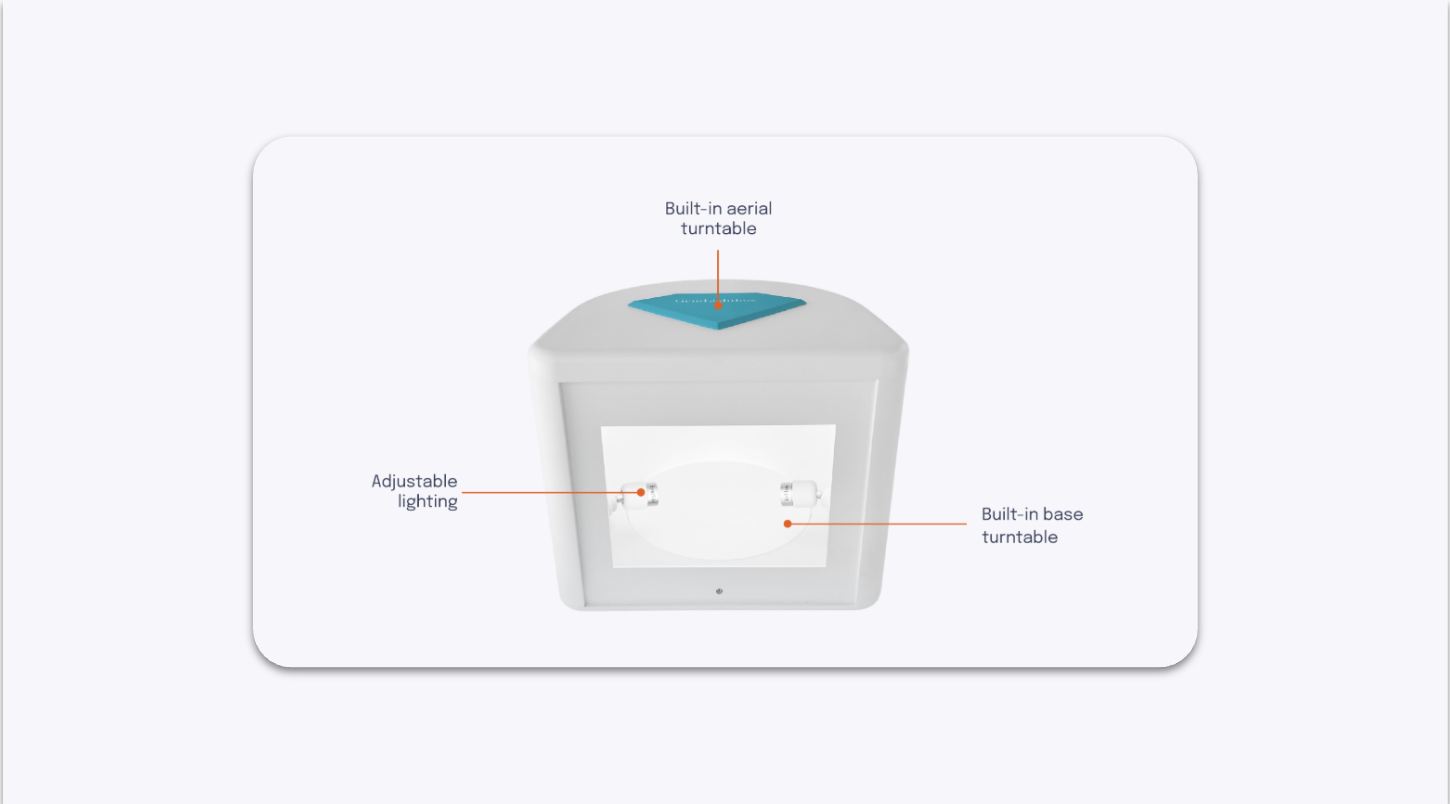
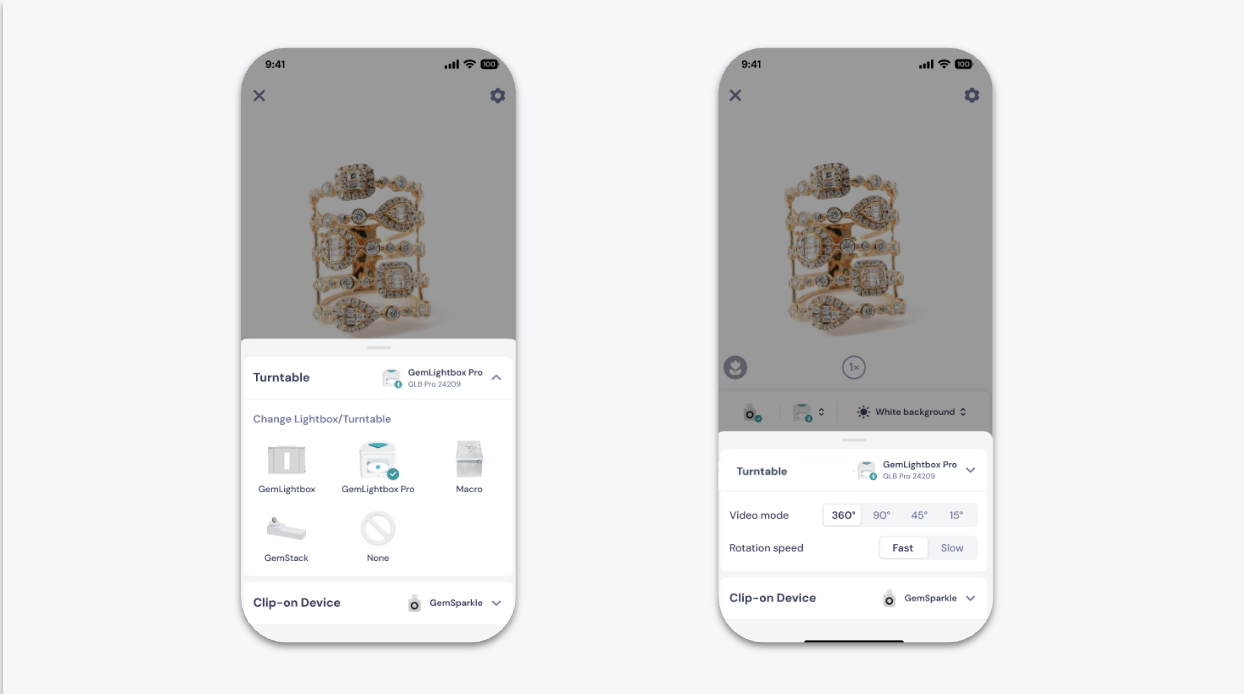
The GemLightbox Pro features two built-in turntables for rotating jewelry during photo and video capture.
Top turntable — designed for hanging jewelry such as necklaces and earrings
Bottom turntable — designed for flat or standing pieces such as rings and other jewelry
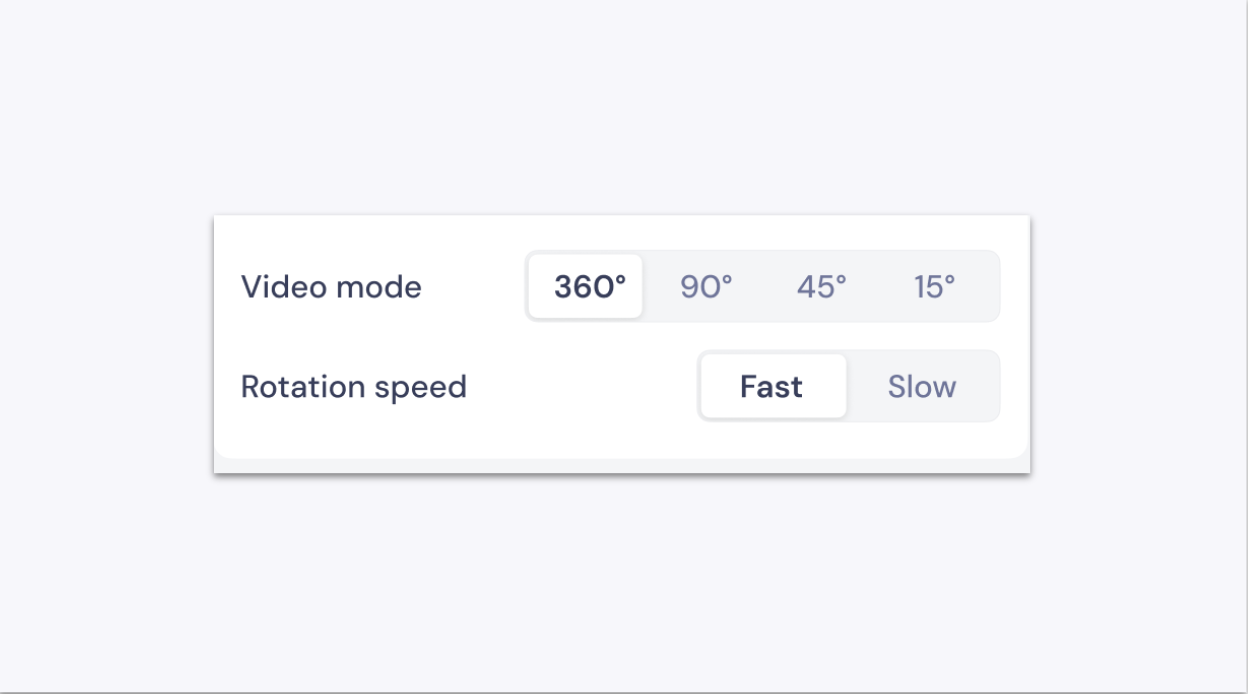
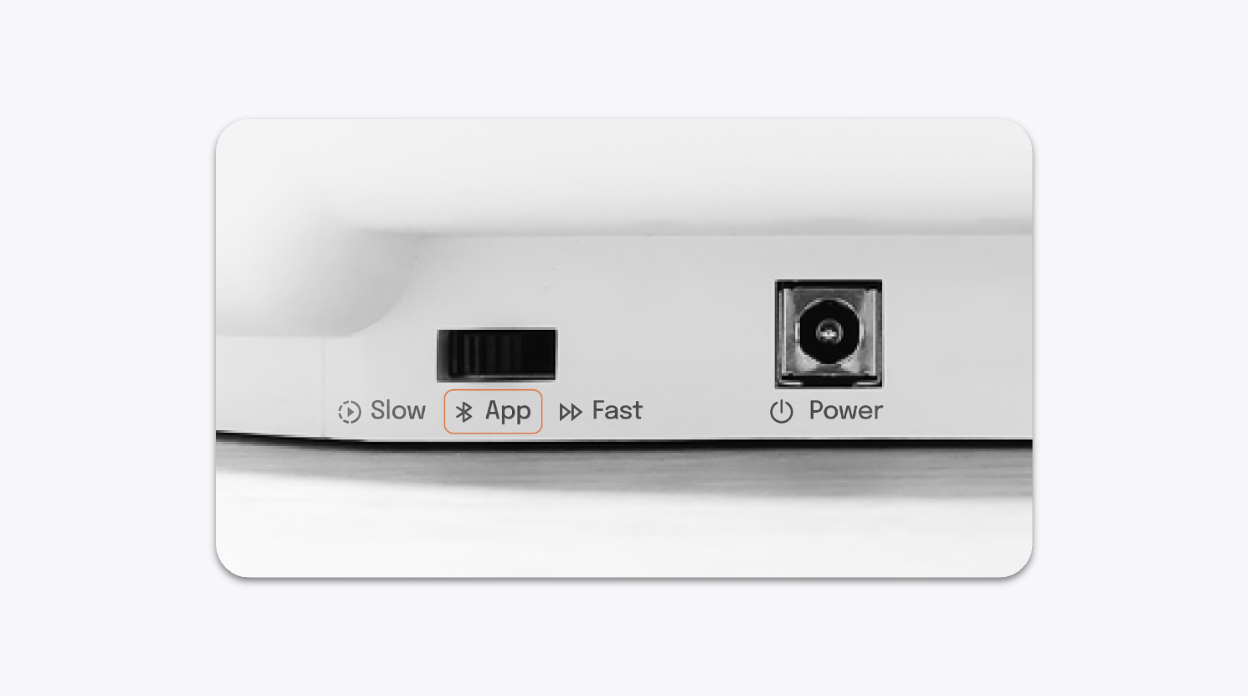
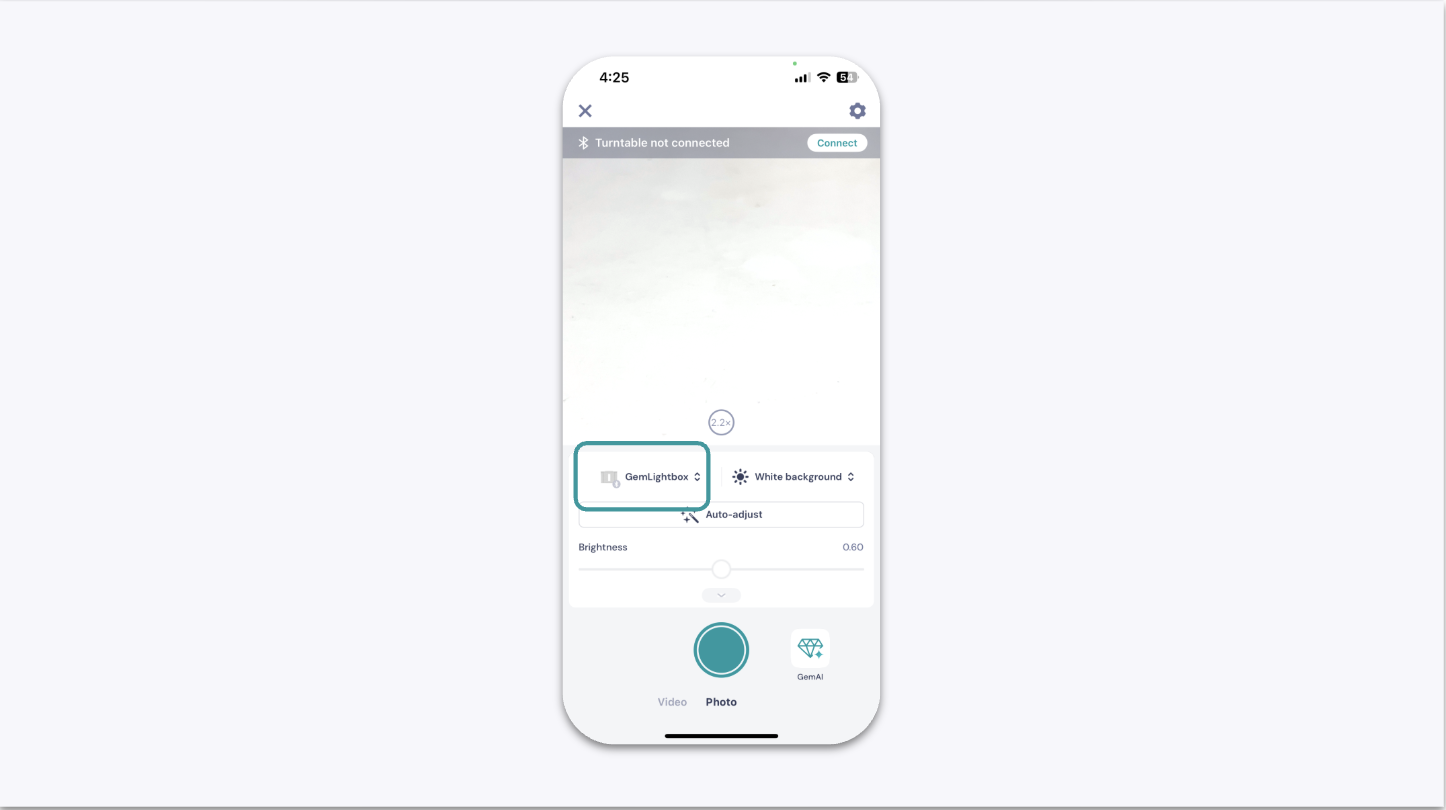
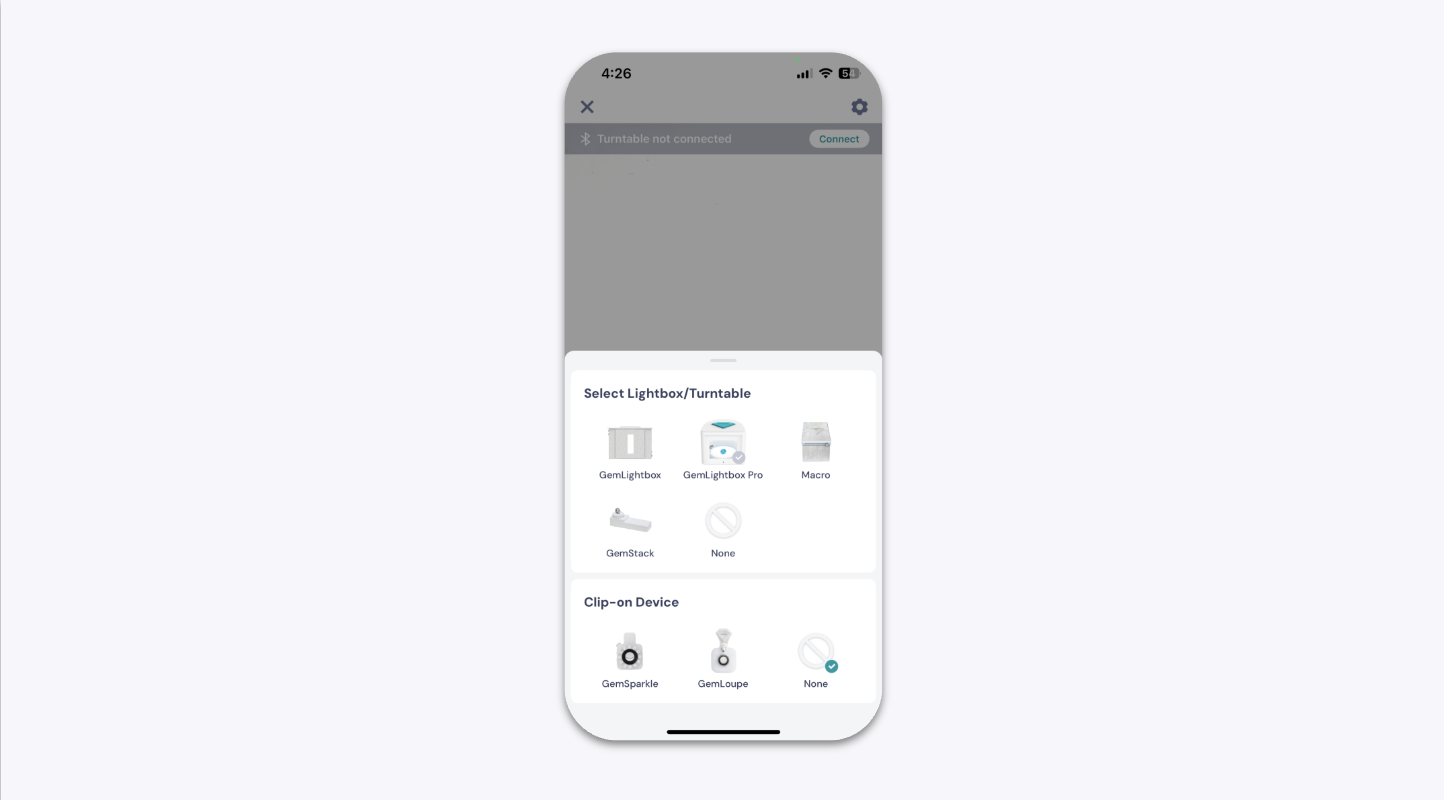
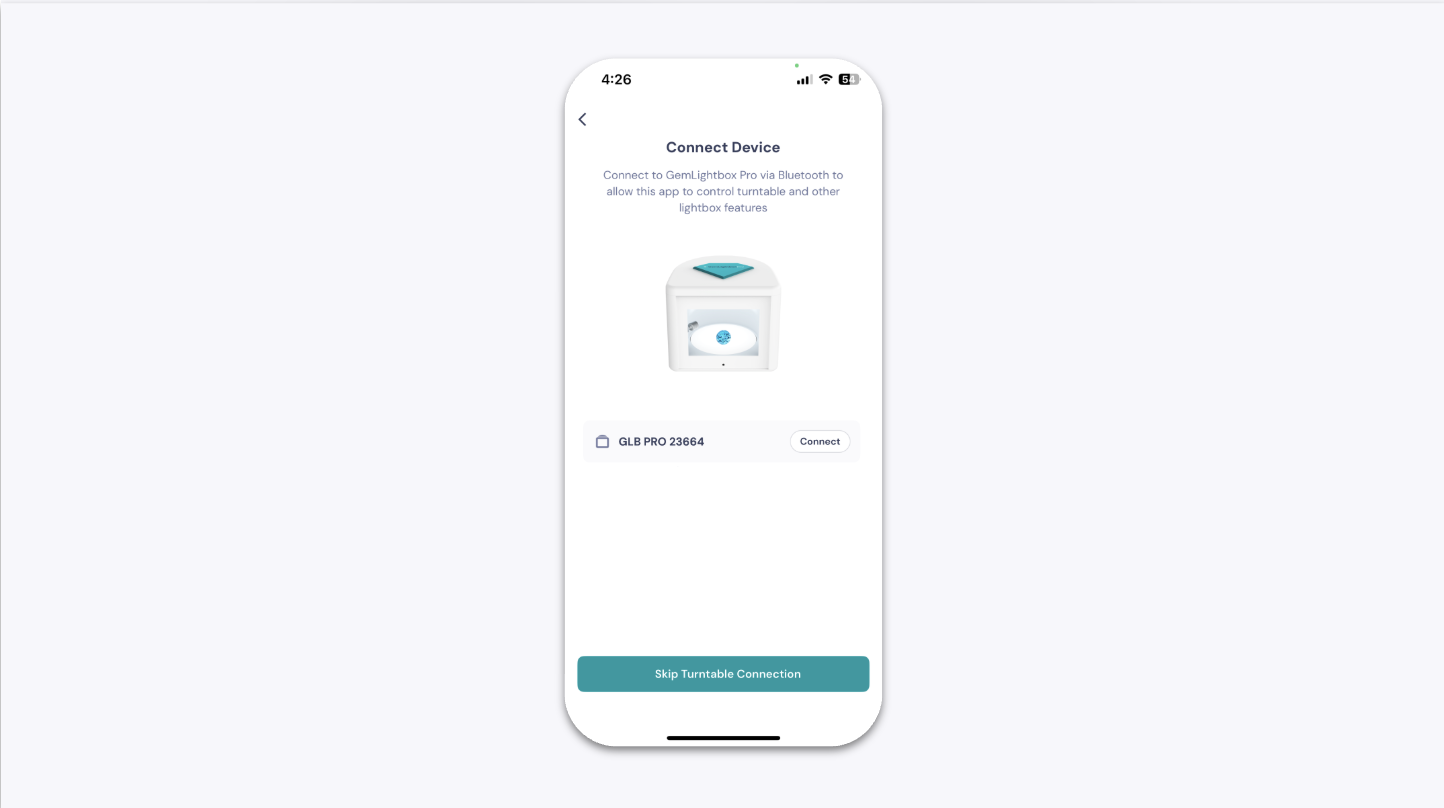
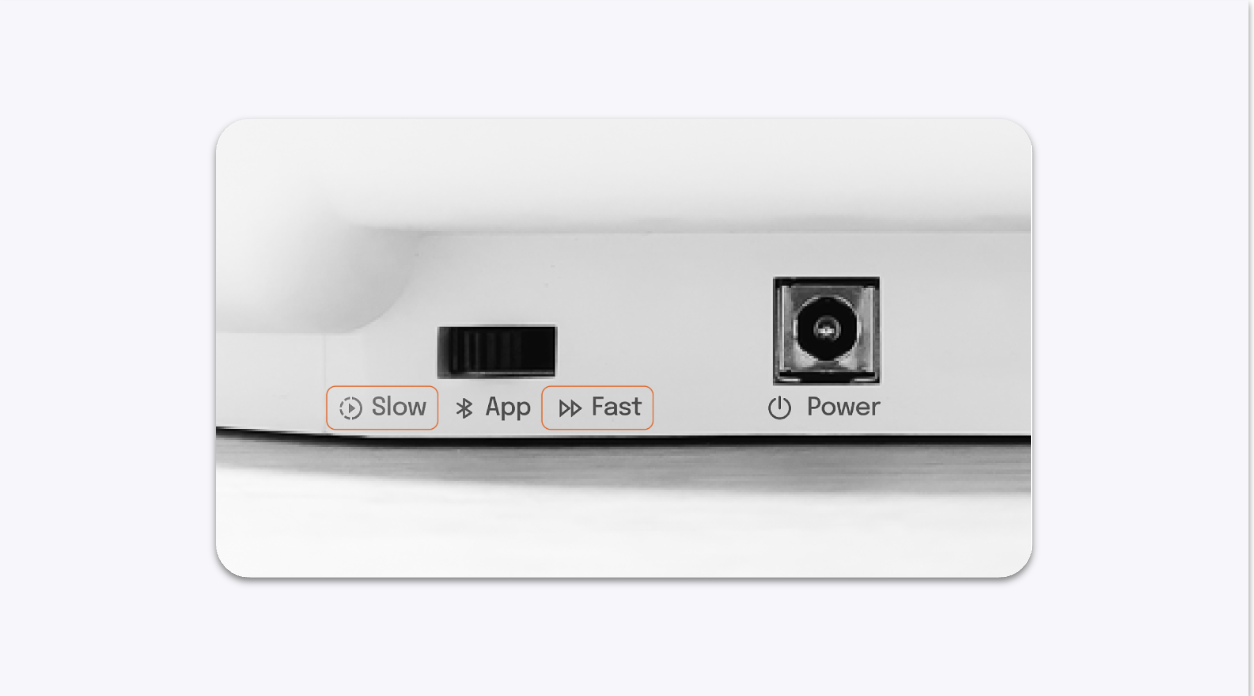
The turntables can be controlled through the GemIQ app in App Mode, or operated manually using the Fast and Slow speed settings on the back of the GemLightbox Pro.
Before You Start#
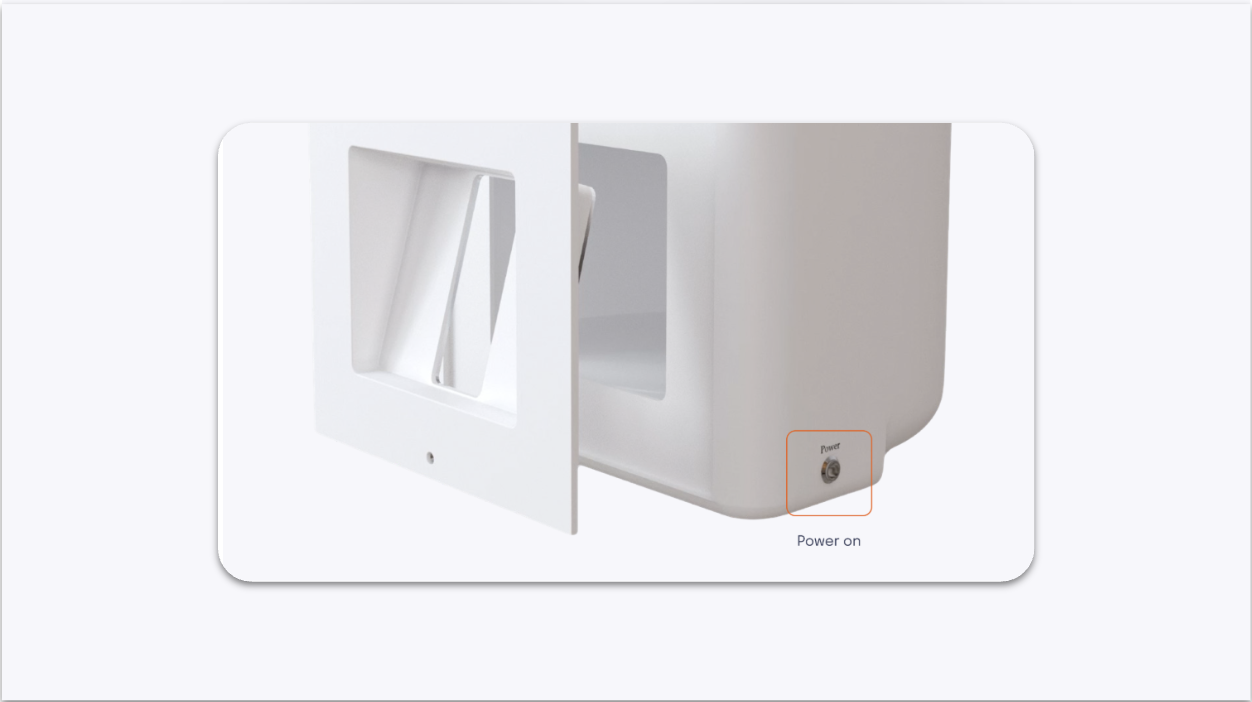
GemLightbox Pro is powered on
GemIQ app is installed and up to date
Bluetooth is enabled on your phone or computer when using App Mode
Your jewelry is positioned securely on the appropriate turntable