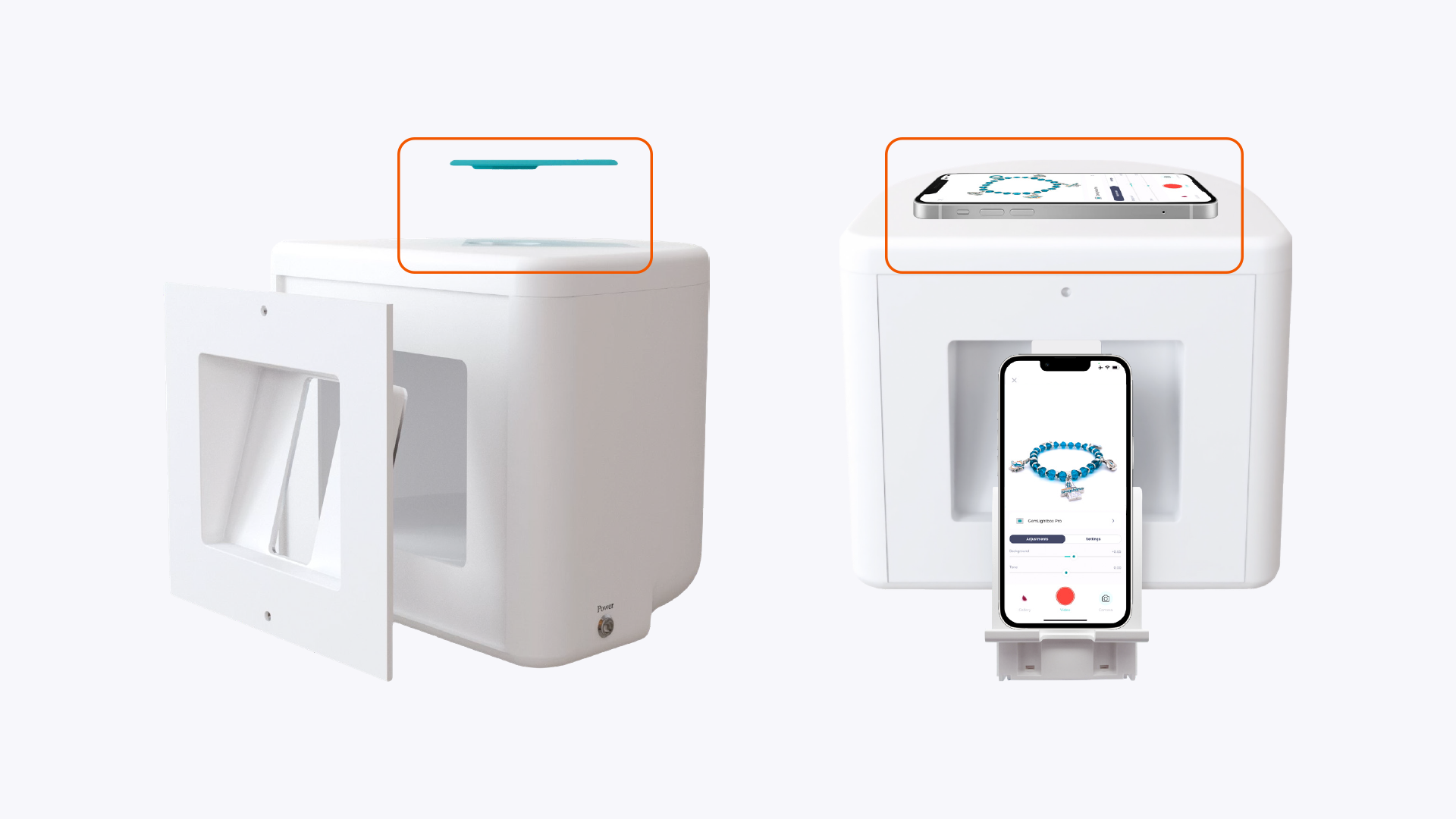
How to Use the GemLightbox Pro Top Viewing Panel#
Quick Answer#
To take photos from the top down, remove the magnetic diamond cover from your GemLightbox Pro. Then, find the latch on the side of the top panel, slide it to unlock, and lift the panel open. This allows you to position your camera directly above your jewelry or gemstones.
Before You Start#
You will need your GemLightbox Pro.
Have the jewelry or gemstones you wish to photograph ready.
Steps#
Begin by lifting the magnetic, diamond-shaped cover off the top of the GemLightbox Pro.
Locate the small sliding latch on the side of the top panel.
Slide the latch to the side to release the mechanism. The panel will now be unlocked.