How to Use the GemLightbox Pro Phone Stand

Quick Answer

The GemLightbox Pro includes an adjustable phone stand that allows you to securely mount your smartphone for photography. You can change the stand's height, angle, and orientation (vertical or horizontal) to capture the perfect shot of your jewelry.

Before You Start

  • Have your GemLightbox Pro and the included phone stand ready.

  • Have your smartphone available.

Steps

  1. Choose Smartphone Orientation: Decide if you want to shoot in portrait (vertical) or landscape (horizontal) mode. The phone stand's clamp can hold your smartphone in either direction.
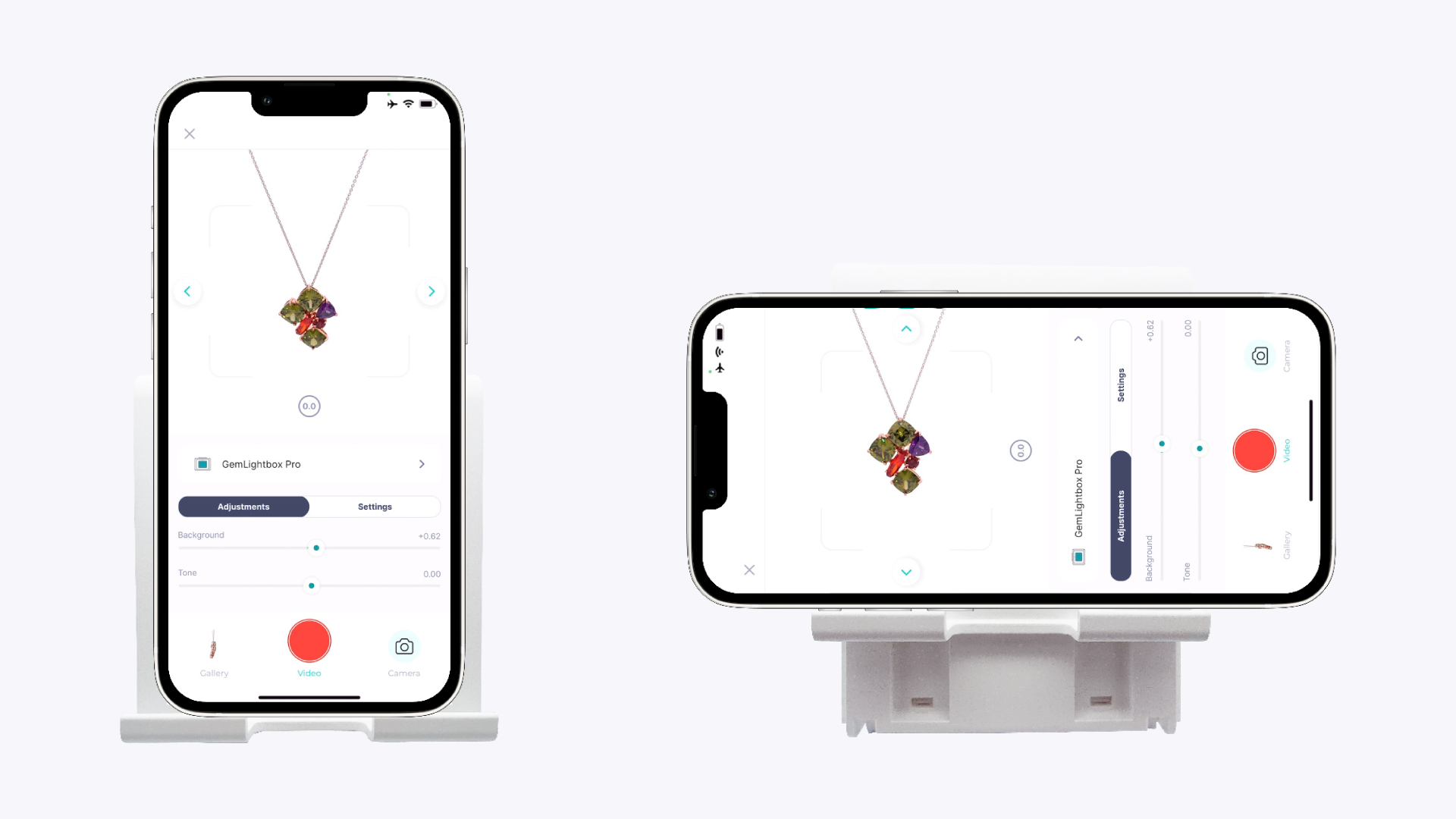
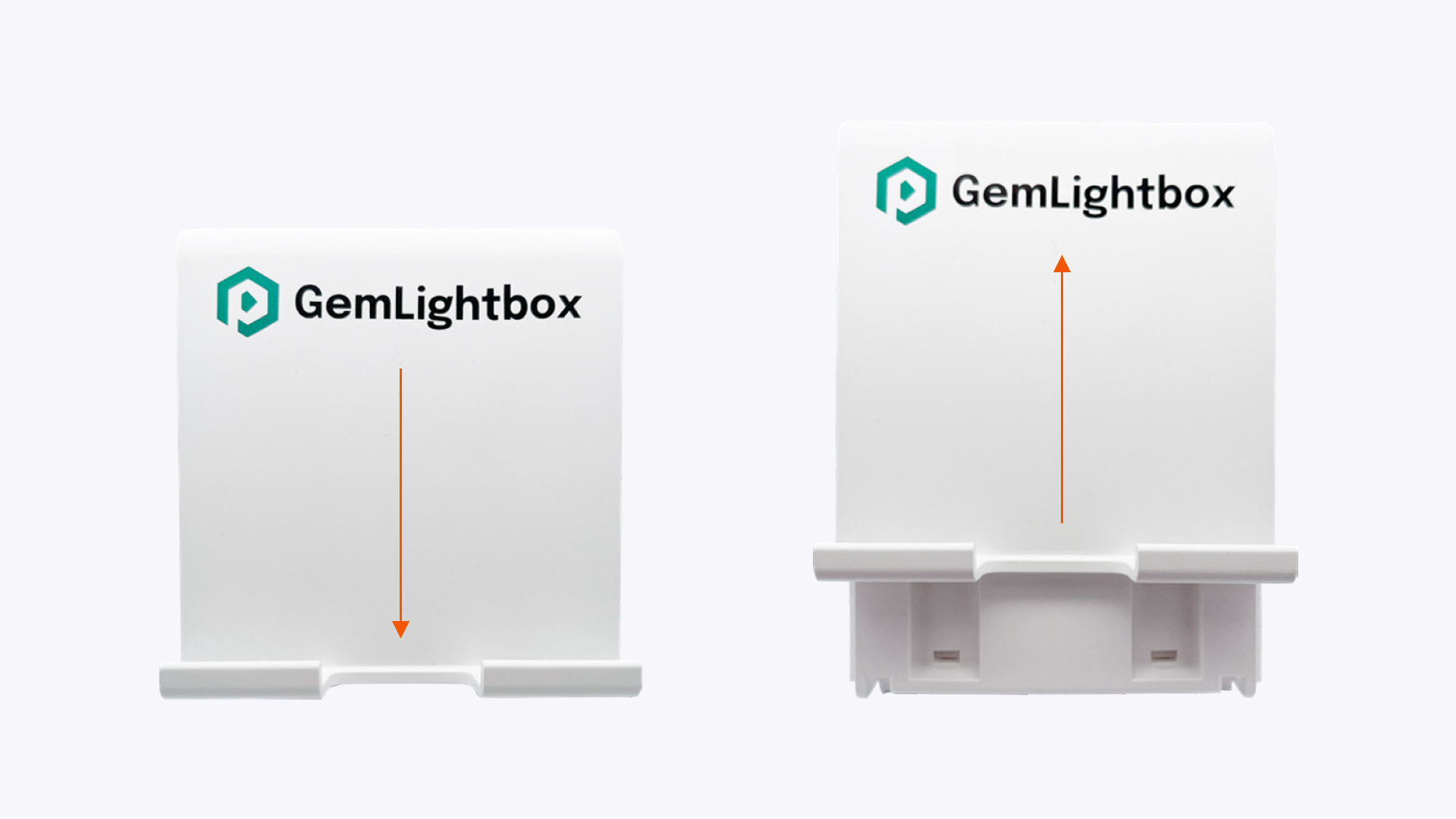
    Diagram Showing Vertical and Horizontal Smartphone Orientation on the Phone Stand
    Diagram Showing Vertical and Horizontal Smartphone Orientation on the Phone Stand
  2. Adjust the Height: Loosen the knob on the main stem of the stand. Slide the arm up or down to your desired height, then tighten the knob to lock it in place.

    Adjusting the Height of the GemLightbox Pro Phone Stand
    Adjusting the Height of the GemLightbox Pro Phone Stand
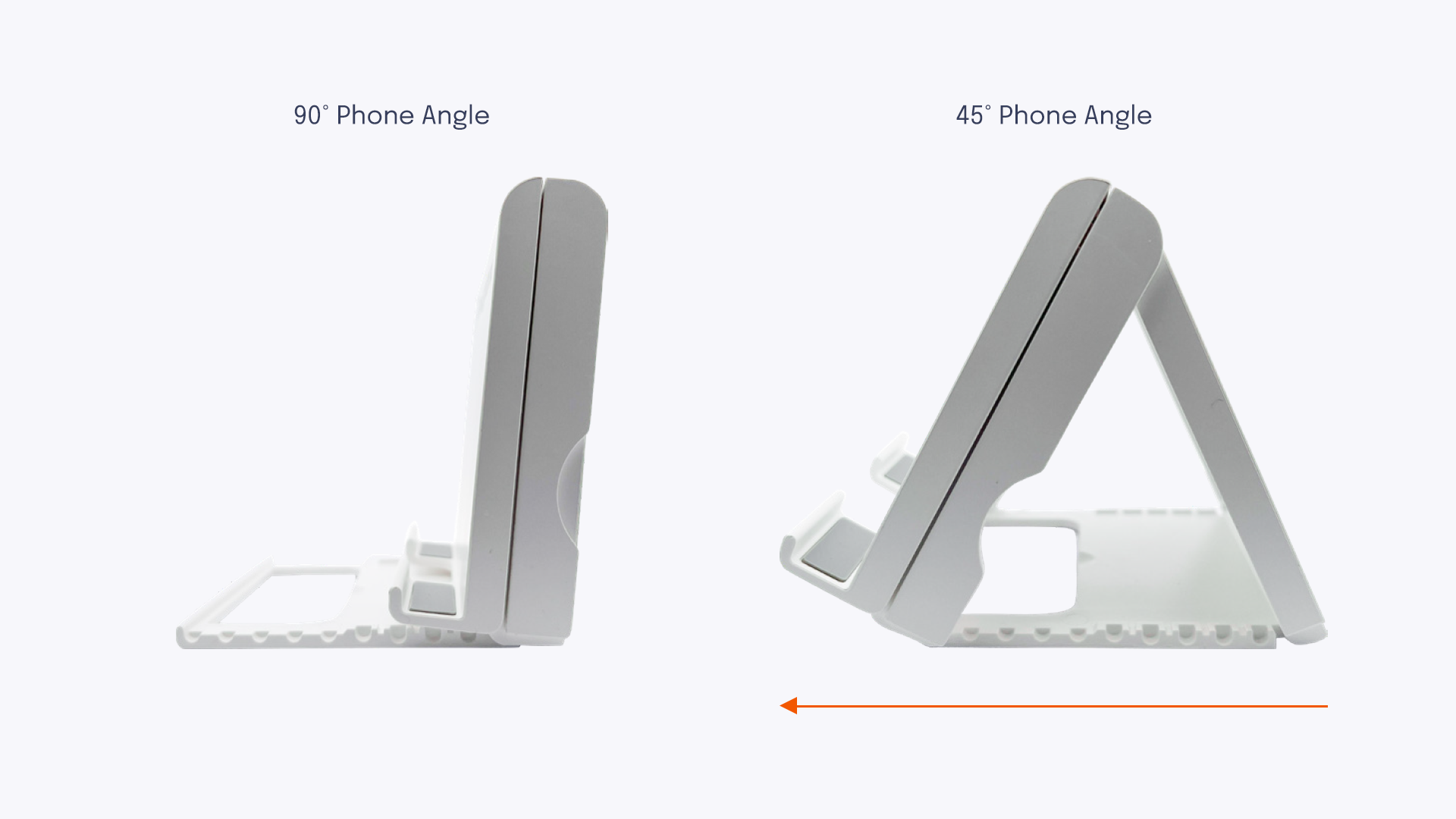
  3. Adjust the Angle: Loosen the knob on the joint directly behind the phone clamp. Tilt the clamp to the desired angle for your shot, then tighten the knob to secure it.