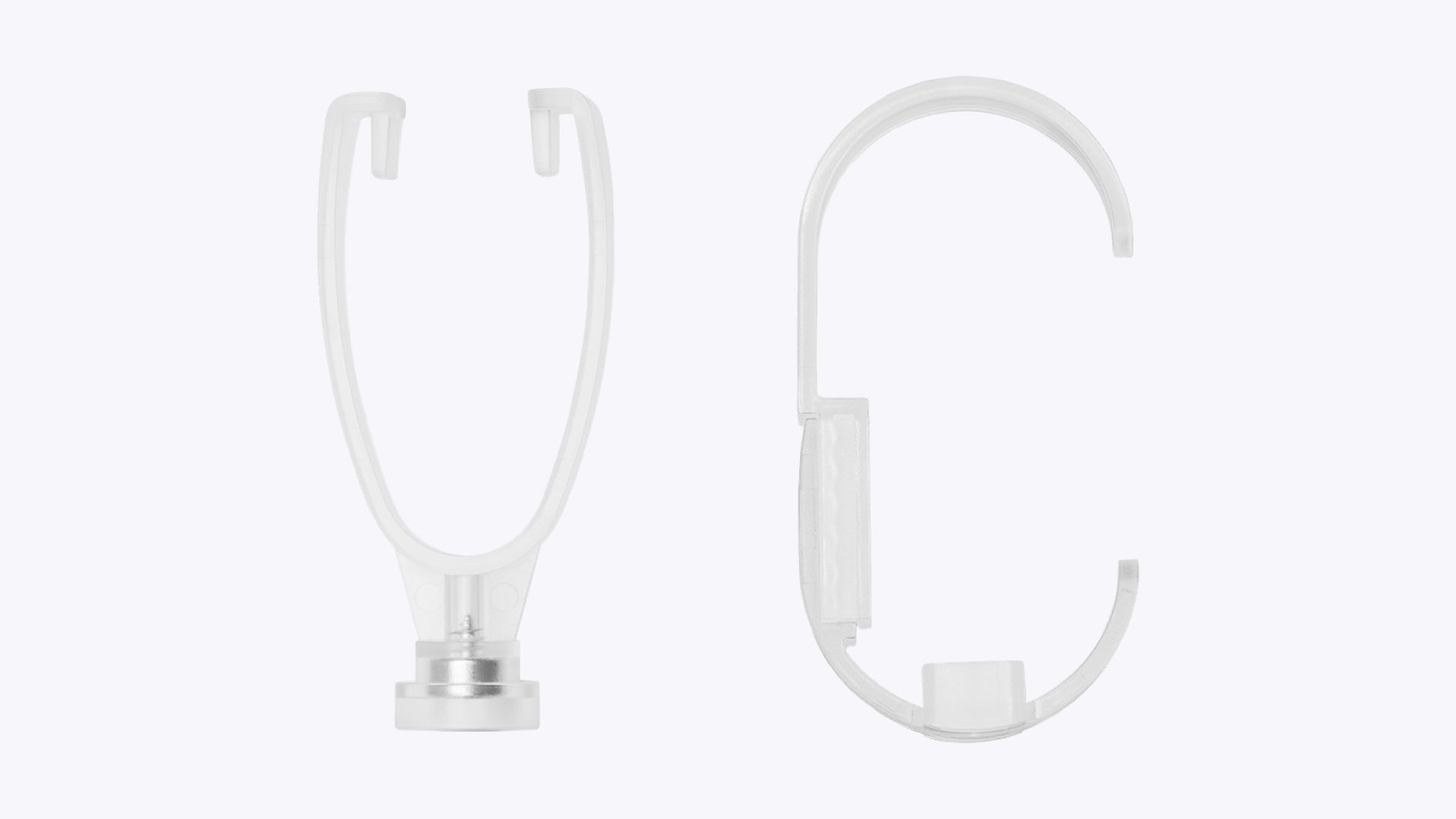
How to Use the GemLightbox Pro Watch Holder#
Quick Answer#
The GemLightbox Pro includes a two-part, adjustable watch holder. Assemble the Y-shaped prong and the adjustable holder, resize it to fit your watch, then insert the entire assembly into the accessory port on the back of your GemLightbox Pro.
Before You Start#
Have your GemLightbox Pro ready.
Locate the two-piece watch holder included in the GemLightbox Pro box.
Steps#
Assemble the Holder: The watch holder consists of a Y-shaped prong and an adjustable C-shaped holder. Slide the top rail of the C-shaped holder into the grooves on the ends of the prong until it clicks into place.
Adjust for Watch Size: Gently pull the two halves of the C-shaped holder apart. Slide them along the grooved track to adjust the width to match your watch's band. Push the two halves back together to lock the size.