Quick Answer#
To prevent jewelry from shaking or swinging while recording videos, ensure your setup is stable. Let dangling items settle completely before recording, use the slow rotation speed in GemIQ, and add jeweler's putty for extra support on unstable pieces.
Before You Start#
Your GemLightbox Pro set up on a stable, level surface.
Dangling jewelry, such as earrings or a pendant.
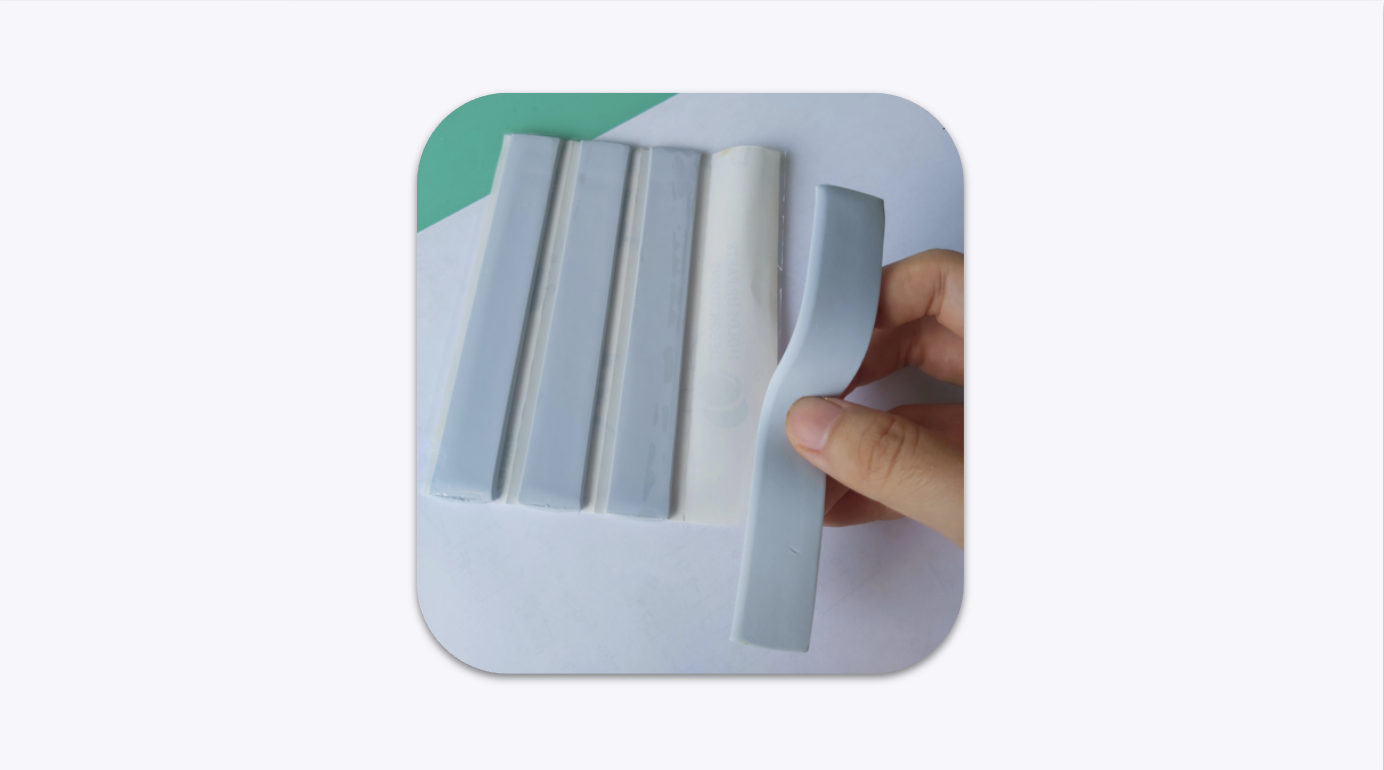
Jeweler's putty or a similar adhesive like Blu Tack (optional but recommended for unstable items).
Steps#
Let the Jewelry Settle: After hanging an earring or pendant, it may swing. Gently hold the item still for a moment and release it slowly. Wait for all movement to stop before you start capturing photos or video.
Select a Slow Rotation Speed: In GemIQ video settings, choose the slowest turntable rotation speed. A slower, smoother rotation is less likely to cause movement.
Add Support with Putty: If a piece of jewelry is unstable or doesn't have a solid base, use a small amount of jeweler's putty or Blu Tack to secure it to the turntable or stand. This adds a crucial point of contact and dampens vibrations.